How to Link Netistrar to Upmind
Netistrar is a UK-based domain registrar that supports a wide range of global domain extensions. You can create an account directly on their website.
Details Needed
To link your account to Upmind, you will need:
- API Key
- API Secret
To get the API Key and API Secret in Netistrar:
- Log in to your Netistrar reseller account.
- Go to My Account → API Settings. There, you will find your API Key and API Secret.
- Make sure the API Key and API Secret you use are for production, not for testing or sandbox environments.
Linking to Netistrar
- In the Upmind admin area, navigate to
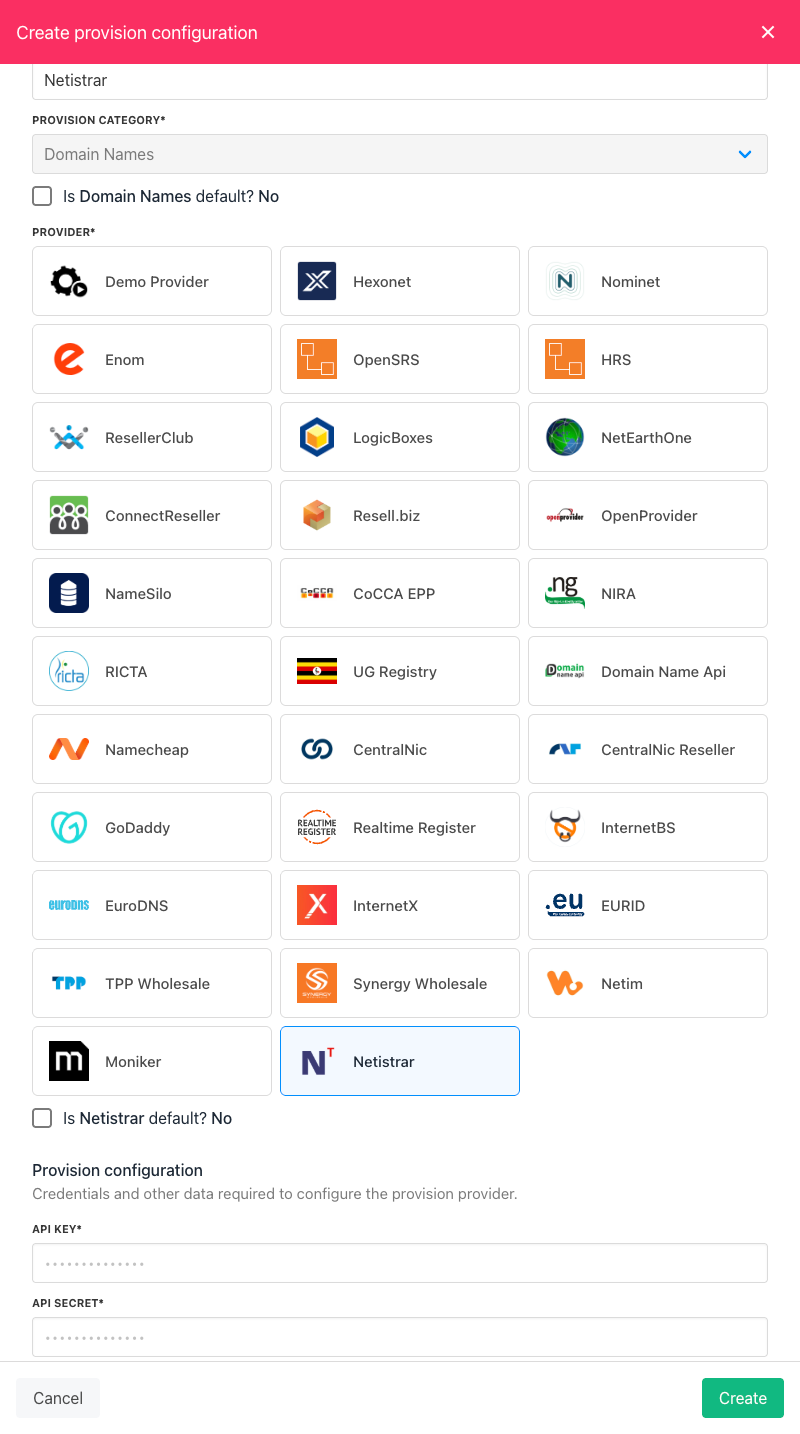
Host Control->Domain names. - Under Add Domain Provider heading, choose Netistrar. A side panel opens.
- Enter a name. This identifier is not visible to clients. We recommend entering the name Netistrar unless you have two separate accounts that you want to distinguish between (e.g. Netistrar V1 and Netistrar V2).
-
Enter your Netistrar provision configuration, which includes the API Key and API Secret.
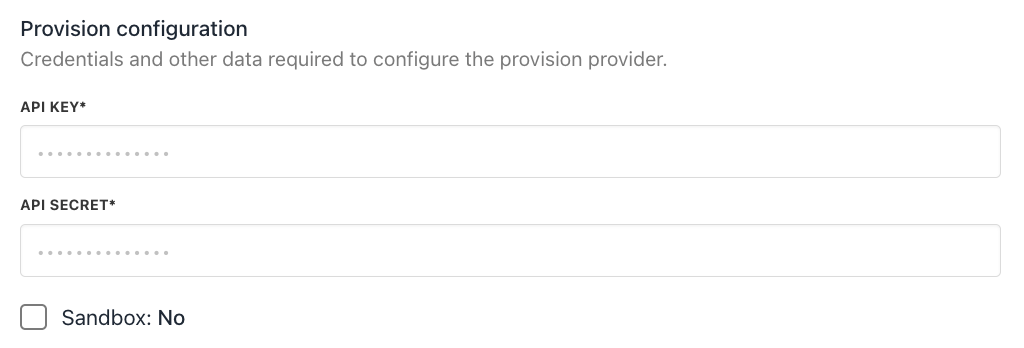
- Click Create.
- Verify the information on the Settings page.
That’s it! Your account is now linked. You can now create a TLD available for sale by following this guide on how to create TLDs.
Whitelisting Upmind IP Addresses
You should also whitelist Upmind's outgoing IP addresses for API access to your Netistrar account.