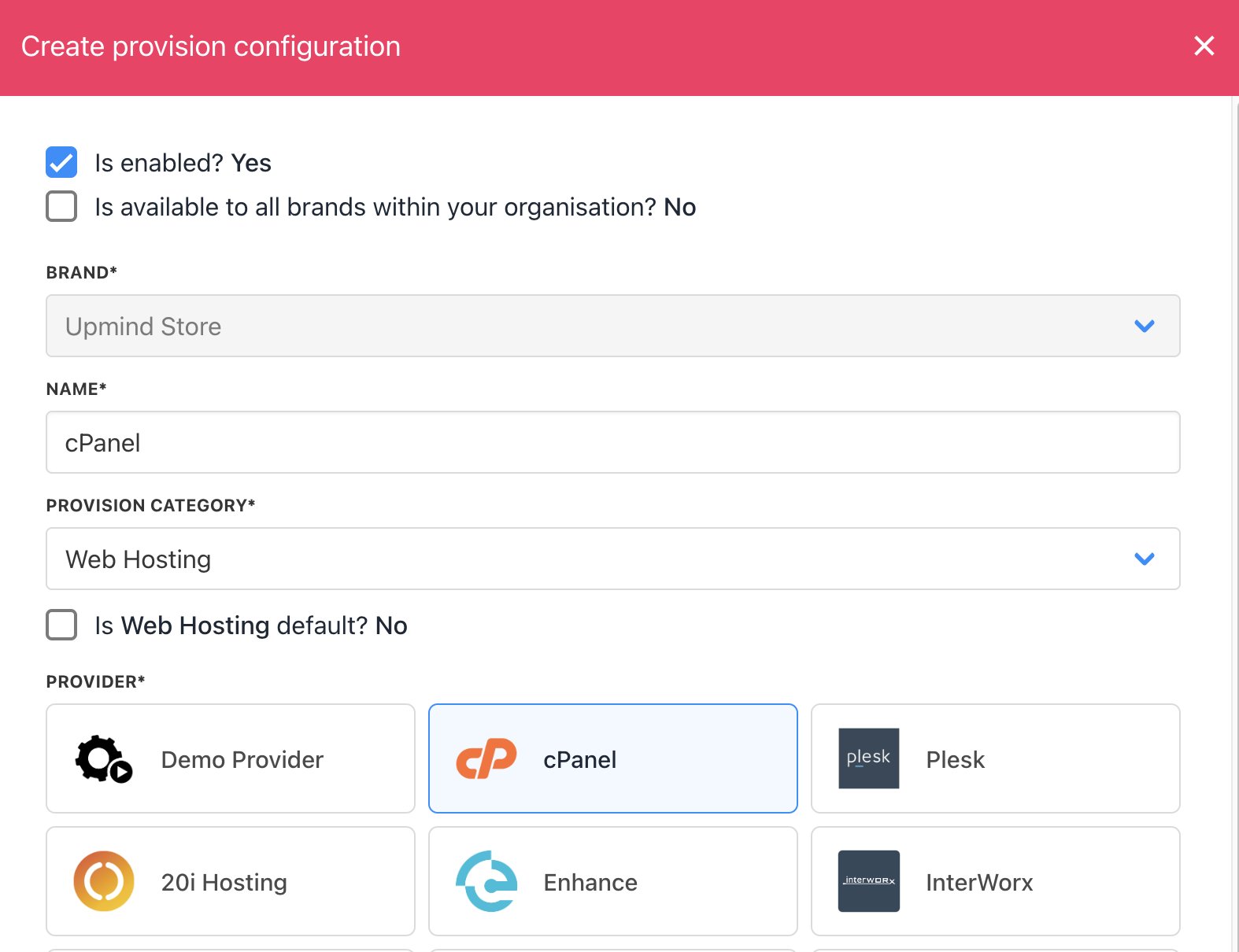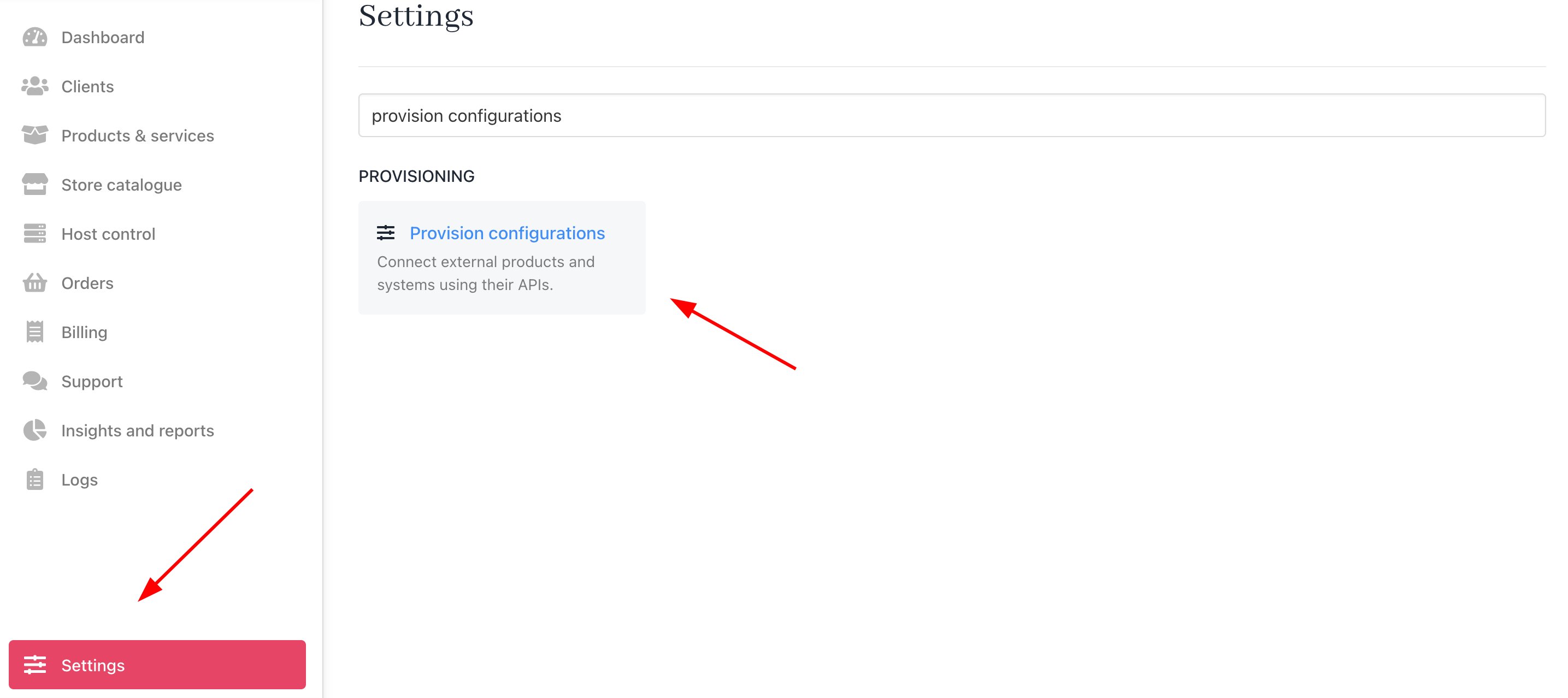
You can add as many cPanel/WHM reseller accounts as you like to Upmind. The same is true of different hosting panels such as DirectAdmin or Enhance. These cPanel/WHM accounts can be from one provider or from multiple hosting providers. In Upmind, we call these Provision configurations. You can set each provision configuration up under Settings > Provision Configurations.
Settings > Provision Configurations
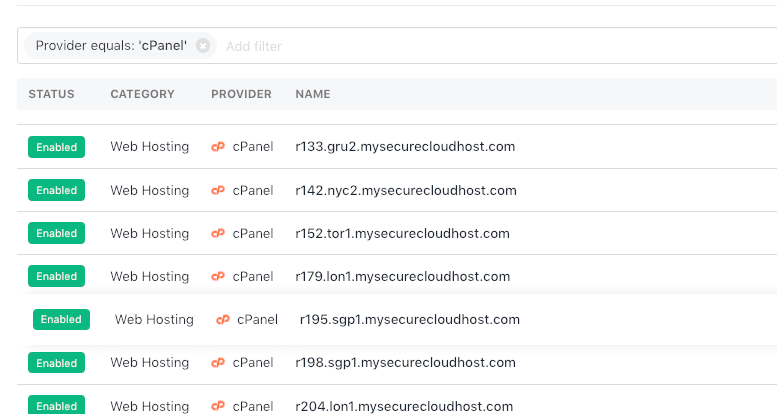
Multiple WHM/cPanel reseller accounts

You click the Add new configuration button to add a new cPanel server. This opens up a modal where you can add the cPanel connection details.
Add new configuration
Add cPanel connection details
If you have root access to the server, then you can enter the root credentials (Set up an API key in WHM). If you just have reseller WHM level access, enter those credentials instead.

Enabling/disabling servers

You can enable or disable servers by ticking the Is enabled box. This will not stop existing sites from using these servers, but will prevent the servers from being shown in selectable lists.

Is enabled
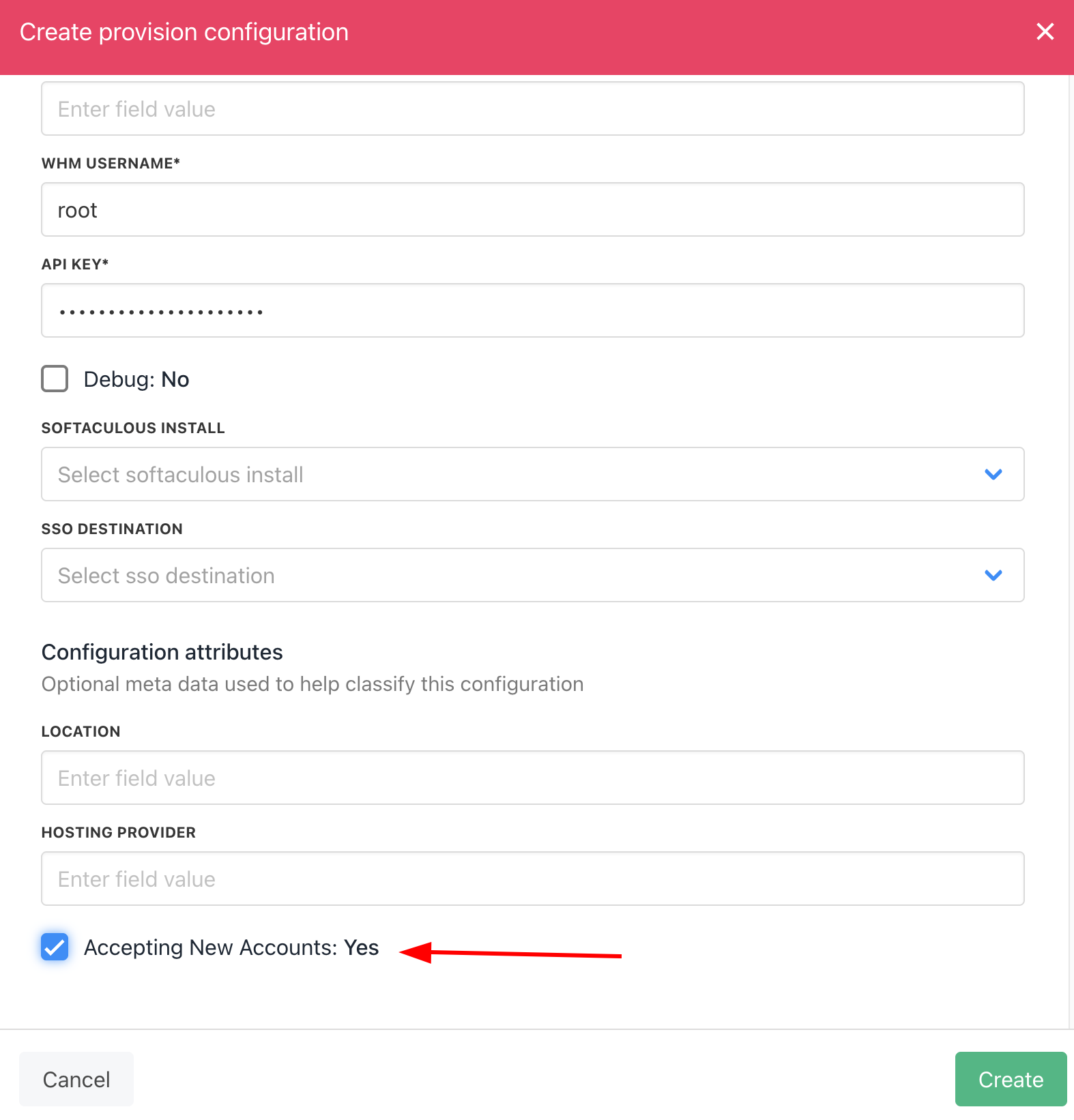
You can untick or tick Accepting New Accounts to allow automatic deployment to this server.
Accepting New Accounts