
How to Add SSLCOMMERZ as a Payment Method
Set up SSLCOMMERZ to take payments in Upmind
SSLCOMMERZ processes payments for merchants in Bangladesh and South Asia through cards, bank transfers, and mobile wallets.
Getting SSLCOMMERZ credentials
- Visit SSLCOMMERZ and sign up for a merchant account.

Register as a merchant
- Log in to dashboard.
- Navigate Integration > API Keys or Sandbox Credentials for testing.
- Copy Store ID (merchant identifier) and Store Password (API secret, not login password).
Add SSLCOMMERZ in Upmind
- Go to Settings > Payment Providers in your Upmind admin panel.
- Select Add Payment Provider and choose SSLCOMMERZ.
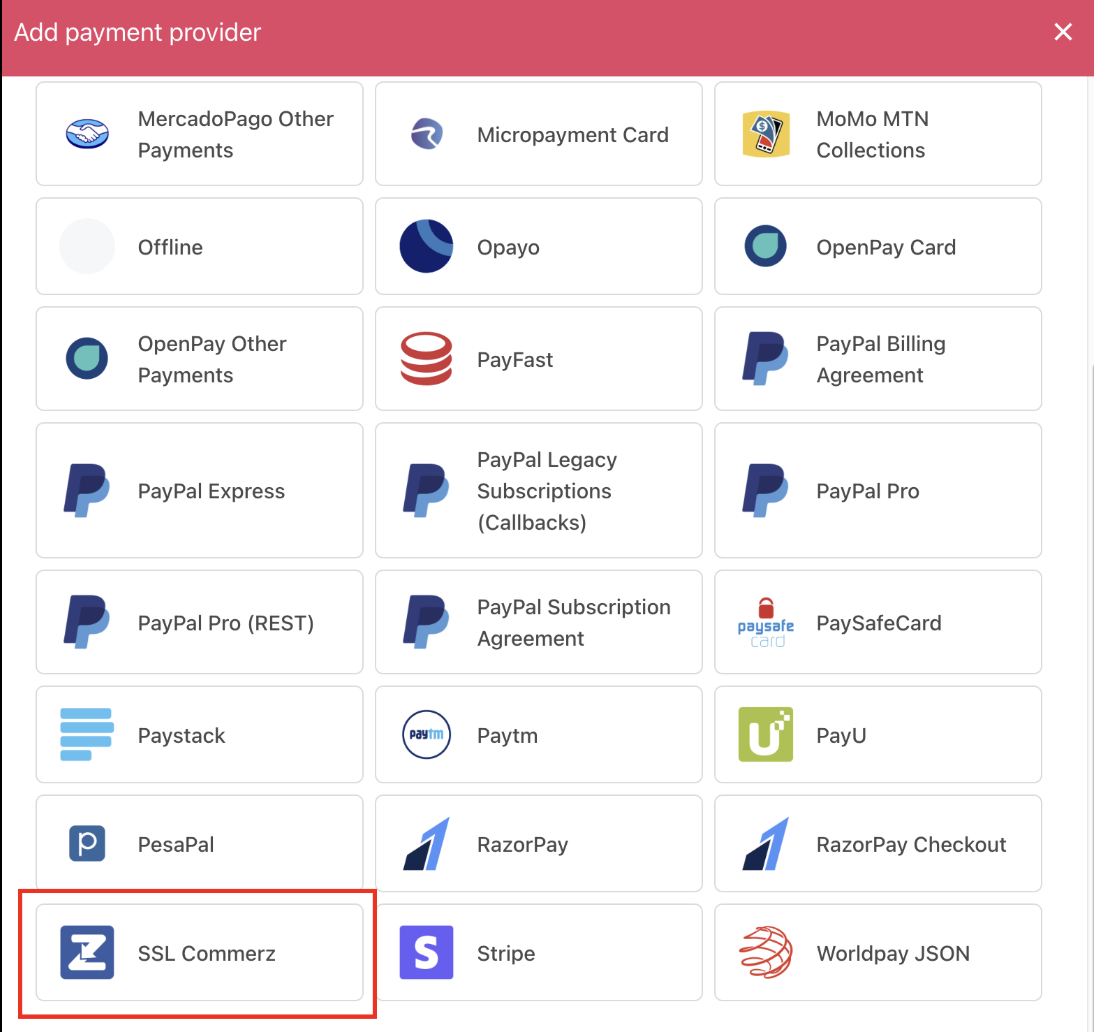
Select payment provider
Configure details
- Enter Display Name. We suggest SSLCOMMERZ.
- Configure Test Mode.
- Enter Display Name, Internal Name, Store ID, and Store Password.
- Click Test Credentials to verify the connection.
- Set Currency and optionally, add payment instructions for customers.
- Click Create to save.
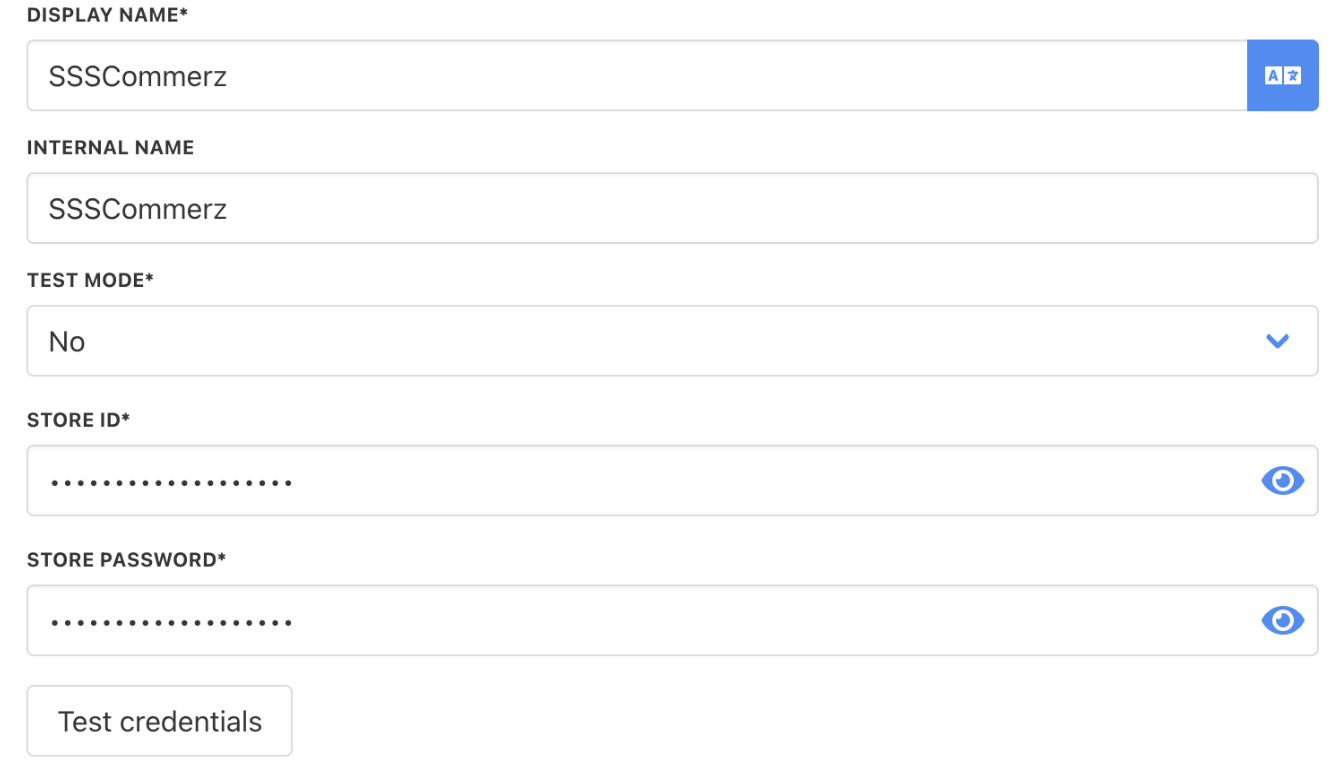
Add details
Editing the payment method
Go to Settings > Payment Providers. Click the three dots next to SSLCOMMERZ and select Edit.