
How to Link BD Reseller to Upmind
BD Reseller in Upmind uses BTCL (Bangladesh Telecommunications Company Limited) as the underlying domain registry provider. To create an account, you can register directly via the following link here.
Details Needed
To link your account to Upmind, you will need:
- Username
- Password
Linking to BD Reseller
-
In the Upmind admin area, navigate to
Host Control->Domain names. -
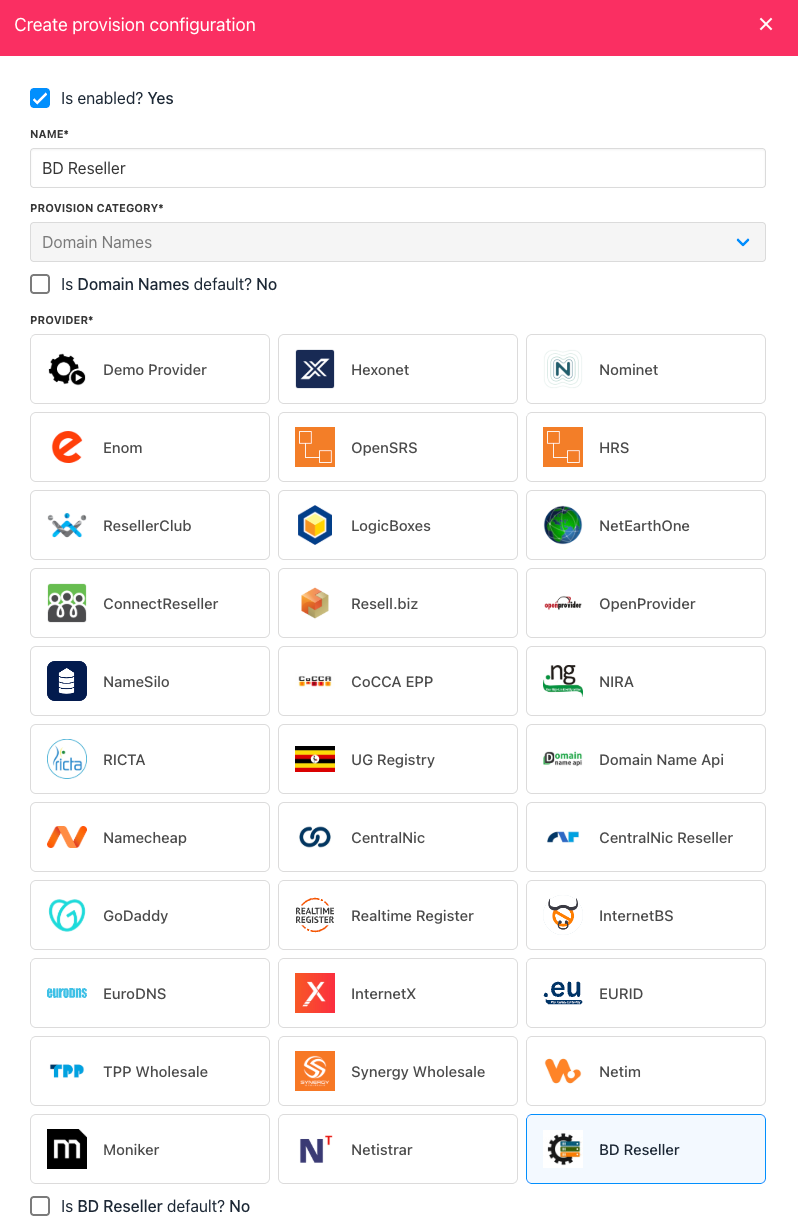
Under Add Domain Provider heading, choose BD Reseller. A side panel opens.
-
Enter a name. This identifier is not visible to clients. We recommend entering the name BD Reseller unless you have two separate accounts that you want to distinguish between (e.g. BD Reseller V1 and BD Reseller V2).
-
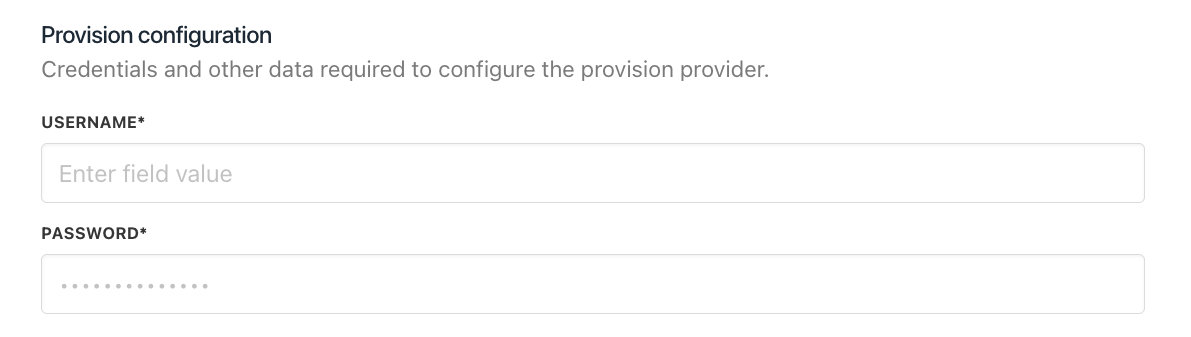
Enter Username & Password of your BD Reseller account
-
Click Create.
-
Verify the information on the Settings page.
-
That’s it! Your account is now linked. You can now create a TLD available for sale by following this guide on how to create TLDs.