

Getting PayFast credentials
- Log in to your PayFast account.
- Collect your Merchant ID, Merchant Key, and Passphrase.
Adding PayFast as a payment provider
- Go to Settings > Payment Providers in Upmind.
- Click Add Payment Provider and select PayFast.
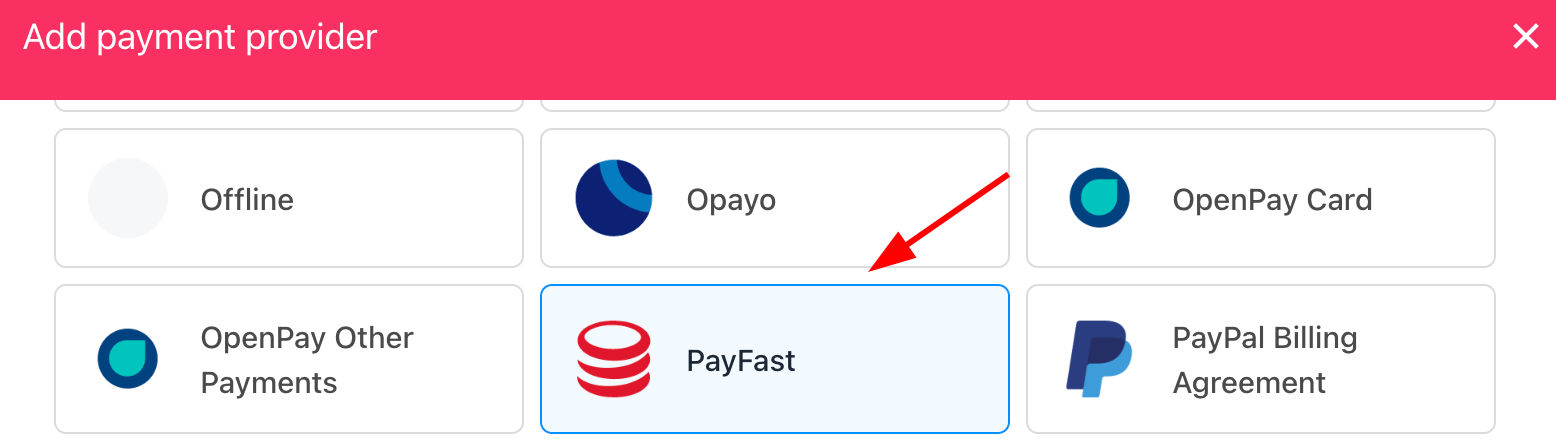
Select payment provider
Configuring details
- Enter a display name. We suggest PayFast.
- Set Test Mode to No.
- Enter your Merchant ID, Merchant Key, and Passphrase.
- Set Stored to No if you do not want to store payment details.
- (Optional) Add currencies and payment instructions.
- Click Create.
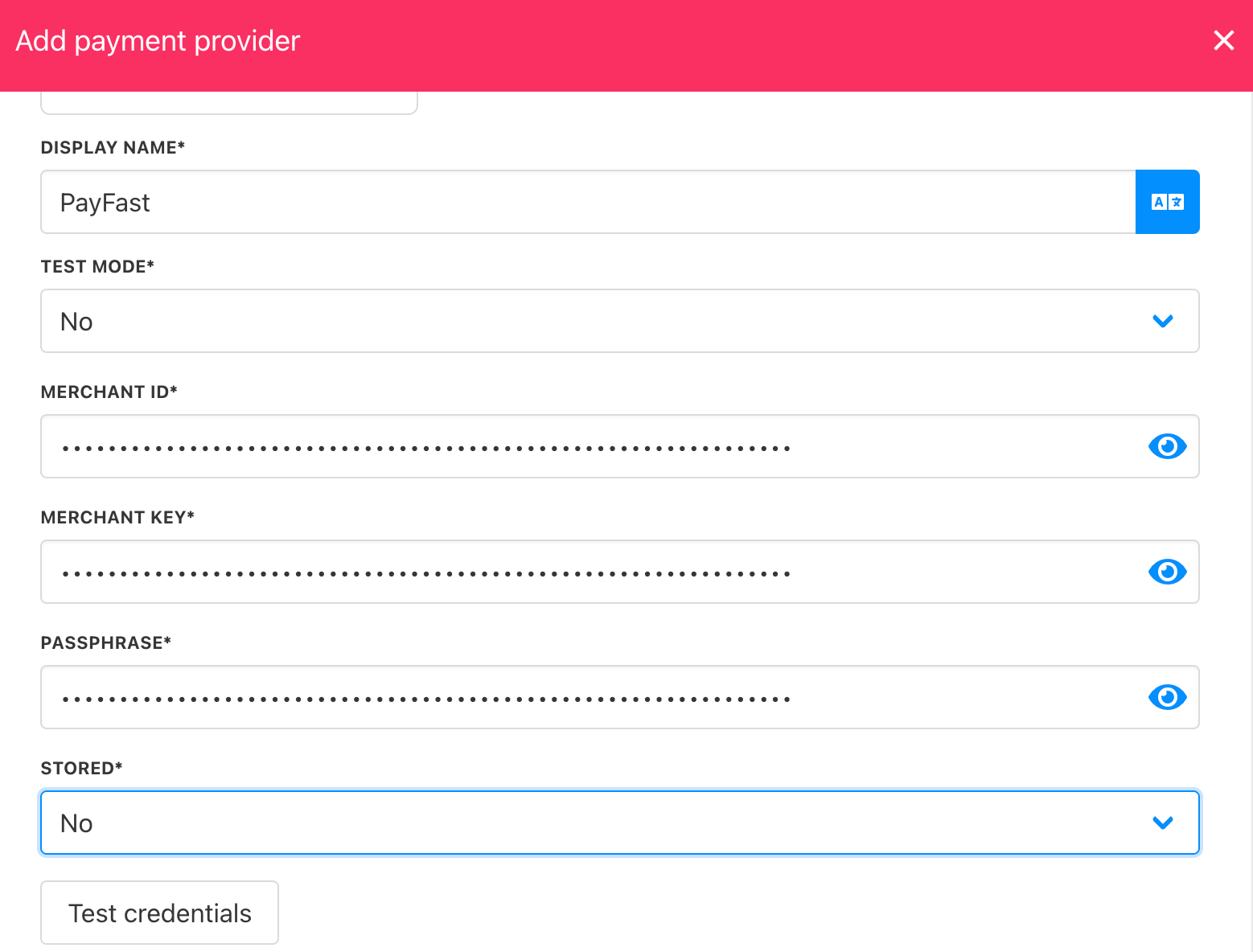
Add details
Adding Currencies
To use PayFast, ensure you select ZAR as the currency, as this gateway supports ZAR only.
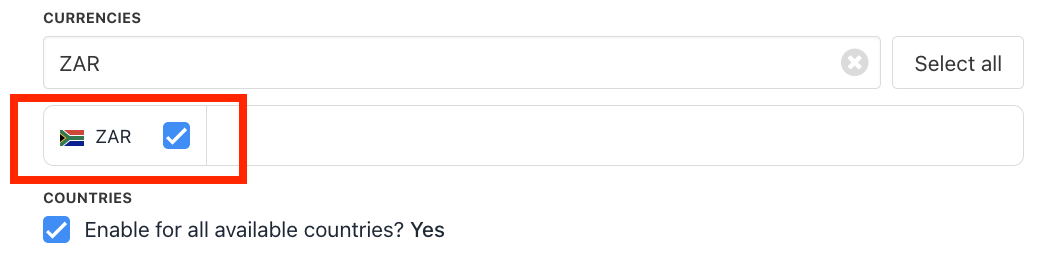
Select ZAR
Editing the payment method
Go to Settings > Payment Providers, click the three dots next toPayFast, and select Edit.