


Click on Help
- In your admin area, click Help in the top right at any point to find suggested guides.
- If you need to raise a support ticket with us, you can also do this.
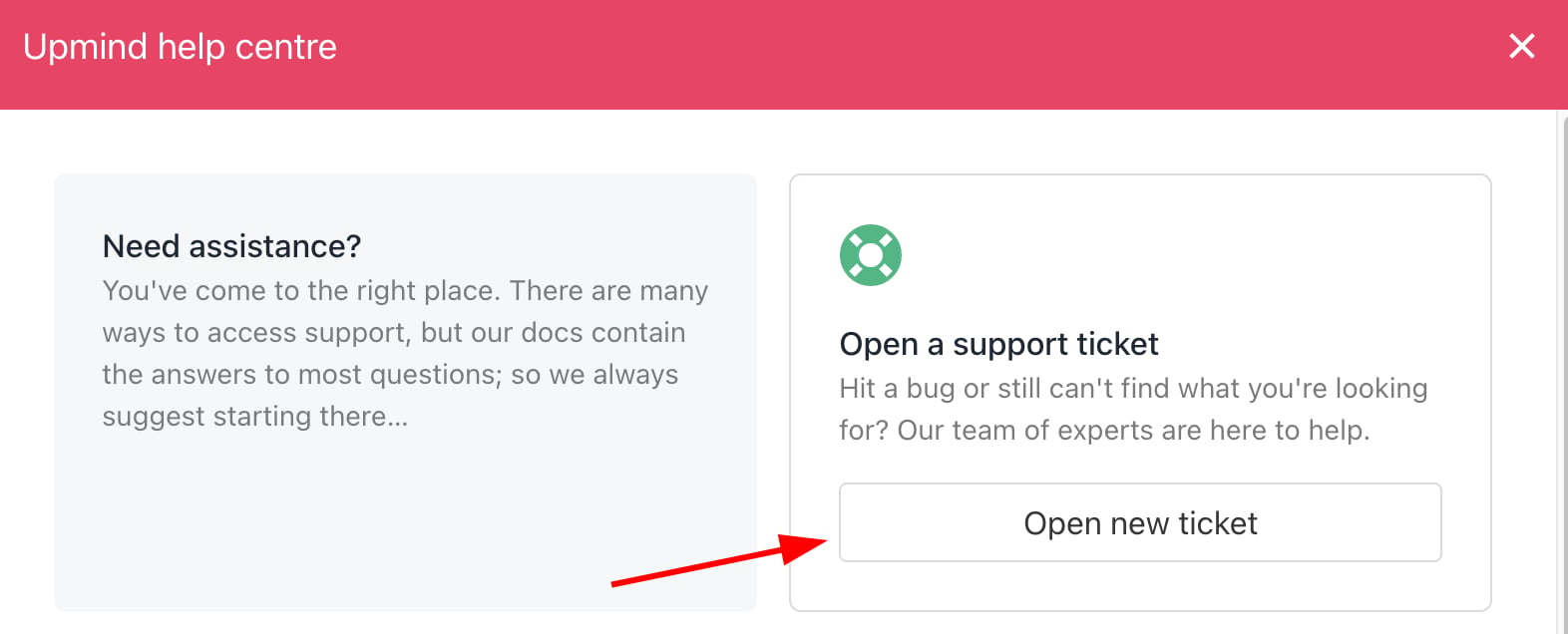
Open support ticket
- You can also reach tickets by clicking on your name on the bottom left > Manage My.Upmind > Support.
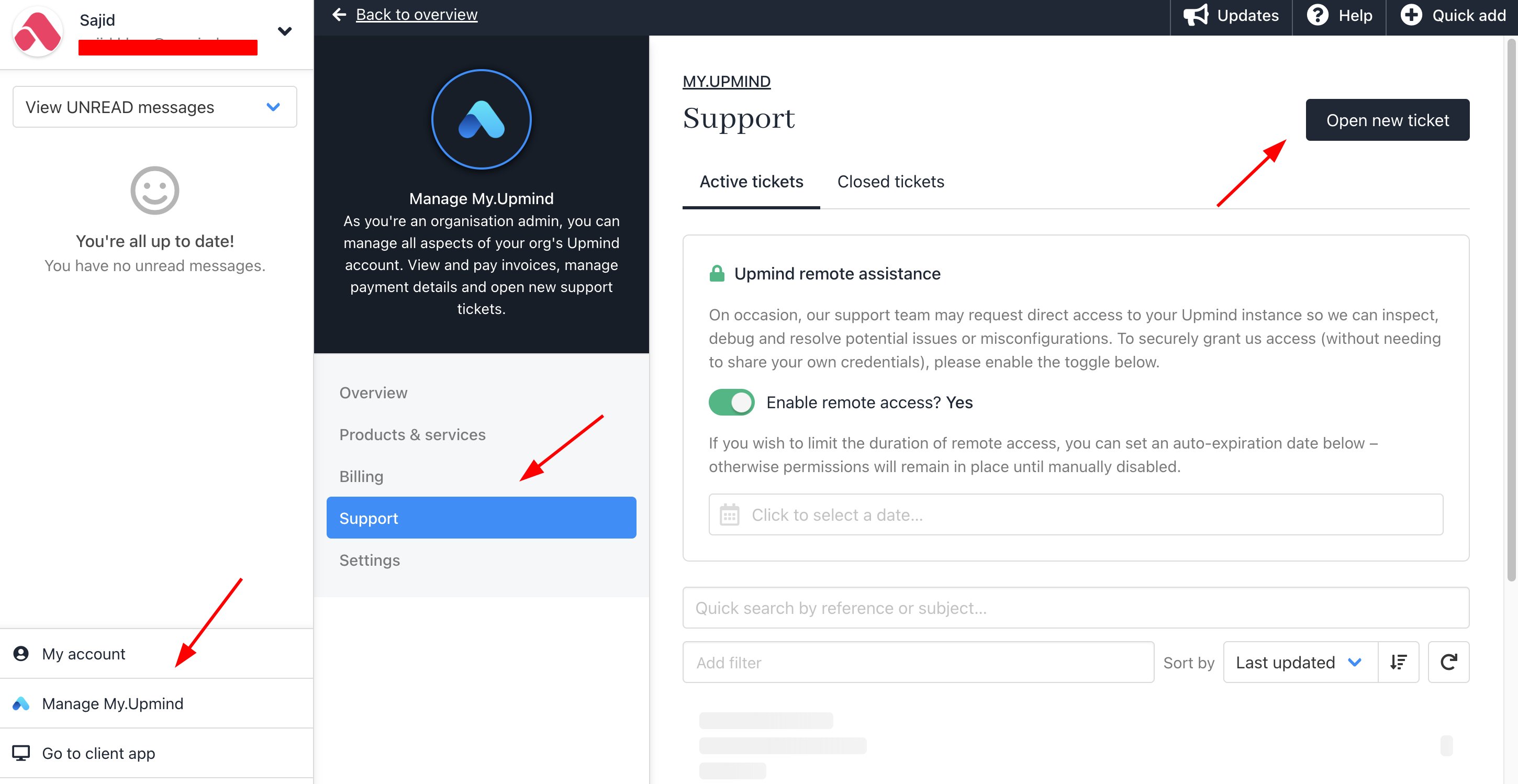
Manage My.Upmind > Support
Enabling remote assistance
If you raise a support ticket where you need help, by default, we cannot log into your brand or access any of your settings or data.- Go to your account > Click Manage My.Upmind.
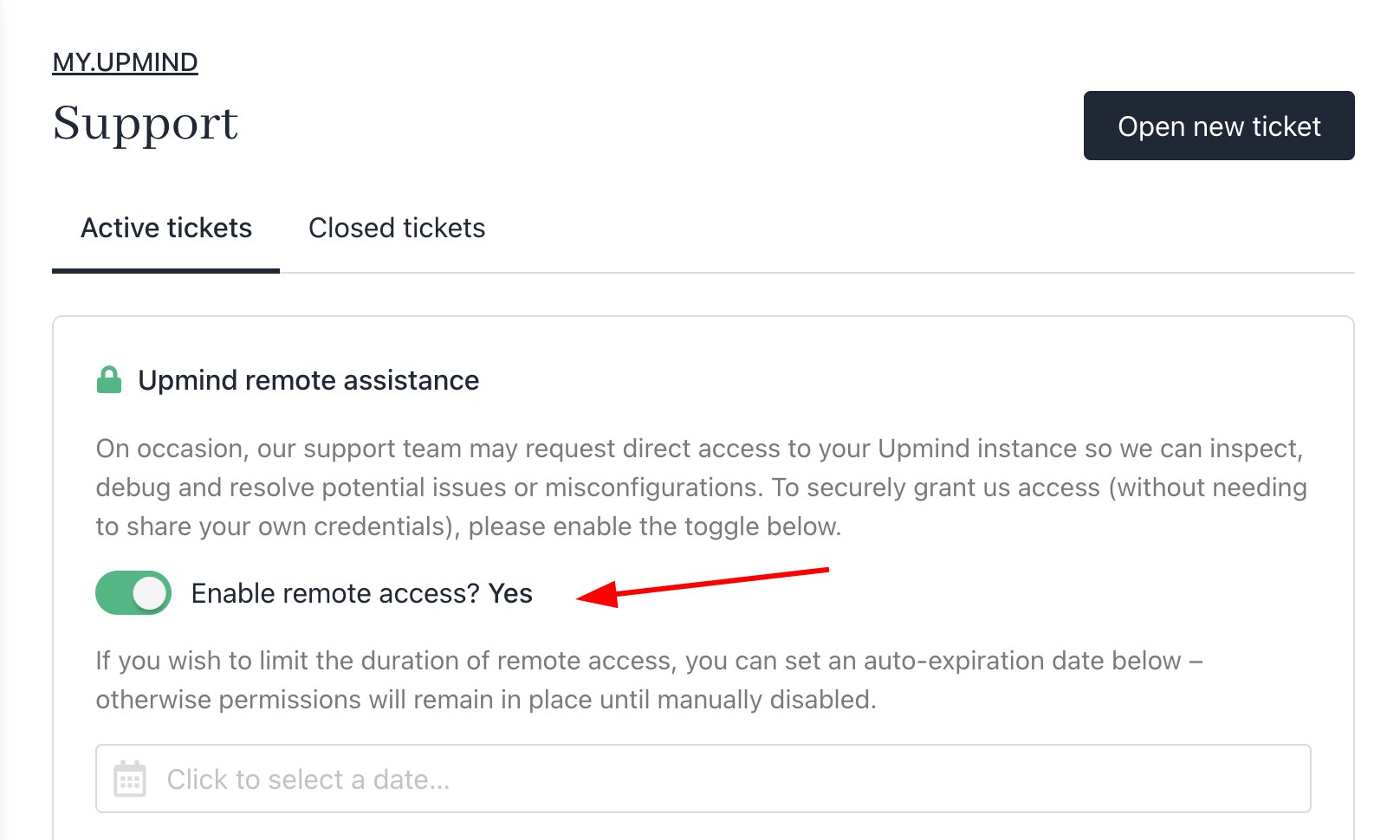
Enable Remote Access
- You can enable remote assistance under the support settings. You can toggle this on at any time and set a time limit. We are not able to turn this on on your behalf.
Knowledge base
You can find the Upmind Knowledge Base under theHelp menu. Scroll down slightly to access related guides, articles, and useful setup tips within our extensive knowledge base. Also, you can access the guide by visiting this link.
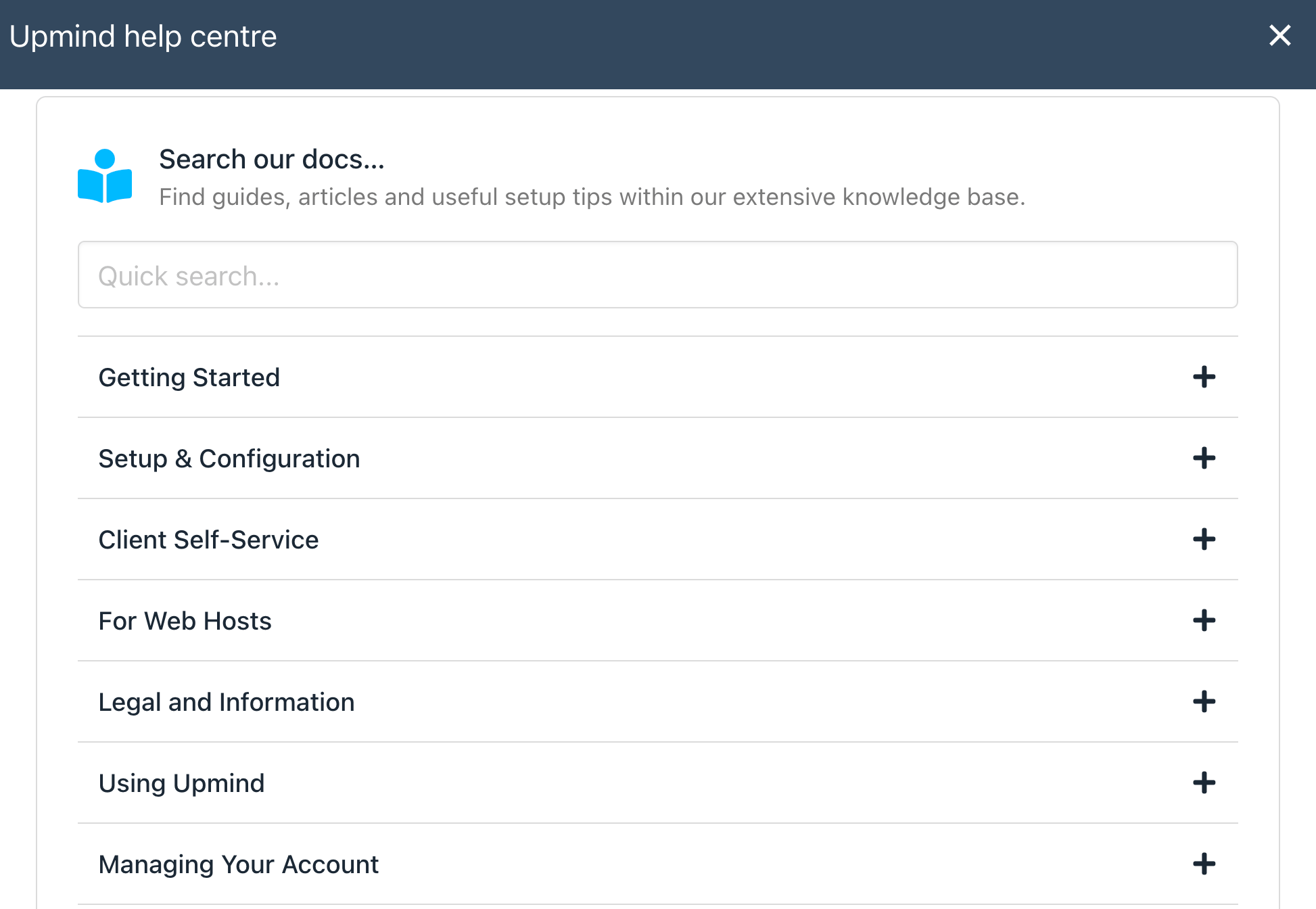
Knowledge Base