

Adding Opayo as a payment provider
- Go to Settings > Payment Providers in Upmind.
- Click Add Payment Provider and select Opayo.
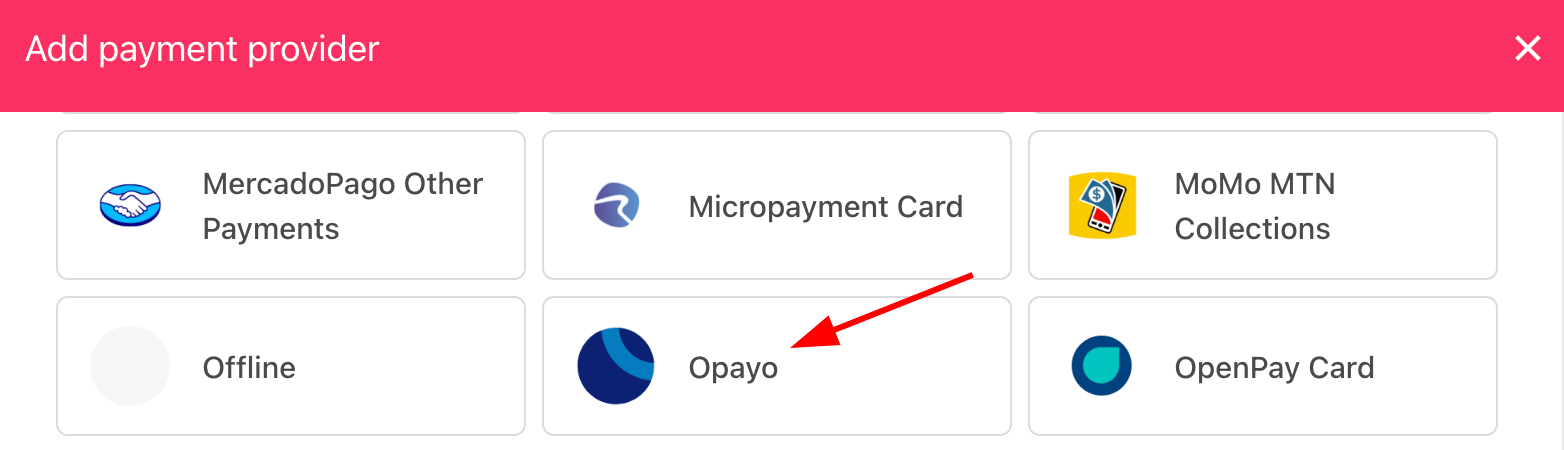
Select payment provider
Configuring details
- Enter a display name. We suggest Opayo.
- Set Test Mode to No.
- Enter your Vendor name.
- Set Stored to No if you do not want to store payment details.
- Click Test Credentials to verify.
- Toggle credit card types.
- (Optional) Add currencies and payment instructions.
- Click Create.
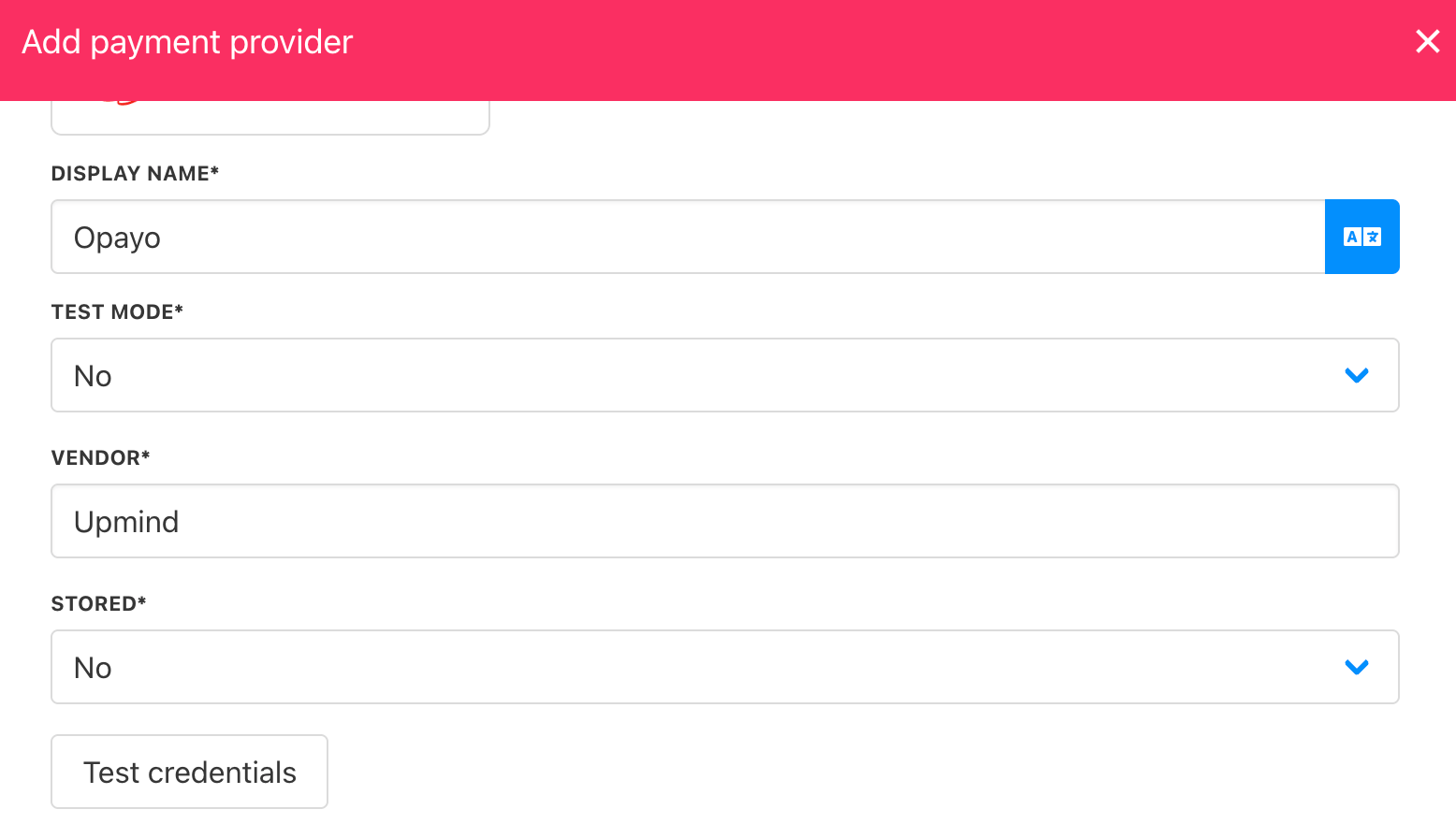
Add details
Editing the payment method
Go to Settings > Payment Providers, click the three dots next toOpayo, and select Edit.