

Bank transfers are sometimes considered an offline payment option, but are described in a separate guide.
Recommended process
Configure your store to automatically send an order confirmation with payment instructions when a customer selects this method at checkout. The order would include:- Your company name and mailing address.
- Any relevant payment details (such as bank account or SWIFT code).
Adding the Offline payment provider
- Go to Settings > Payment Providers in Upmind.
- Click Add Payment Provider.
- Select
Offlinefrom the list.
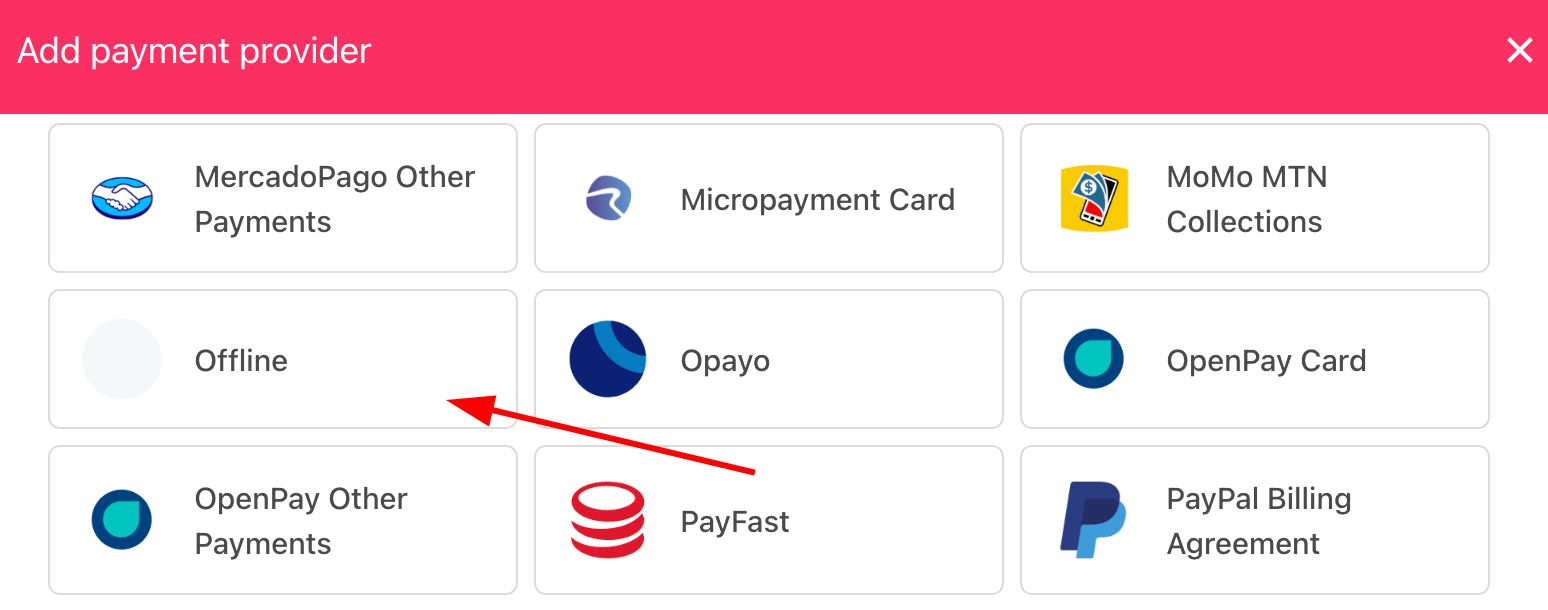
Select payment provider
Configuring details
Scroll down the page and add details.- Enter a display name.
- (Optional) Add supported currencies.
- Enter clear payment instructions for your customers.
- Click Create.
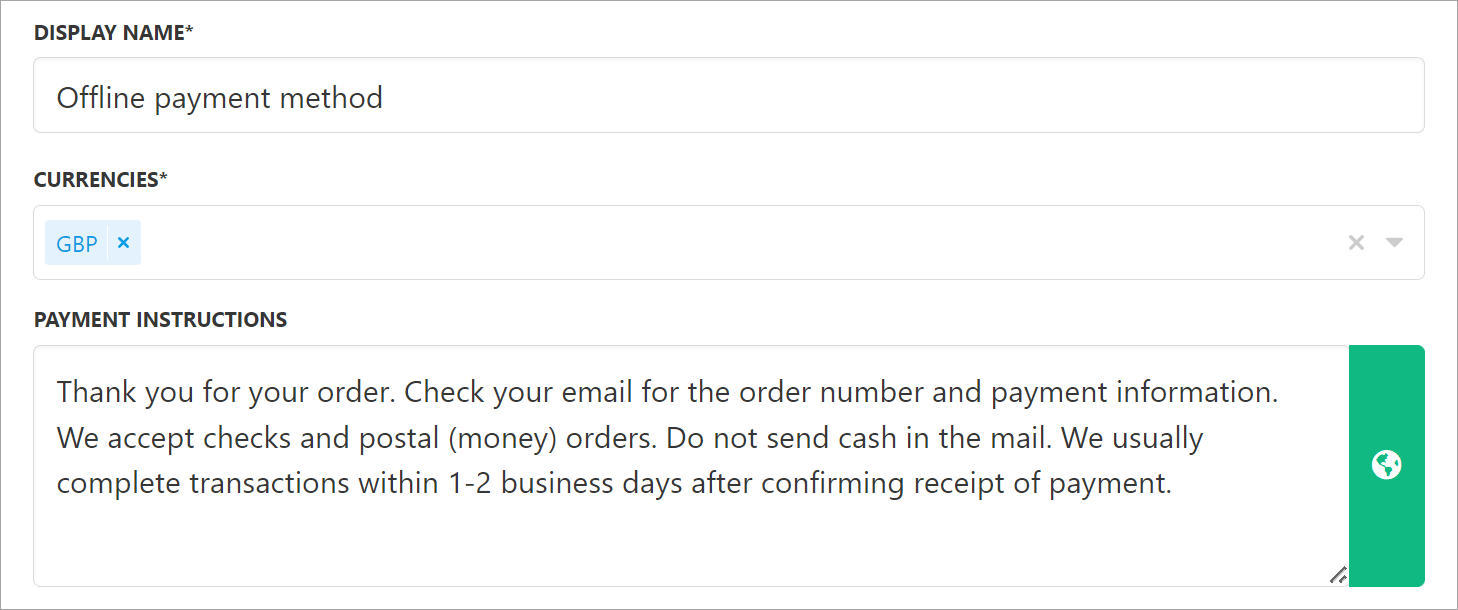
Add details
What the customer sees
Customers see your payment instructions at checkout when choosing this method.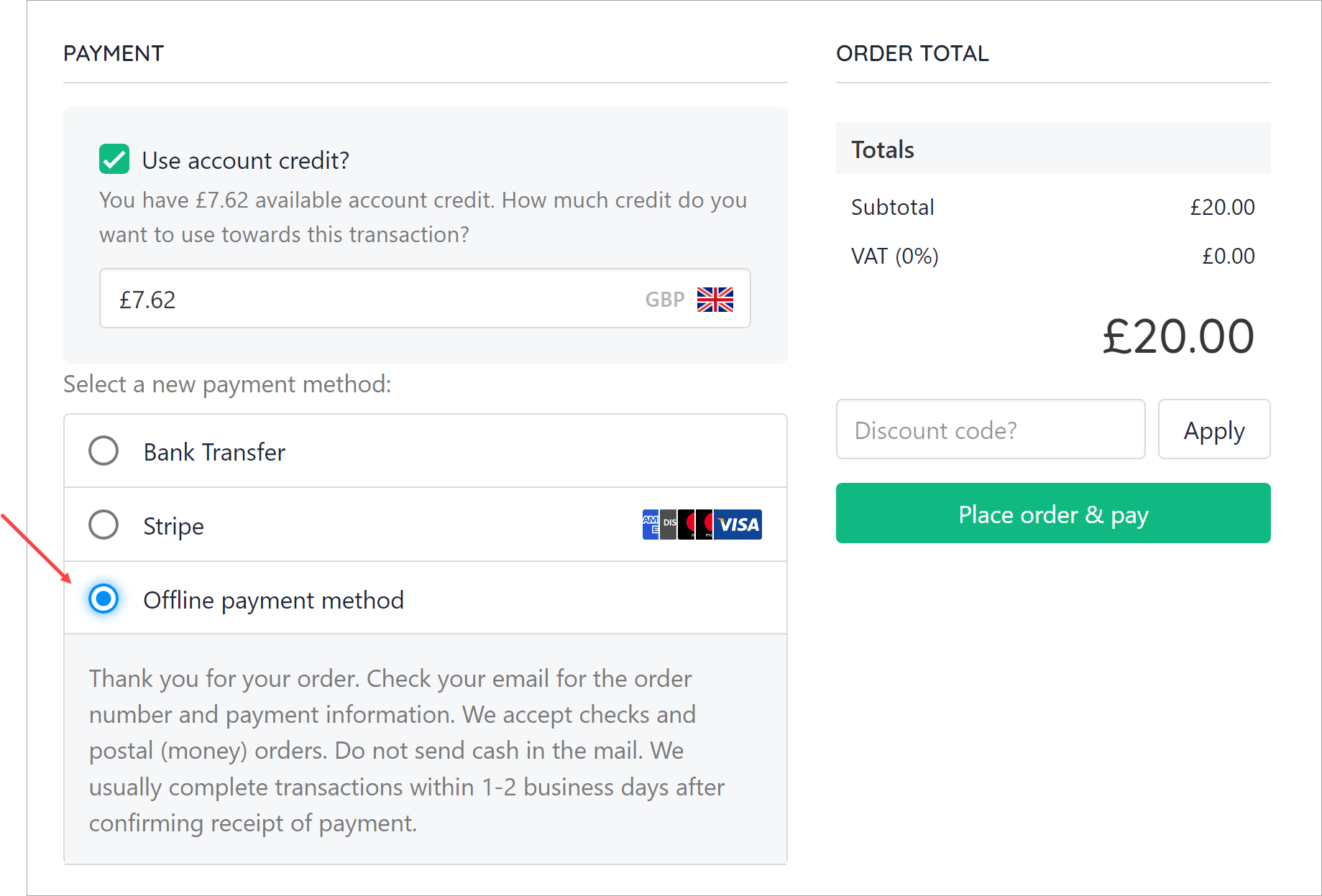
Instructions at checkout
Editing the payment method
To update, go to Settings > Payment Providers, click the gear icon next toOffline, and select Edit.
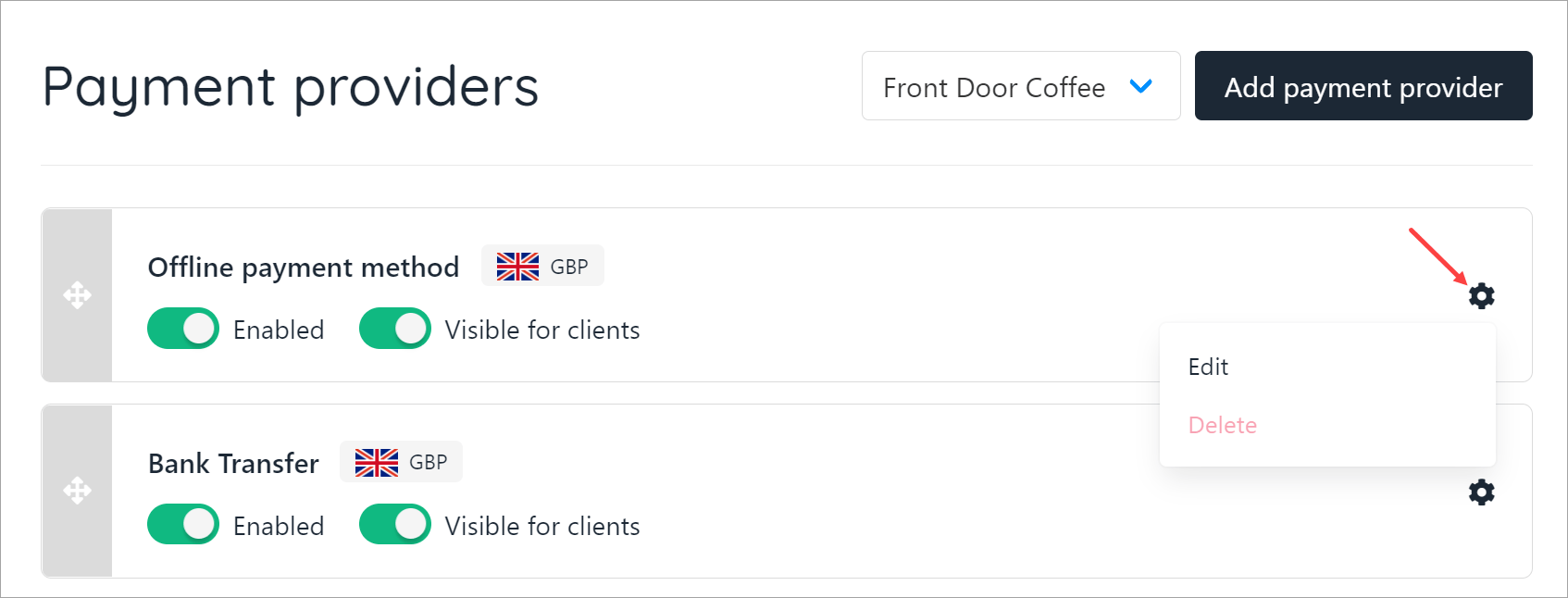
Edit payment provider
Paid (clearing) invoice status
- Go to Settings > Payment Options under E-commerce Settings.
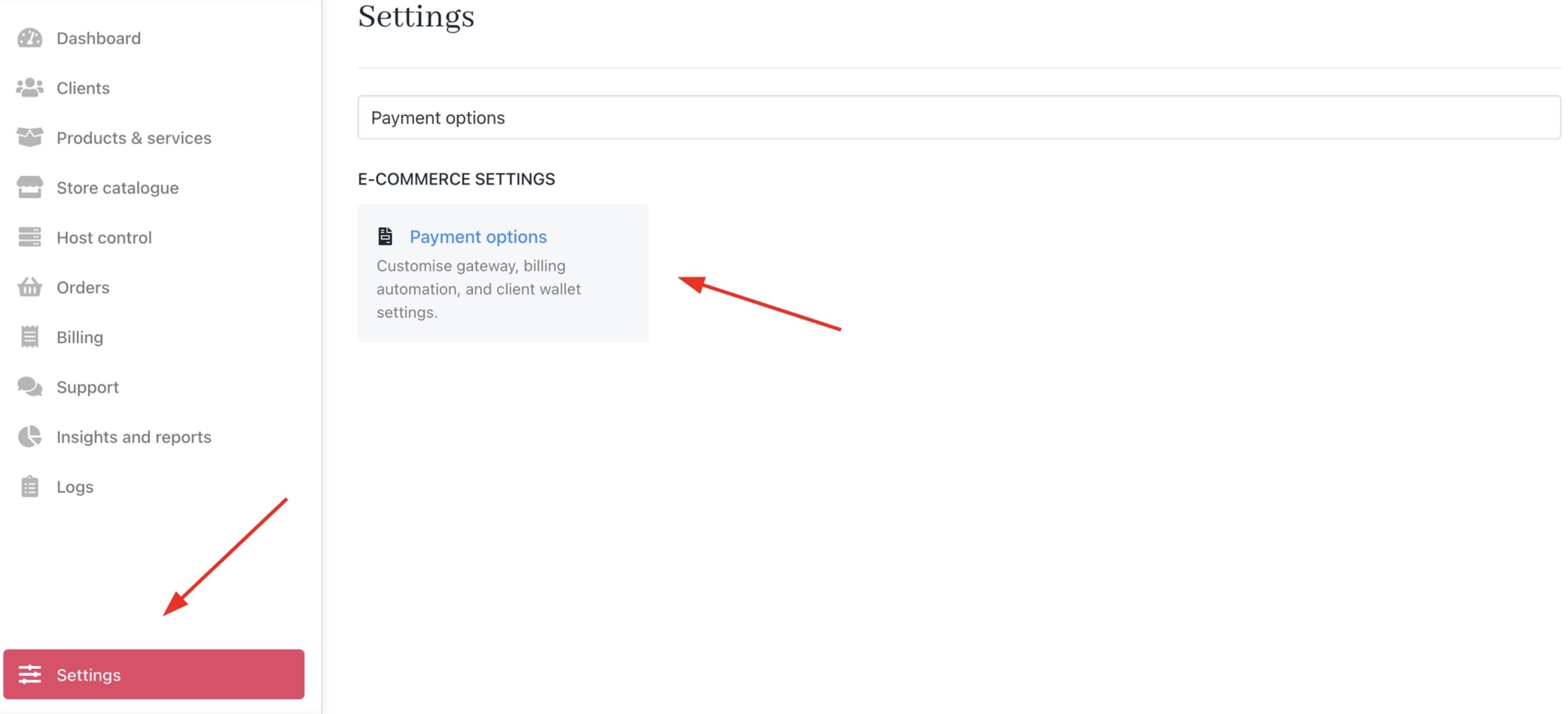
Settings > Payment Options
- In the Gateway Settings section, choose a payment method for the Invoice pending payment method provider. This specifies the payment method provider used to pay an invoice. If the selected provider requires manual or offline processing, the pending_payment_method property will be set to true.

Invoice pending payment method provider
- The invoice paid with the offline payment method will then have Paid (Clearing) status.
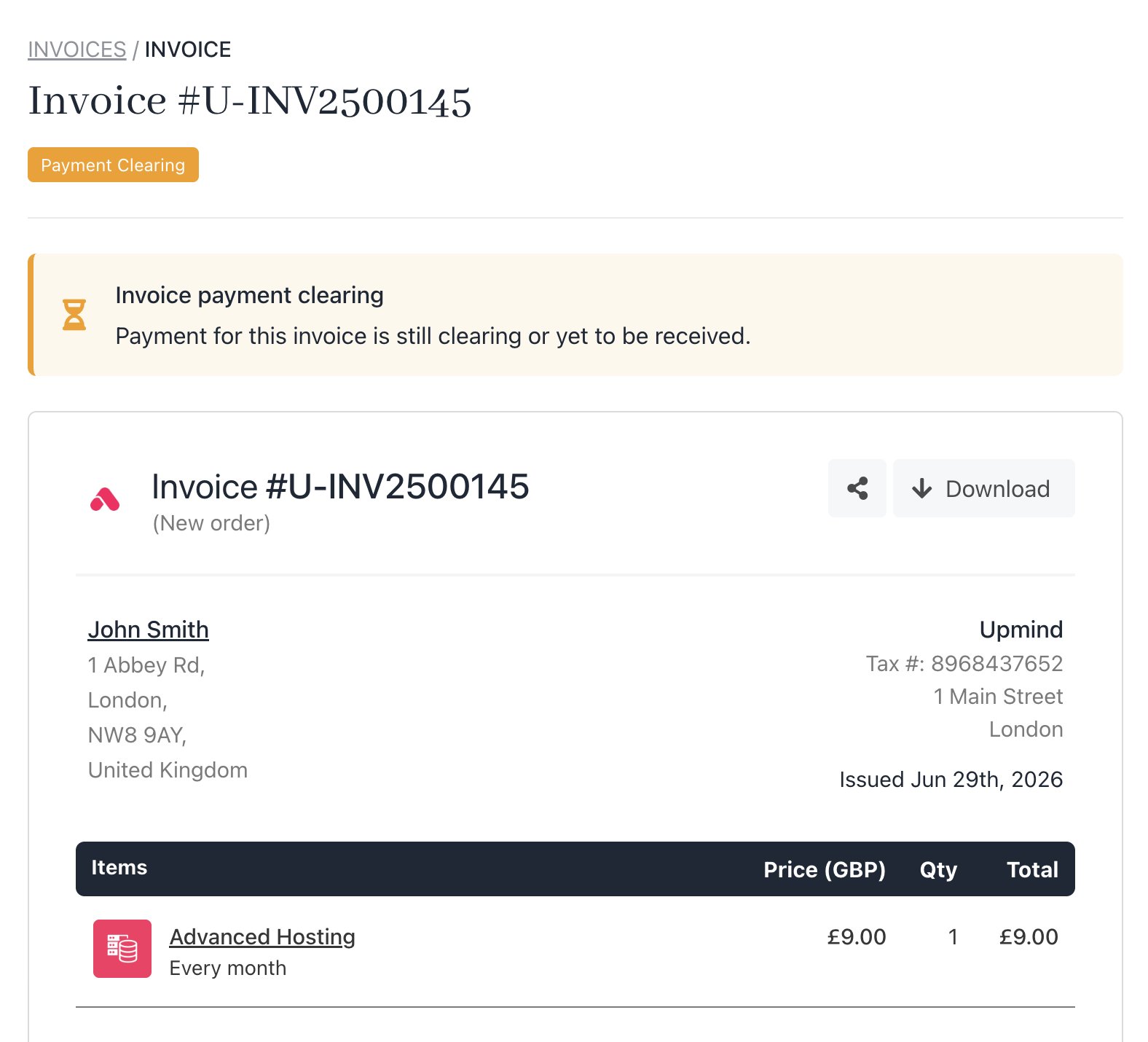
Invoice paid with an offline payment provider
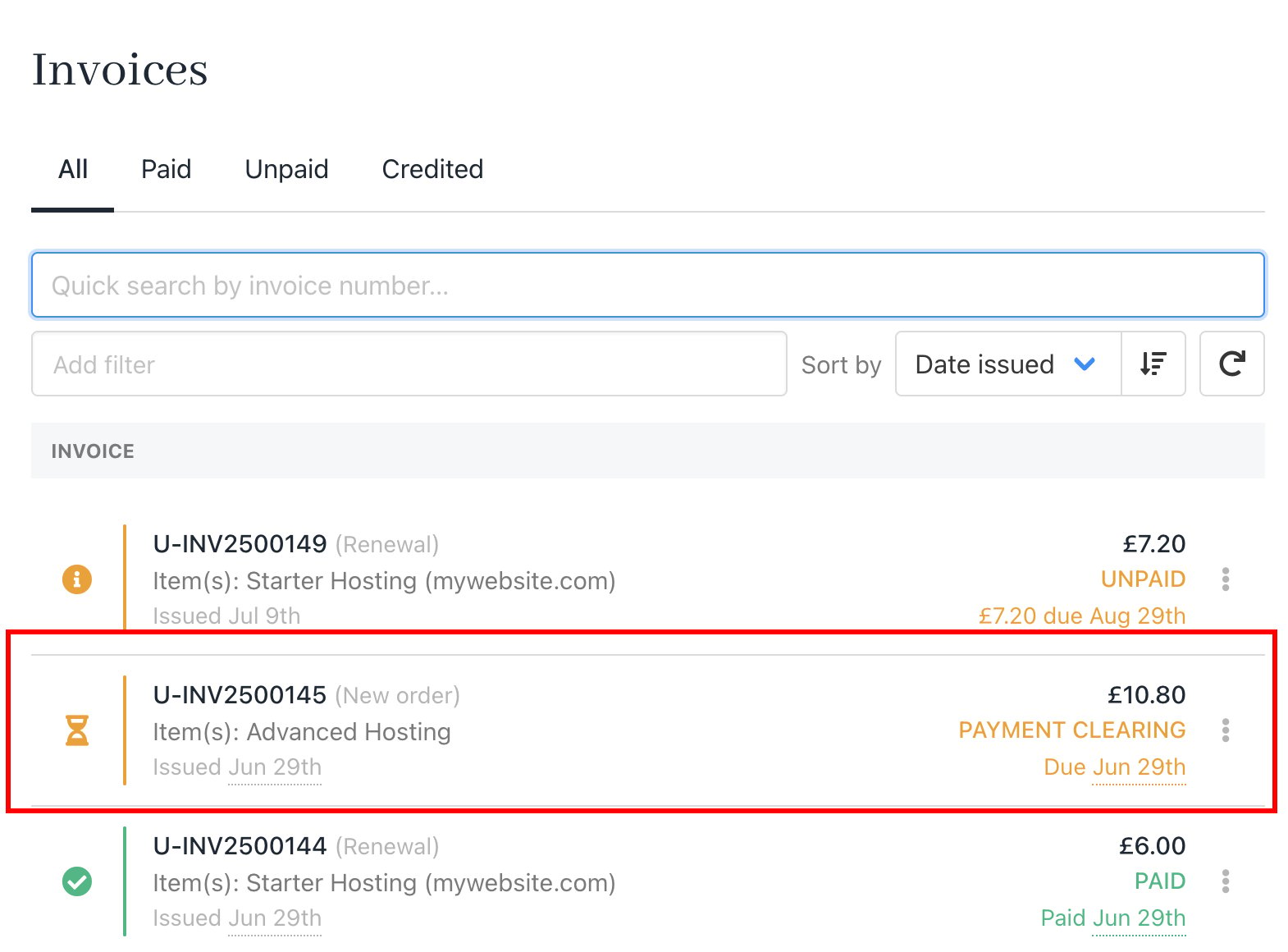
Paid (clearing) status