

Recommended process
When a customer selects bank transfer at checkout, your store should automatically send an order confirmation with your bank details. The order should include:- Your bank name and address.
- Account number.
- SWIFT code.
Adding the Bank Transfer provider
- Go to Settings > Payment Providers in Upmind.
- Click Add Payment Provider.
-
Select
Bank Transfer.
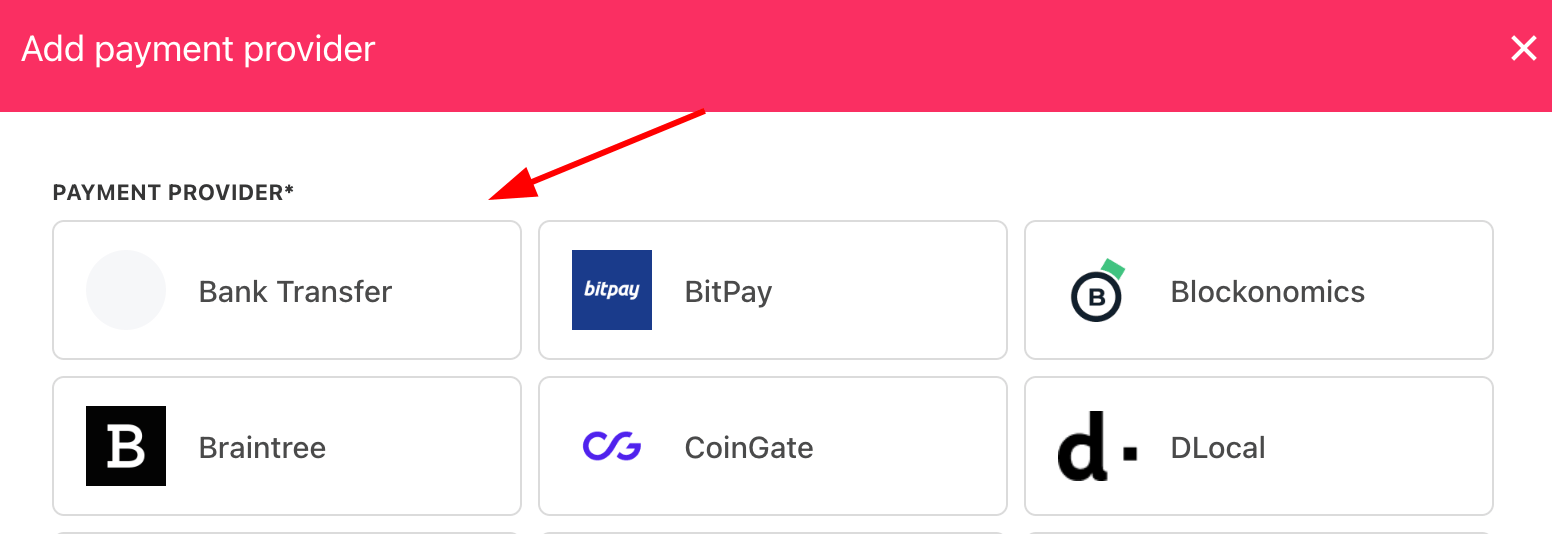
Select payment provider
Configuring details
- Enter a display name.
- (Optional) Add supported currencies.
- Enter payment instructions.
- Click Create.
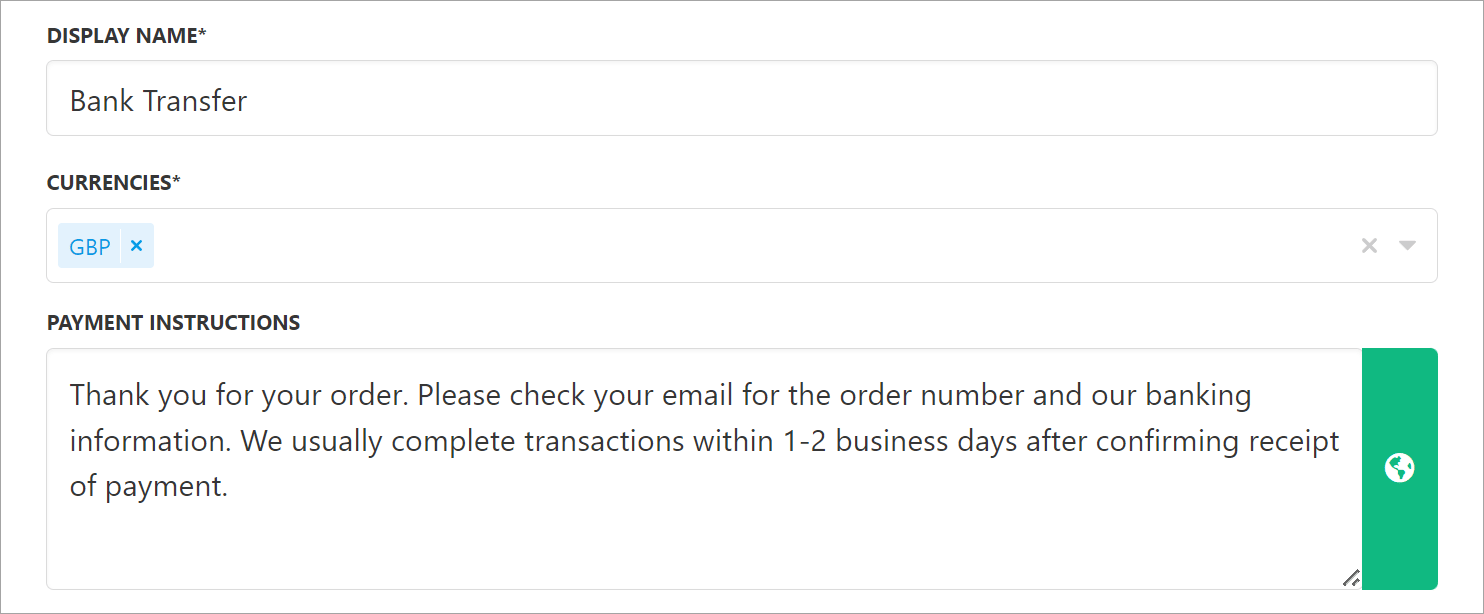
Add details
What the customer sees
Customers see your bank transfer instructions at checkout.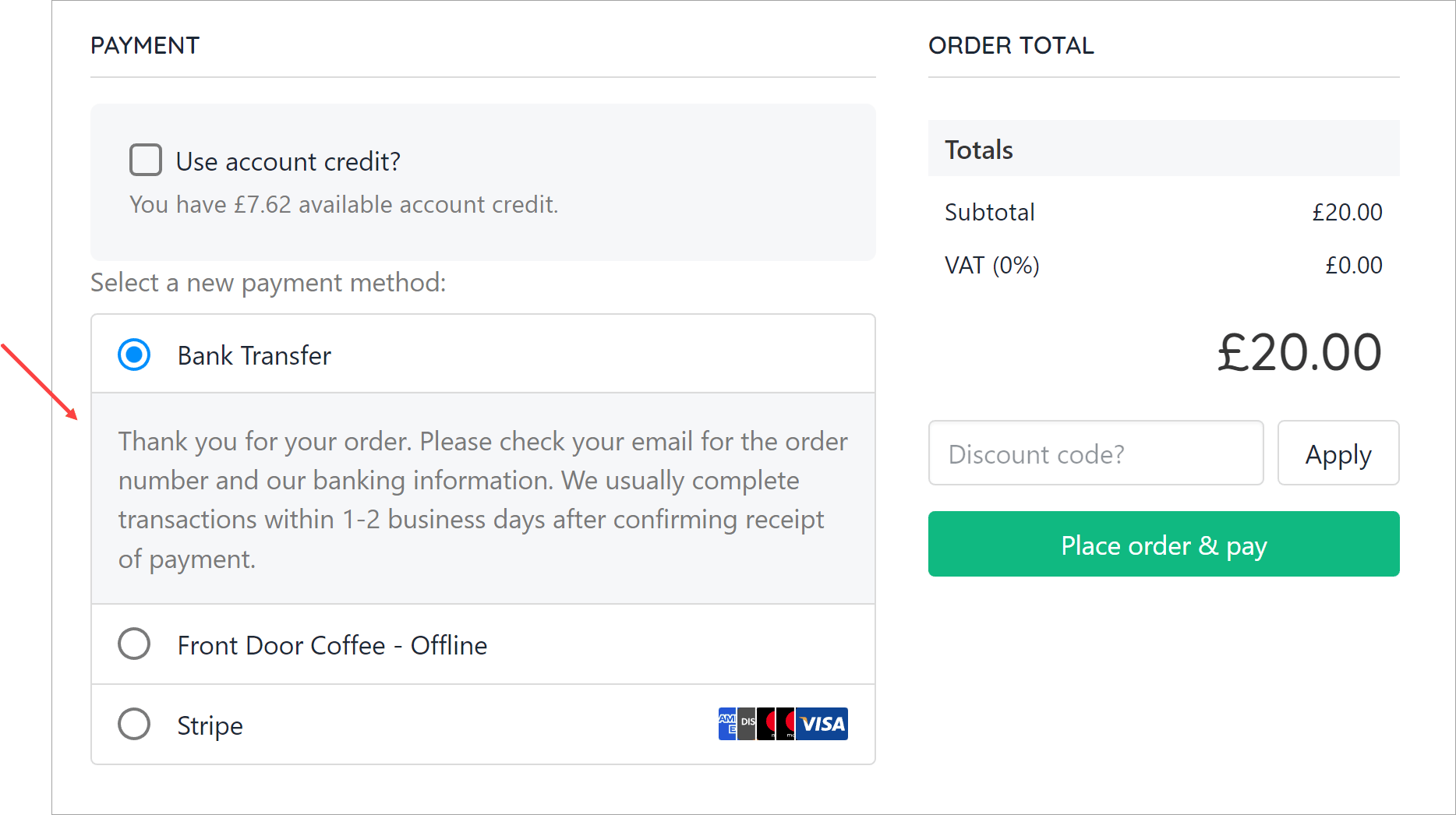
Instructions at checkout
Editing the payment method
Go to Settings > Payment Providers, click the three dots next toBank Transfer, and select Edit.
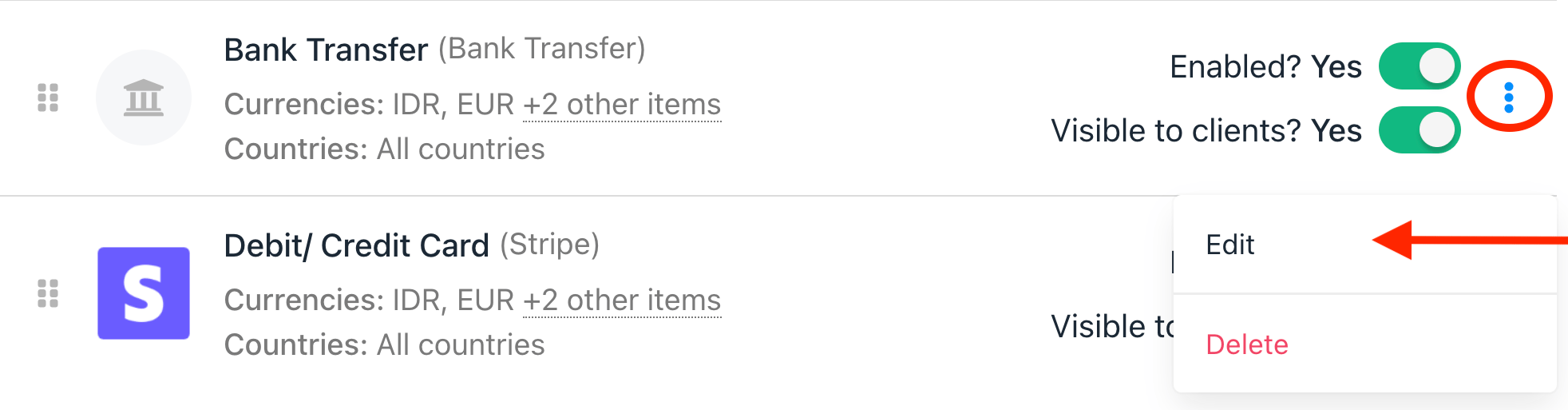
Edit payment provider