

Adding tags from the products & services page
- Go to Products & Services in your admin dashboard.
- Locate the contract product you want to tag.
- Click Add Tag next to the product.
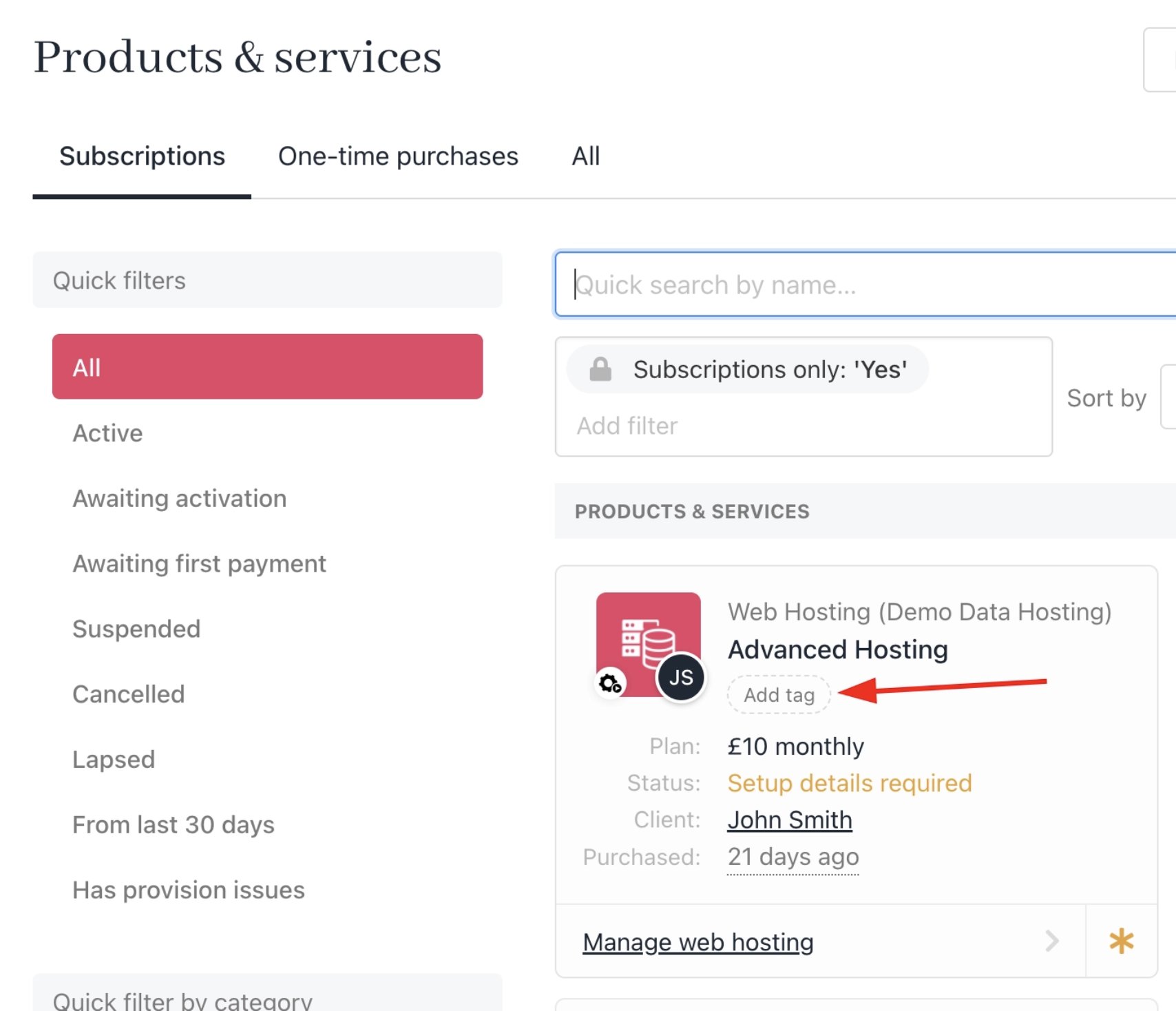
Add tag from product & services
- Select an existing tag or create a new one by typing the desired tag name.
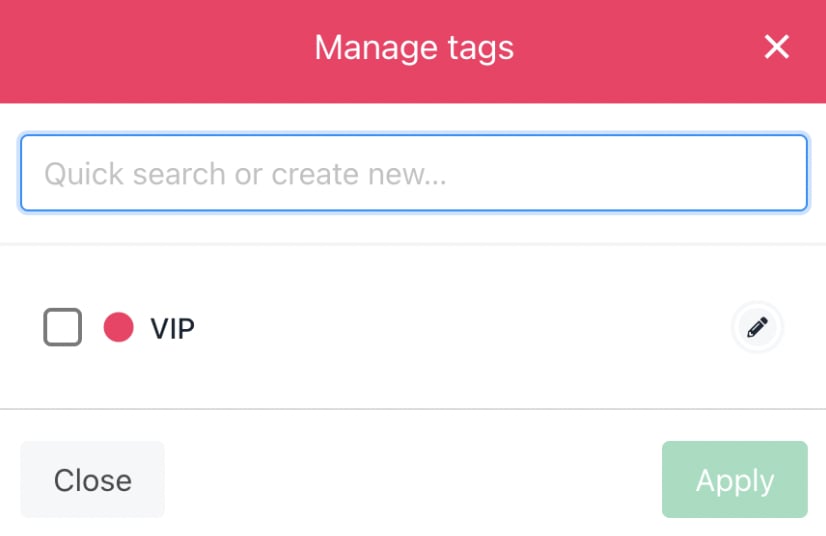
Manage tag from product & services
Adding tags from inside a contract product
- Go to Products & Services.
- Open the contract product you want to tag.
- Click Add Tag inside the product details.
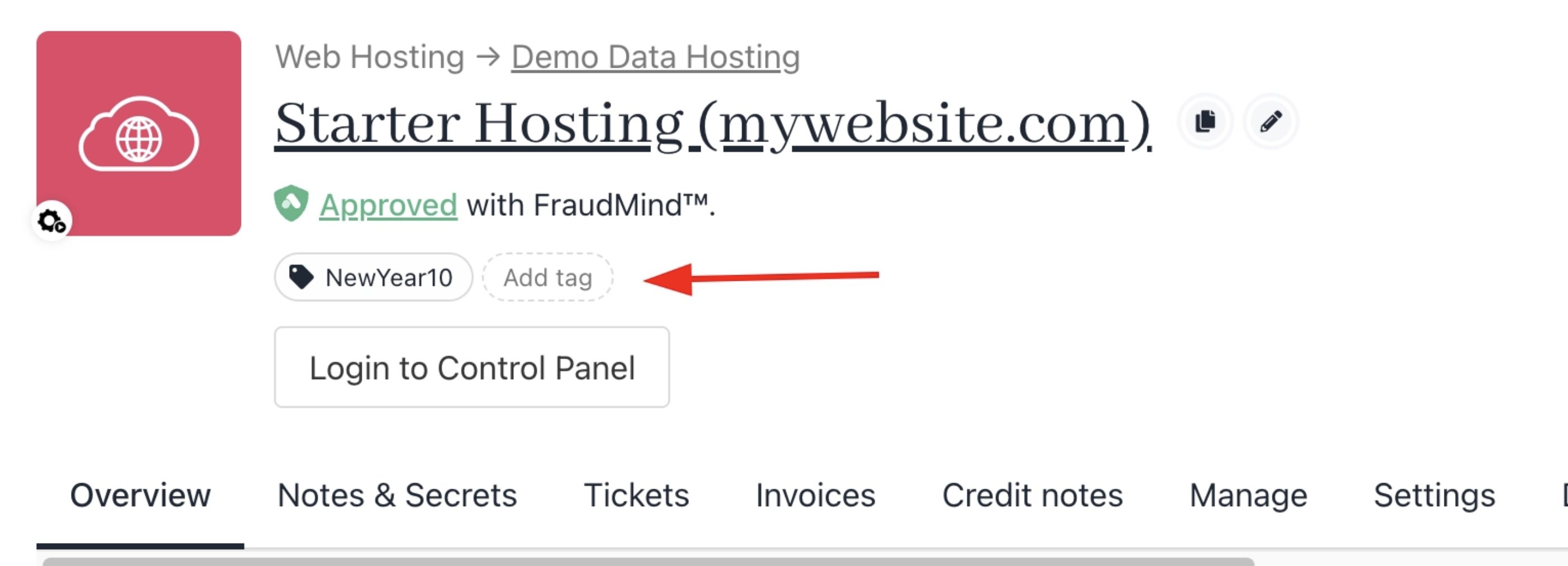
Add tag from contract product
- Select an existing tag or create a new one.
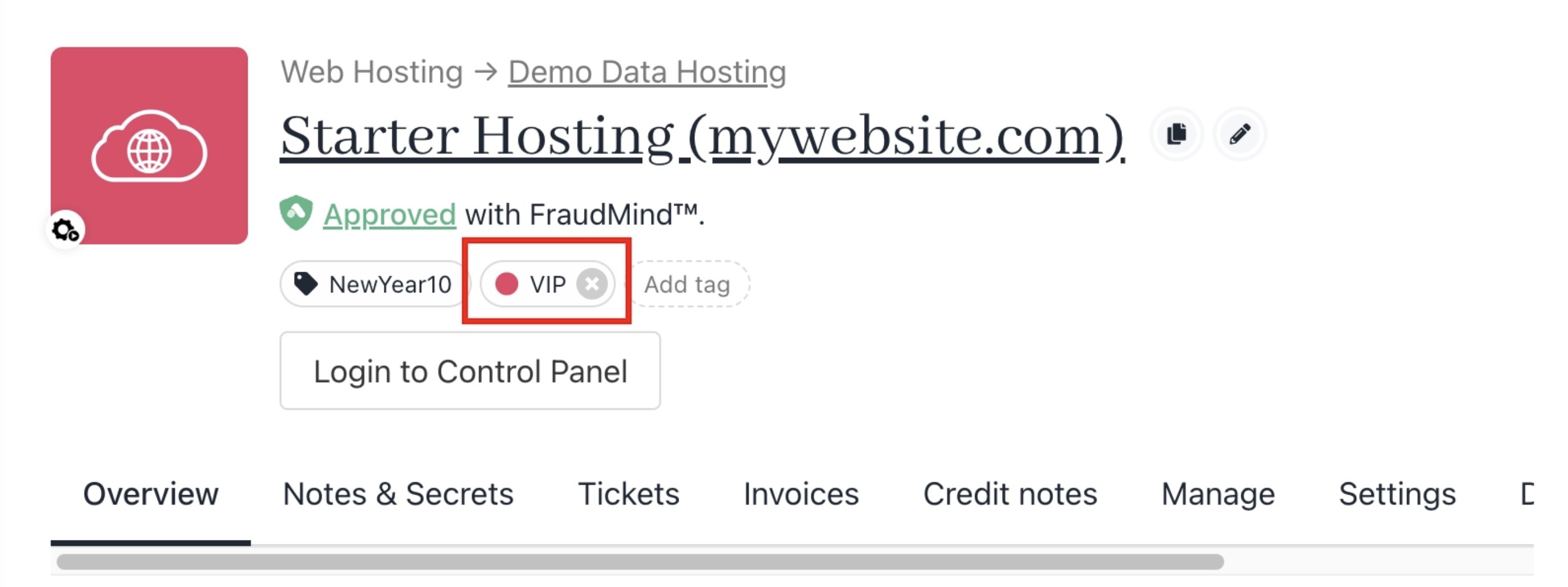
Contract product with tag
Displaying product tags on invoices
Product tags do not appear on invoices by default. To show a tag on an invoice, you need to enable this option when creating or editing the tag. When creating or editing a tag, enable the option to show it to customers and on invoices. You can also set a colour for the tag. Use a bright colour, as it will be reflected on the invoice PDF.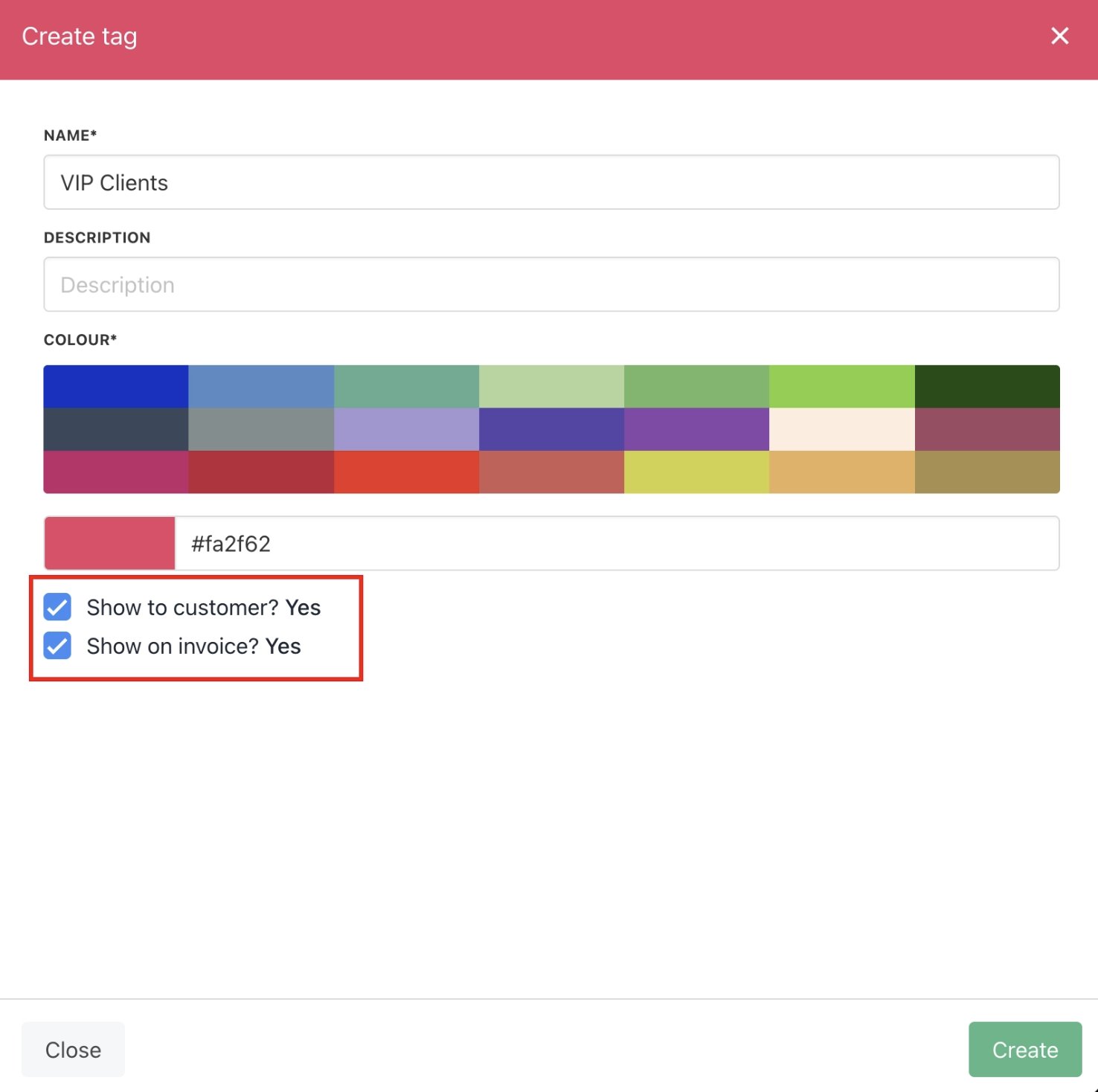
Customise tag
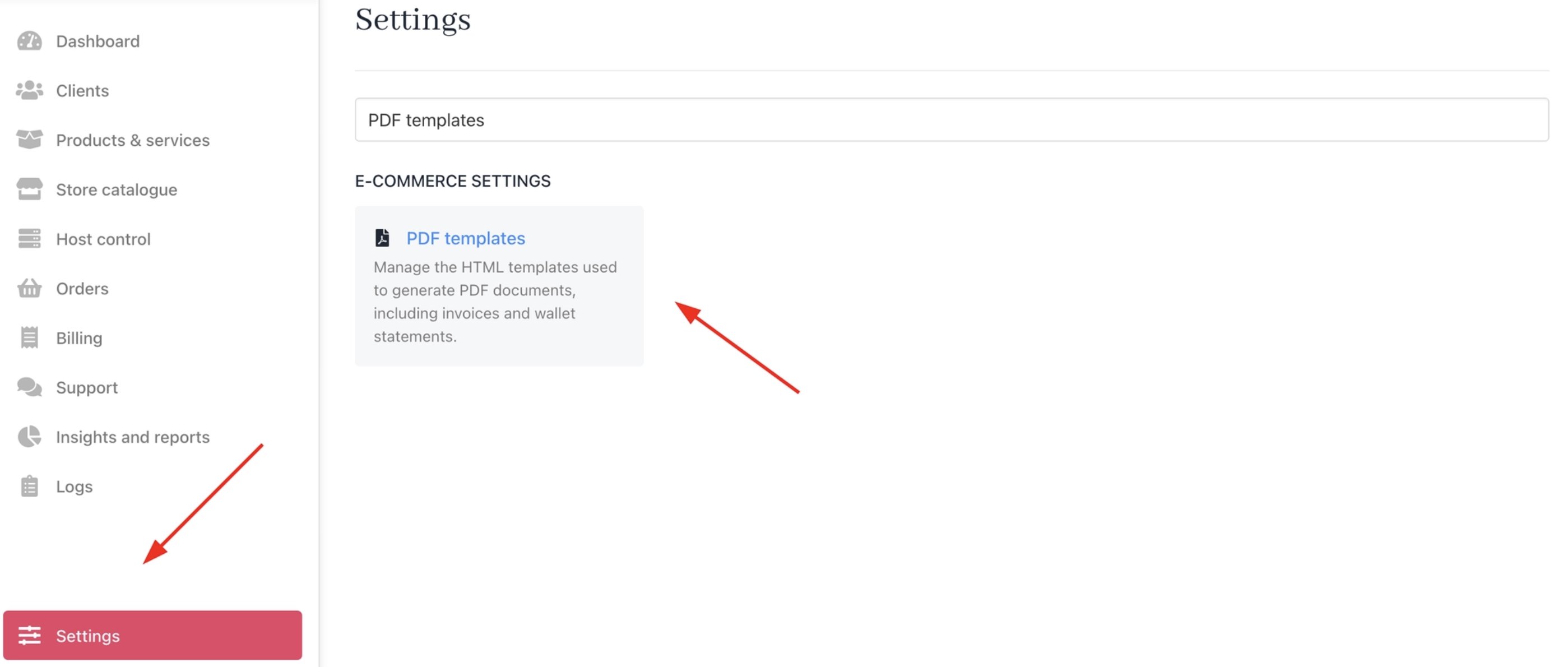
Settings > PDF Template.
The tag will appear on the invoice when it is downloaded.
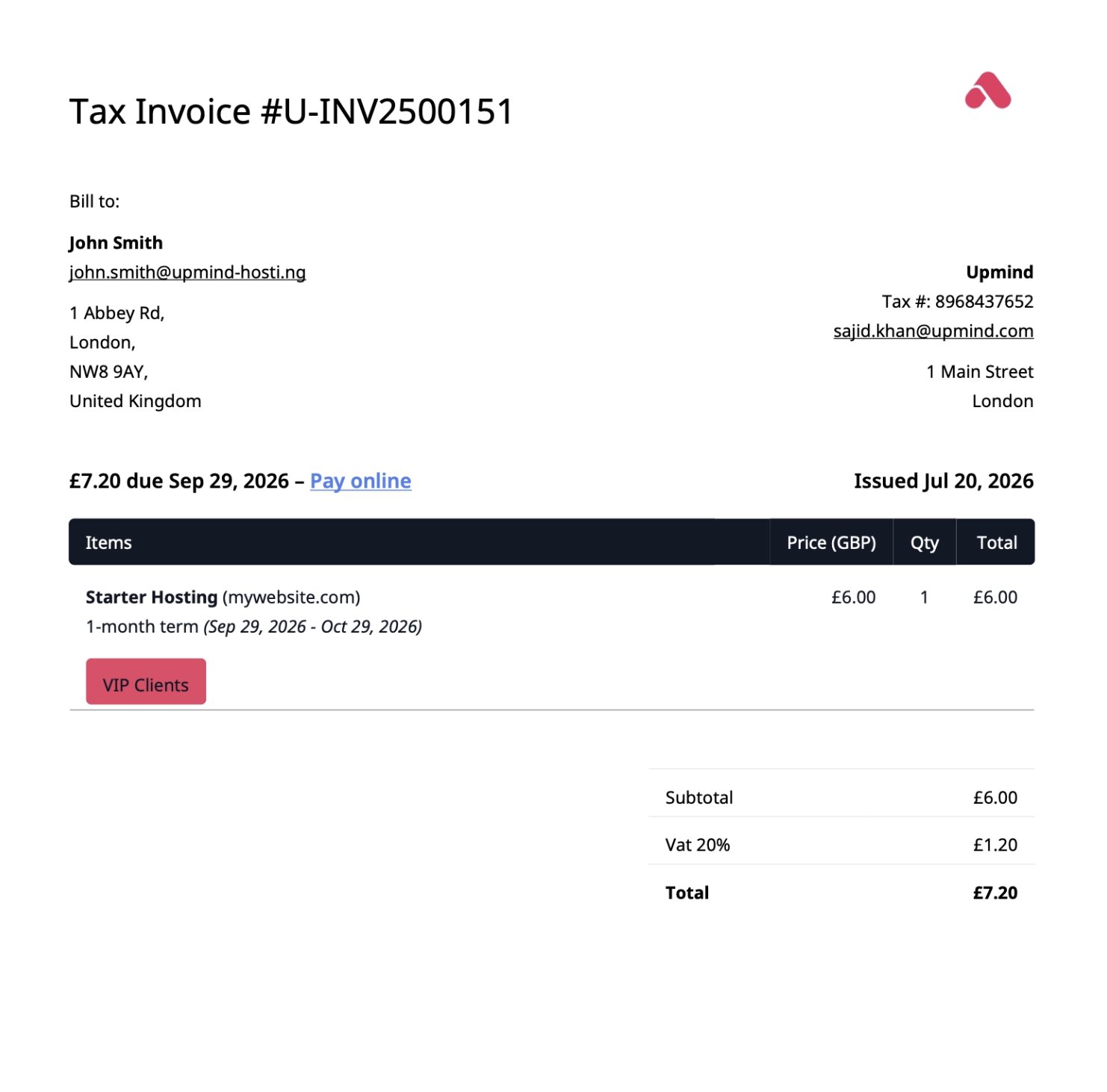
Invoice PDF