

Access the category editor
- Log in to the Upmind dashboard.
- Access it from the dashboard by clicking on Store Catalogue.
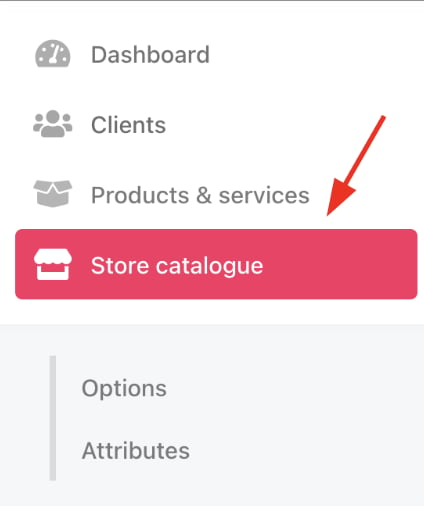
Store catalogue
- You can also click Settings and select the Product Catalogue tile under Products and Promotions.
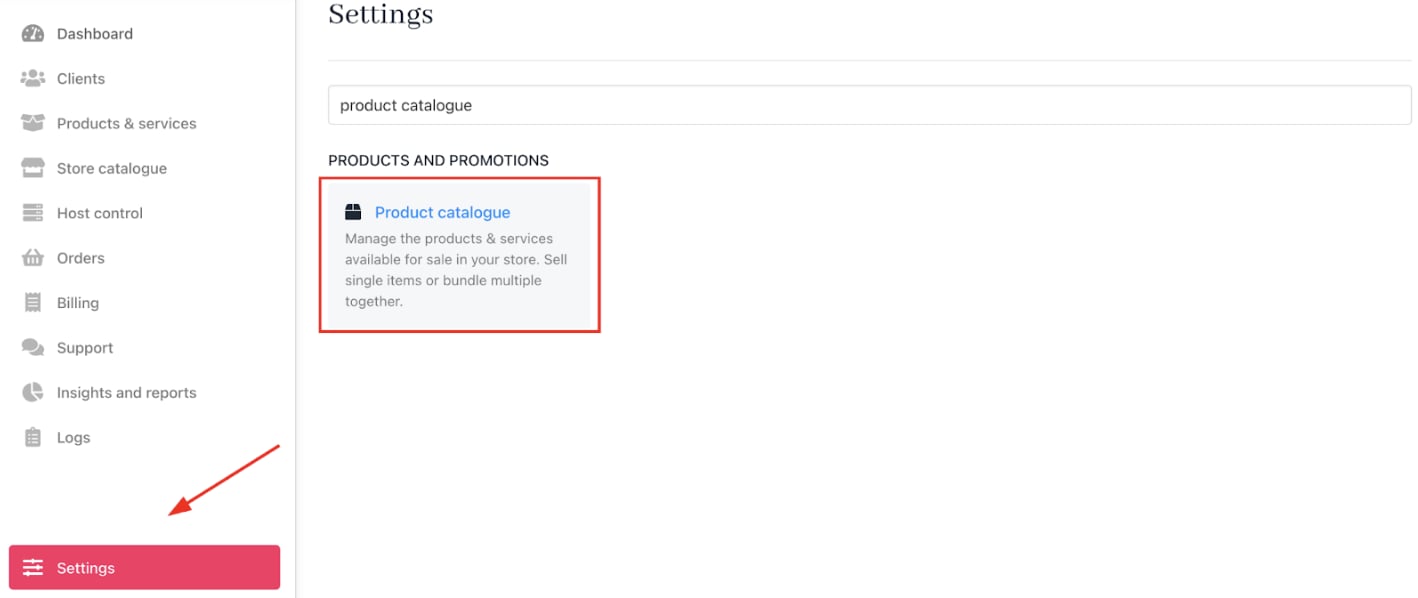
Settings > Products and Promotions > Product Catalogue
- Locate the category you want to edit.
- Click the three-dot menu (ellipsis) on the category.
- Choose Edit category.
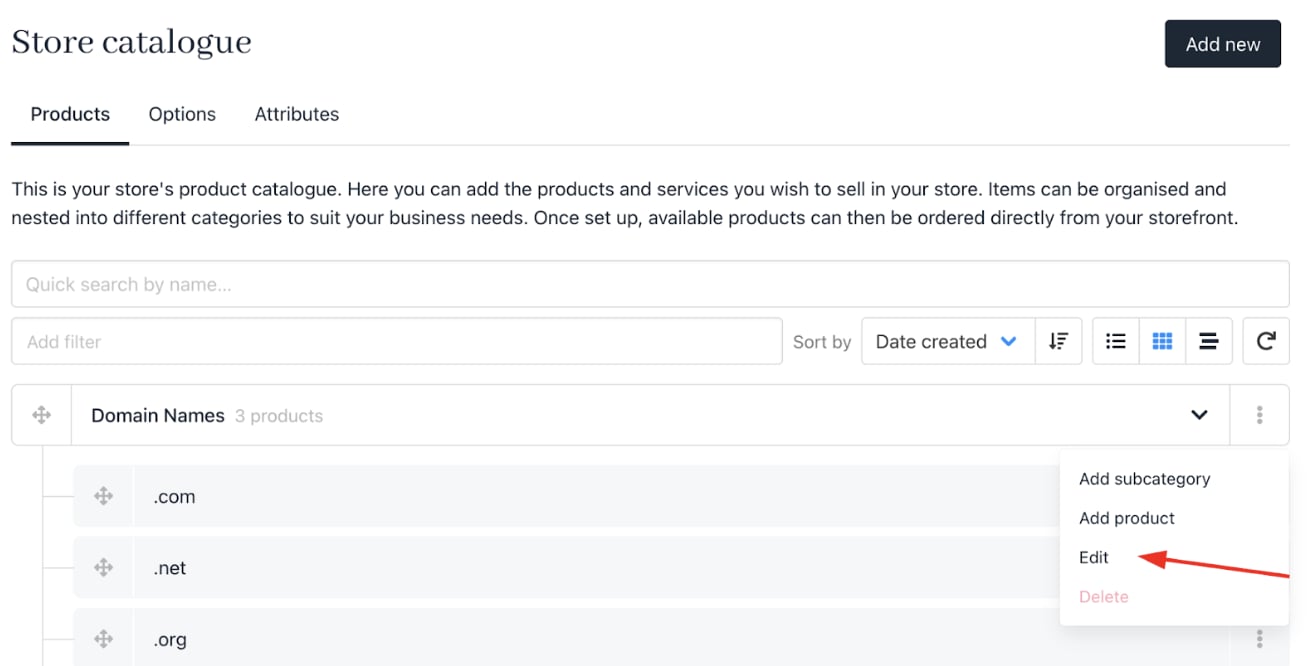
Edit category
Editing category details
- Change the
Category Nameas needed. - Update the Category Description to reflect the category’s contents accurately.
- Click Update to save changes.
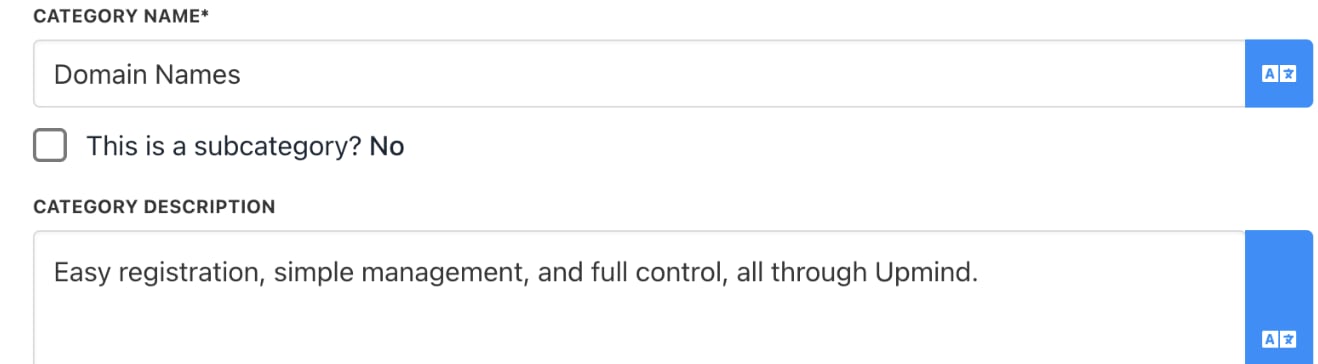
Edit name and description
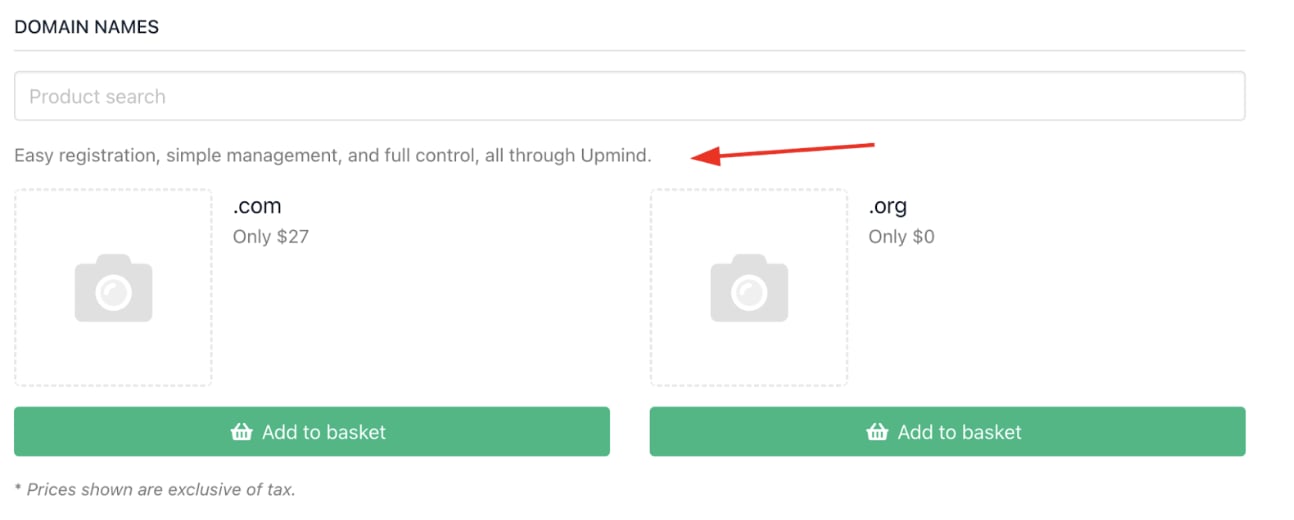
Live descriptions