

- In the Upmind dashboard, navigate to
Products & Services. - Find and select the relevant contract product.
- Open the
Settingstab within the contract product.
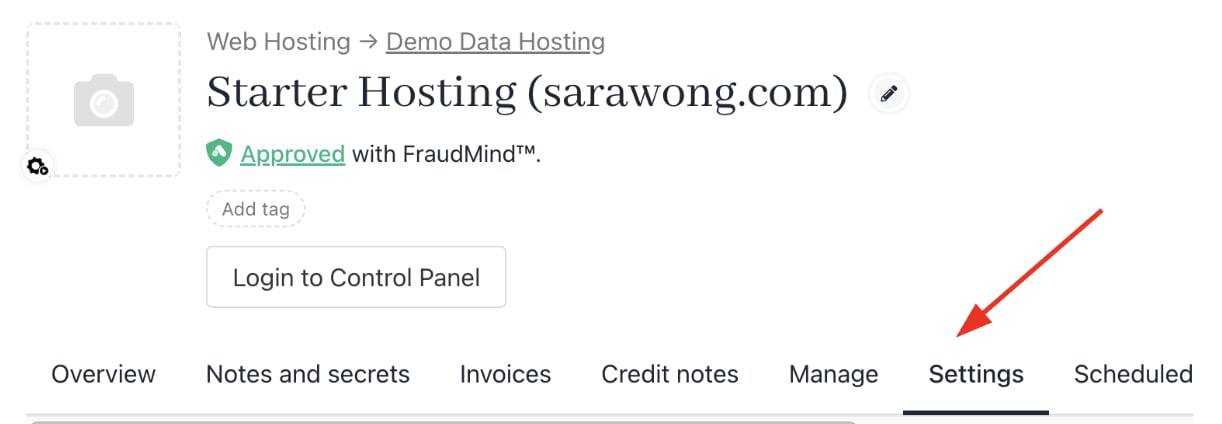
Settings tab
- Under
Advanced Options, select Change Currency.

Change currency
- Choose the new currency from the dropdown in the modal.
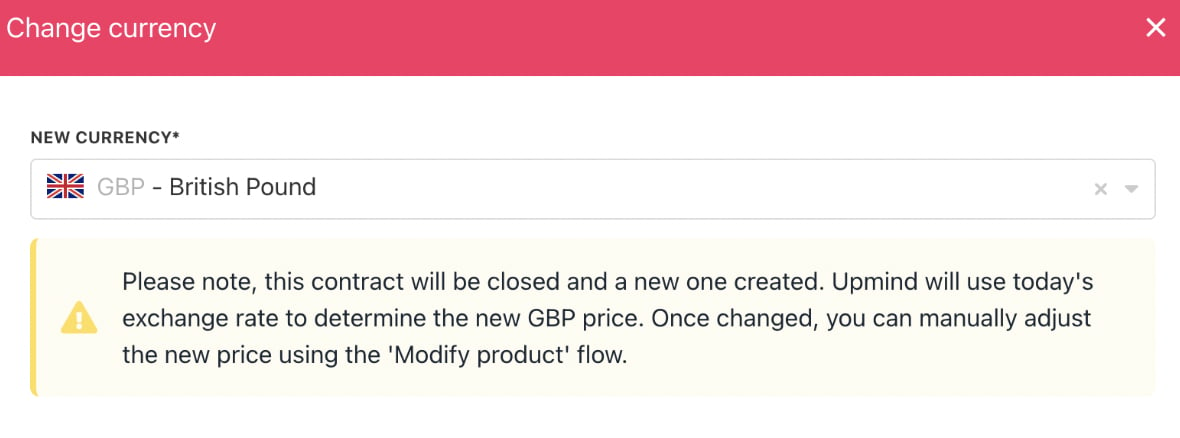
Select new currency
- Click Change Currency to confirm.