

- Create a list of choices on the
Product Attributespage. - Link those choices on the
Product Detailspage.
Access the product catalogue
- Log in to the Upmind dashboard.
- Access it from the dashboard by clicking on Store Catalogue.
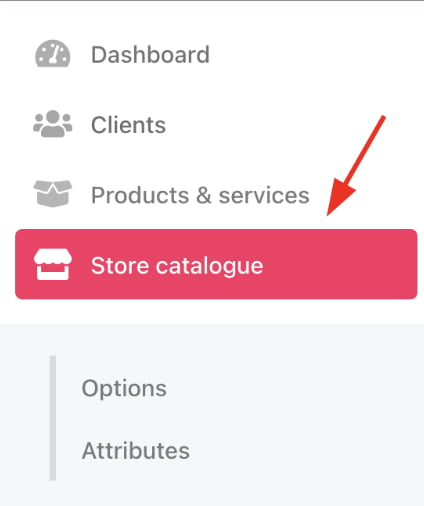
Store catalogue
- You can also click Settings and select the Product Catalogue tile under Products and Promotions.
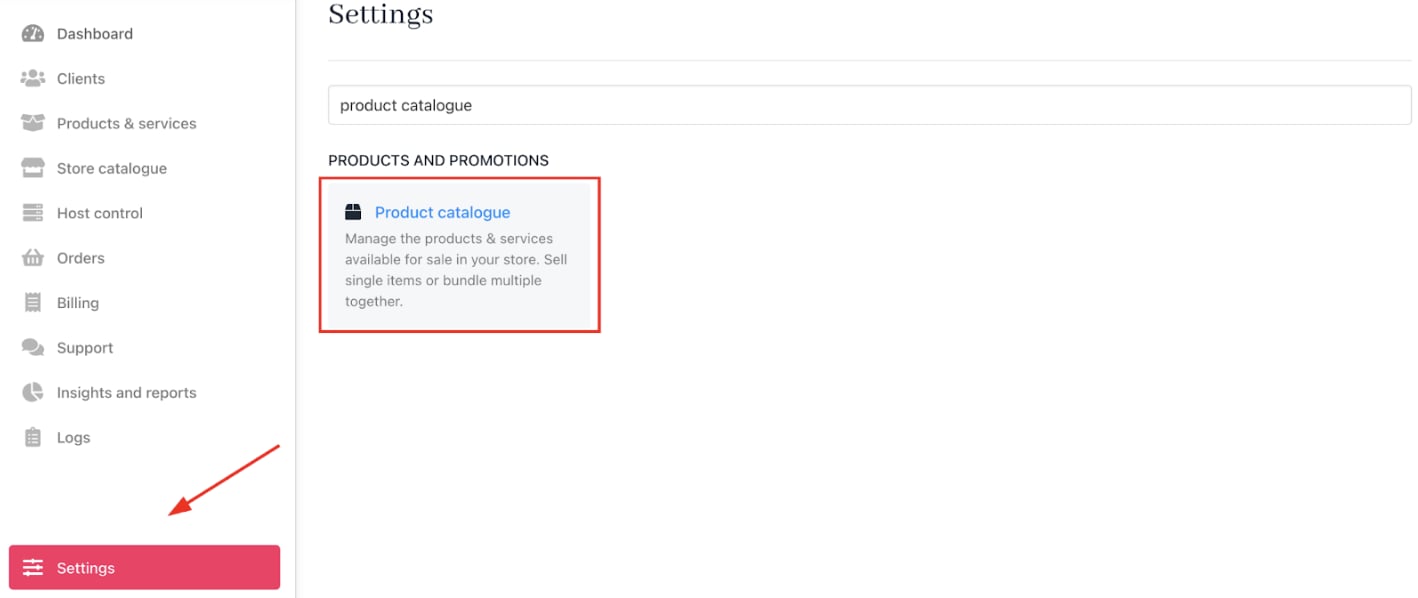
Settings > Products and Promotions > Product Catalogue
- Click the attributes tab.
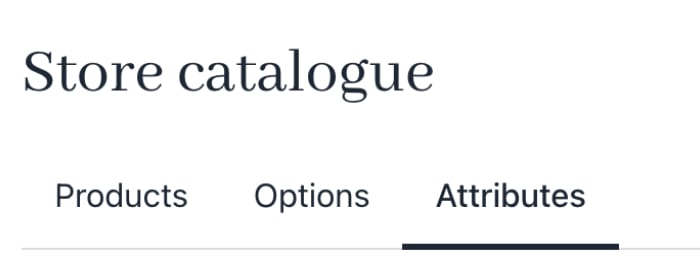
Attributes menu tab
Creating attribute categories
A category is like a folder that groups related product attributes. If you plan to offer variations now or later, using multiple categories saves time.- Click Add New > Product attributes category.
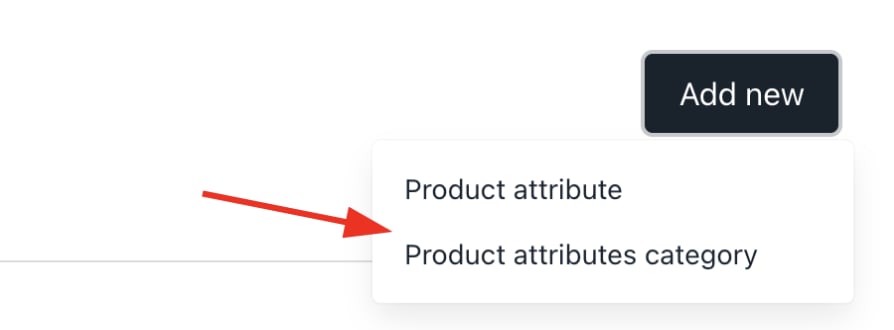
Product attributes category
- Provide a unique name.
- Add category description (not visible to customers).
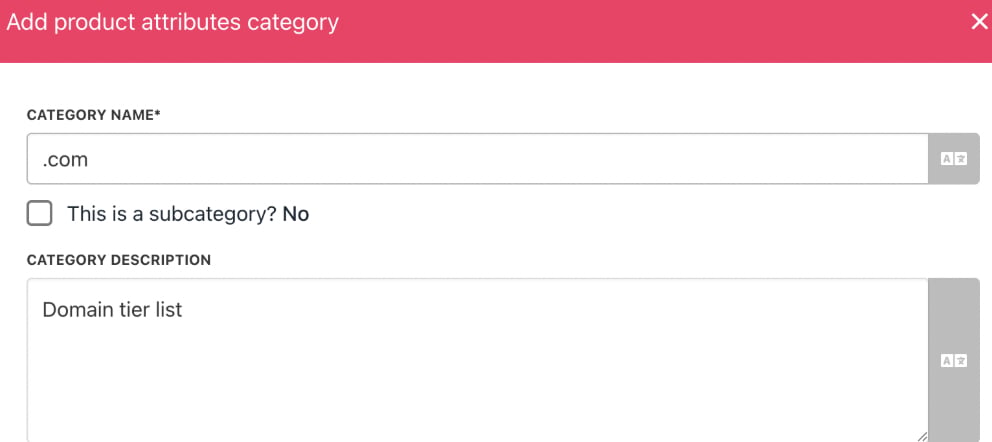
Enter a description
- Allow customers to select multiple attribute options simultaneously. (Optional)

Allow multiple choice
- Click Create. Upmind creates a category with zero product attributes.
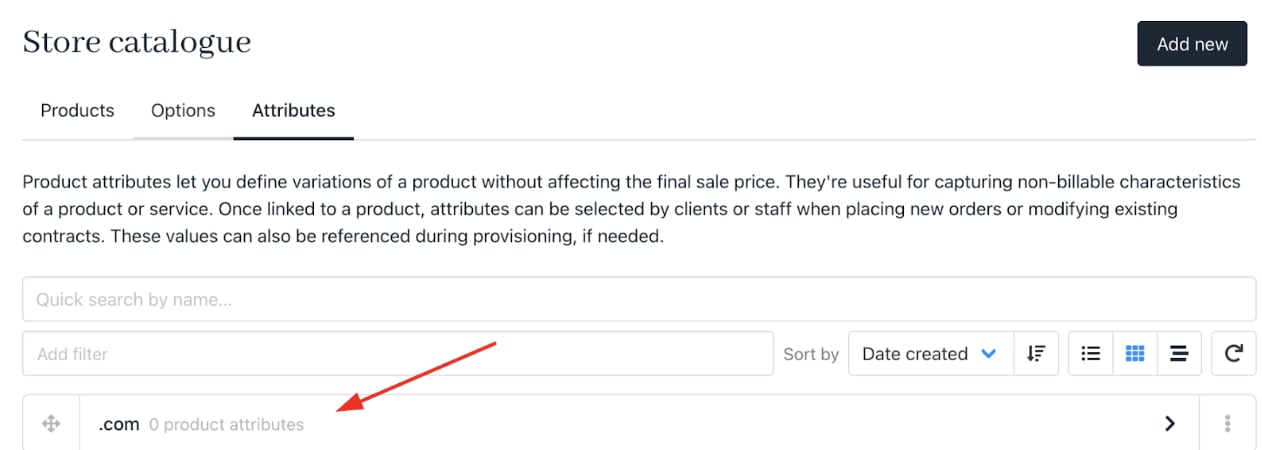
Empty category
Adding product attributes
- Find the attribute category.
- Click the three-dot menu.
- Click Add product attribute.

Add product attribute
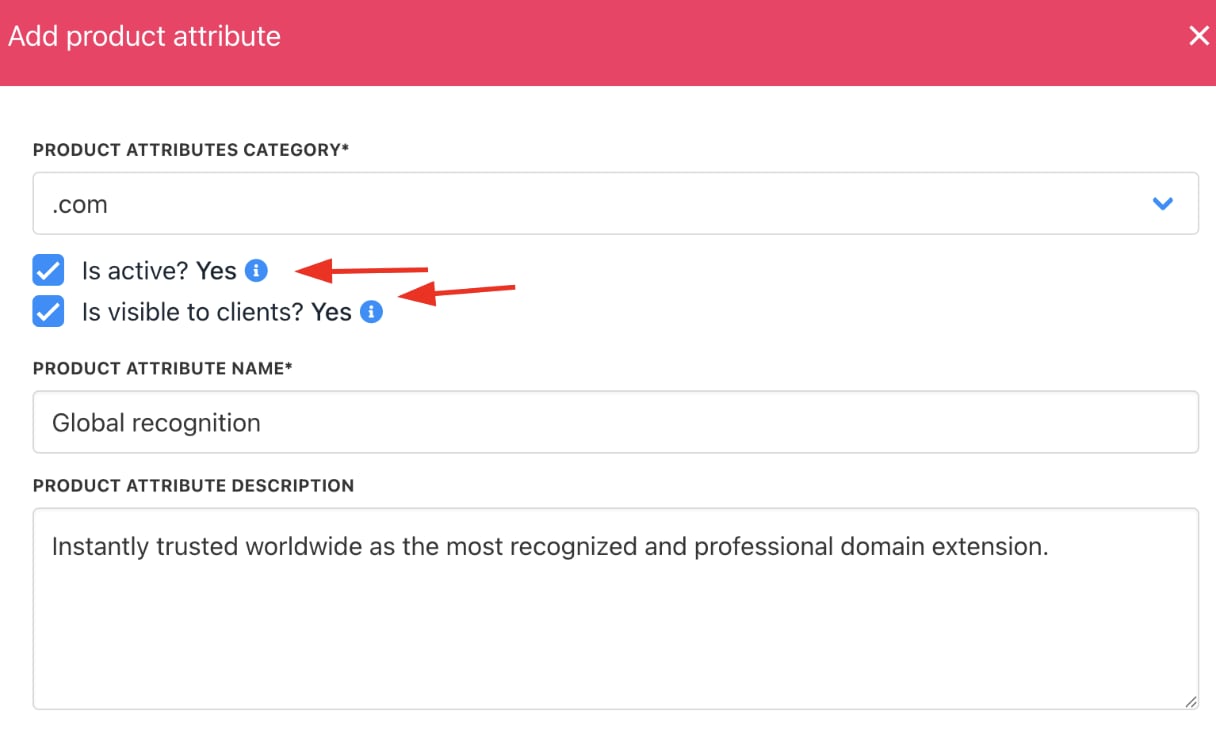
- Confirm the category or select a different one.
- Ensure visibility boxes are checked (for staff and customers).
- Is active: If unchecked, this product won’t appear in your store.
- Is visible to clients: If unchecked, clients won’t see this product, but staff can still order it.
- Enter the attribute’s name and description (visible to customers).
- Click Create.
- Repeat for additional attributes.
Product details
Editing attributes
- On the
Product attributestab, select a category to view attributes. - Use the three-dot menu to edit or delete attributes as needed.
- You can also duplicate attributes.
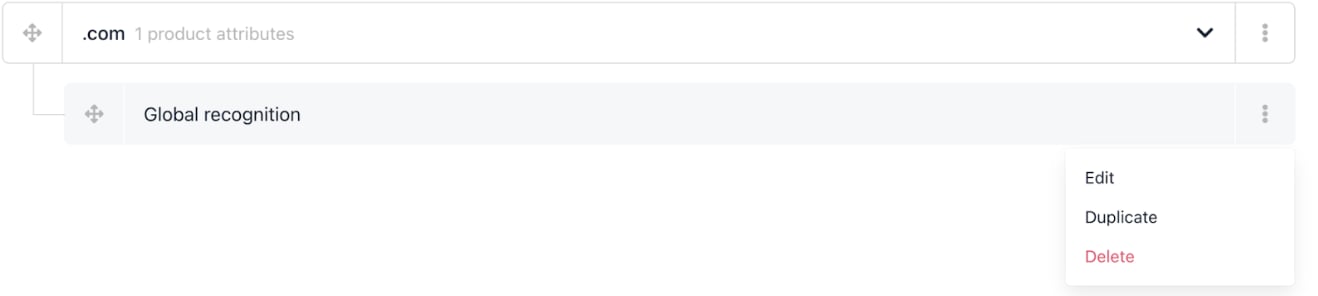
Edit product attribute
Linking attributes to products
- Click the Products tab.
- Expand the relevant category.
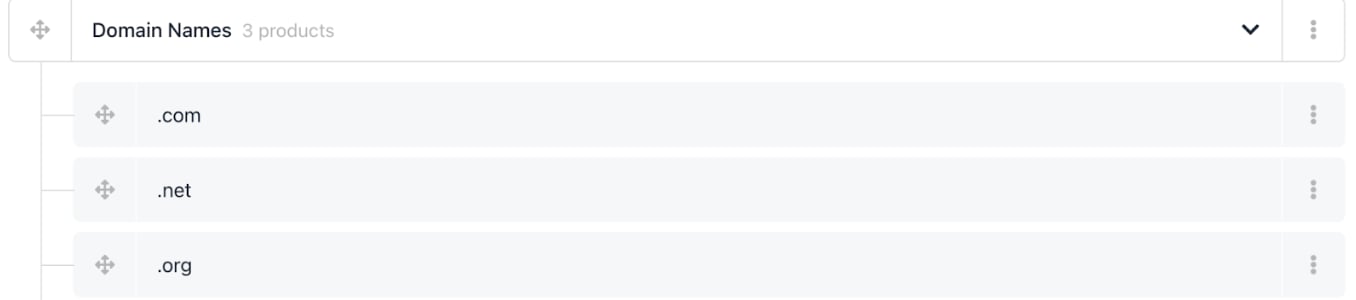
Select product attribute category
- Select the target product and click the three-dot menu > Edit.
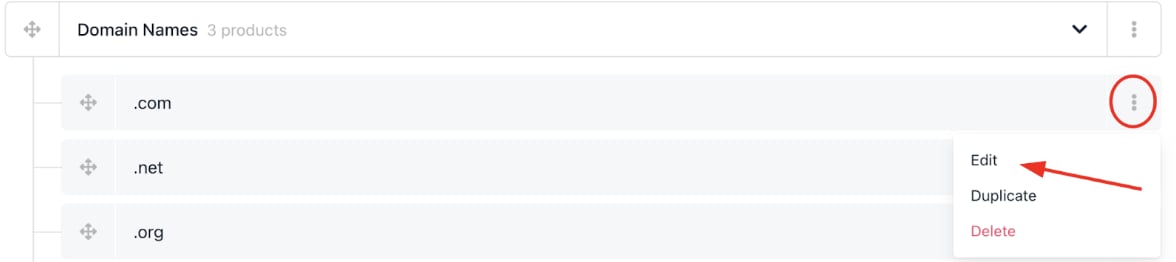
Click three-dot icon
- Click the
Product attributesmenu link.
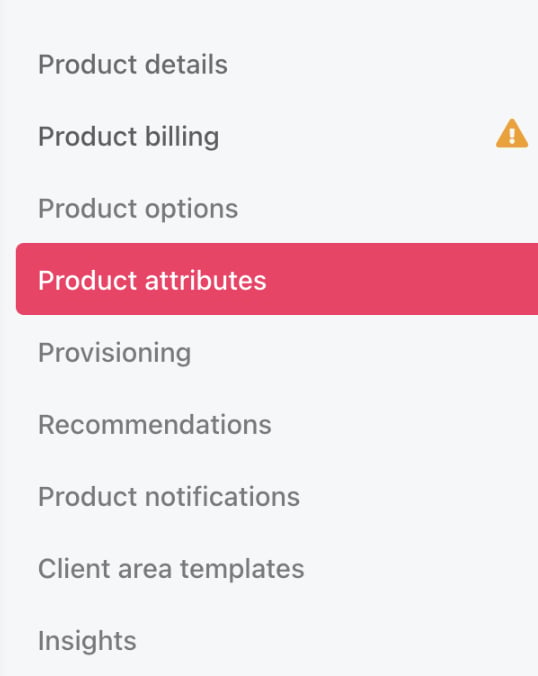
Product attributes menu tab
- Click Manage.
- Choose the attribute category and select attributes to display.
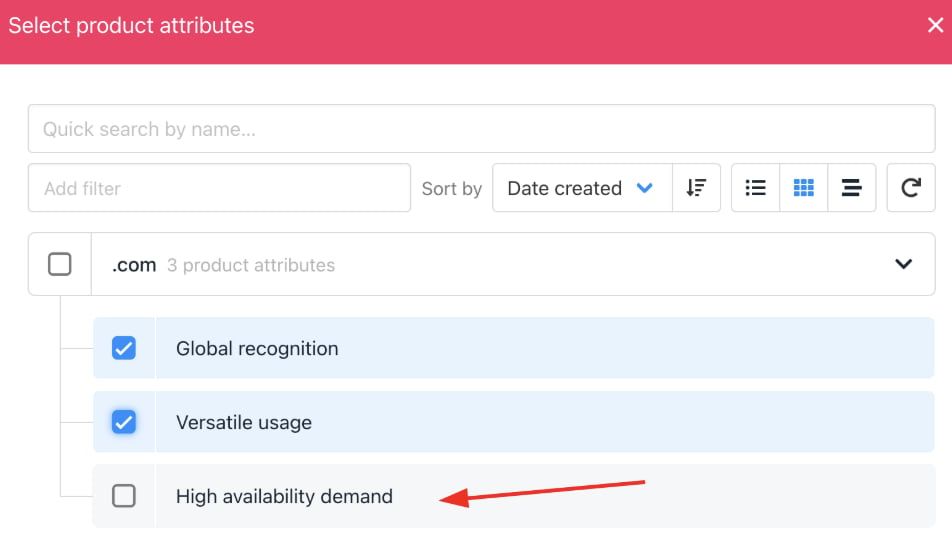
Check the required boxes
- Save your changes.
- Click Manage to edit an attribute.
- Click the red circle to delete an attribute, or choose detach.
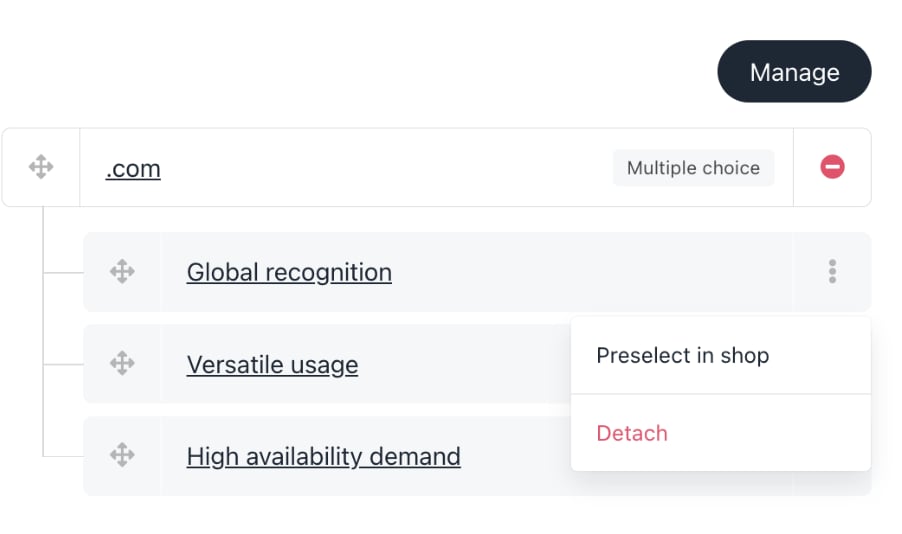
Remove an attribute
Customer view
Customers will see the linked attributes as options when viewing the product, and can select them at checkout.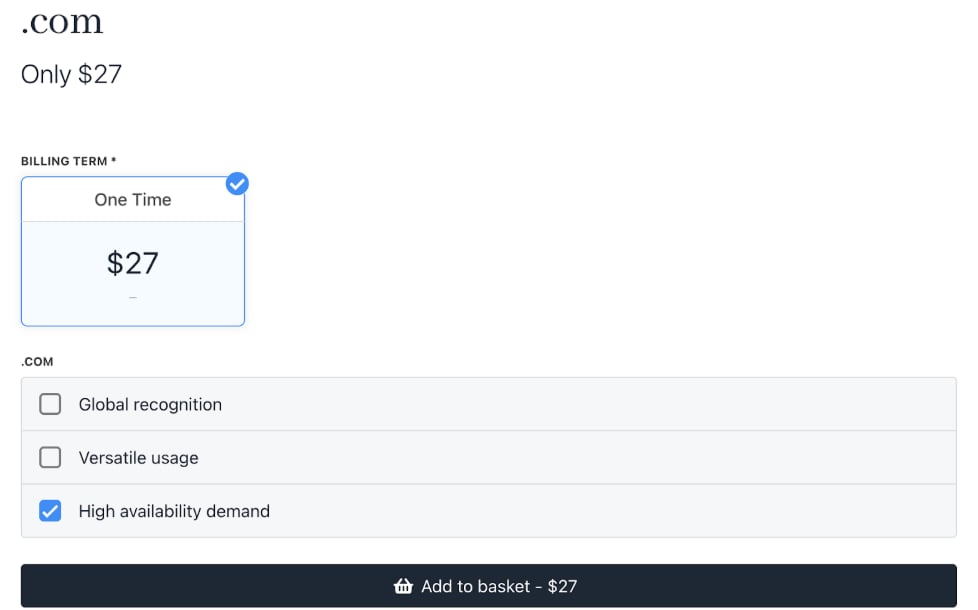
Store displays three options
Basket page:
- Click Details to view the product attribute.
- Click Edit to choose a different attribute.
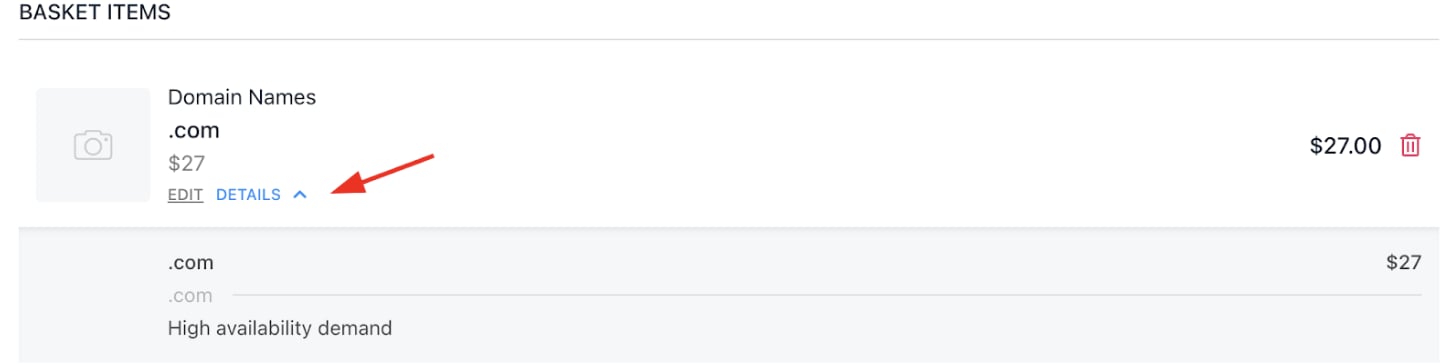
Clicks details to see product attribute