

- Create the or and assign them to the target product.
- Go to the
Product optionsorProduct attributessection on the product details page. - Click the three-dot menu next to the desired option or attribute.
- Select Preselect in Shop.
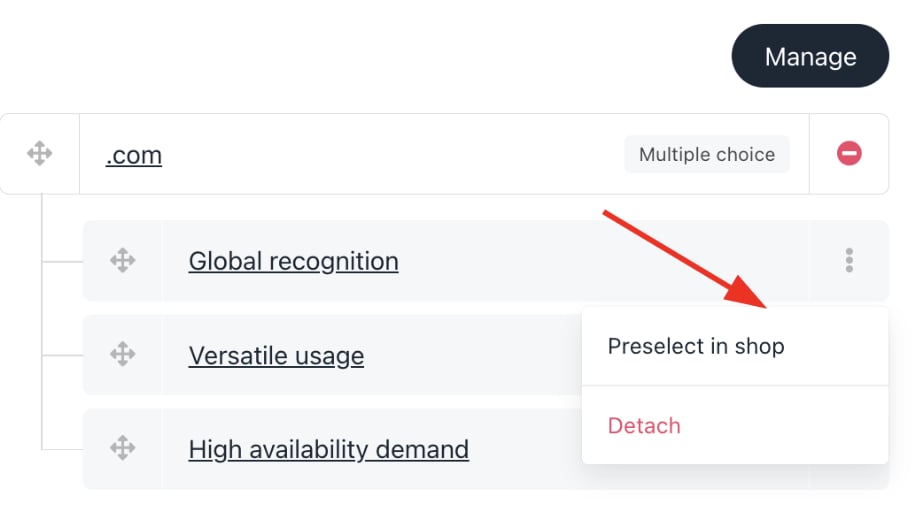
Preselect in shop
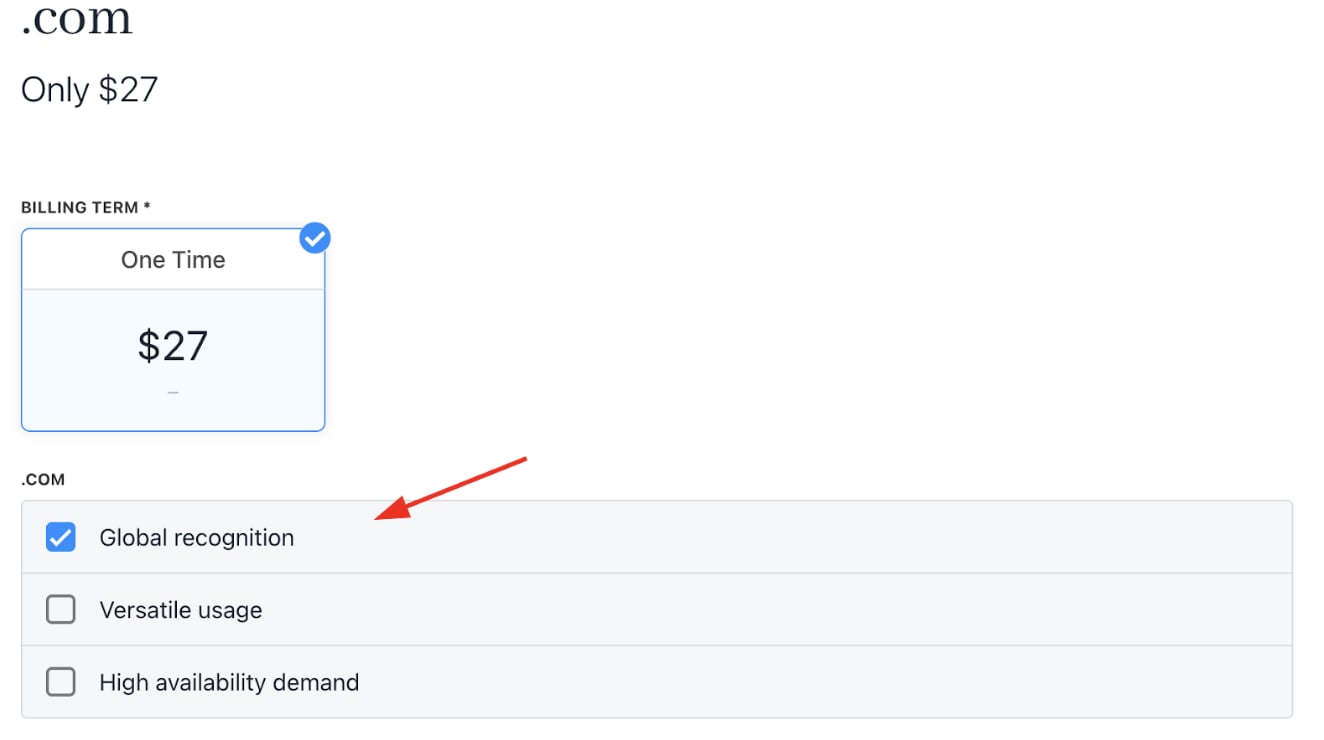
Preselected choice