

Accessing invoice settings
- Go to your Upmind dashboard.
- Click Settings.
- Select the Order Options tile.
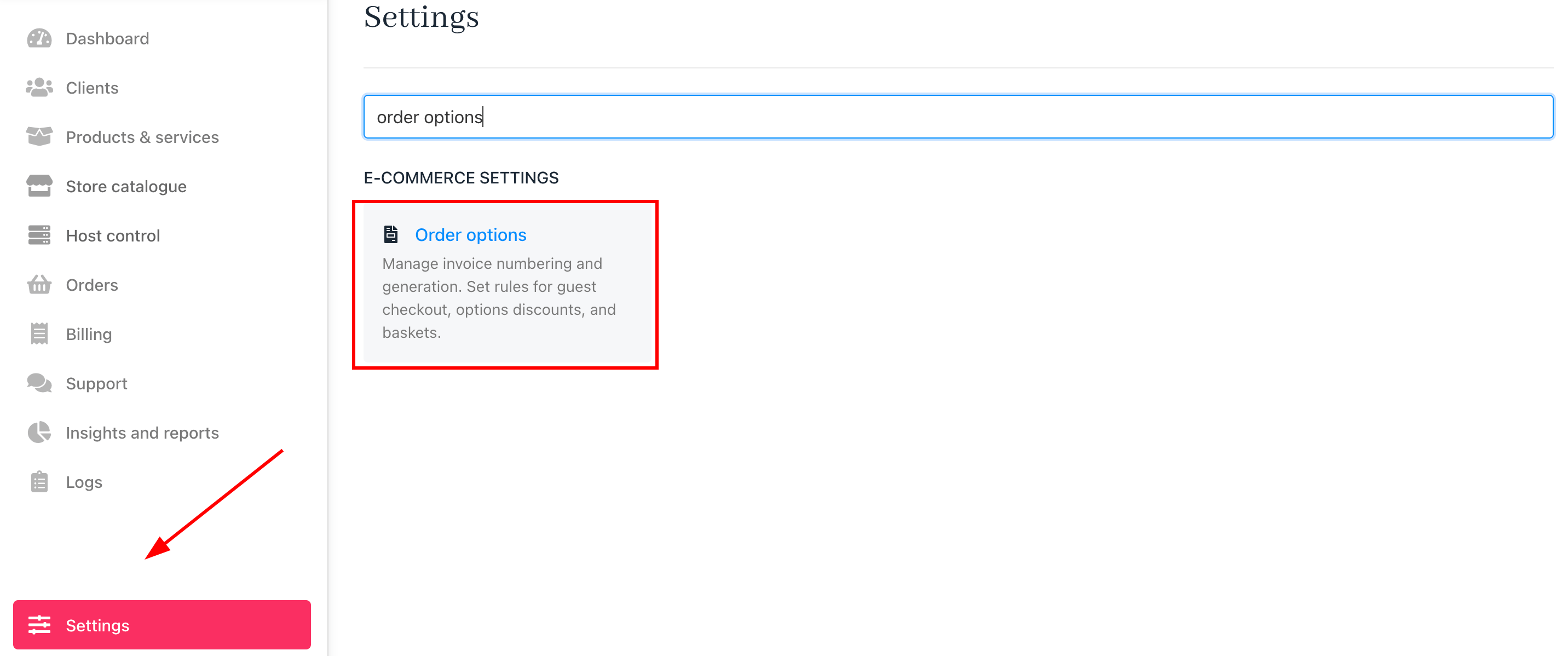
Settings > Order options
Selecting a brand
If you manage multiple brands, use the dropdown in the top left of theOrder Options page to select the brand you want to configure.
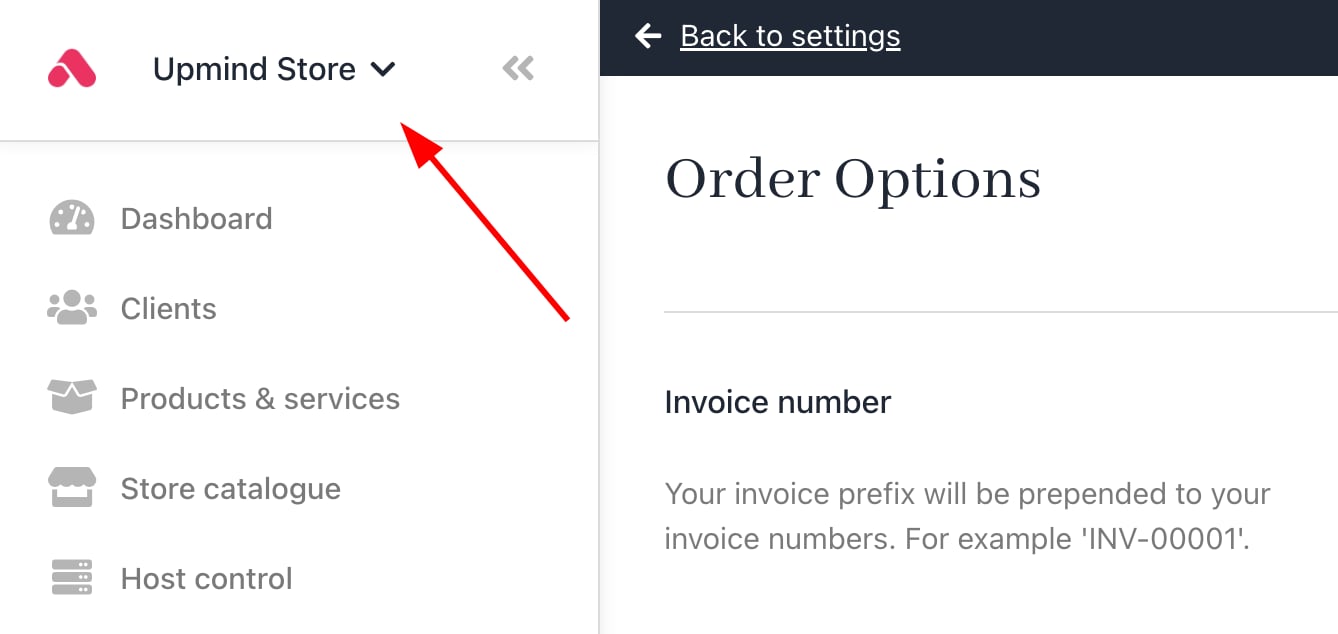
Click drop-down menu
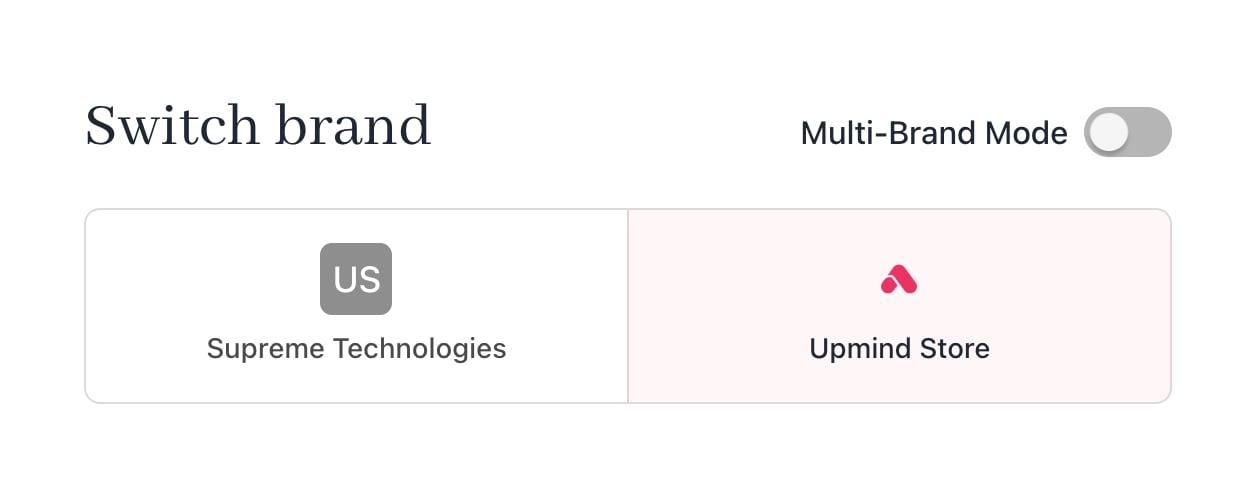
Switch brand
Customising invoice fields
Invoice number & prefix
This can be found underInvoice Number. Upmind auto-fills these fields. You can set the starting number and prefix for your invoices. (optional)
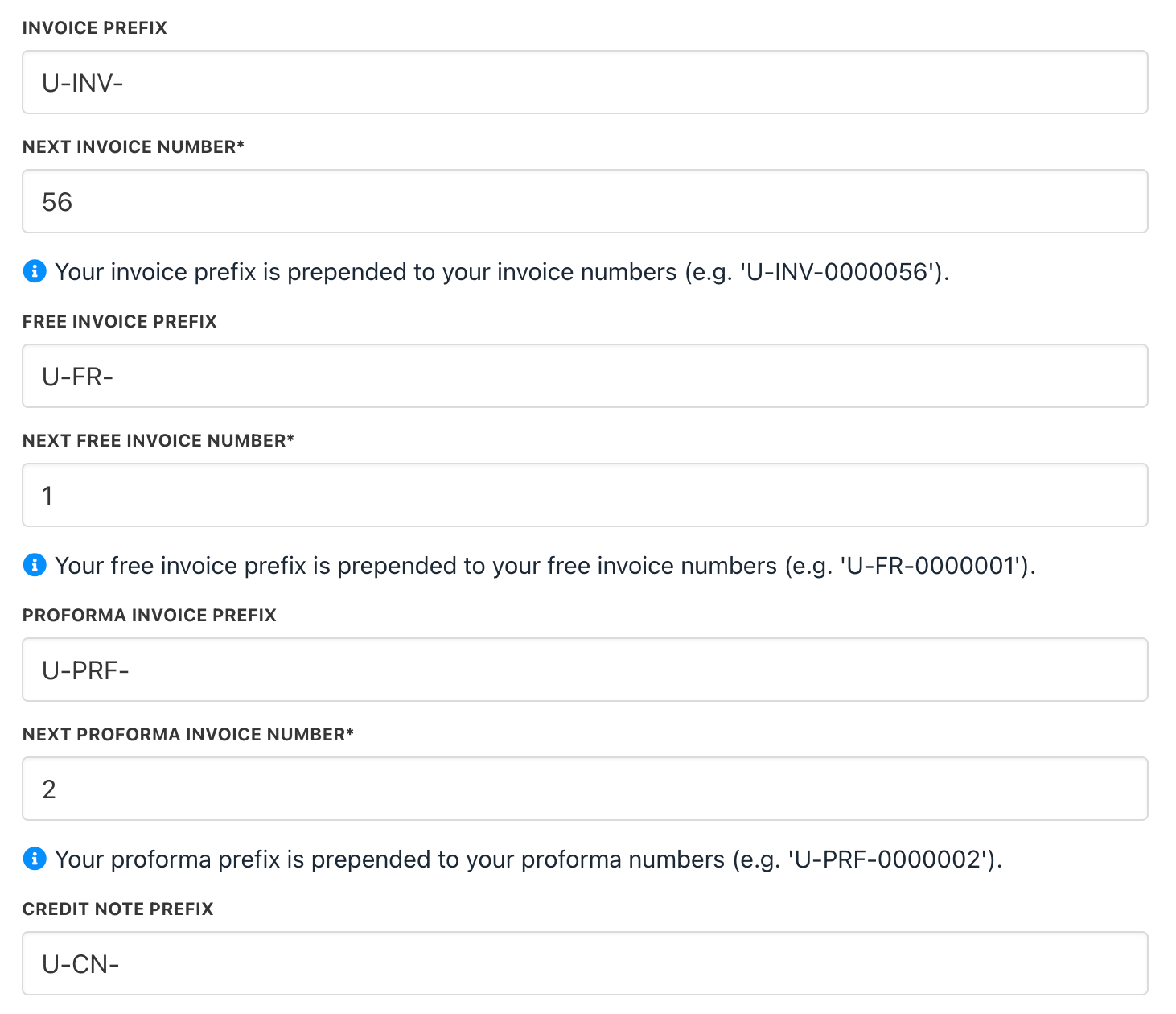
Review and edit fields
Non-recurring invoice due dates
Set how many days after creation a non-recurring invoice is due. The due date is calculated as the invoice generation day plus the specified number of days. This applies to initial orders and migration invoices for product upgrades.
Set due date
Recurring invoice generation
Set how many days before renewal a recurring payment invoice is generated. The invoice is created X days prior to the renewal date.
Set generation date for recurring payments
Recurring invoice due dates
Configure due dates for recurring invoices to be on, before, or after the renewal date. This setting applies to renewal invoices, with the due date set X days relative to renewal.
Set due date for recurring payments
Manual invoice generation controls
You can configure manual invoice generation at the brand and product levels to control when clients can create recurring invoices.At the brand level
- Go to Settings > Subscription Options > Contract Settings.
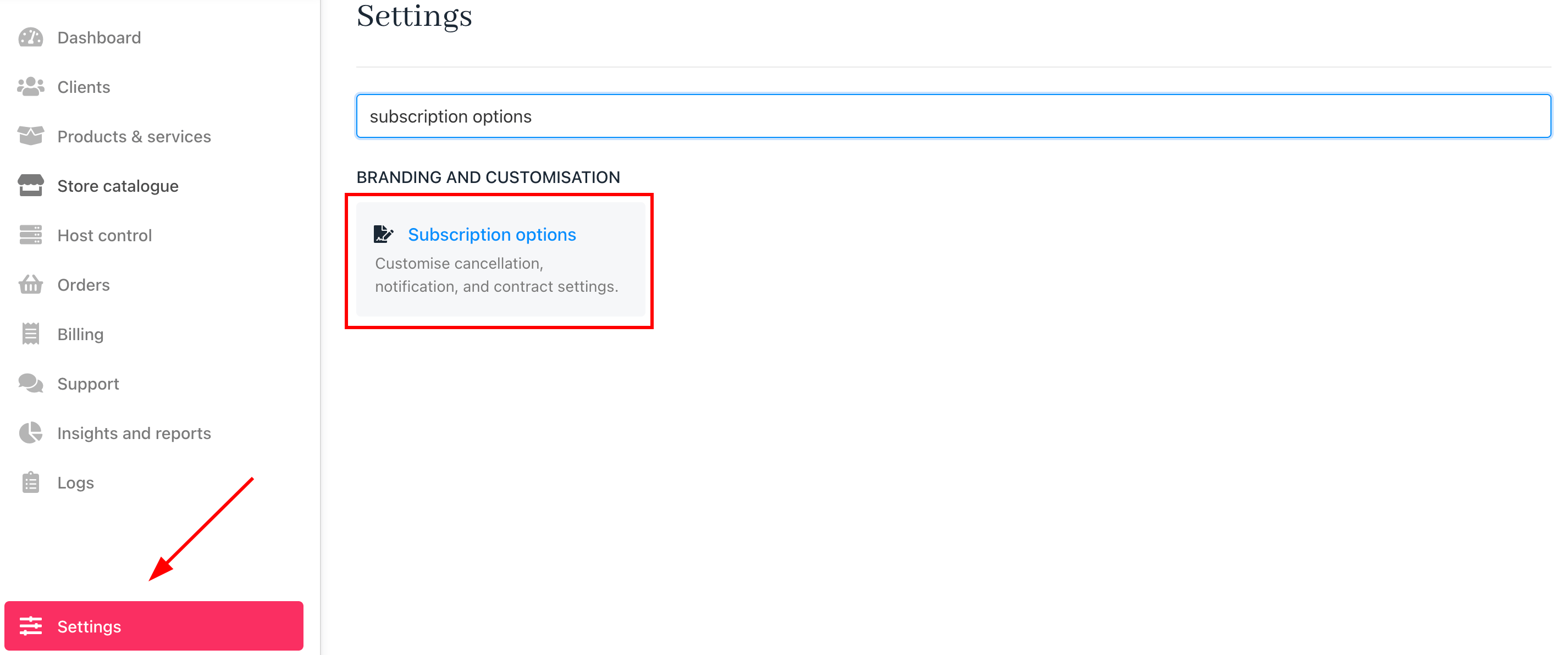
Settings > Subscription options
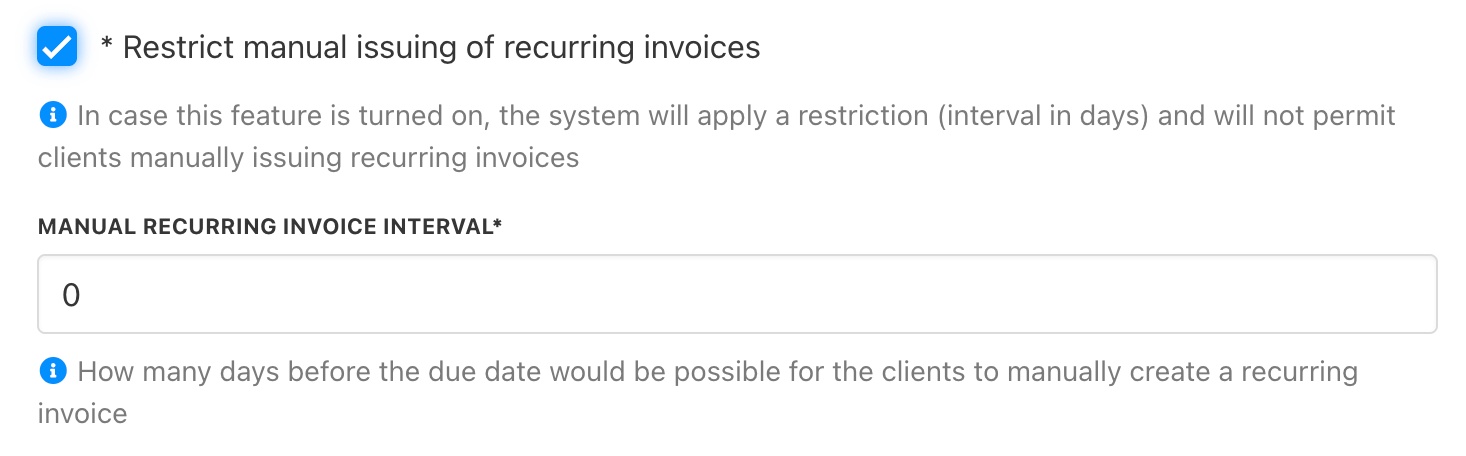
Contract settings
- Enable/Disable Manual Issuing of Recurring Invoices: When enabled, clients can only generate recurring invoices within the specified timeframe.
- Manual Recurring Invoice Interval: Set how many days before the due date clients can manually create a recurring invoice.
At the product level
Go to Product Catalogue > [Select Product] > Product Automation.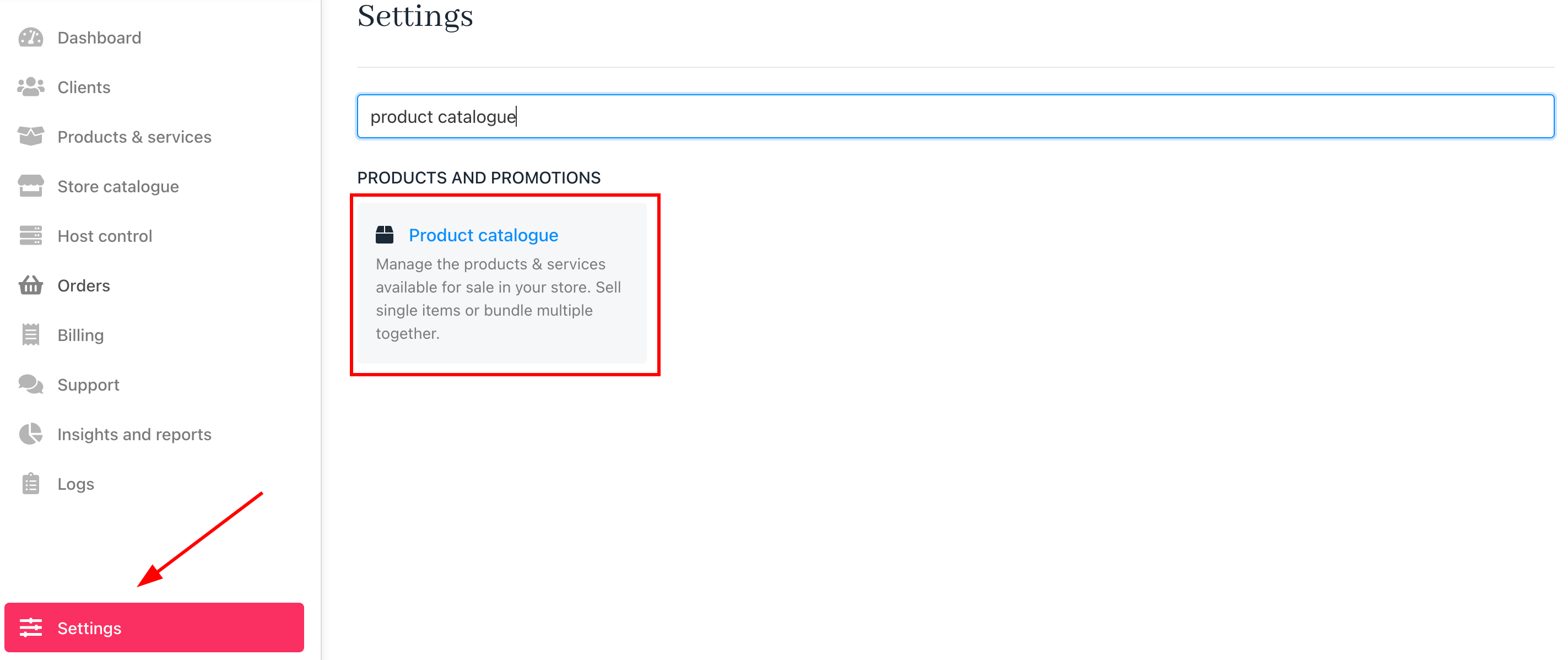
Settings > Product catalogue
- You can apply the brand default settings or set a custom timeframe per product.
- Define how many days before renewal a client can manually generate an invoice.
- Early renewal is restricted outside the allowed period.
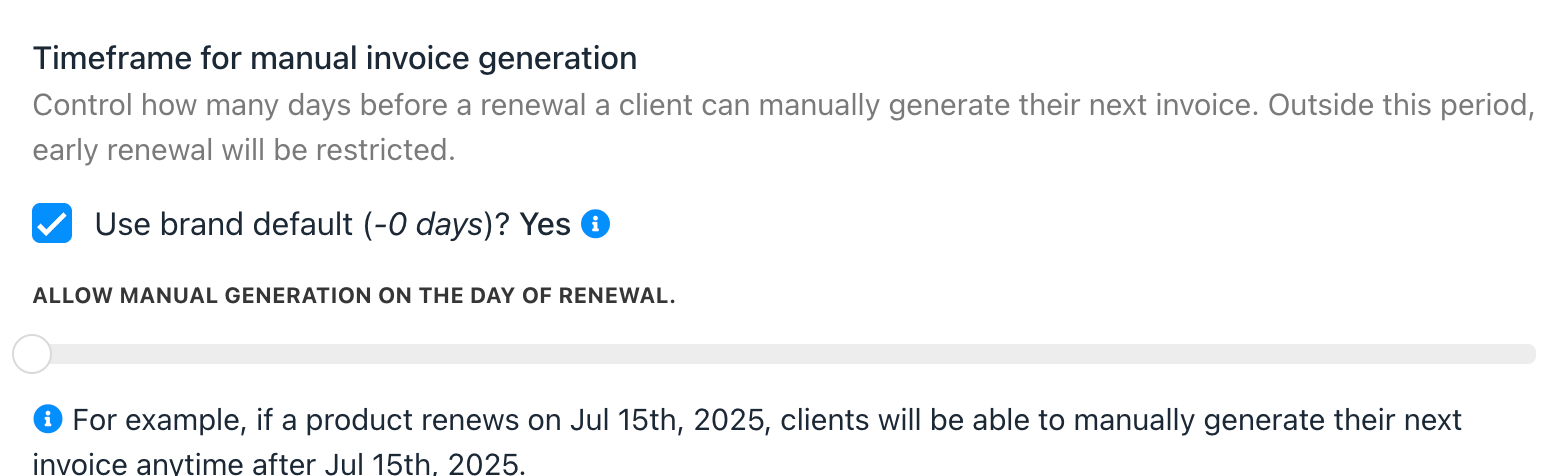
Product automation
Common scenarios
Why are services not following the configured automation intervals?
This is one of the most common questions when invoice timing appears inconsistent. Invoice generation settings work across three levels:- Brand
- Product
- Contract product
- Consolidation rules override invoice generation timing.
- Product-level automation intervals are ignored for consolidated services.
- A product is set to generate invoices 7 days before renewal.
- Consolidation groups service monthly.