

Accessing the invoices page
- Log in to your Upmind dashboard.
- Click Billing in the left menu.
- Select the Invoices list tab to view all invoices and their current statuses.
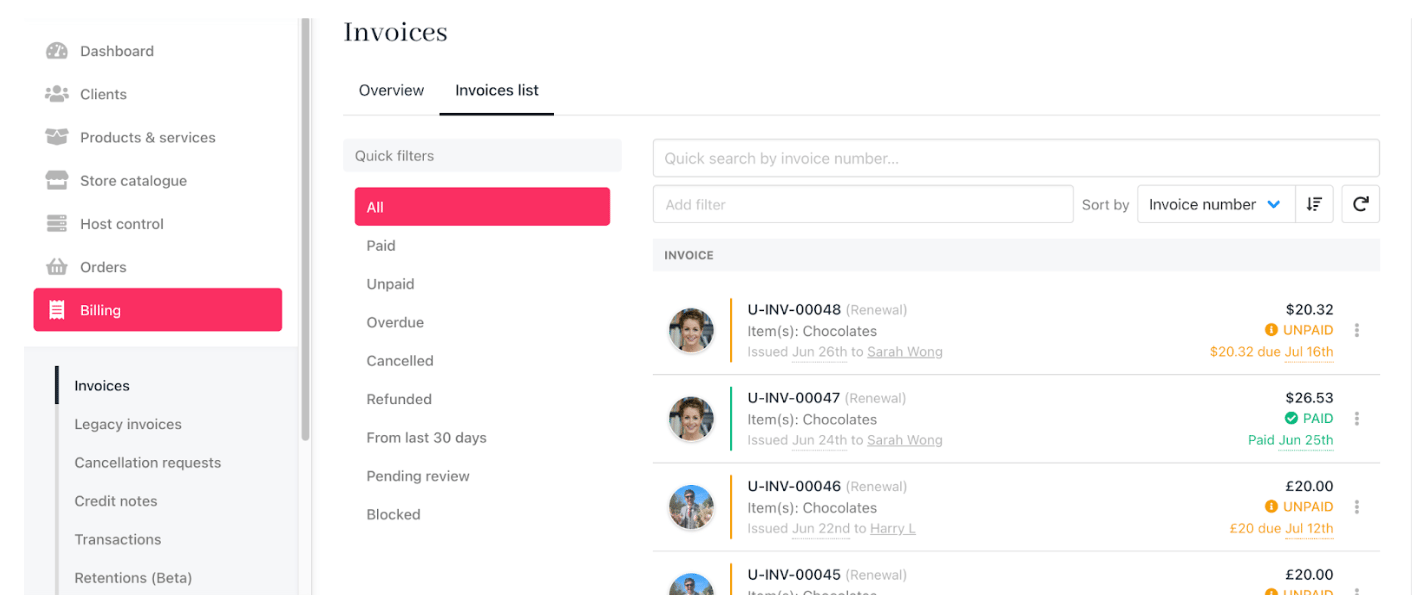
Invoices page
Using filters and sorting
-
Use
quick filtersto display invoices by status (e.g., date paid, date created, due date). -
Change the display order by clicking the
sort toolwith a dropdown menu that allows you to change the sort criteria, or an arrow icon that lets you toggle the sort order.
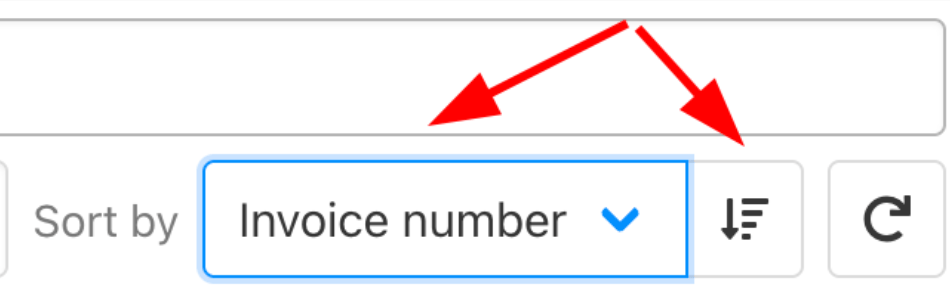
Change display order
Reviewing invoice details
- Click any invoice in the list to open its details page.
-
View all related information, including:
- Client details
- Transactions and payment history
- Linked support tickets
- Email history
- From this page, you can email the client directly or take further actions.
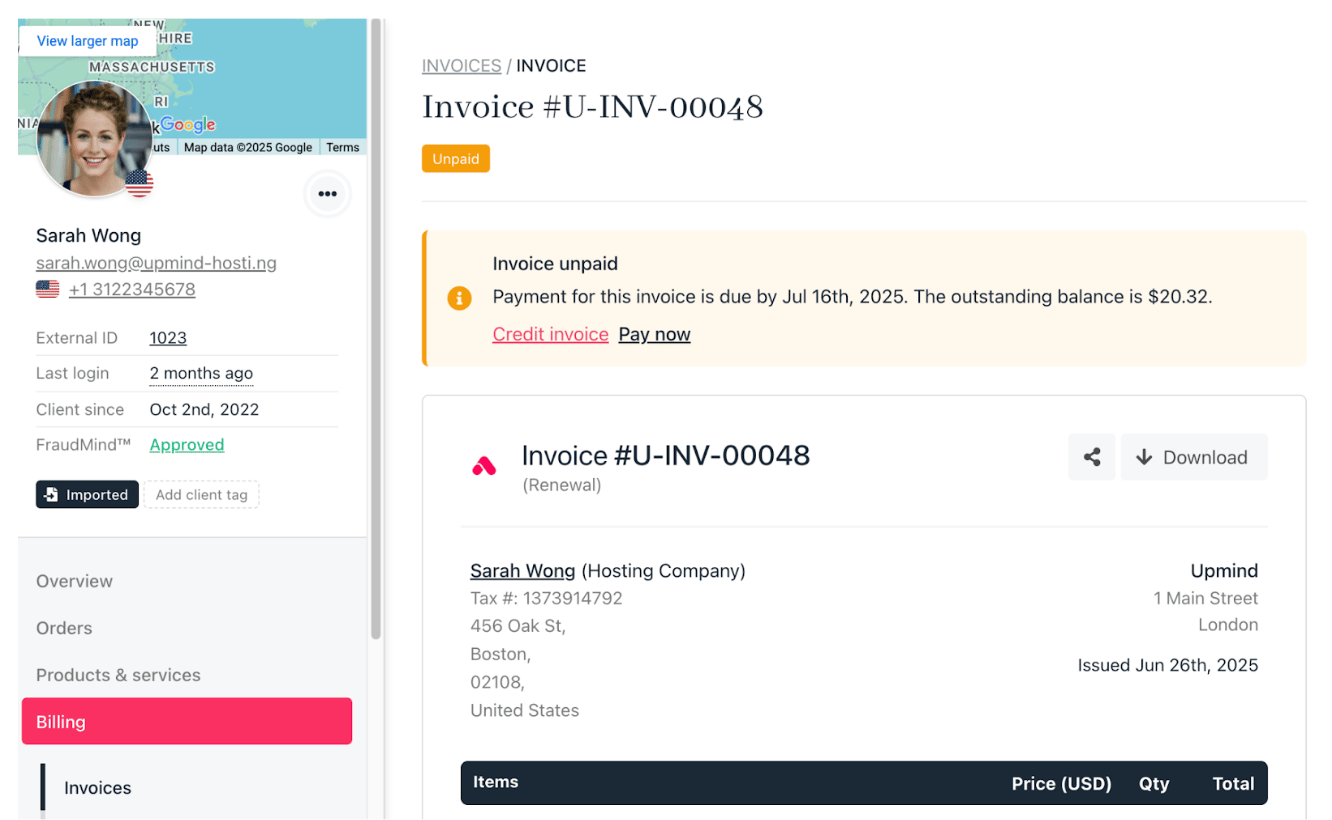
Review details