

Details needed
To link your UG Registry account to Upmind, you will need an API Key. Follow these steps:- Log in to your UG Registry account.
- Navigate to System Audits > API Key (V2).
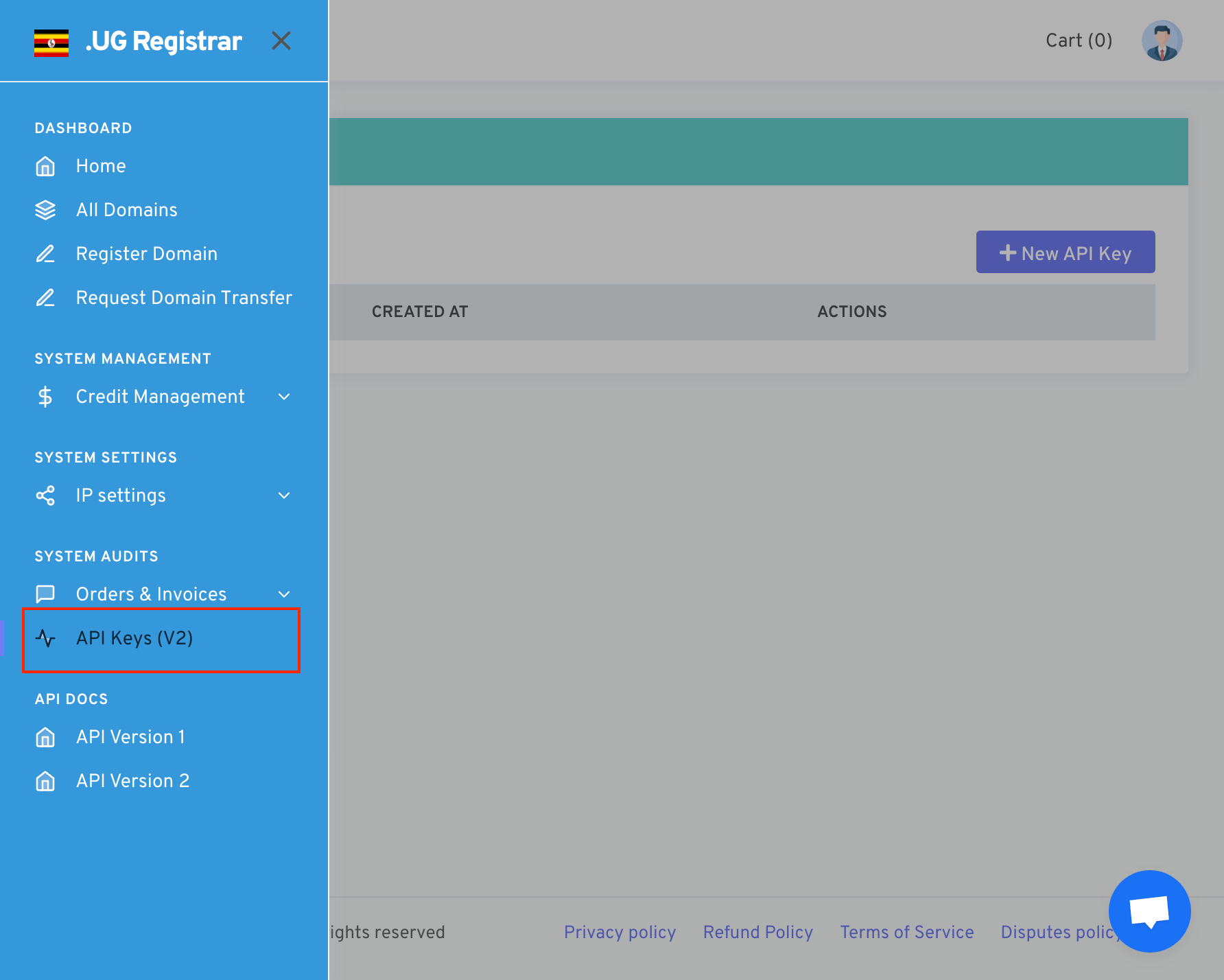
System Audits > API Key (V2)
- Click on New API Key.
- Choose a name to identify your API Key.
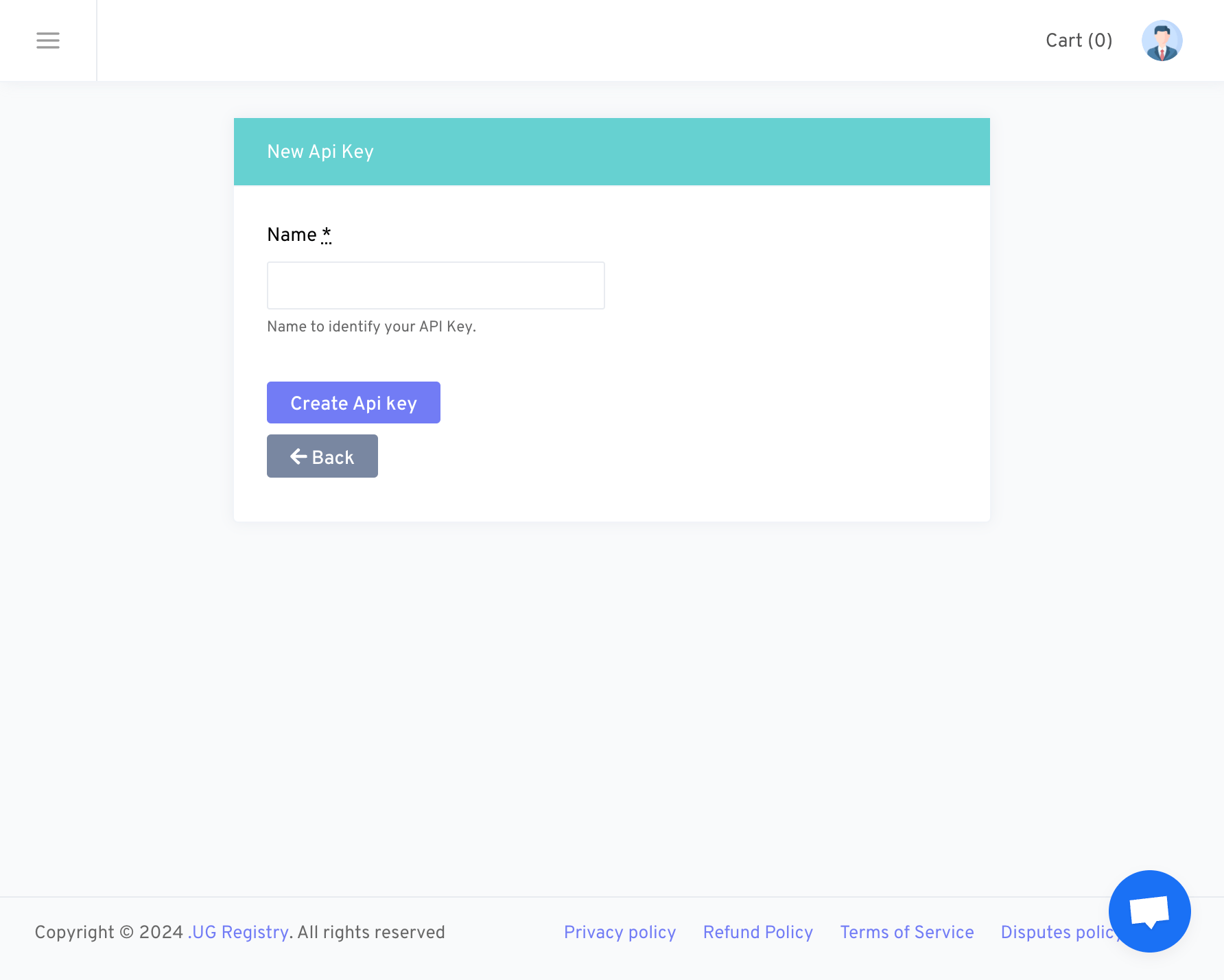
New API Key
- Make sure to copy and save the API Key to a secure location, such as a Notepad.
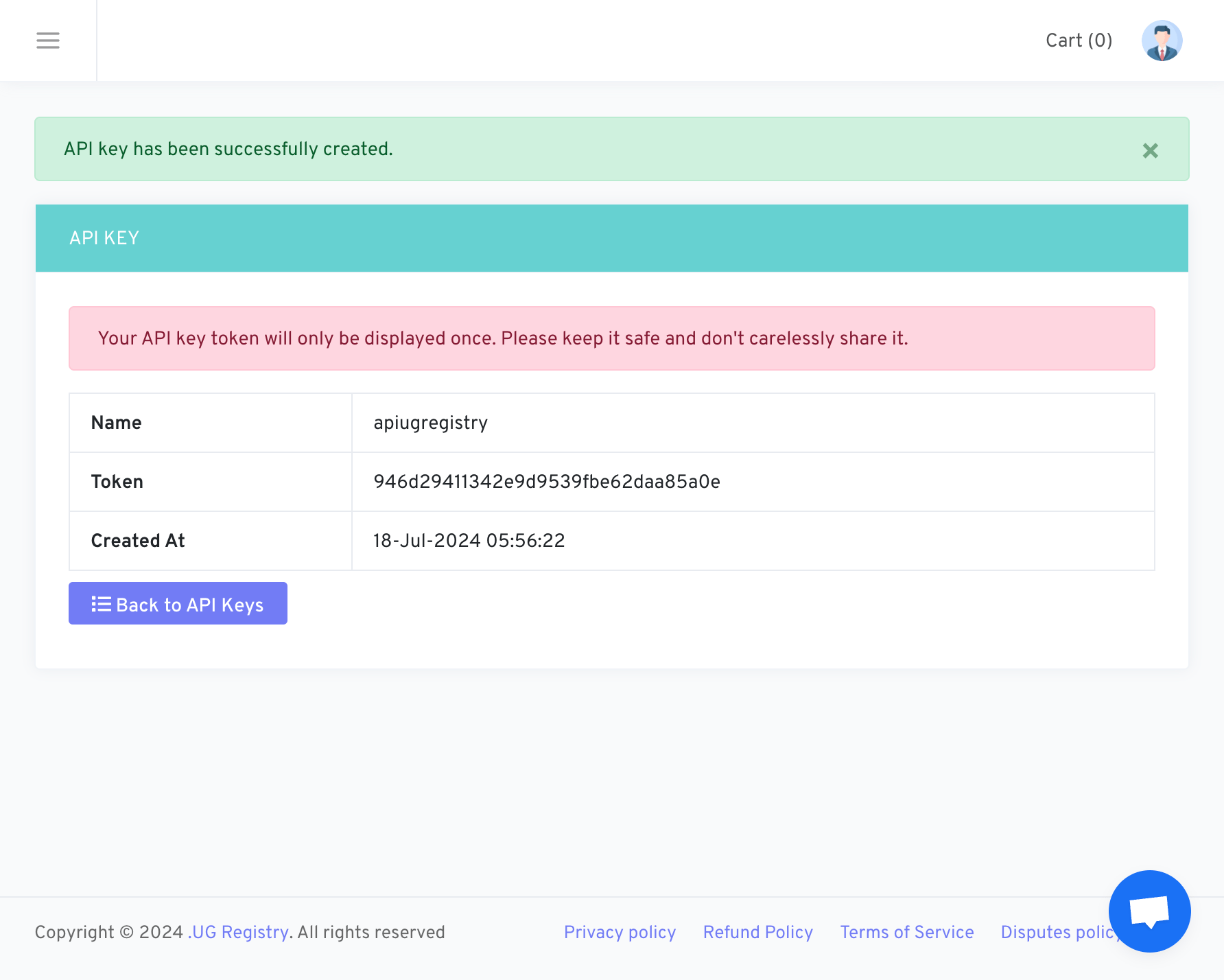
Example if the API key has already been created.
Linking UG Registry to Upmind
- In Upmind, navigate to Host Control > Domain names > Registrars.
- Click on UG Registry.
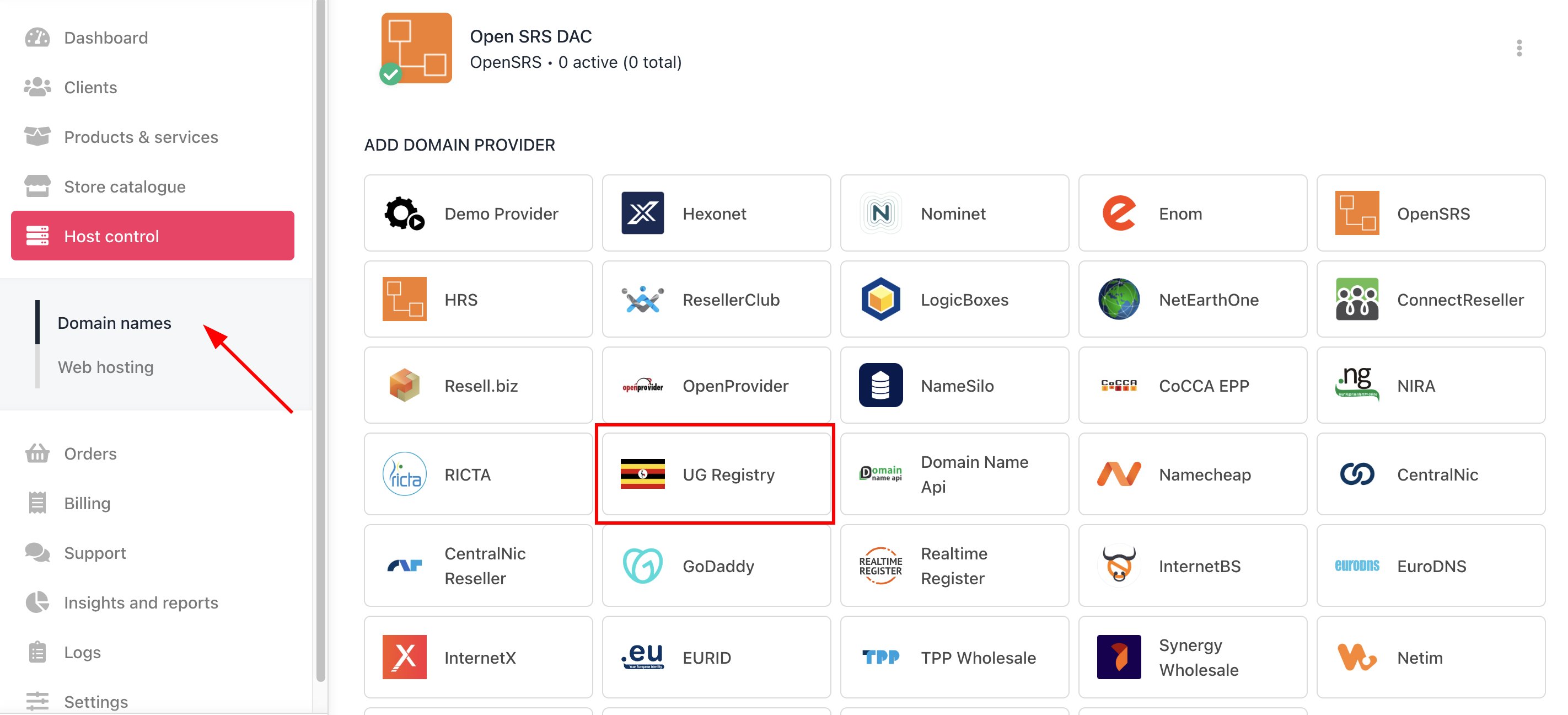
Host Control > Domain names > Registrars
- Enter a Name. This identifier is not visible to clients. We recommend entering the name UG Registry unless you have two separate accounts that you want to label differently.
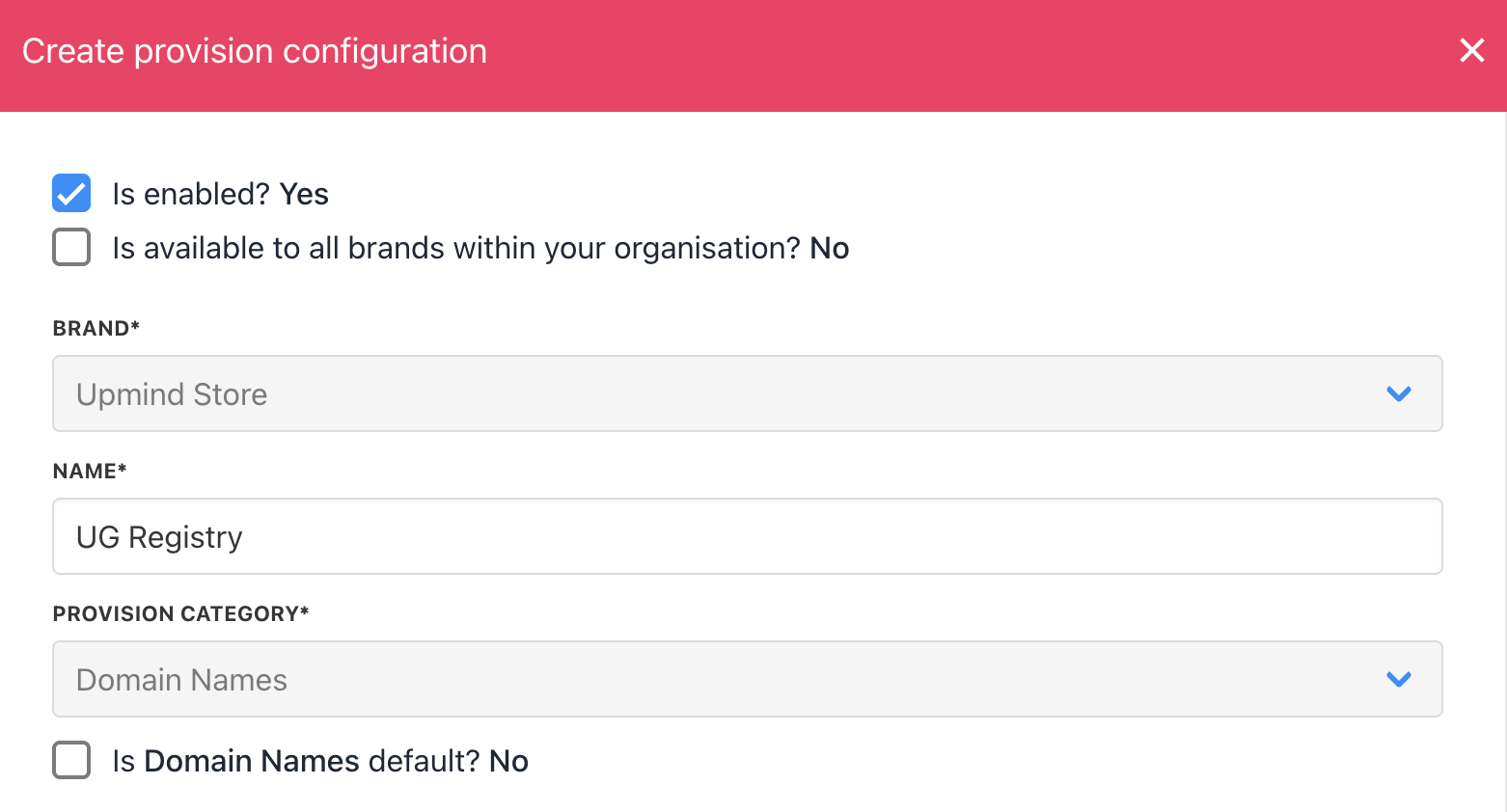
Enter name
- Enter your API Key.
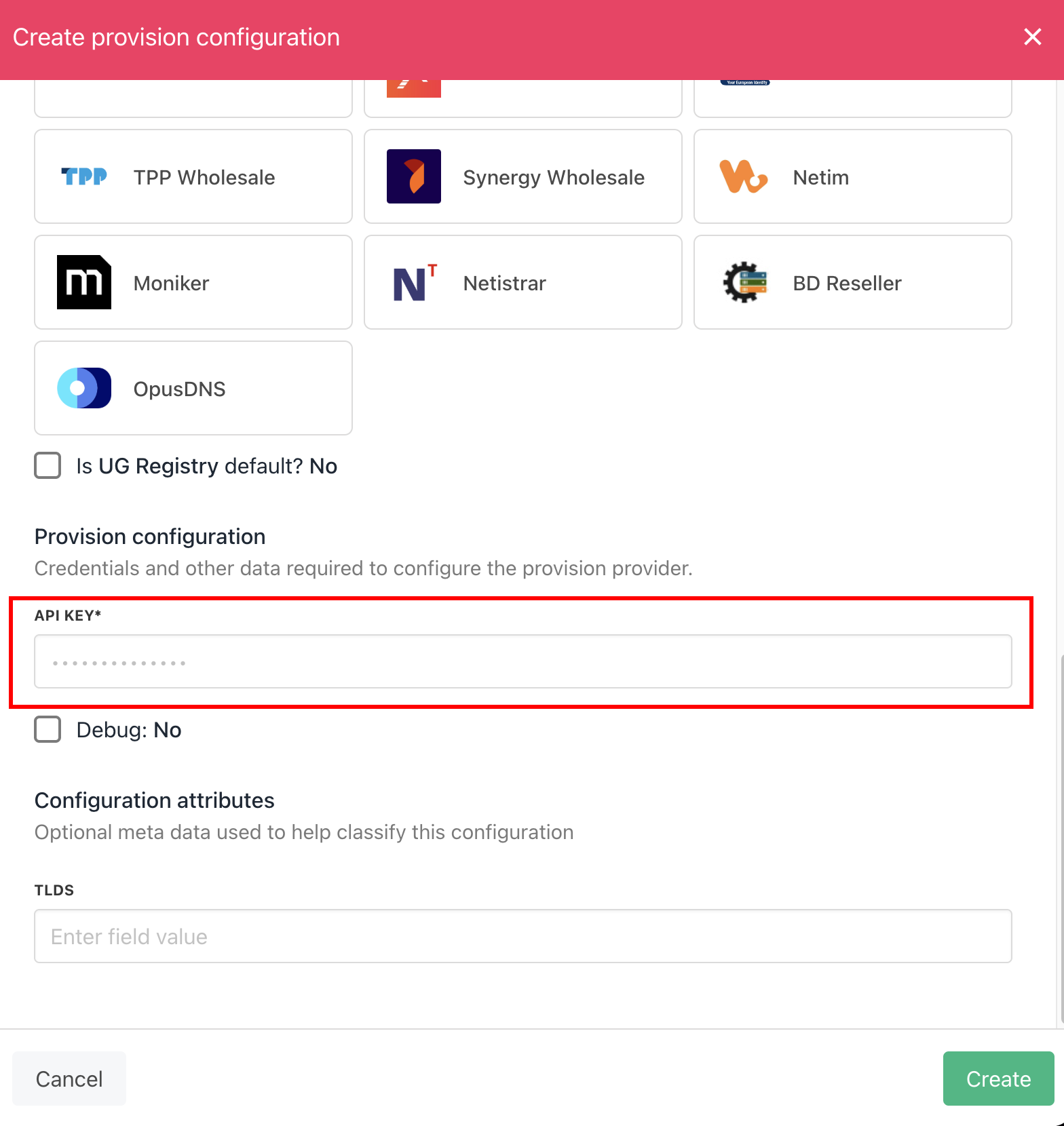
Enter details
- Click the Create button.
- Verify the information on the Domain Settings page.