

Linking to Hexonet
- In Upmind, navigate to Host Control > Domain names > Registrars.
- Click on Hexonet.
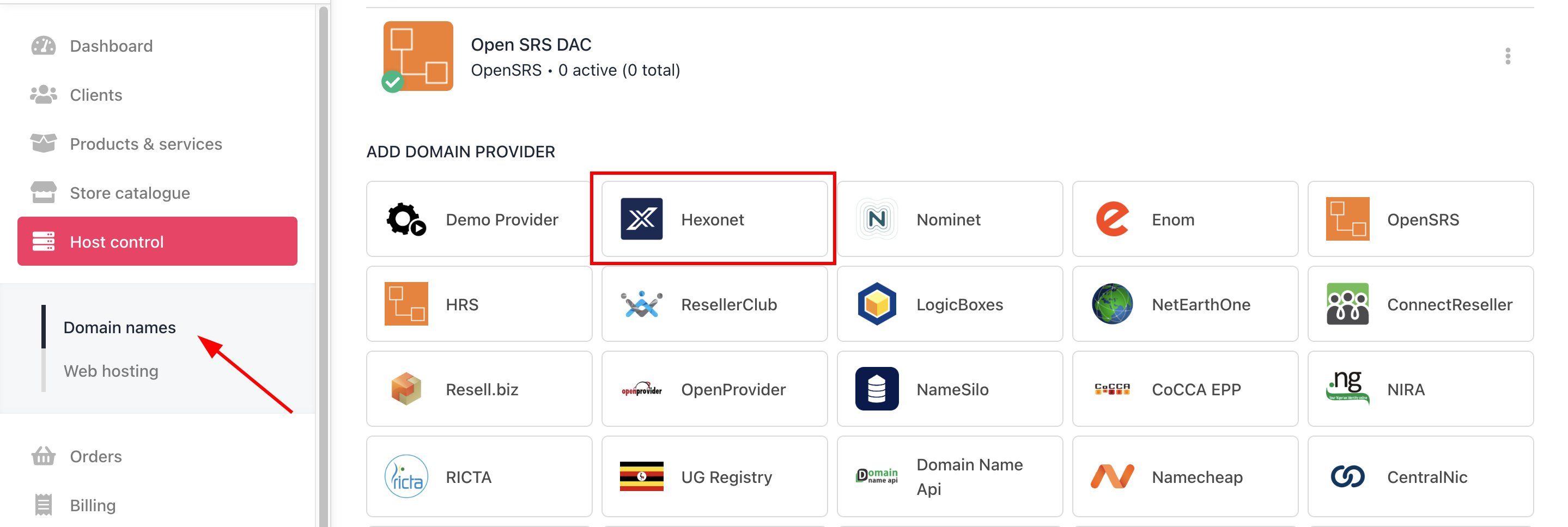
Host Control > Domain names > Registrars
- Enter a Name. We recommend Hexonet.
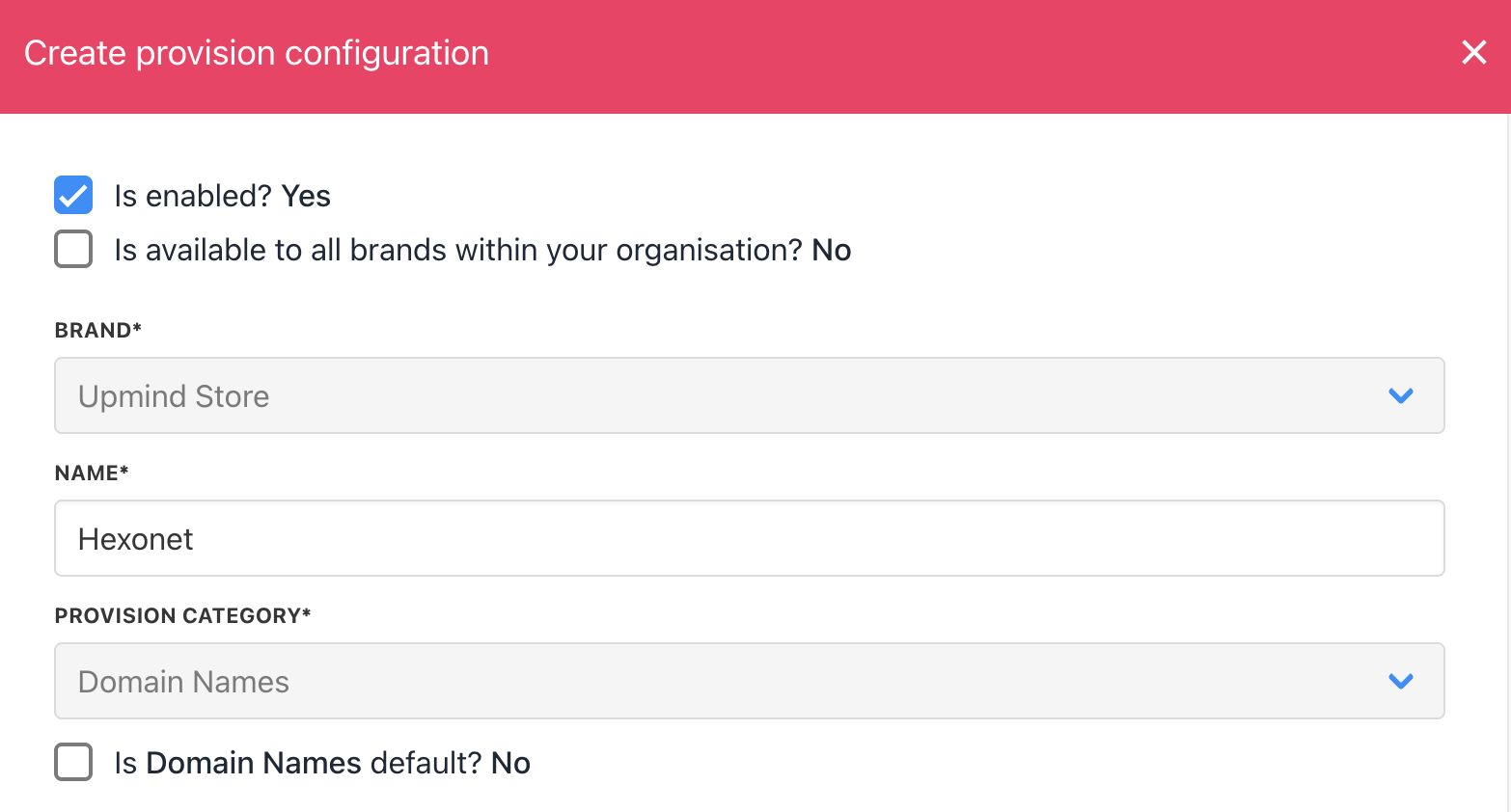
Enter name
- You will be prompted to enter a username and password.
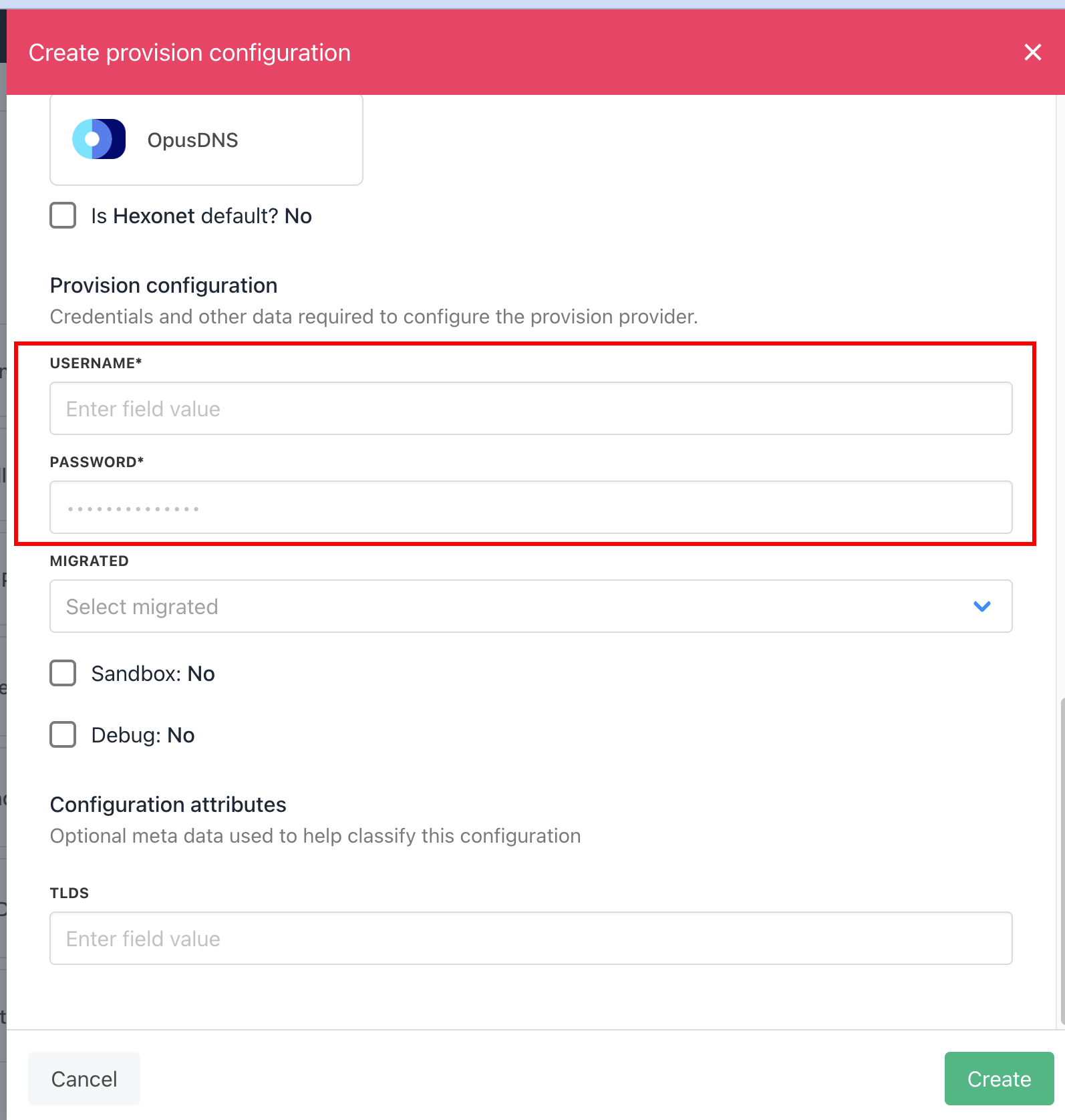
Enter details
- Click Save.
- Verify the information on the Domain Settings page.
Creating sub users in Hexonet
If you want to keep 2FA on your Hexonet account, you will need to create a sub user.- Log into your Hexonet account, go to Settings > Shared Access, then click + New Role User.
-
Fill in the Role ID and password, and ensure Default Access is set to
ALLOWand Status is set toACTIVE, then click Next.
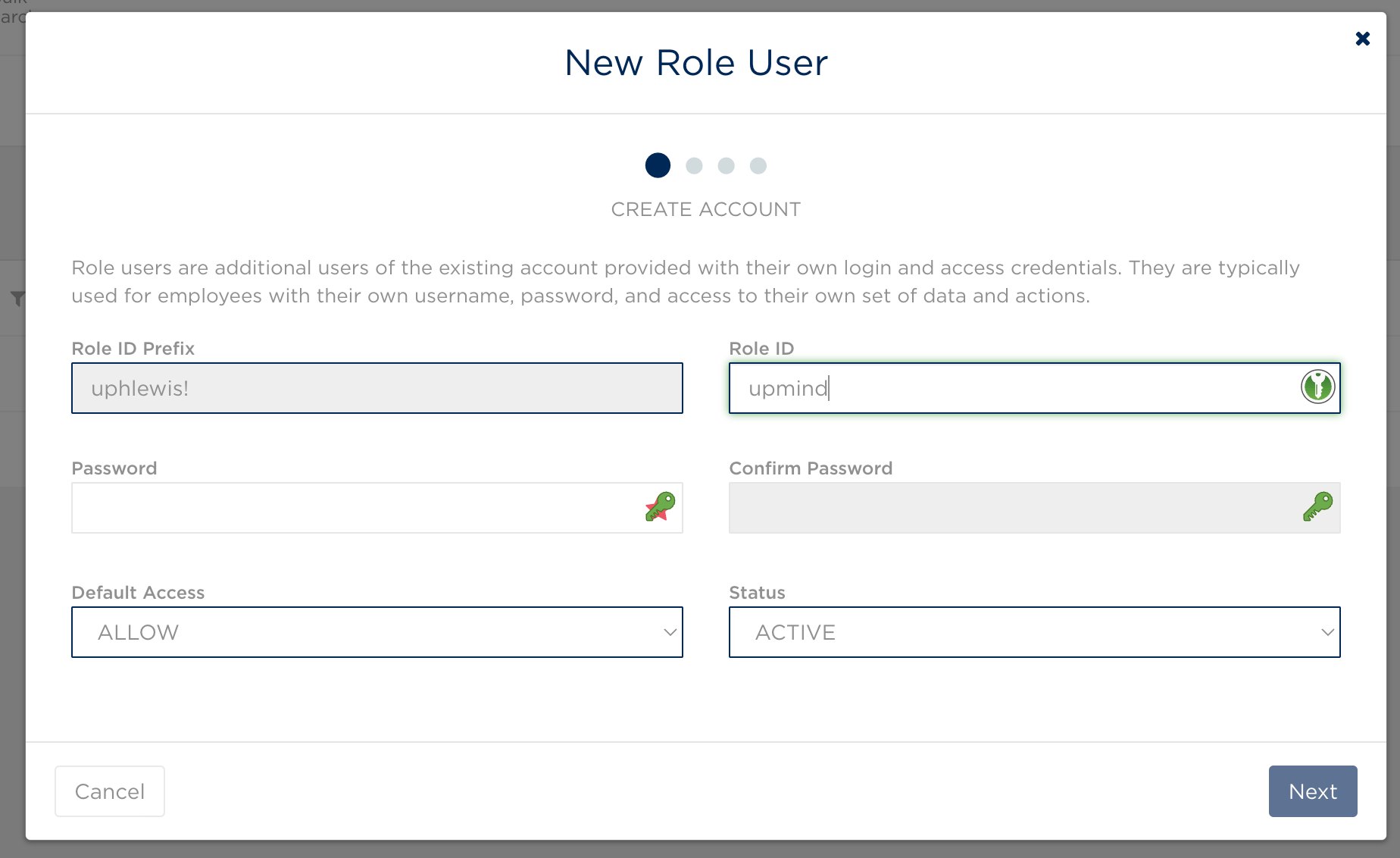
New sub user
- Leave the ACL blank and click Next again.
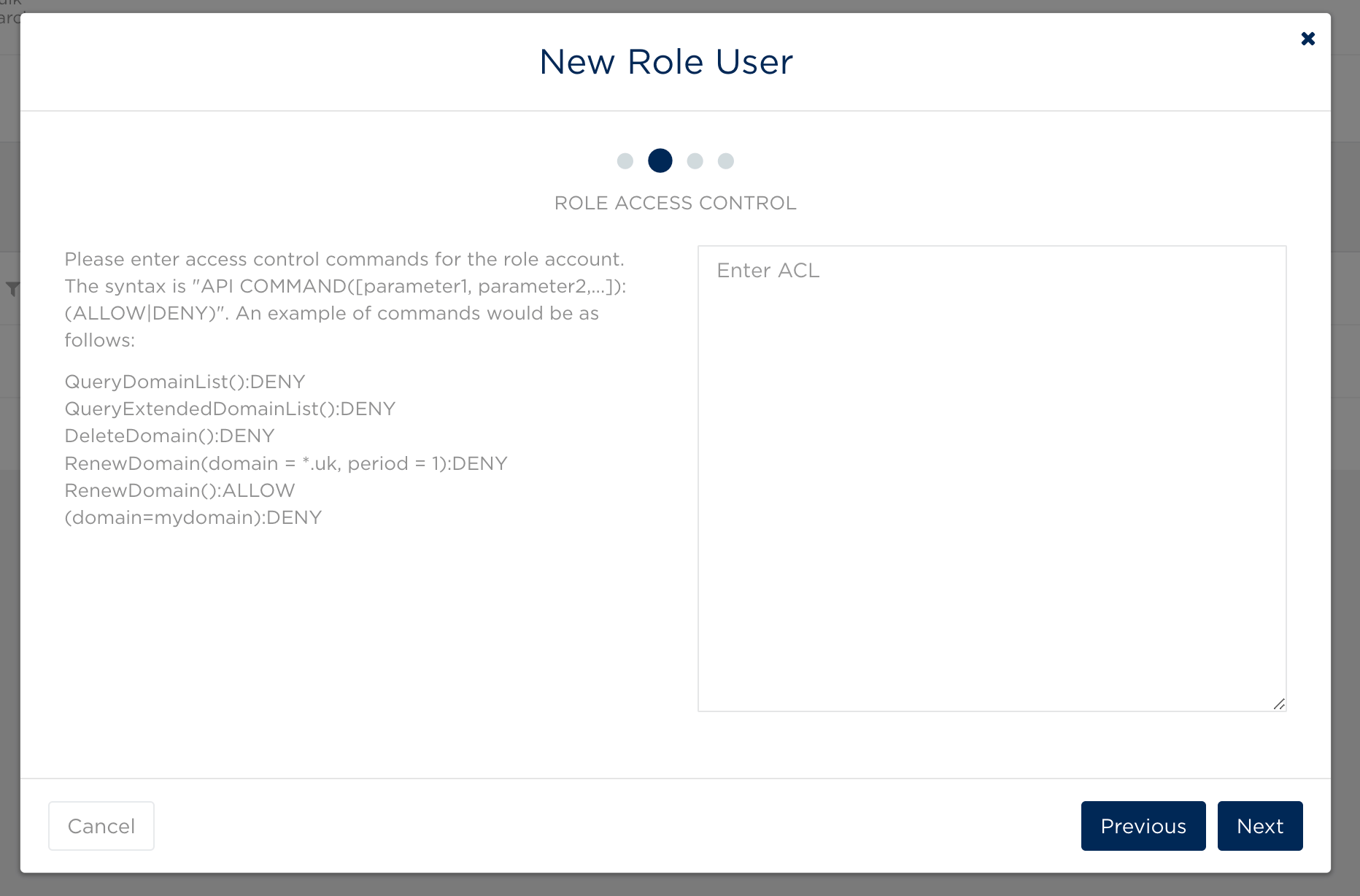
Role access control
- Fill in Upmind’s outgoing IP addresses to restrict this user to only being accessed by the Upmind system. These are the Upmind IP Addresses.
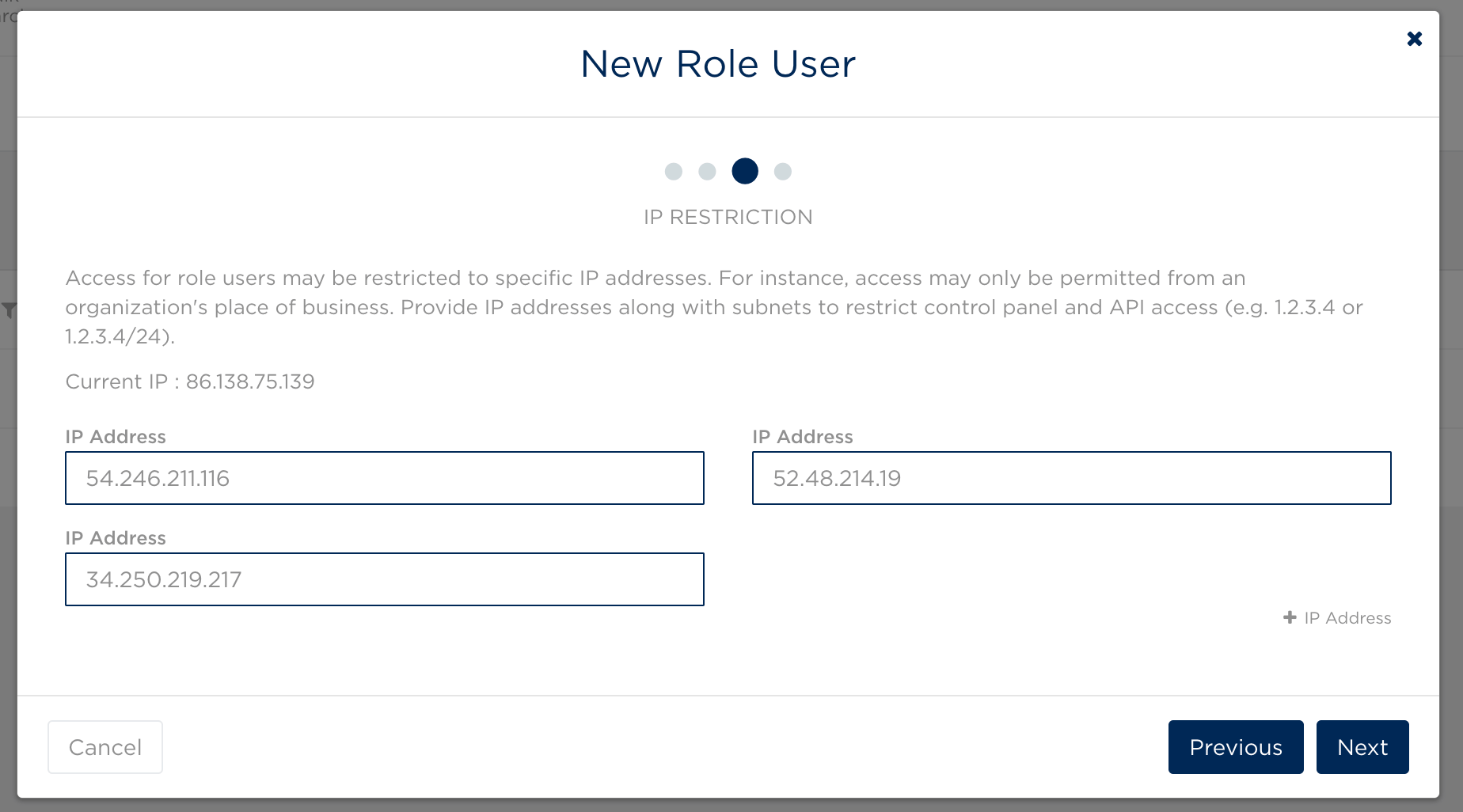
IP Address
- In Upmind, when configuring Hexonet, the username will be the Role ID of your main account, joined by an exclamation mark (!) with the Role ID of the sub user you just created, so in the below case, the username would be
uphlewis!upmind.
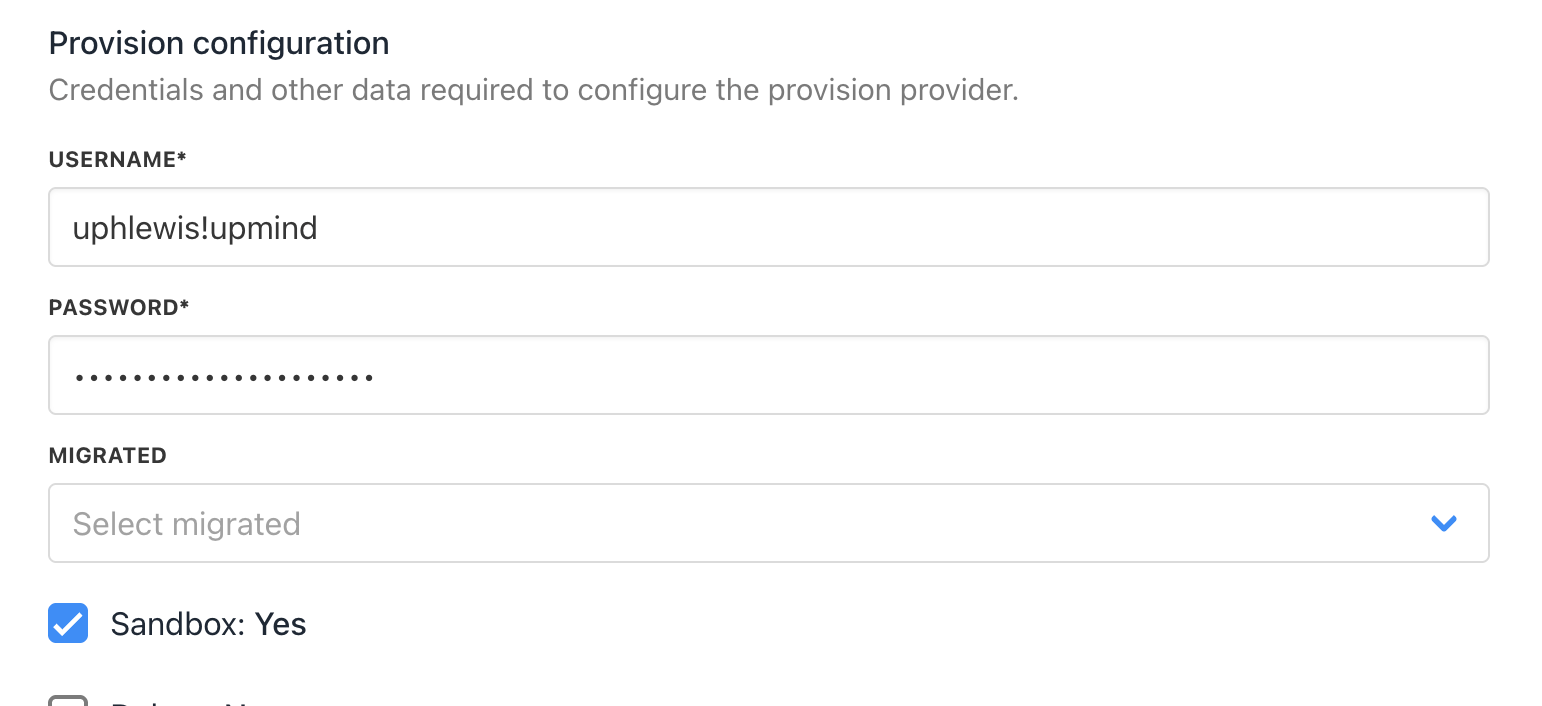
Hexonet configuration