

Getting your credentials
To link your Domain Name API account to Upmind, you will need your credentials from your Domain Name API control panel. Navigate to My Account > Reseller Settings from the left-hand menu, then refer to the following tabs:- Reseller Configuration Tab — Retrieve your default DNS information from your configuration.
- Integration Information Tab — Retrieve your Reseller ID (in UUID format) and Live Environment API Key.
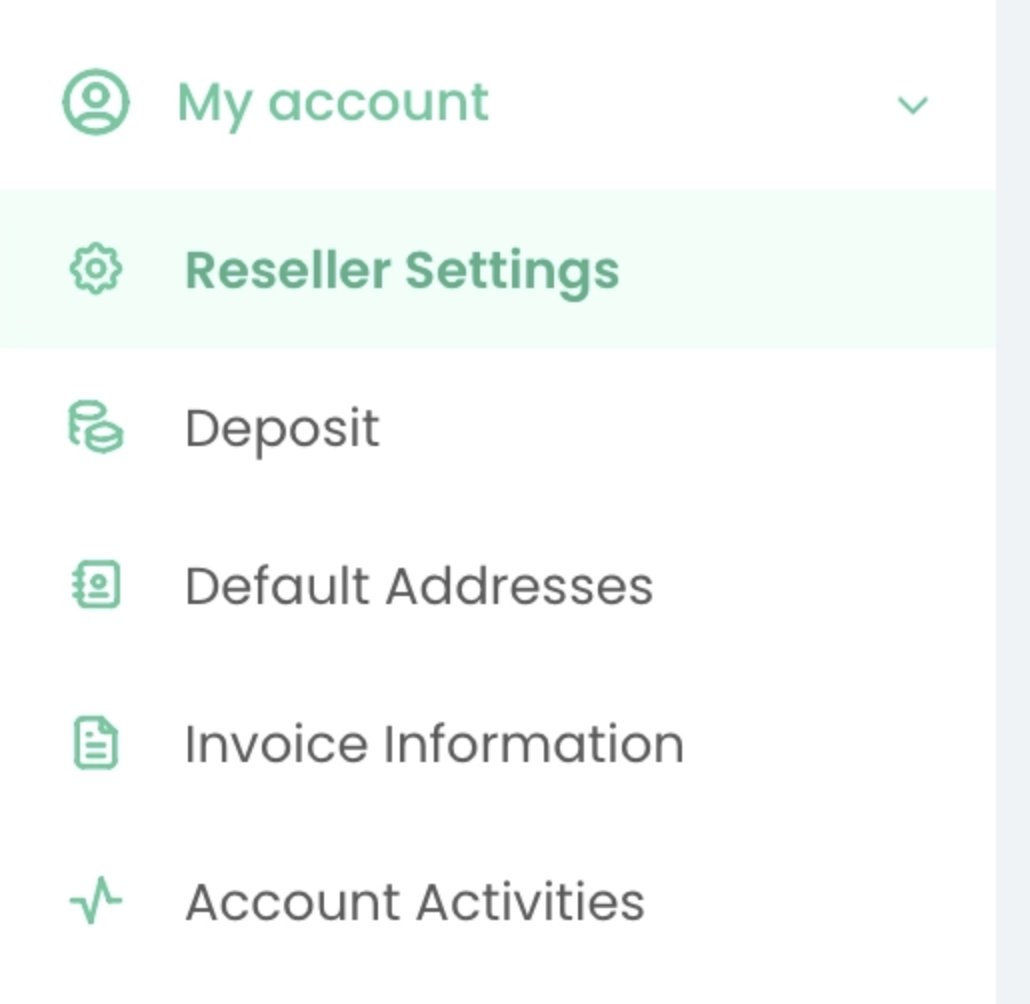
My Account > Reseller Settings
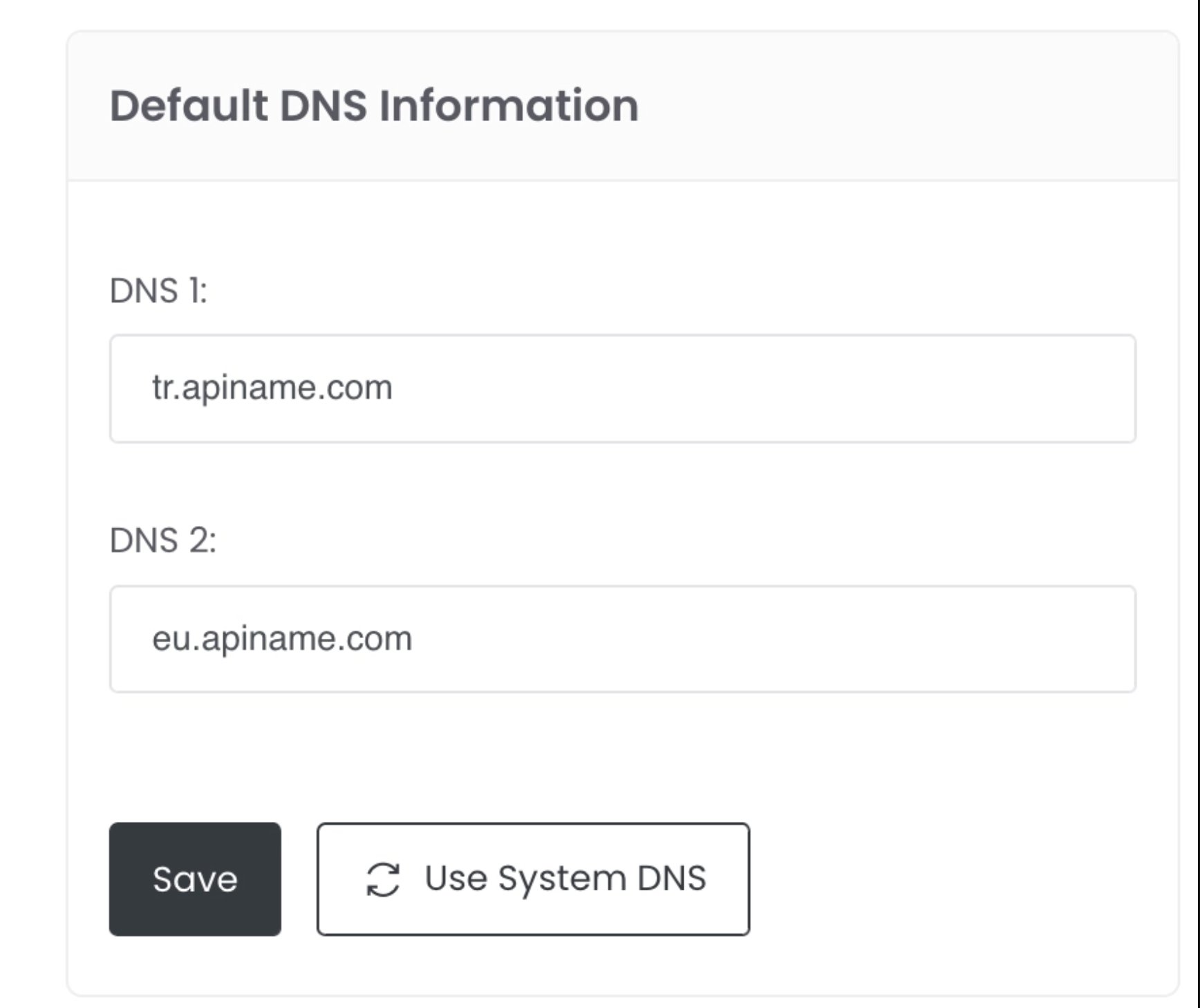
Default DNS information
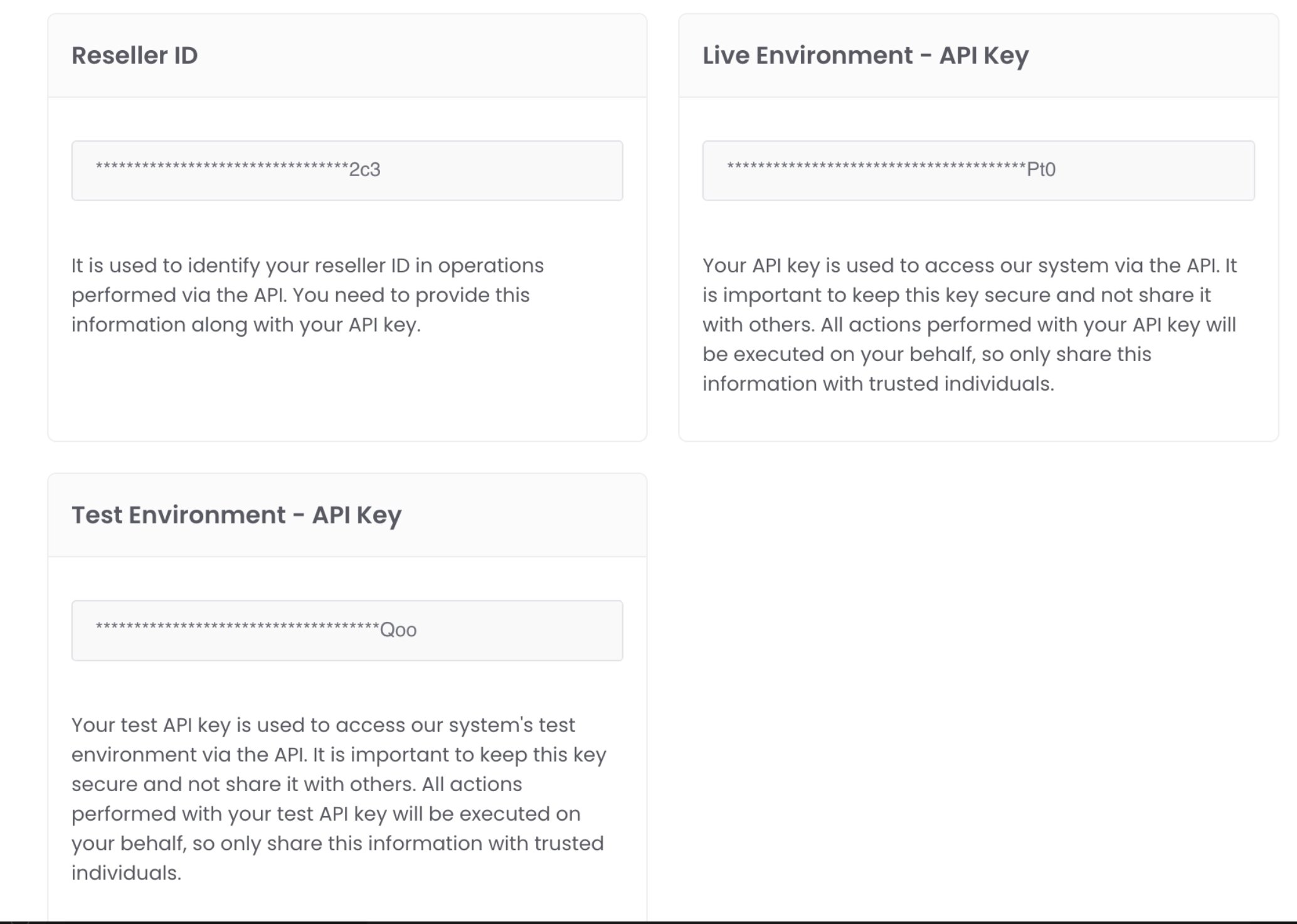
Reseller ID and Live Environment API Key
Linking Domain Name API to Upmind
- In Upmind, navigate to Host Control > Domain names > Registrars.
- Click on Domain Name API.
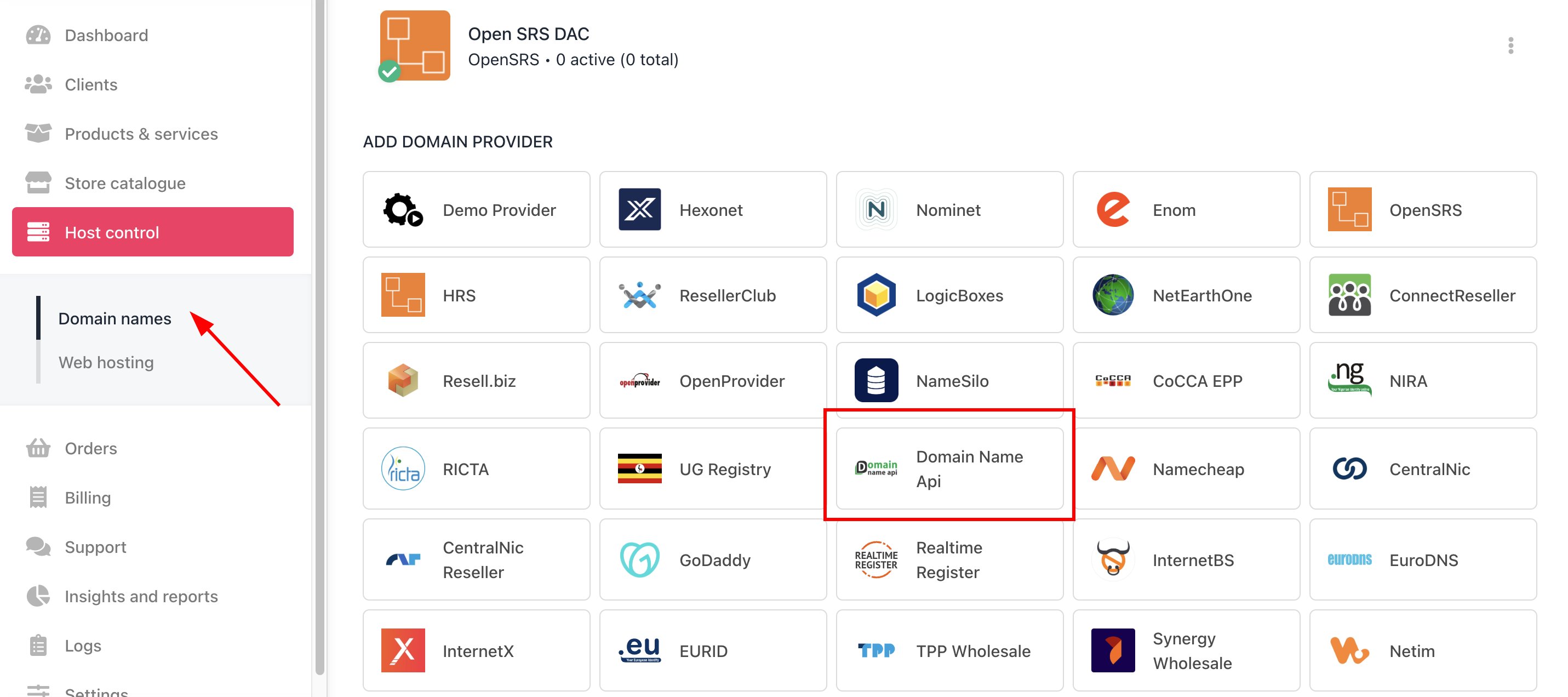
Host Control > Domain names > Registrars
- Enter a Name. This identifier is not visible to clients. We recommend entering the name Domain Name API unless you have two separate accounts that you want to label differently.
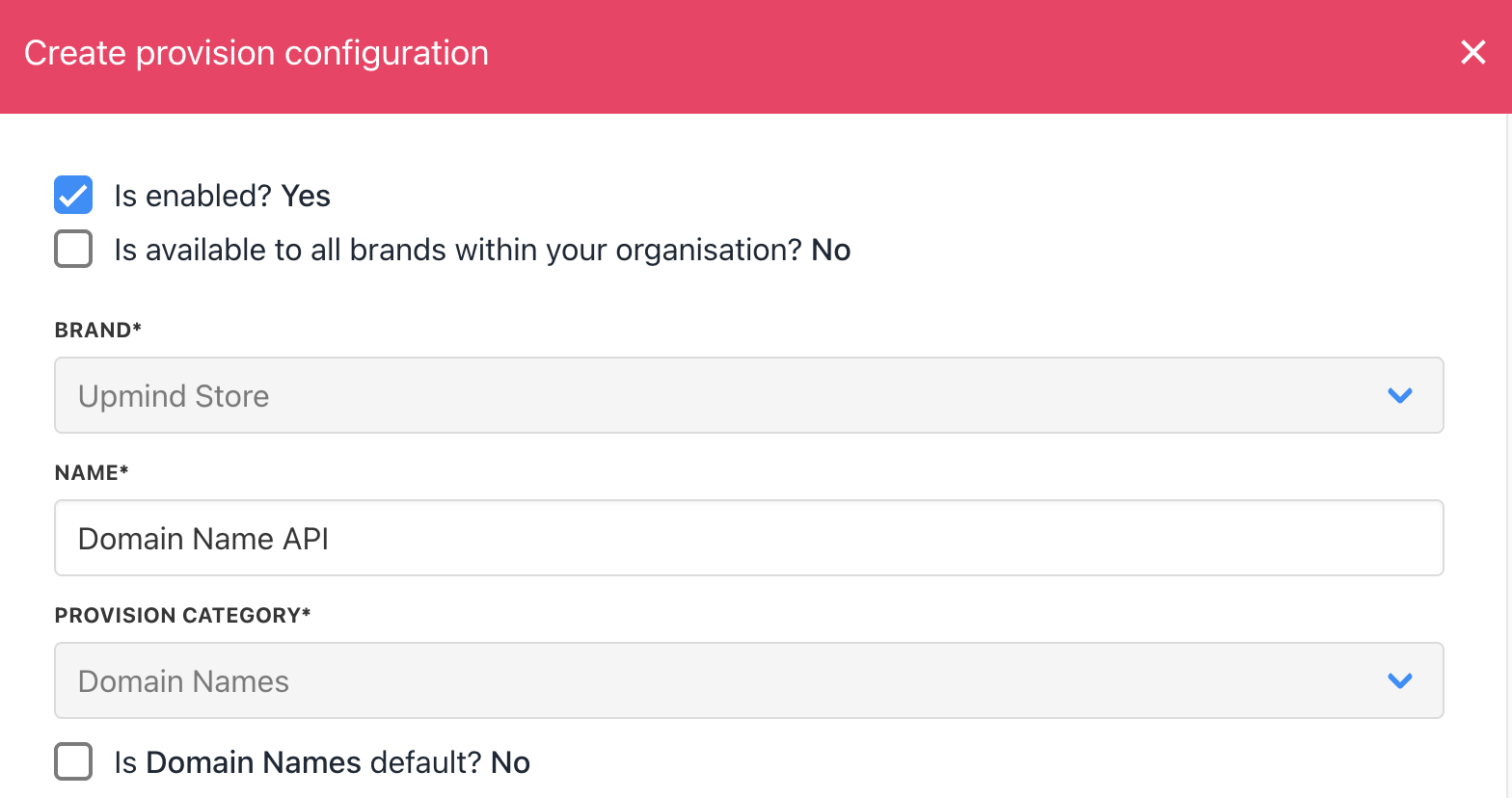
Enter name
- Enter your Domain Name API username and password.
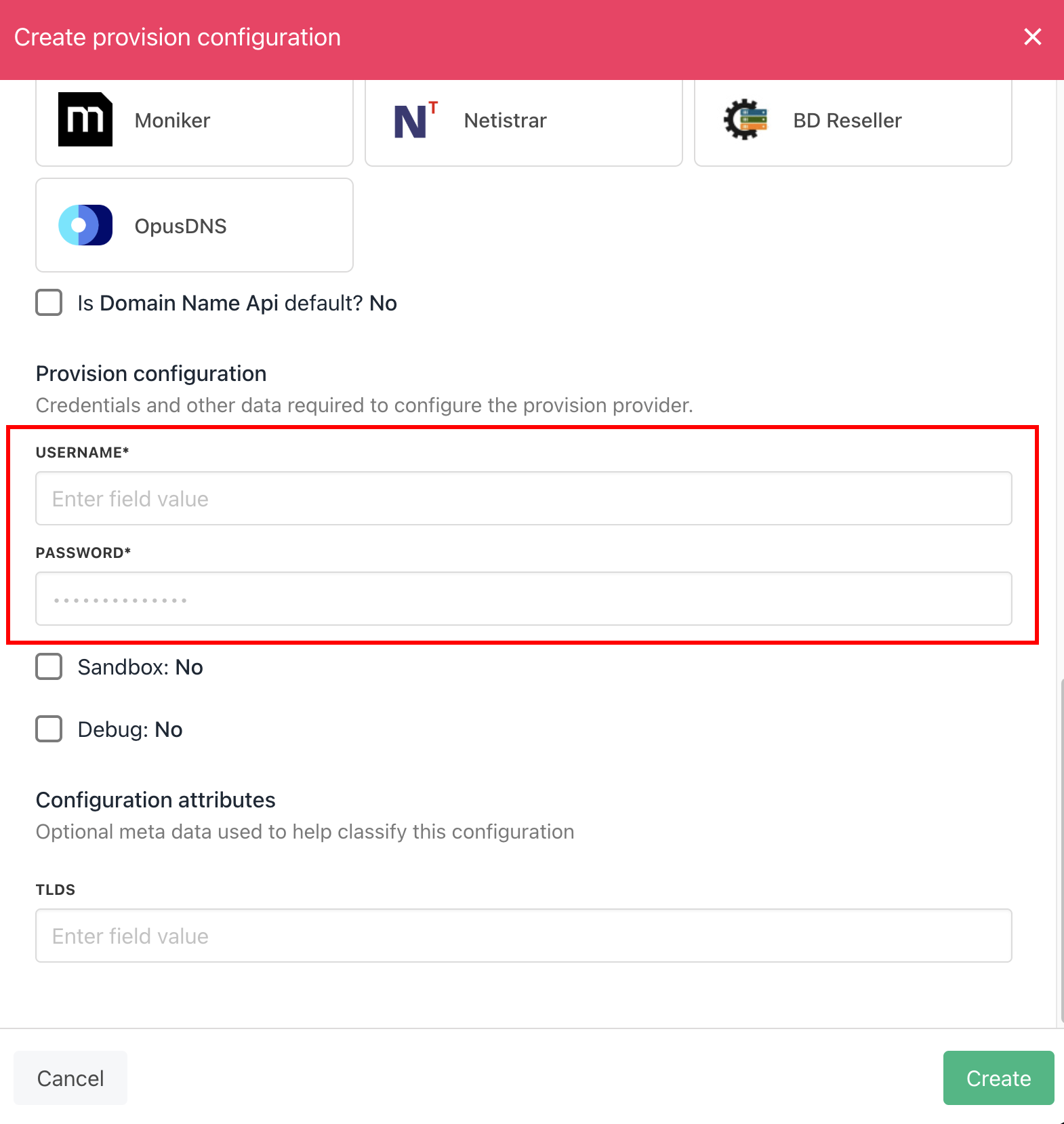
Enter details
- Click the Create button.
- Verify the information on the Domain Settings page.