

Details needed
To link your account to Upmind, you will need:- API key
- To fetch this log into ConnectReseller, go to Profile Settings.
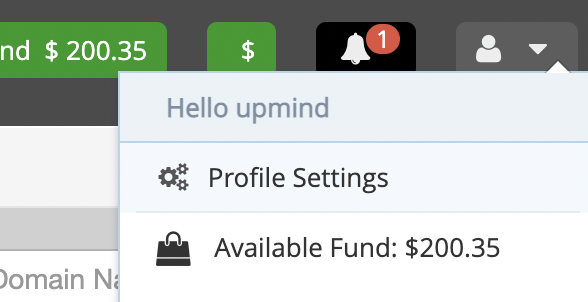
Profile settings
- You can then click View API key.
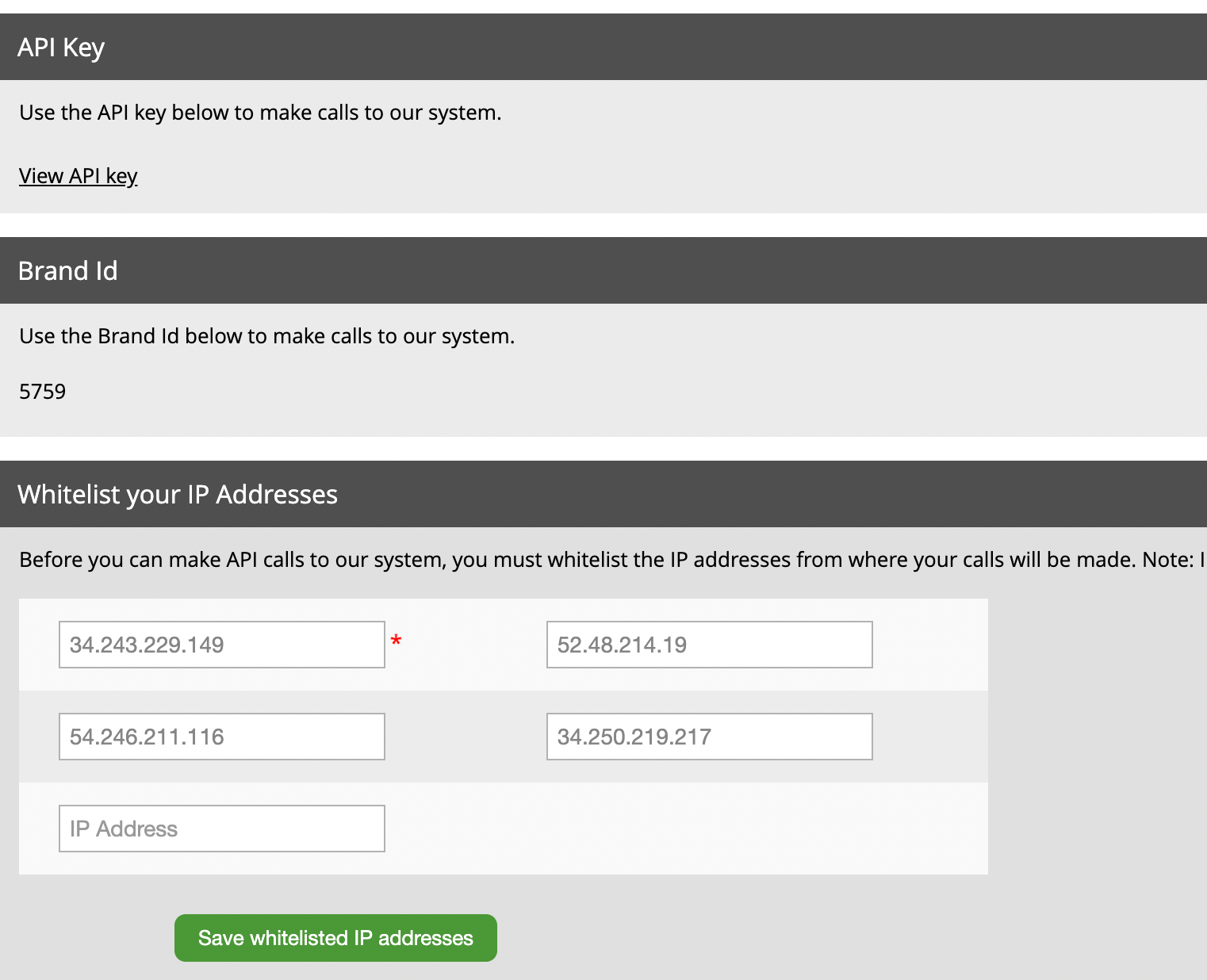
View API key
Linking to ConnectReseller
- In Upmind, navigate to Host Control > Domain names > Registrars.
- Click on ConnectReseller.
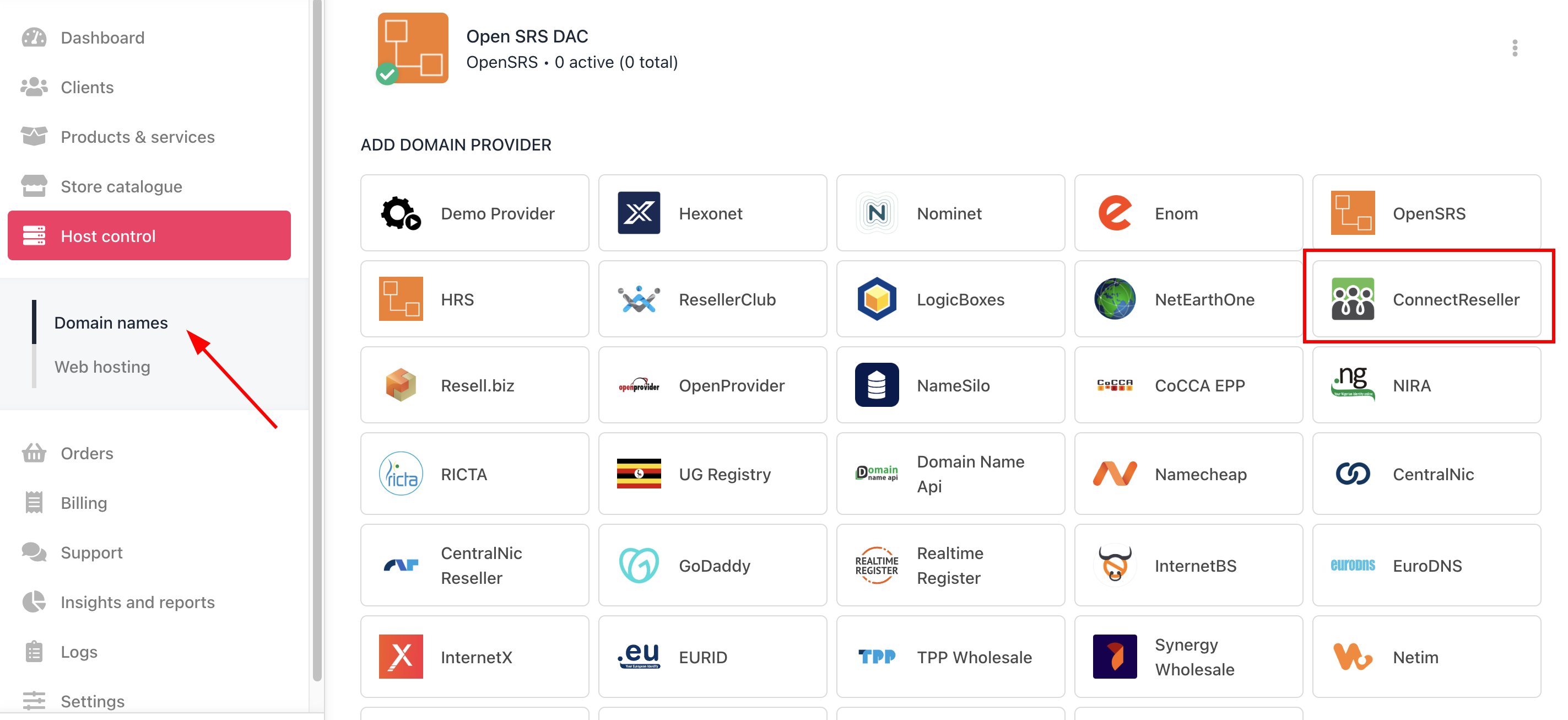
Host Control > Domain names > Registrars
- Enter a Name. This identifier is not visible to clients. We recommend entering the name ConnectReseller unless you have two separate accounts that you want to label differently (e.g., ConnectReseller V1 and ConnectReseller V2).
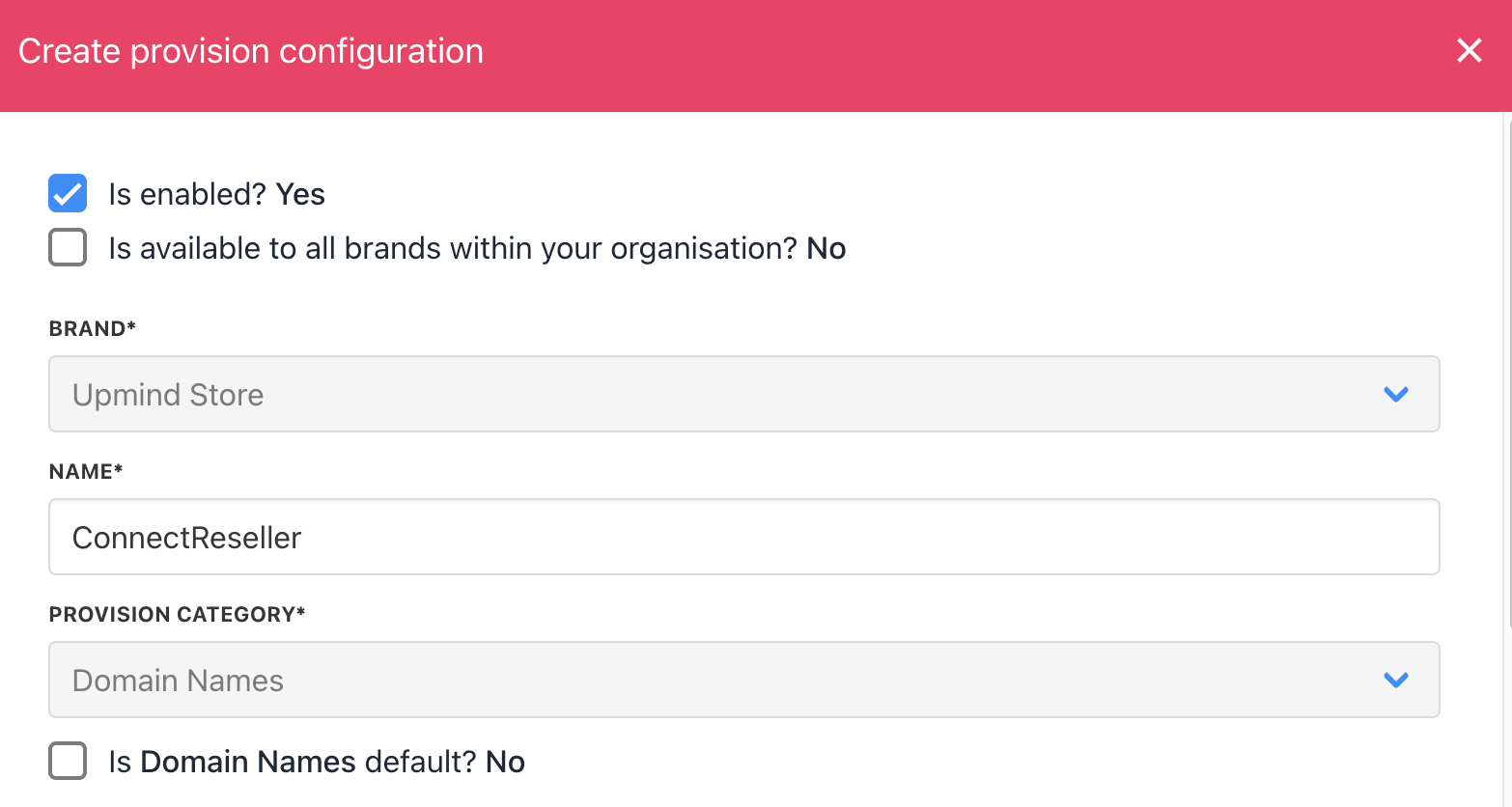
Enter name
- Enter your API key.
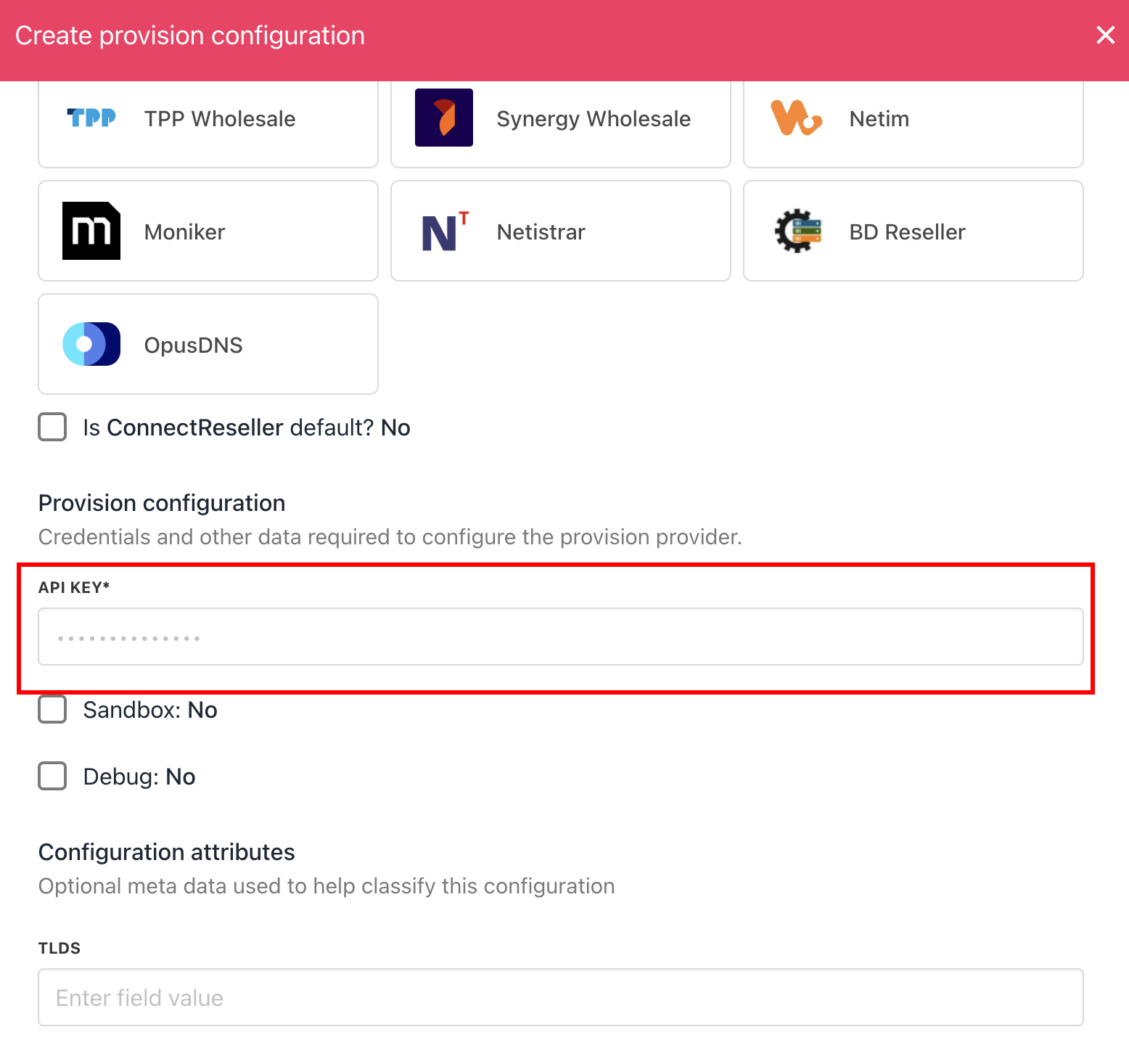
Enter details
- Click Create.
- Verify the information on the Domain Settings page.