

Details needed
To link your account to Upmind, you will need:- An OpenSRS account (username and password).
- OpenSRS API key.
Linking to OpenSRS
- In Upmind, navigate to Host Control > Domain names > Registrars.
- Click on OpenSRS.
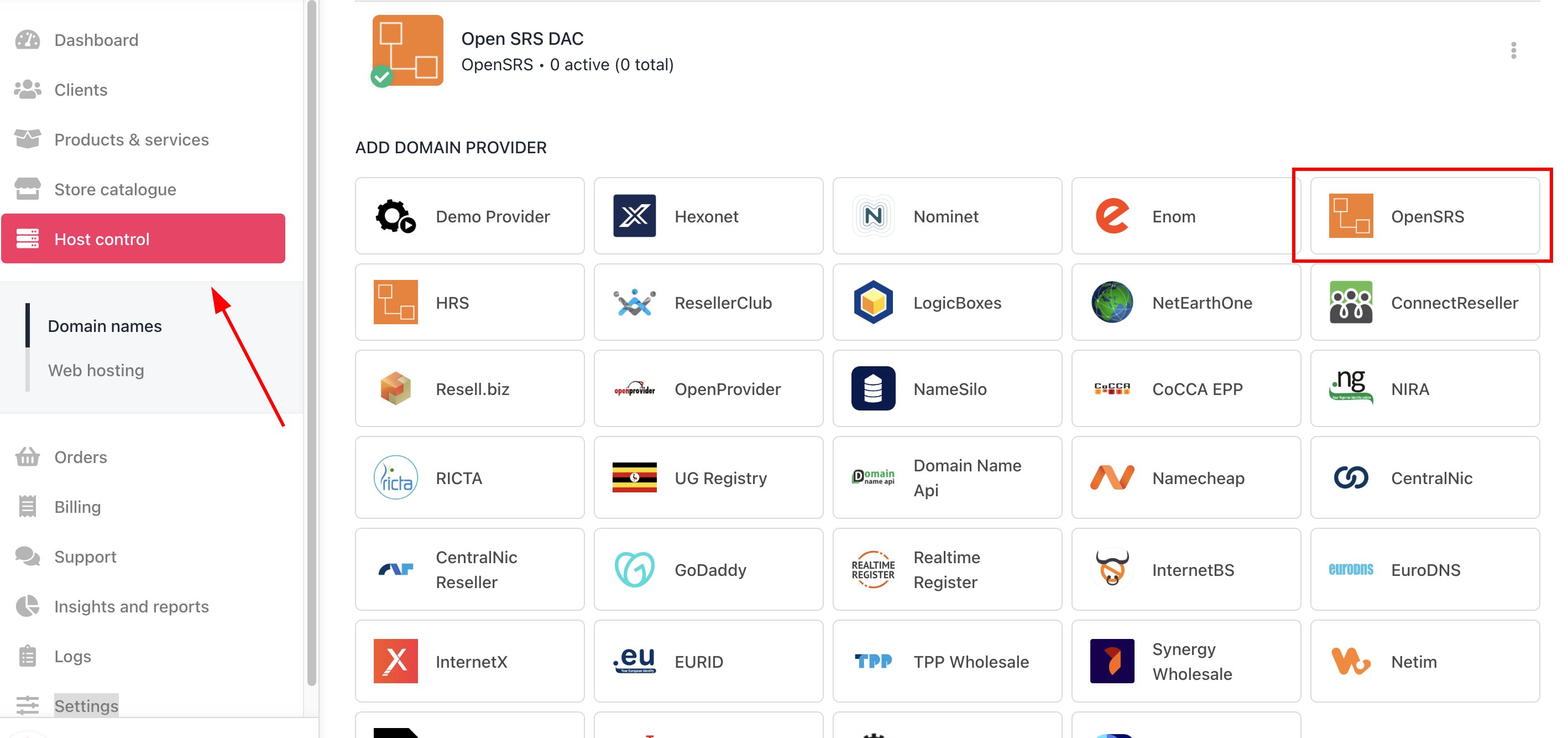
Host Control > Domain names > Registrars
- Enter a Name. We recommend OpenSRS unless you have two separate accounts that you want to distinguish between (e.g., OpenSRS V1 and OpenSRS V2).
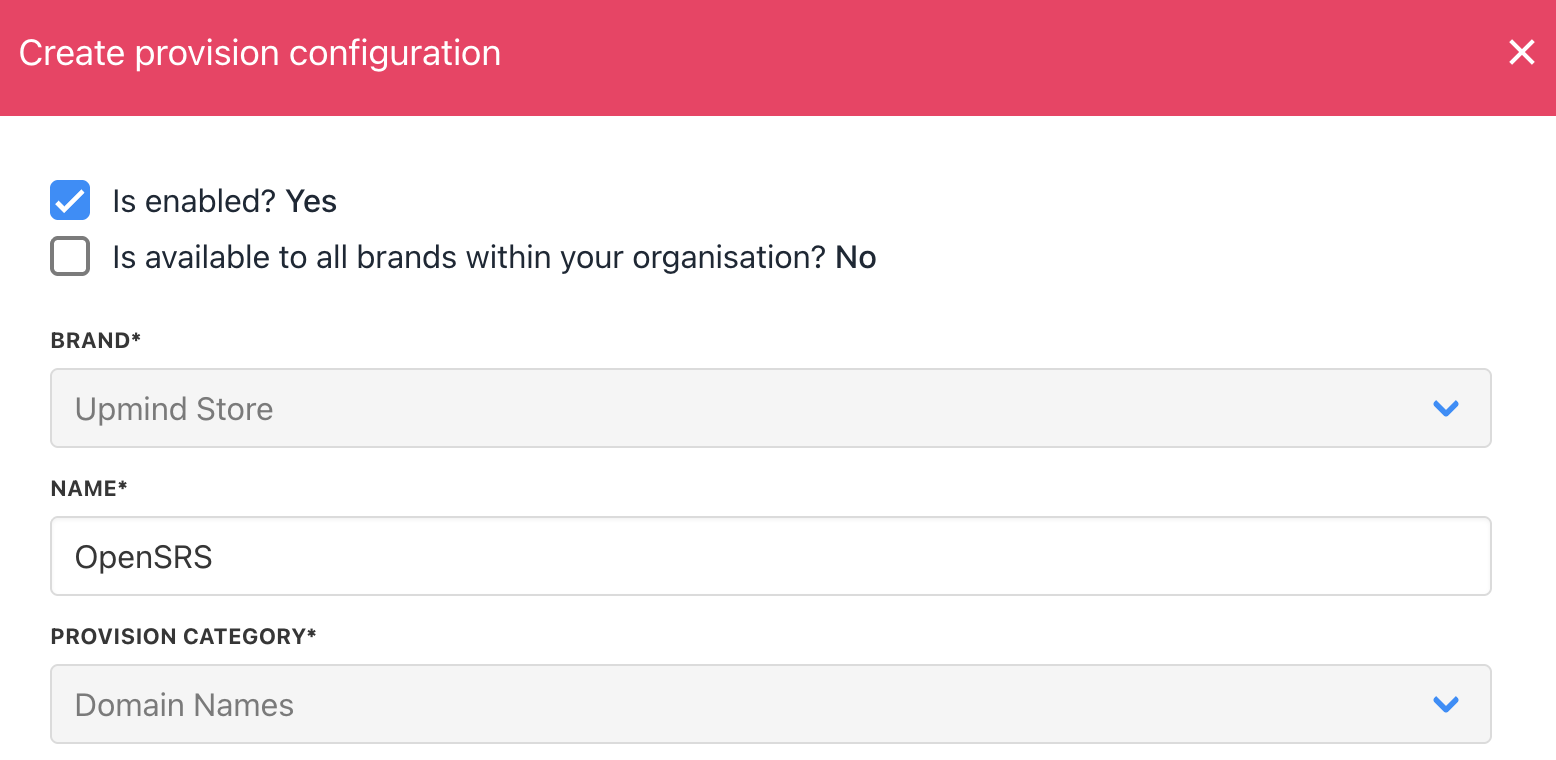
Enter name
- Enter your OpenSRS account username and your API key.
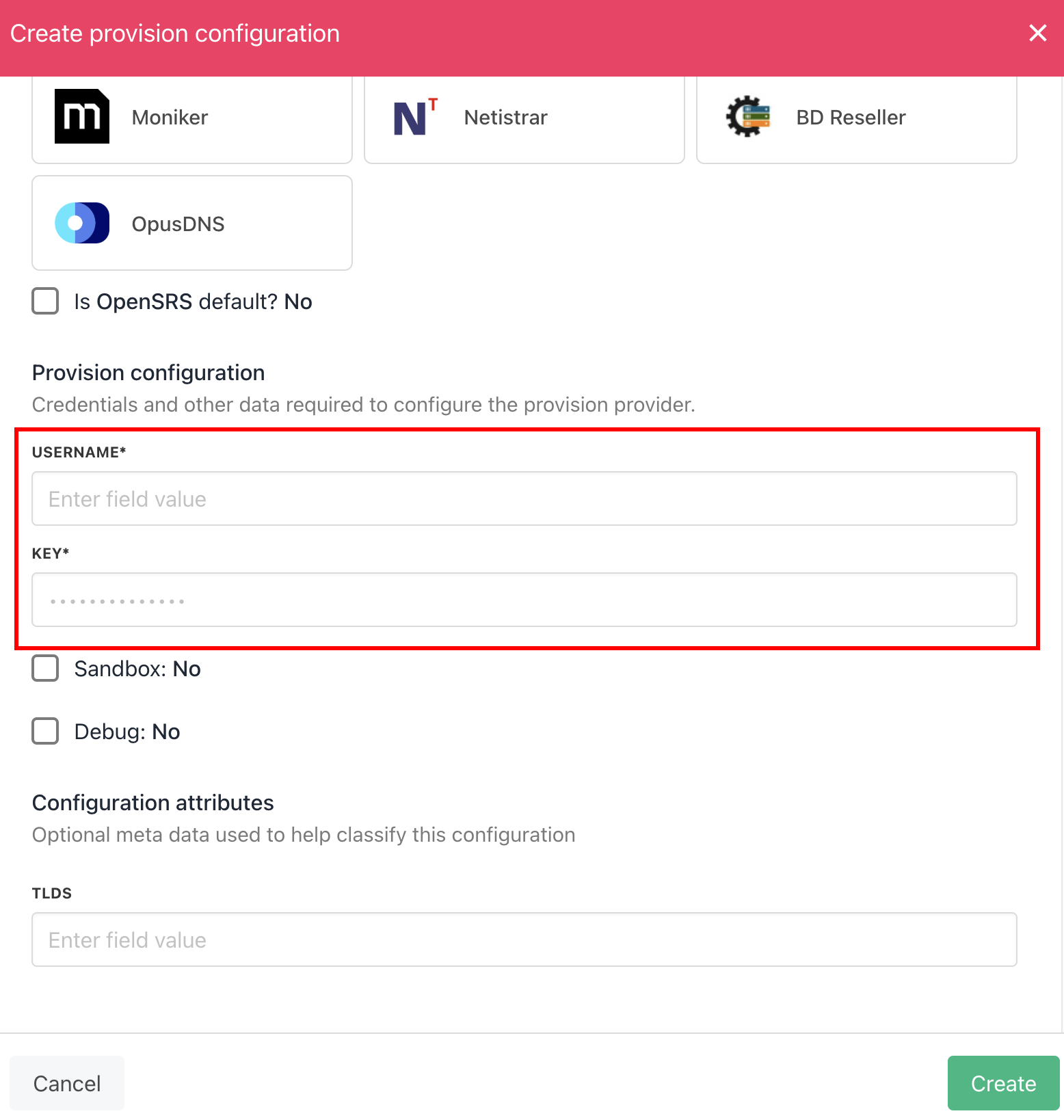
Enter details
- Click Create.
- Verify the information on the Domain Settings page.
Whitelisting Upmind IP addresses
You should also whitelist Upmind’s outgoing IP addresses for API access to your OpenSRS account.- From your OpenSRS account dashboard, scroll to the bottom section and go to the Add IPs for Script/API Access page.
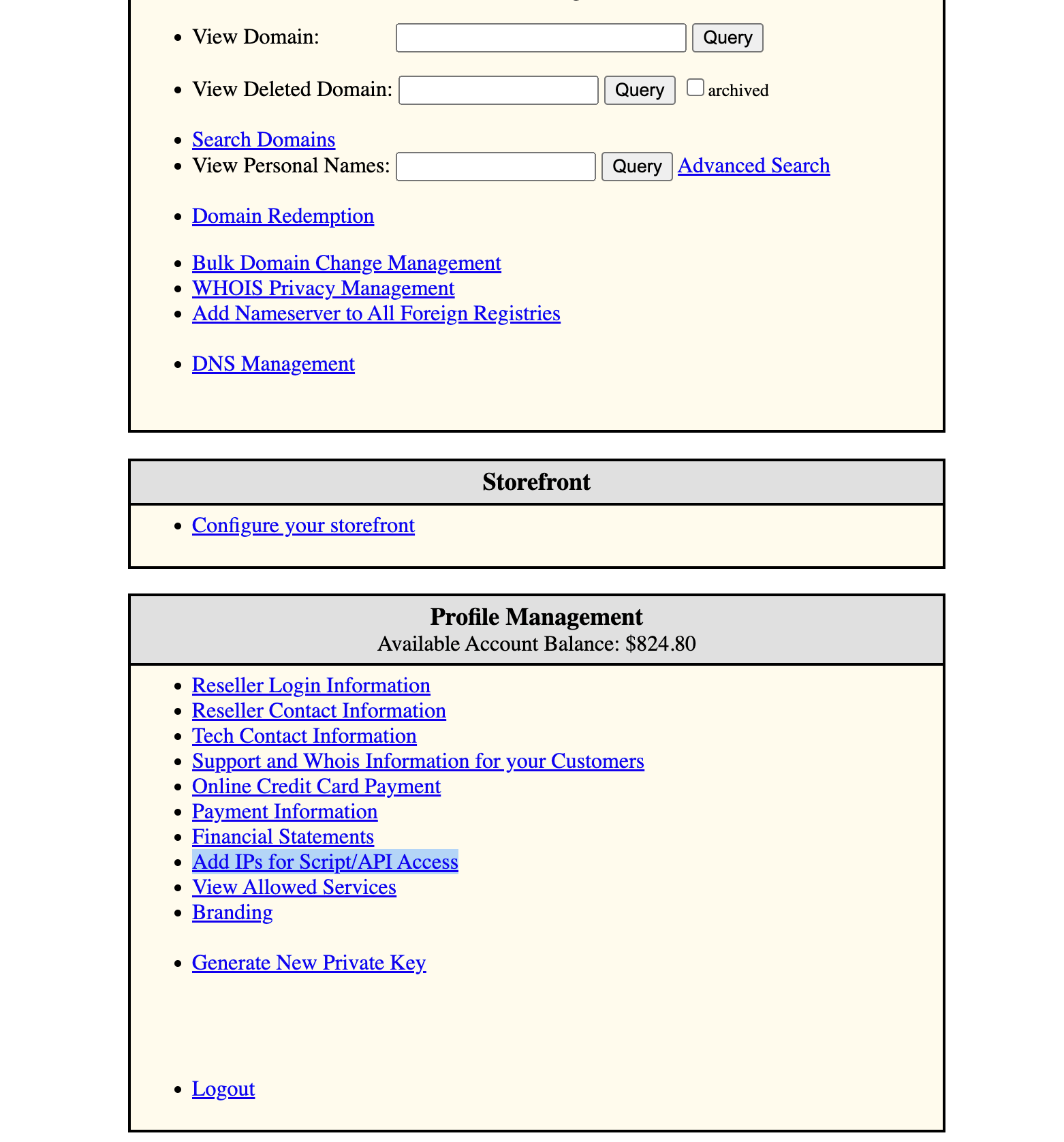
Add IPs for Script/API Access
- Add each of Upmind’s outgoing IP addresses using the default net block mask, with the rule set to allow, then wait an hour for the changes to be applied.
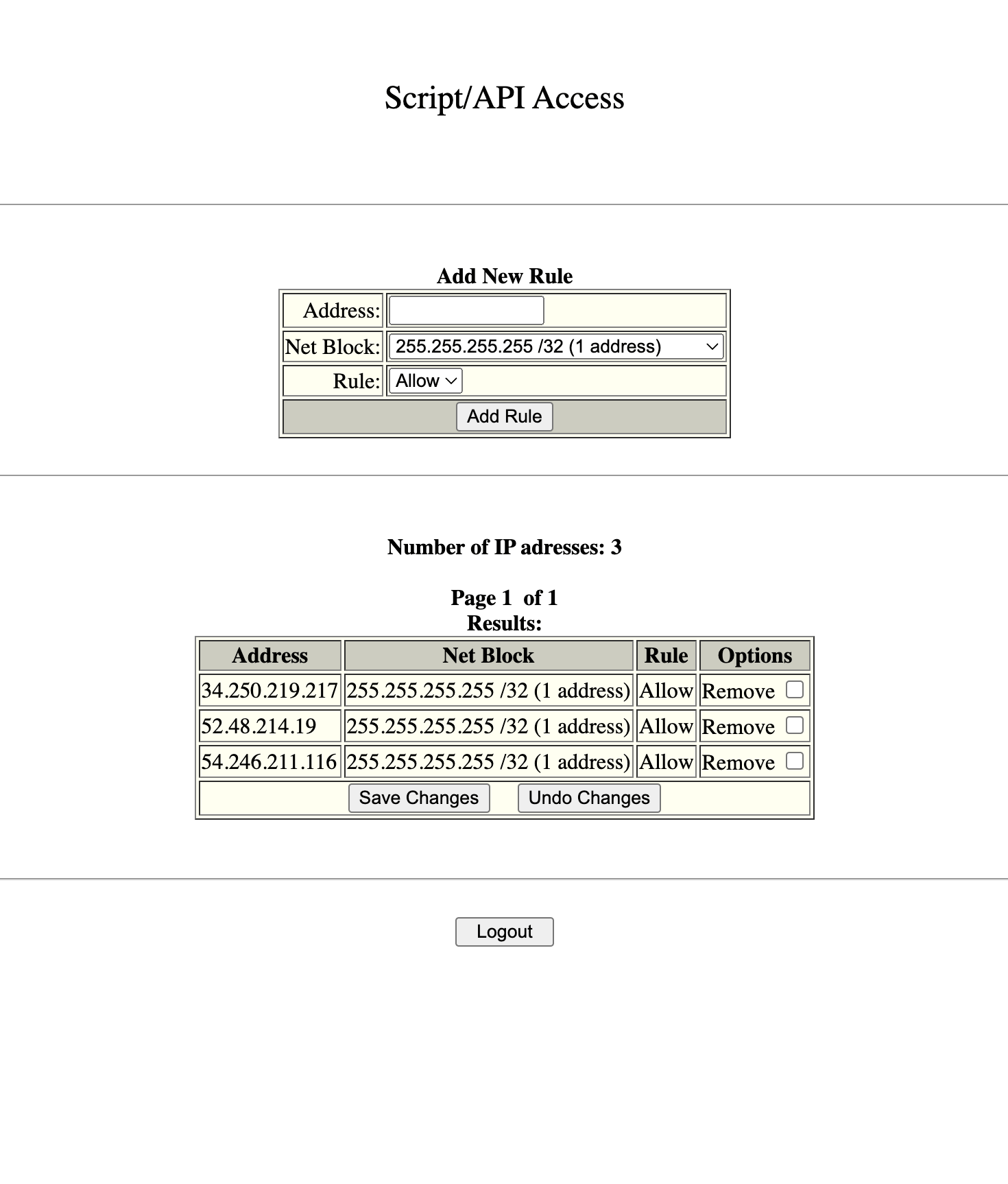
Add IP address
Get Verification Status and Resend Verification Email provision actions are supported for OpenSRS for ICANN and AU eligibility notices.Users can now verify their identity with the registry without the manual help of domain registrars from their interface, making it more secure.