

- Emailing a customer when a new invoice is generated.
- Alerting staff to a new response on a support ticket.
- Sending a message to a Slack channel when an order is placed.
- Notifying about a specific product order or cancellation.
Hooks
Notifications trigger through hooks, which “hook” into specific events in Upmind. Hundreds of hooks are available in Upmind. Example: A hook fires when a client creates, updates, removes, or verifies an email address. You can view all hooks in the admin area under Settings > Actions under Automation. Then select Triggers.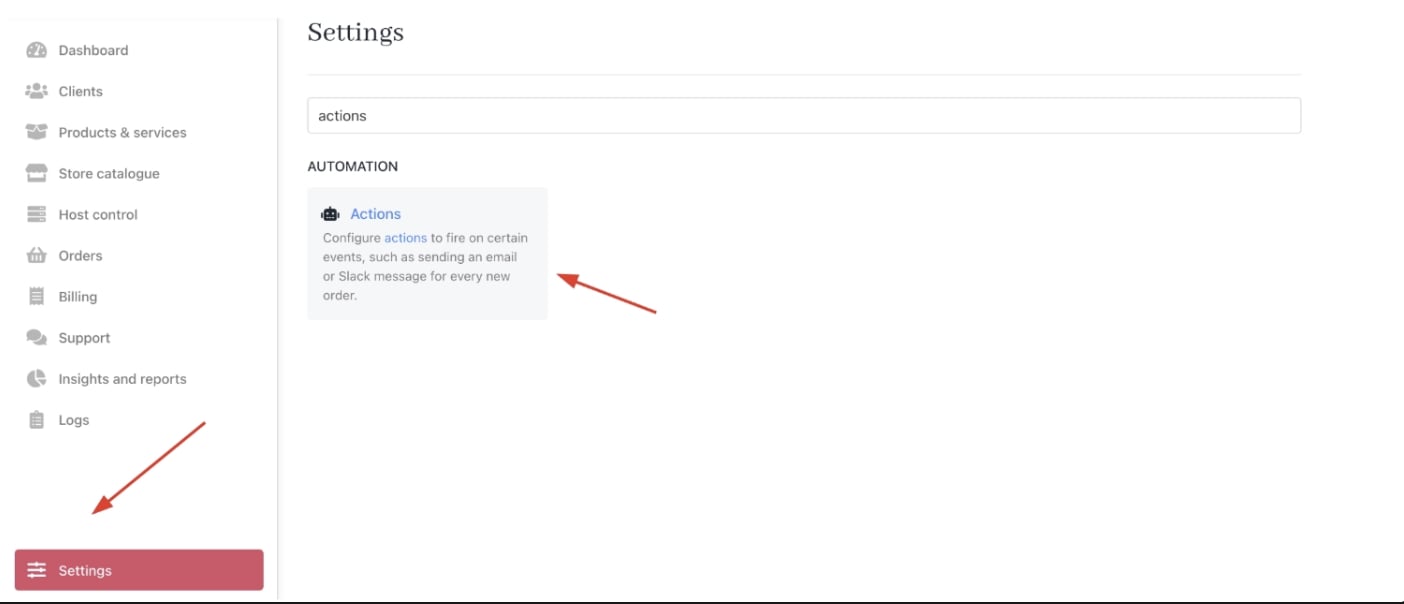
Settings > Automation > Actions
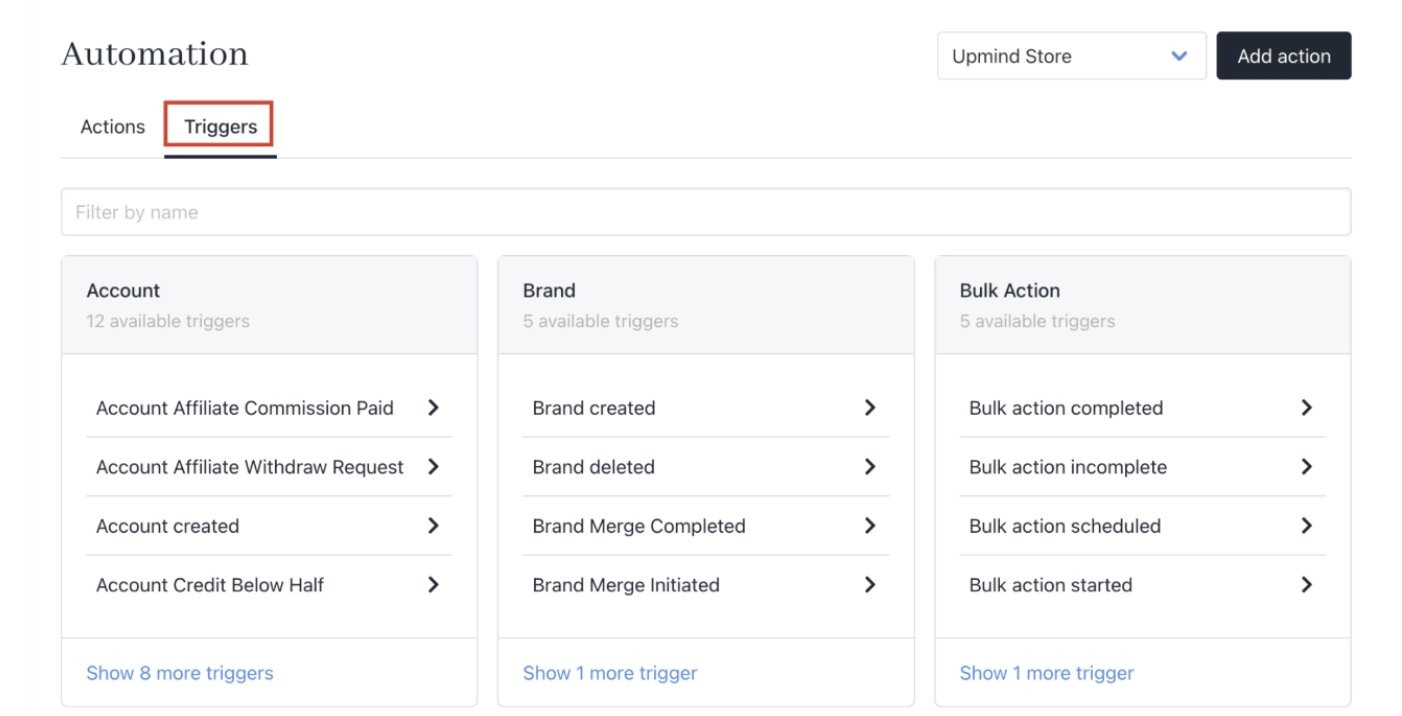
Triggers
Sending notifications
Notifications can be sent in three ways:- Email messages to client or staff email addresses.
- Slack notifications to your organisation’s channel.
- WebSocket popups within the Upmind app for staff or clients.
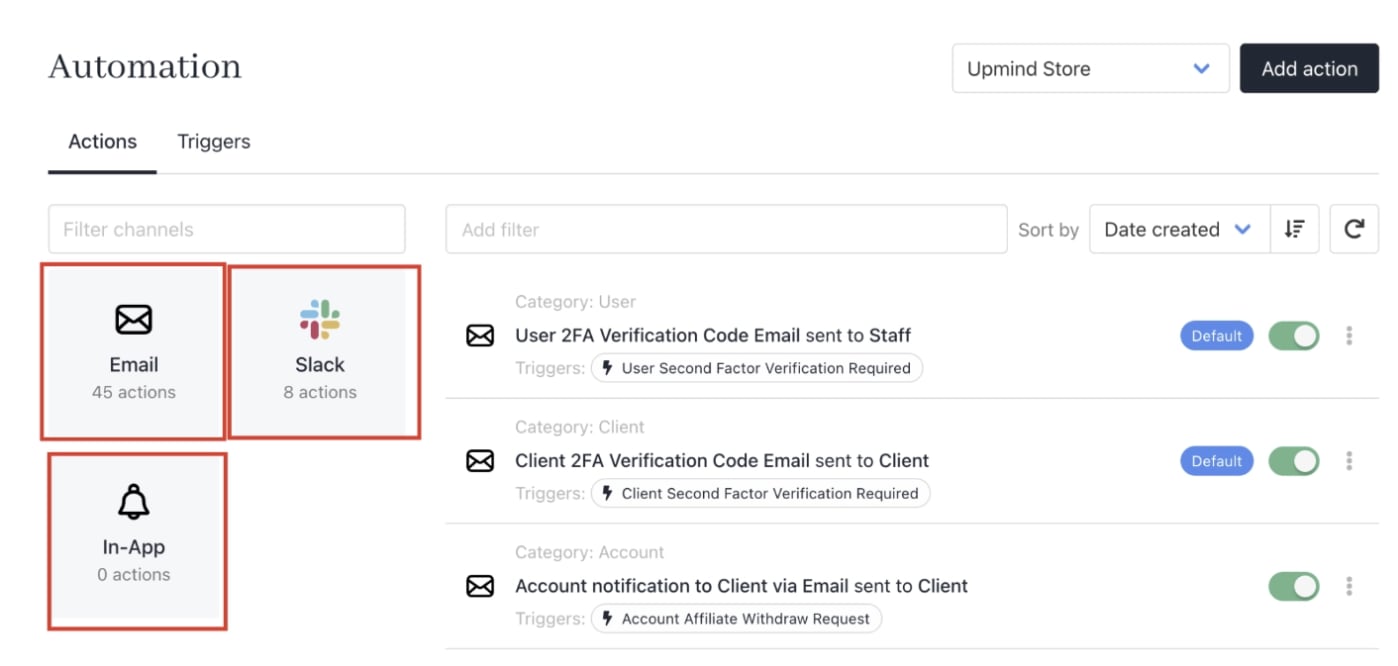
Email, Slack, and WebSocket