

- Go to the Admin dashboard.
- Click Settings > Staff users under Users and Permissions.
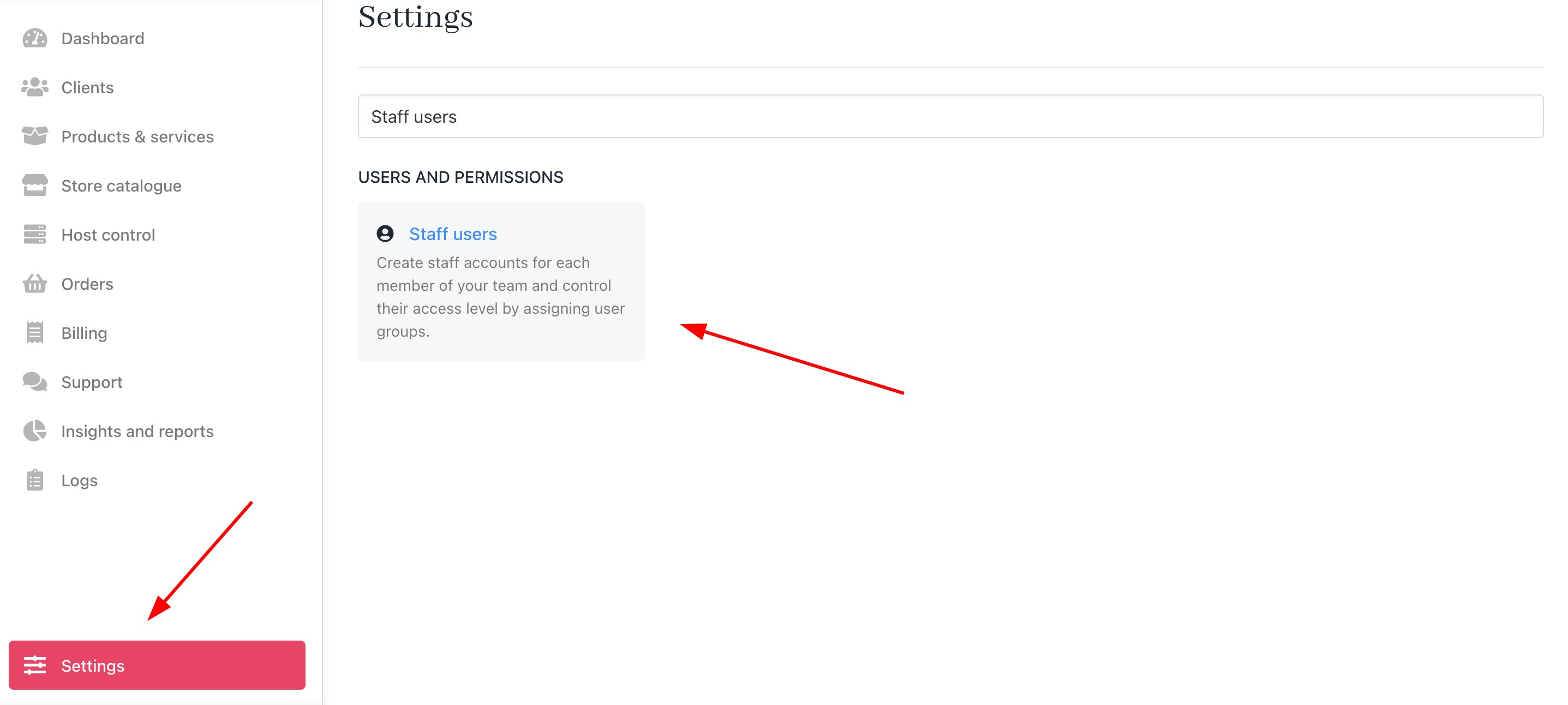
Settings > Users and Permissions > Staff users
- Scroll down to General Security Settings.
- Enable the option to restrict staff access to client profiles without a support PIN or assigned ticket.
- Set the time (in hours) for how long access should remain valid after a support PIN is entered or a ticket is assigned.
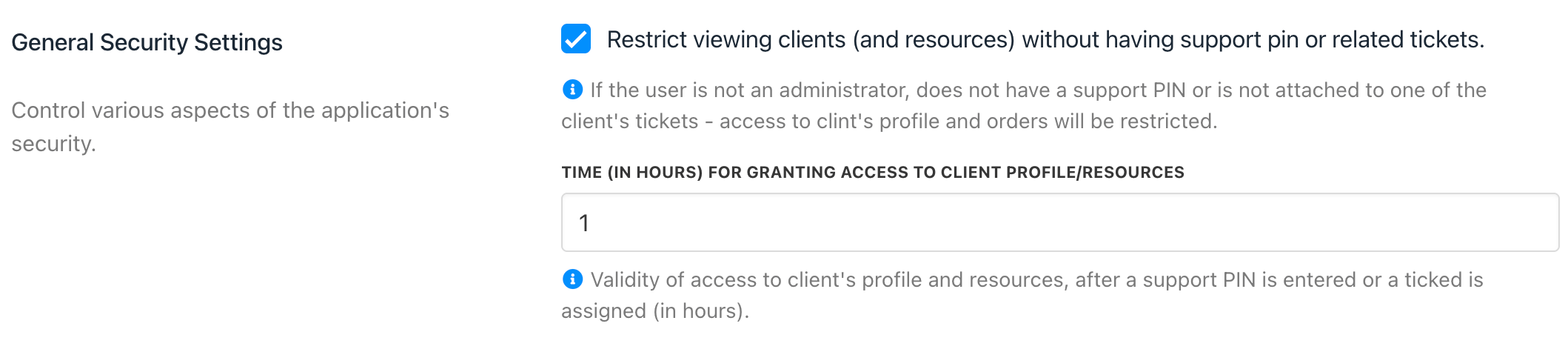
General Security Settings
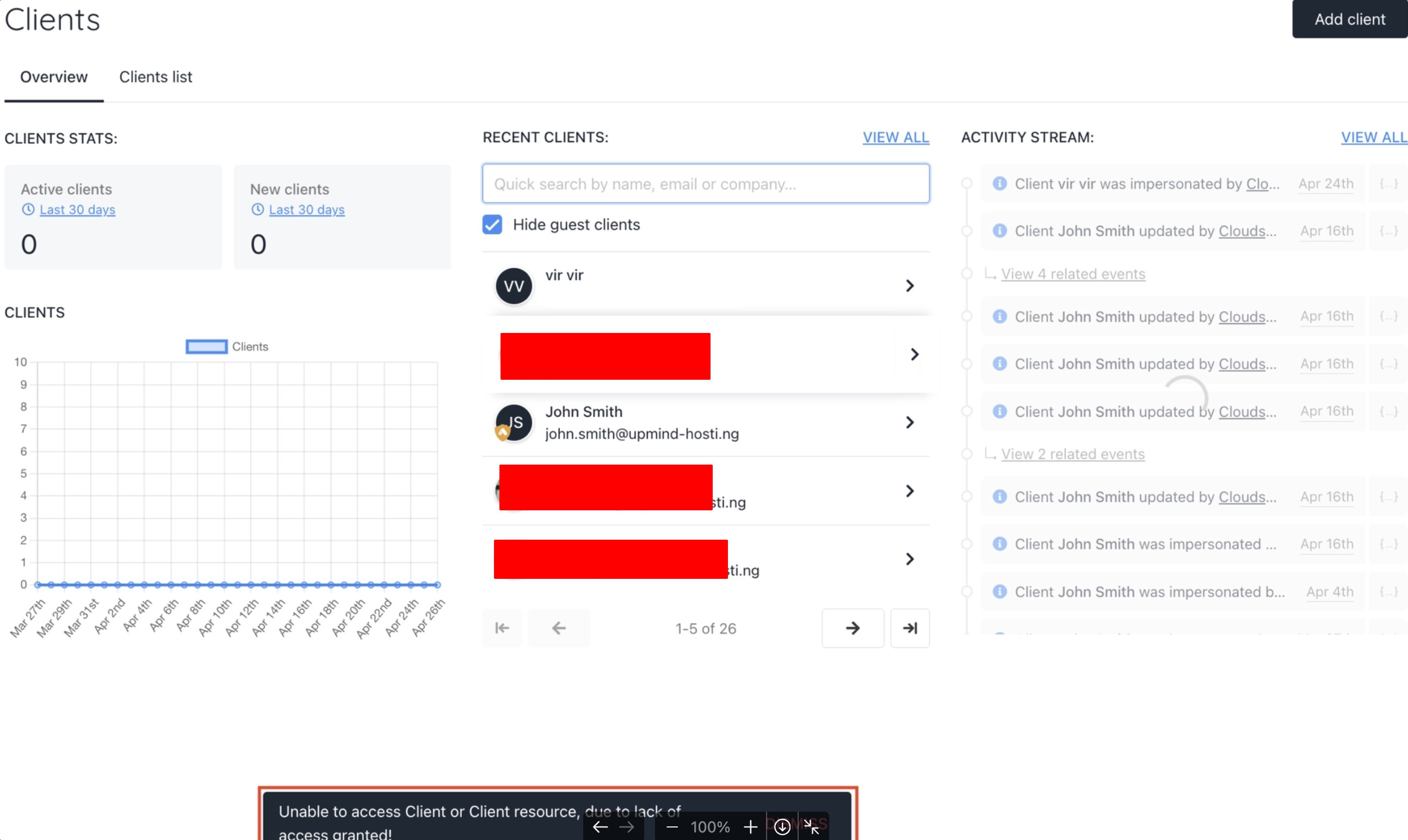
Client section in the admin area