

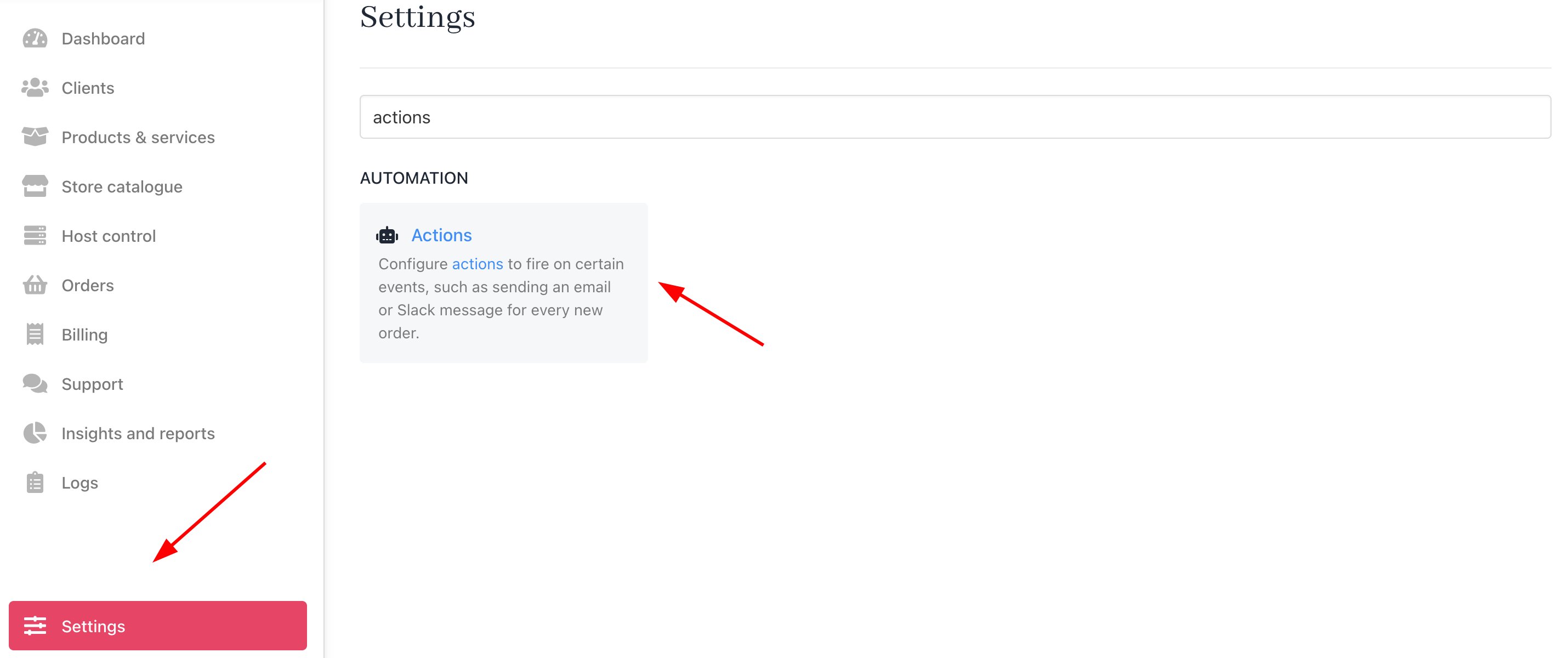
Settings > Automation > Actions
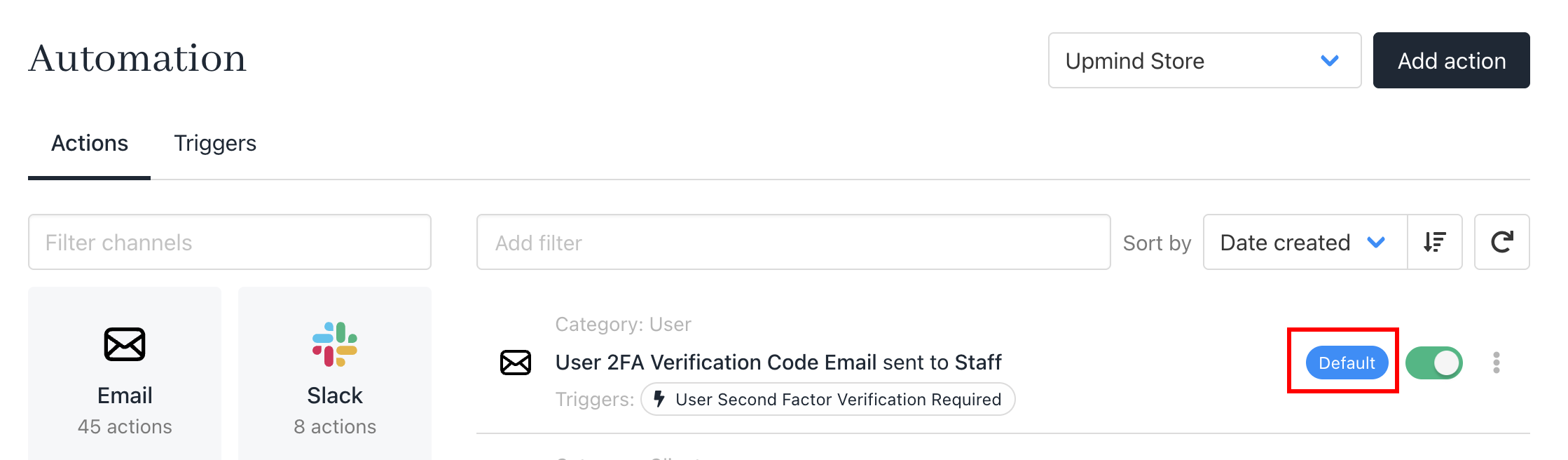
Default templates
Template list
Here is a full list of default notifications:Client email notifications
These are sent to clients. Message contents will vary based on whether you’ve enabled the client login feature on the Client overview page. Example: Users without accounts won’t see login prompts for invoice payments.- Account created
- Password reset
- Order confirmation
- New invoice created
- Invoice overdue
- Payment received
- Cancellation request received
- New ticket opened
- New ticket reply
Staff email notifications
- New client
- New order placed
- Invoice paid
- New cancellation request
- New ticket opened
- New ticket reply