

The Send test option works for many triggers, but not all. The feature is a work in progress and will be expanded soon.
Test an existing automation
- Go to Settings > Actions under Automation.
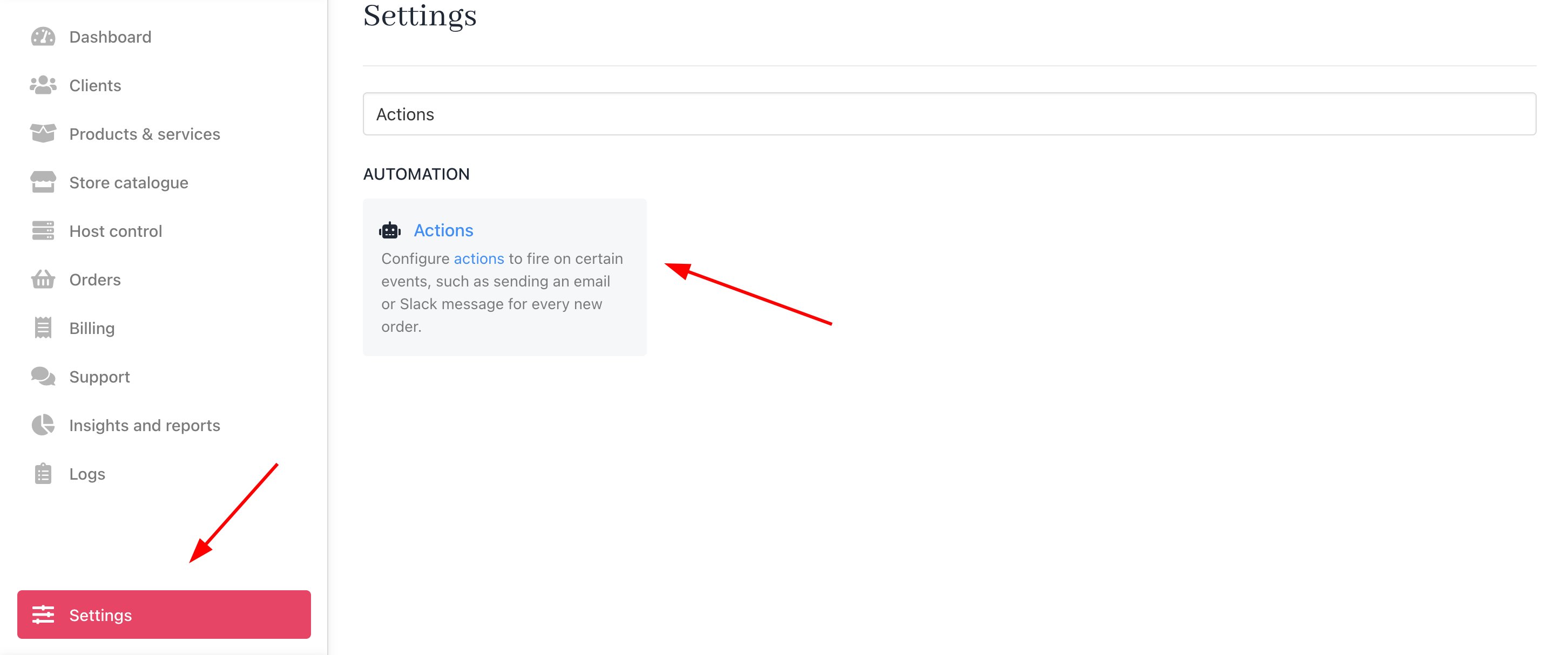
Settings > Automation > Actions
- Find your action, click the three dots icon, and select View.

Select view
- Scroll to
Templatein the side panel and click Send test email (if available).
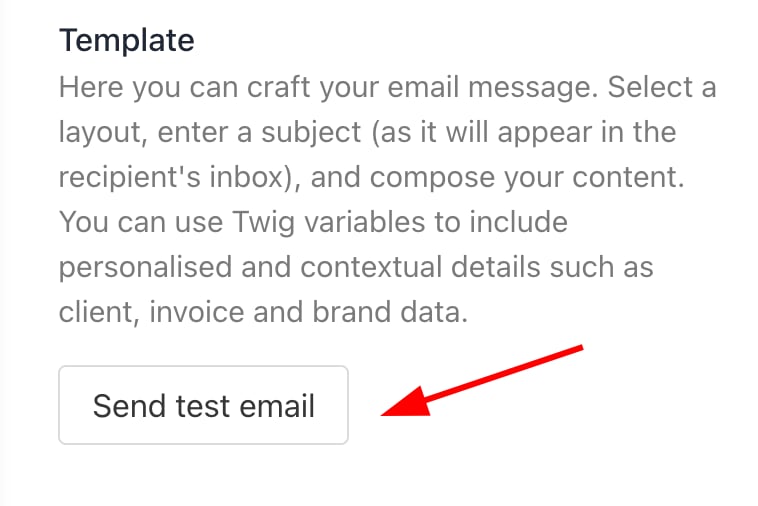
Send test email
- Select a recipient and choose the category (client or staff), confirm, and send.
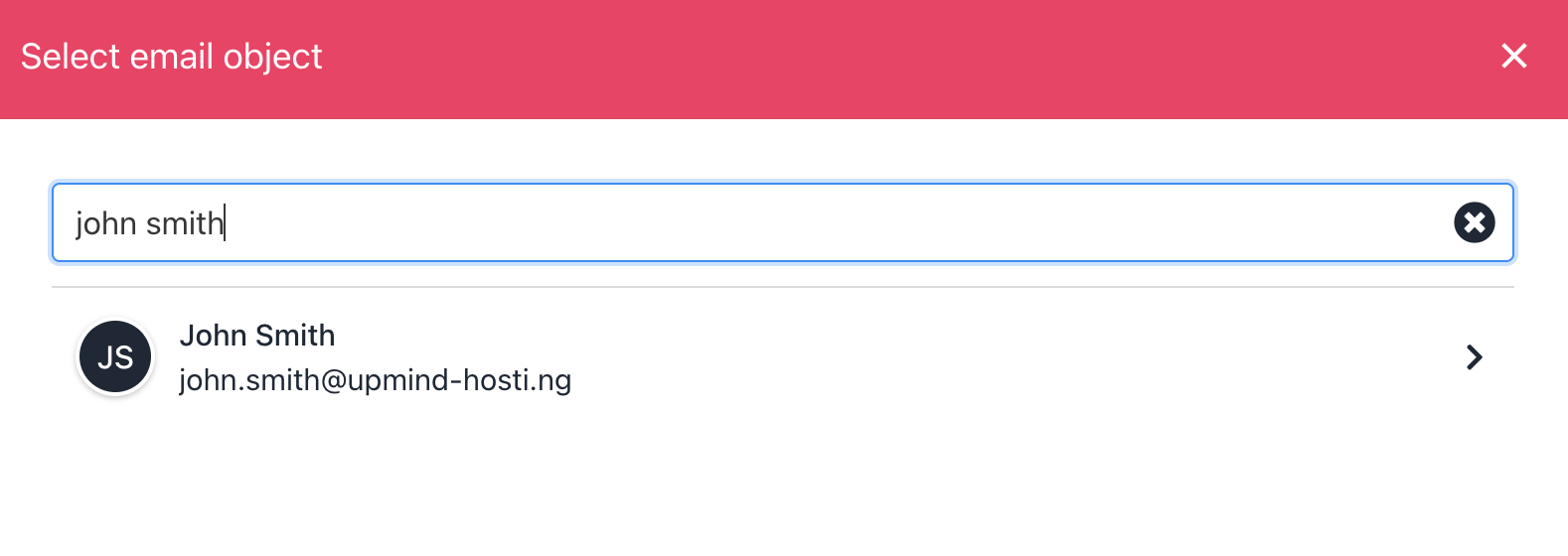
Select recipient
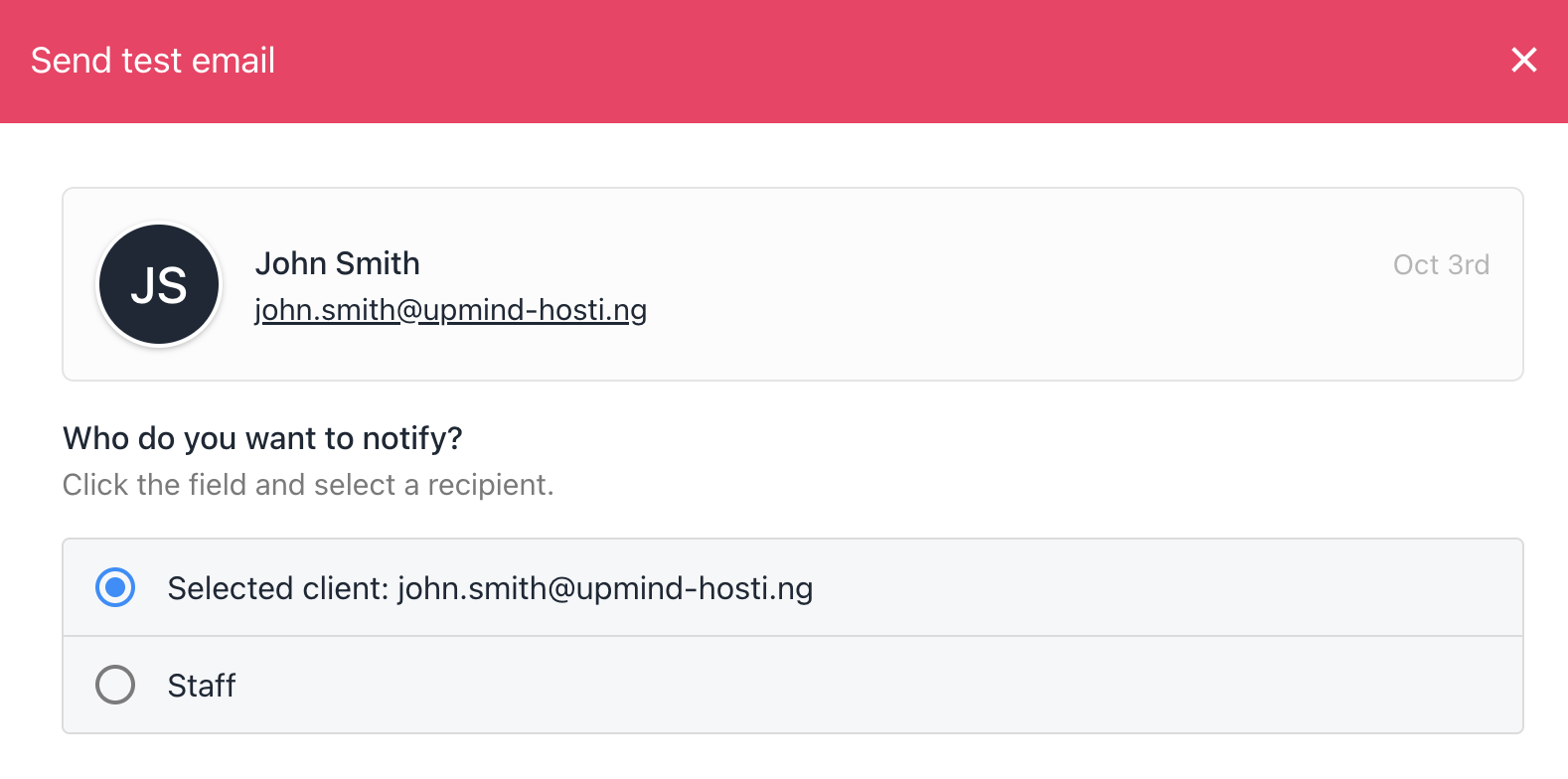
Choose who to notify
- Check the test email inbox for results.
Test a new automation
- Create a draft notification and toggle Enable to
OFF.

Disable the action
- Click Save, then go back to the previous page.
- Find the draft, click the gear icon, and select View.
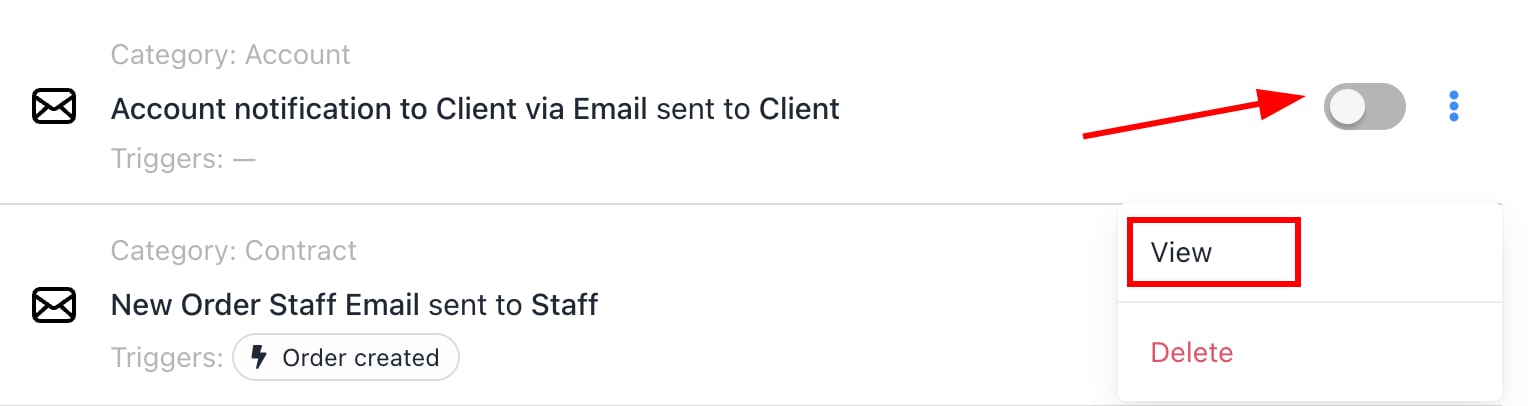
View
- Follow the Send test email steps above.
- Once satisfied, return, toggle Enable to
ON, and save.