

Introduction
Upmind can keep unlimited records of your clients and store sets of emails, addresses and companies. The system is also extensible, so custom fields can be added as required. Upmind is designed so that your clients can register themselves through your website, usually by placing their first order. However, you can also choose to add clients yourself.Opening the Clients dashboard
- Log in to Upmind.
- Click Clients on the left menu.
Click any client name to open the Clients overview page.
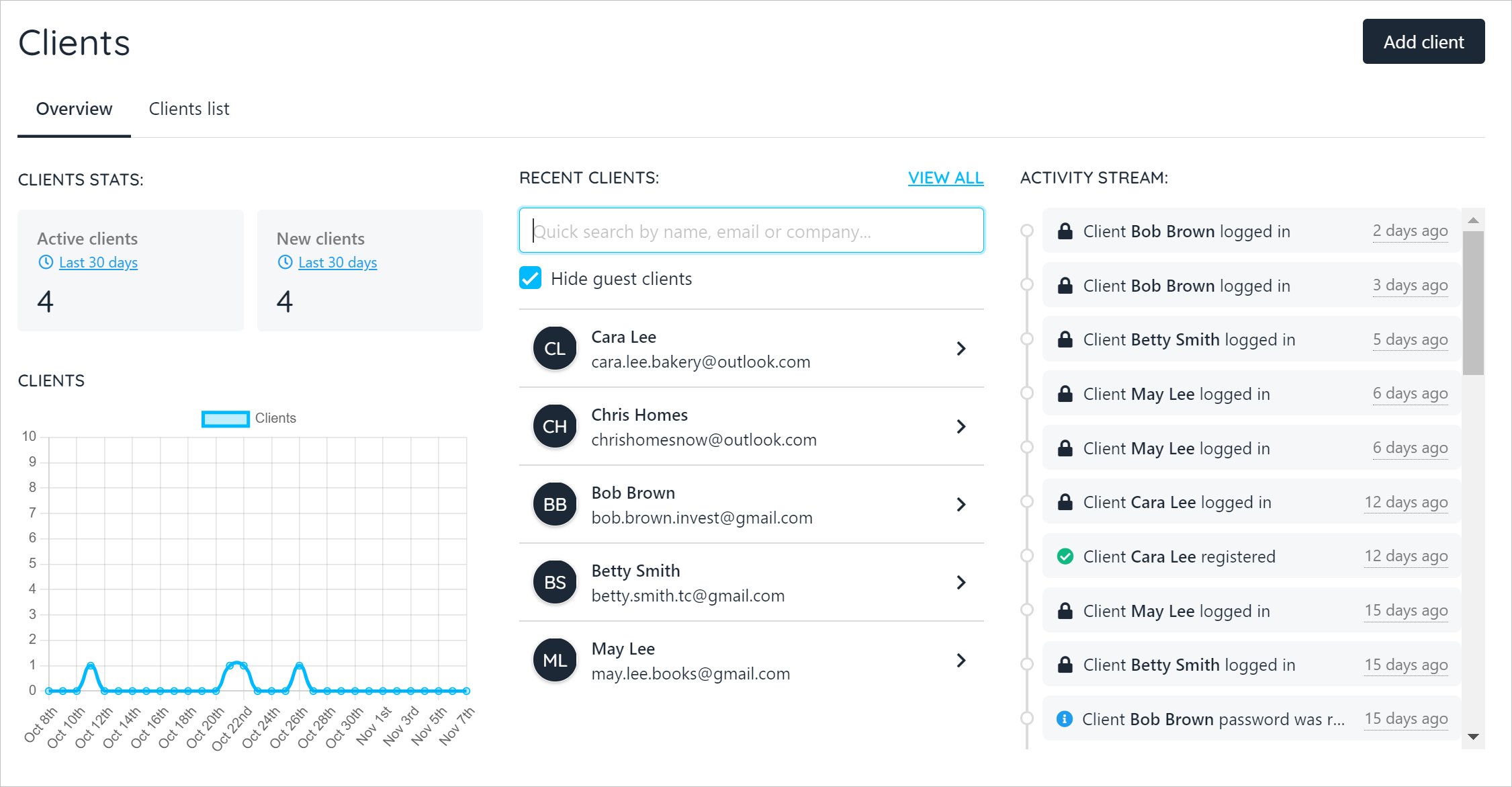
Clients page
Adding a client
It is possible to manually add clients to your e-commerce site.- Open the Clients page.
- Click the Add client button.
- Fill the fields.
- Leave the toggle switch in the Allow Login position.
- Click Add client.
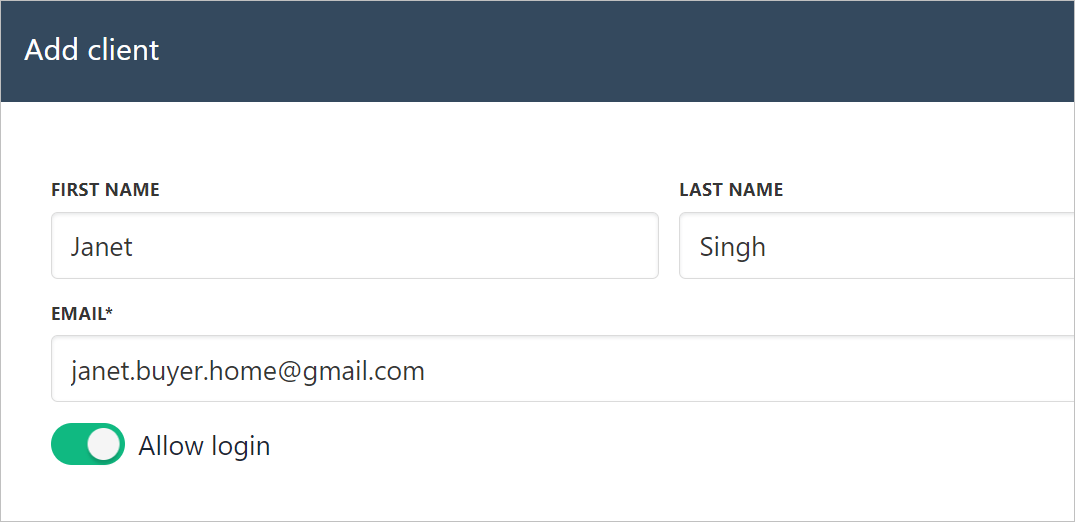
Add client
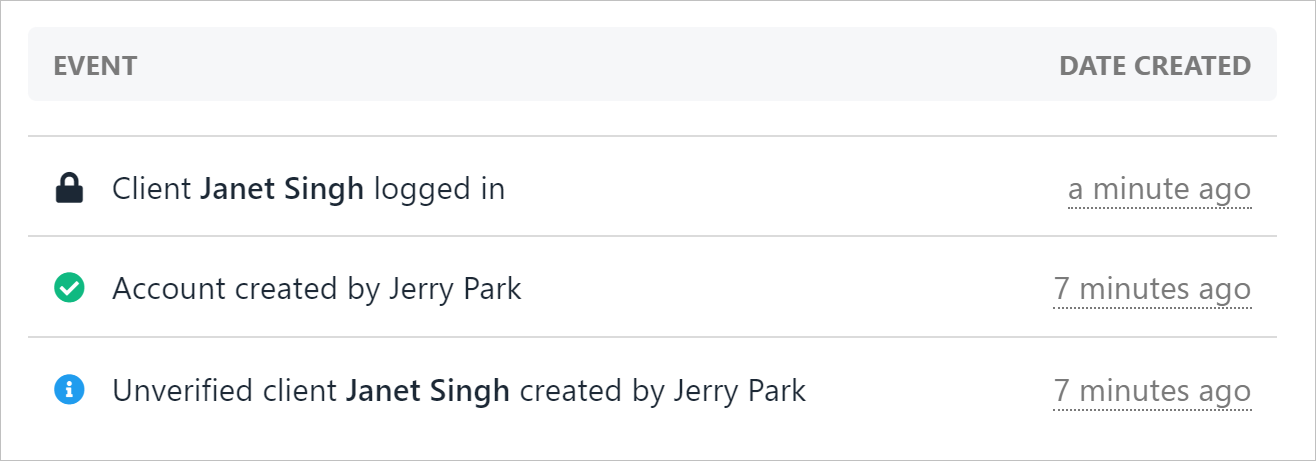
Track client activity
If the Allow login switch is ON, Upmind sends the client a notification email and verification link. If the switch is OFF, you can create a user but that person does not receive a notification email and cannot log in to your e-commerce site.An email address is only required if you are giving them login access.
Disable login use cases
The disable feature can protect your business by blocking fraudulent clients from accessing your store. This feature can also be used to record cash transactions. You could, for instance, create a client account but disable the login. When the client pays cash for an item, use Upmind to create a record and generate accurate sales reports.Filtering client list
You can sort client names with filters.- Click the Clients list menu tab.
- Click an option under the Quick filters heading.
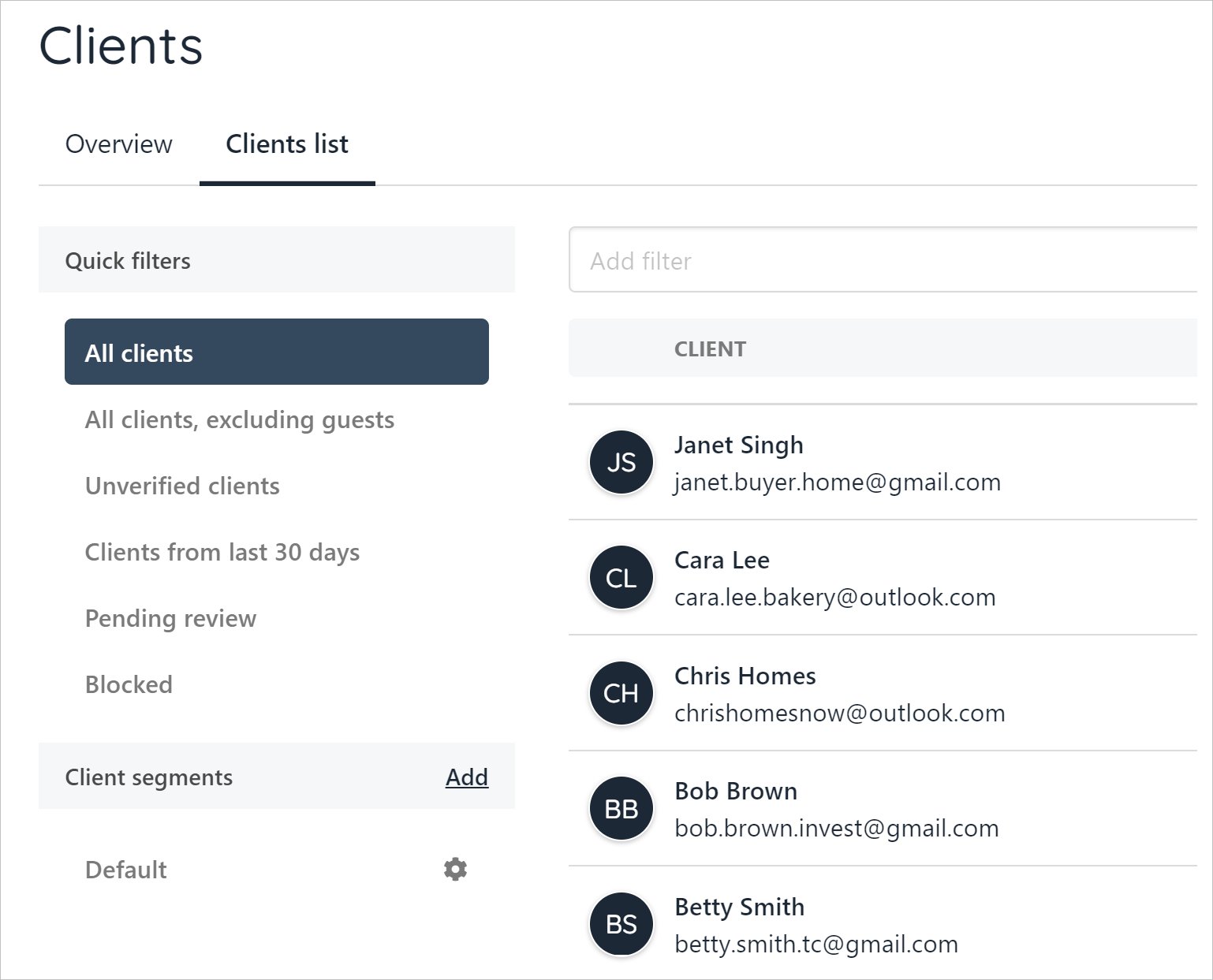
Sort client names
Managing clients
The Clients overview page gives you several tools to manage clients.- Click a client name. The Client overview page displays.
- Click the three dots near the client’s name and email.
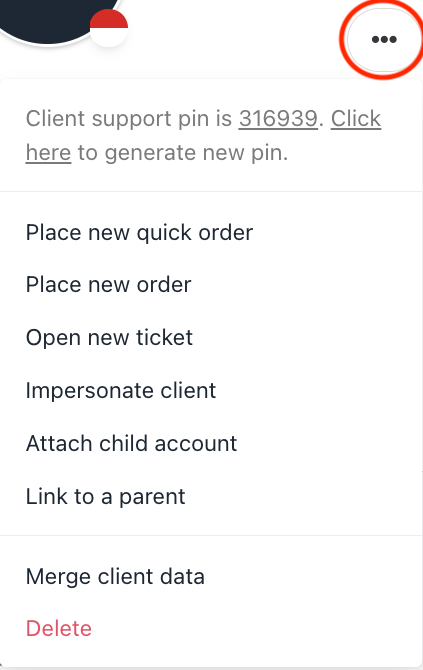
Manage client button
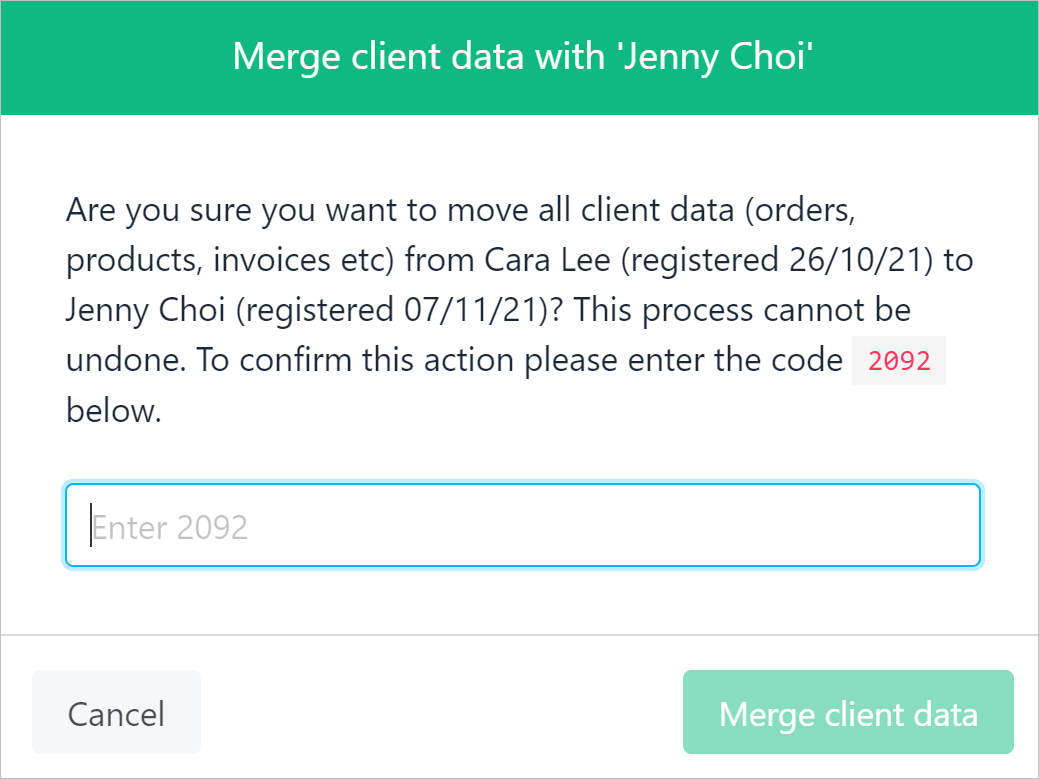
Merge client data
We don’t recommend deleting a client account since you won’t be able to access or manage any existing contracts products linked to that account.If the account has already been deleted and you need to make changes to an associated order, please raise a support ticket, and we’ll help you in restoring the client account.
Importing Clients
If you already have clients using an external system, you may want to bulk import these clients directly into Upmind. Navigate toSettings → Imports to view import options.