

- A PayPal account
- An Upmind account
Obtaining API credentials from PayPal
- Log in to your PayPal account.
-
Go to
Account Settings. - Click API Access > Update.
-
Under
Custom checkout experience, locateNVP/SOAP API Integration (Classic)and click Manage API credentials. - Copy your API Username, API Password, and Signature.
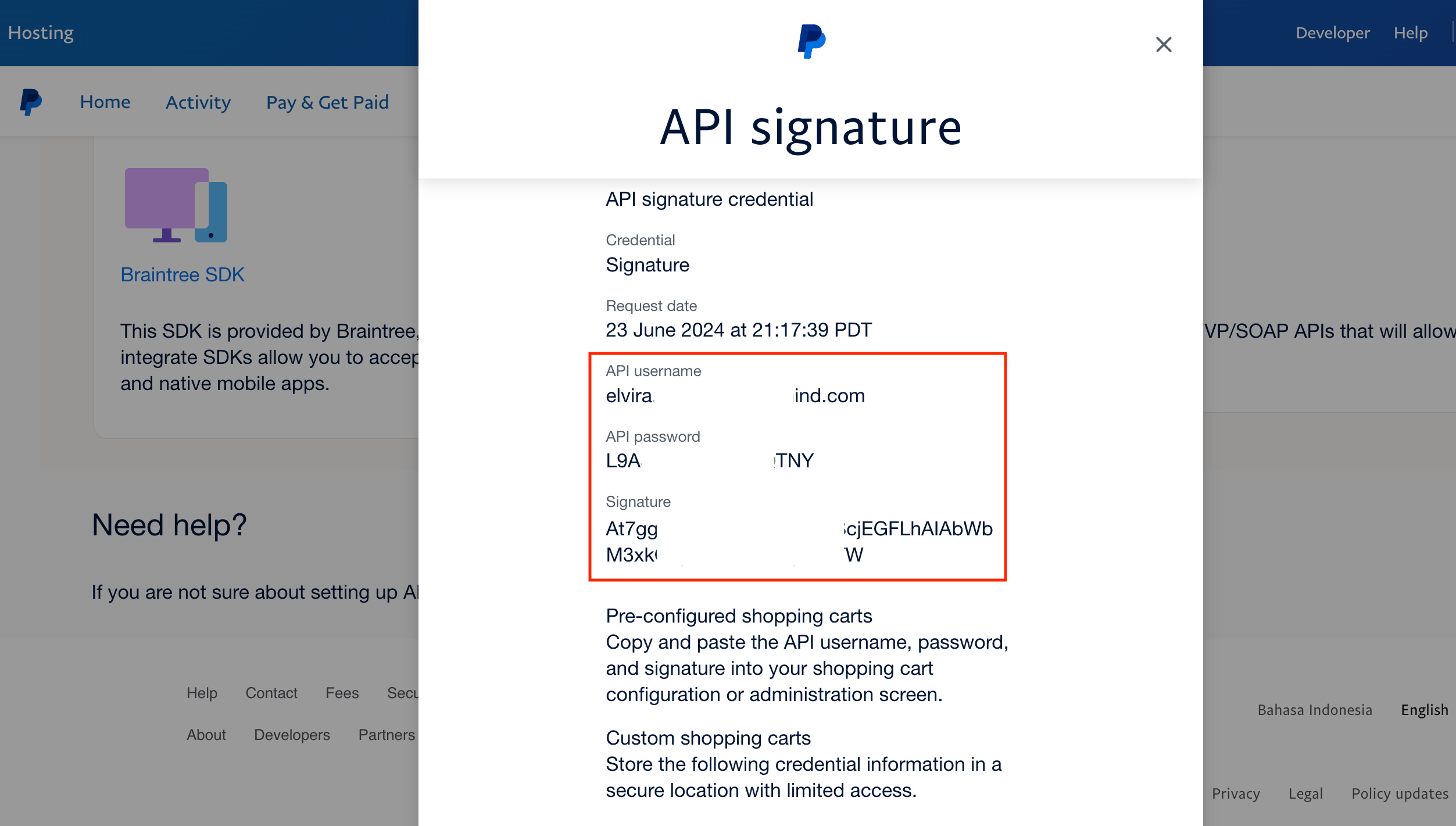
Copy credentials
Adding PayPal Express in Upmind
- In Upmind, go to Settings > Payment Providers.
- Click Add Payment Provider.
- Choose PayPal Express.
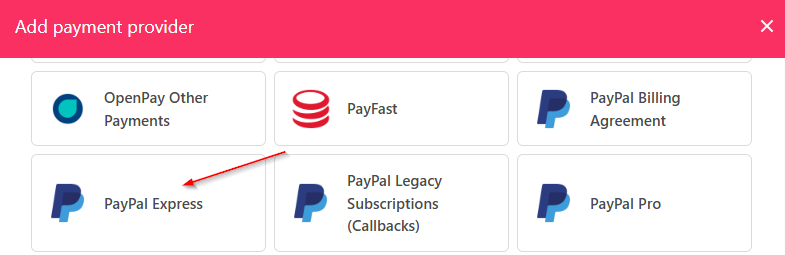
Select PayPal Billing Express
- Enter a display name. We suggest PayPal.
- Set Test Mode to No.
- Enter your API credentials.
- Click Test Credentials to confirm.
- (Optional) Add currencies and payment instructions.
- Click Create.
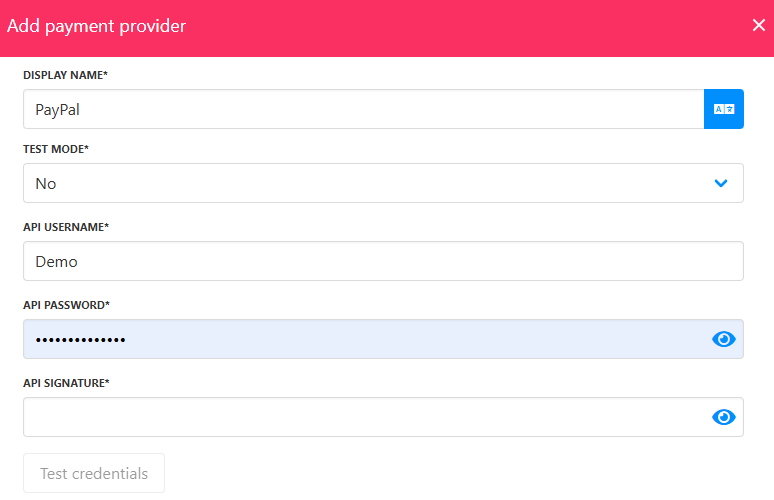
Fill in the details