

Creating a GoCardless access token
- Log in to your GoCardless account at manage.gocardless.com.
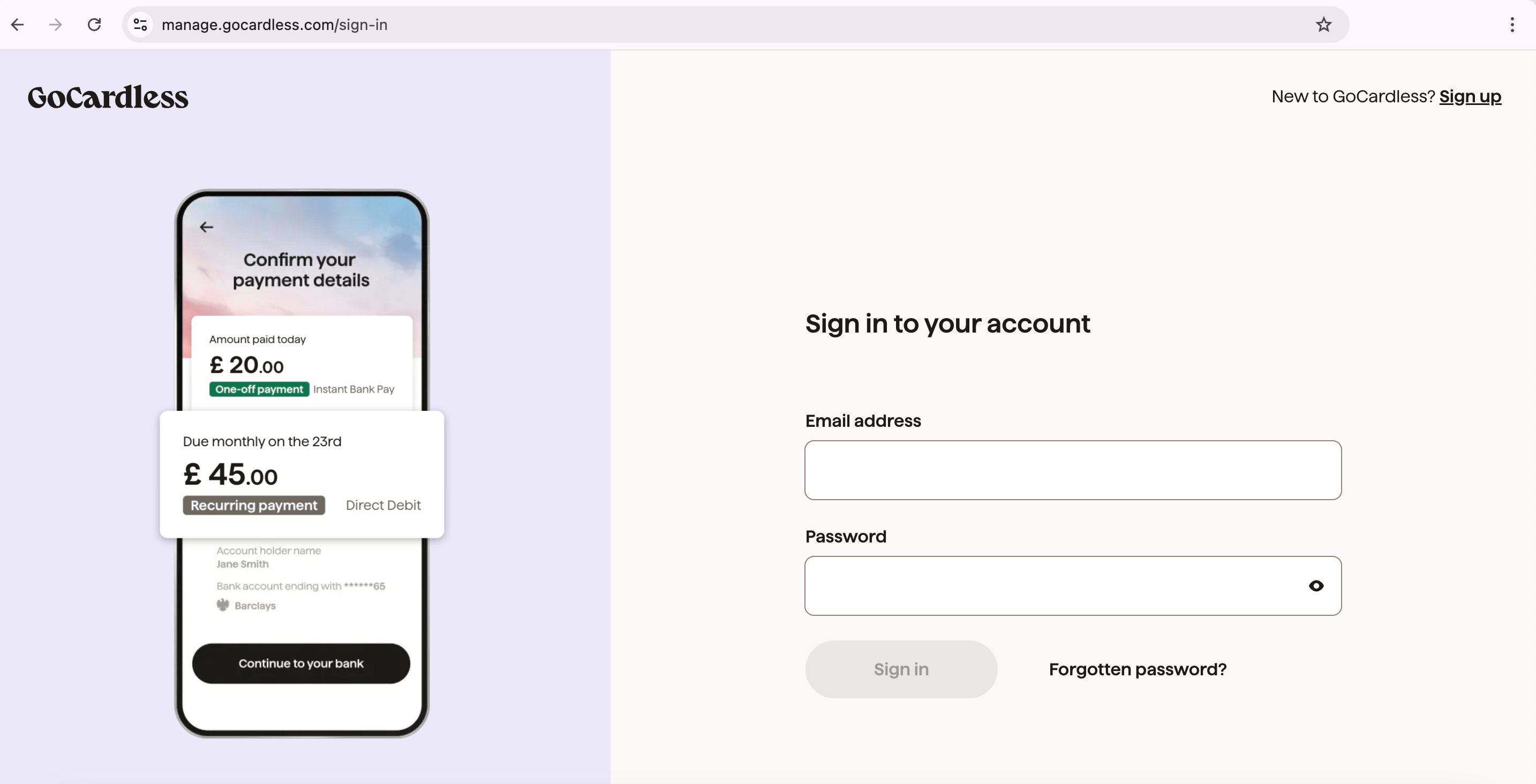
Log into your GoCardless account
-
Go to the
Developerssection. - Click Create and select Access Token.
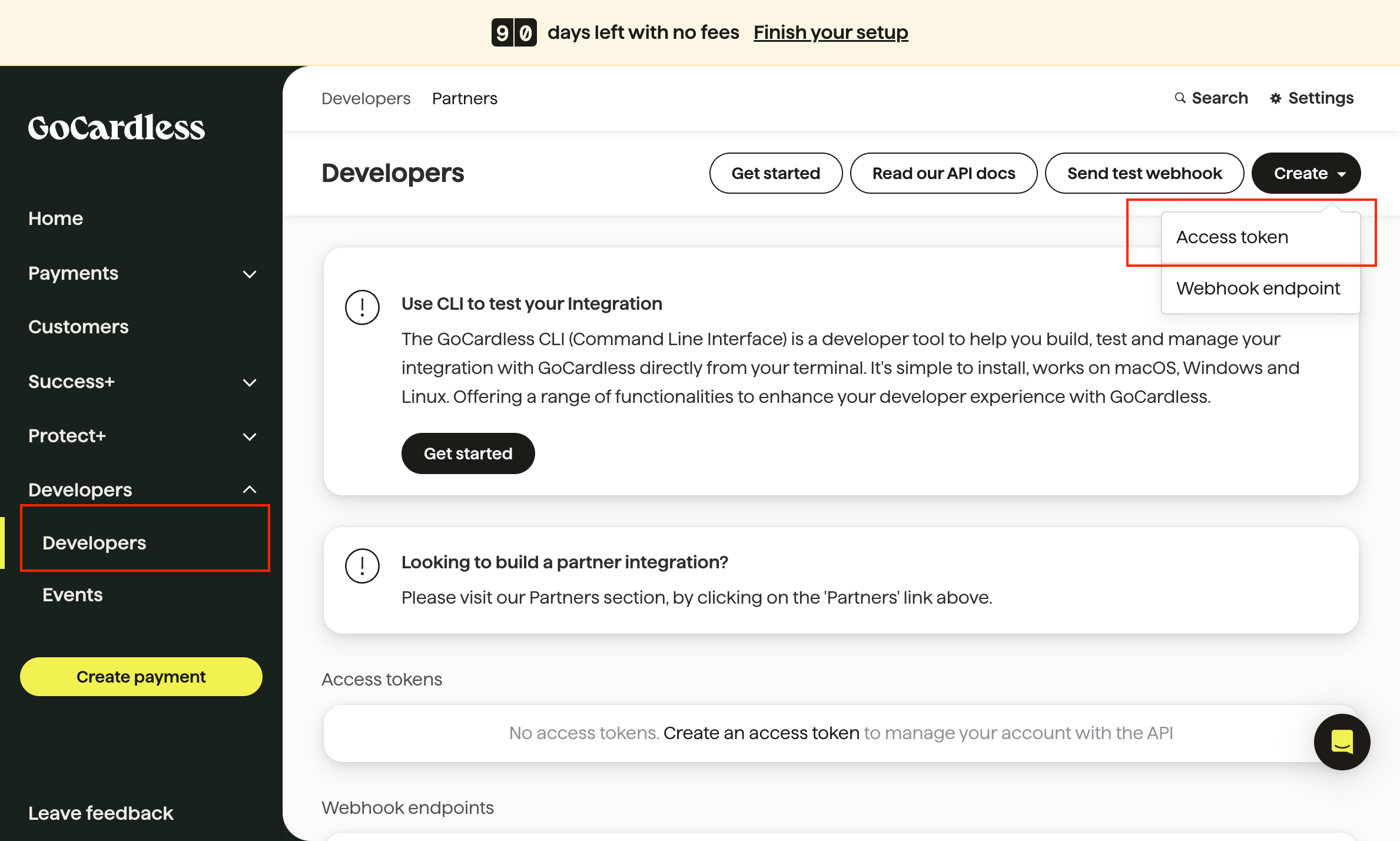
Developers > Create > Access token
-
Enter a name for your access token and select the appropriate scope:
- Read Only Access: Allows users to view data without making any changes. Ideal for accessing information without the risk of modification.
- Read-Write Access: Grants permission to both view and modify data. Required for actions such as creating payments, updating records, or managing customers.
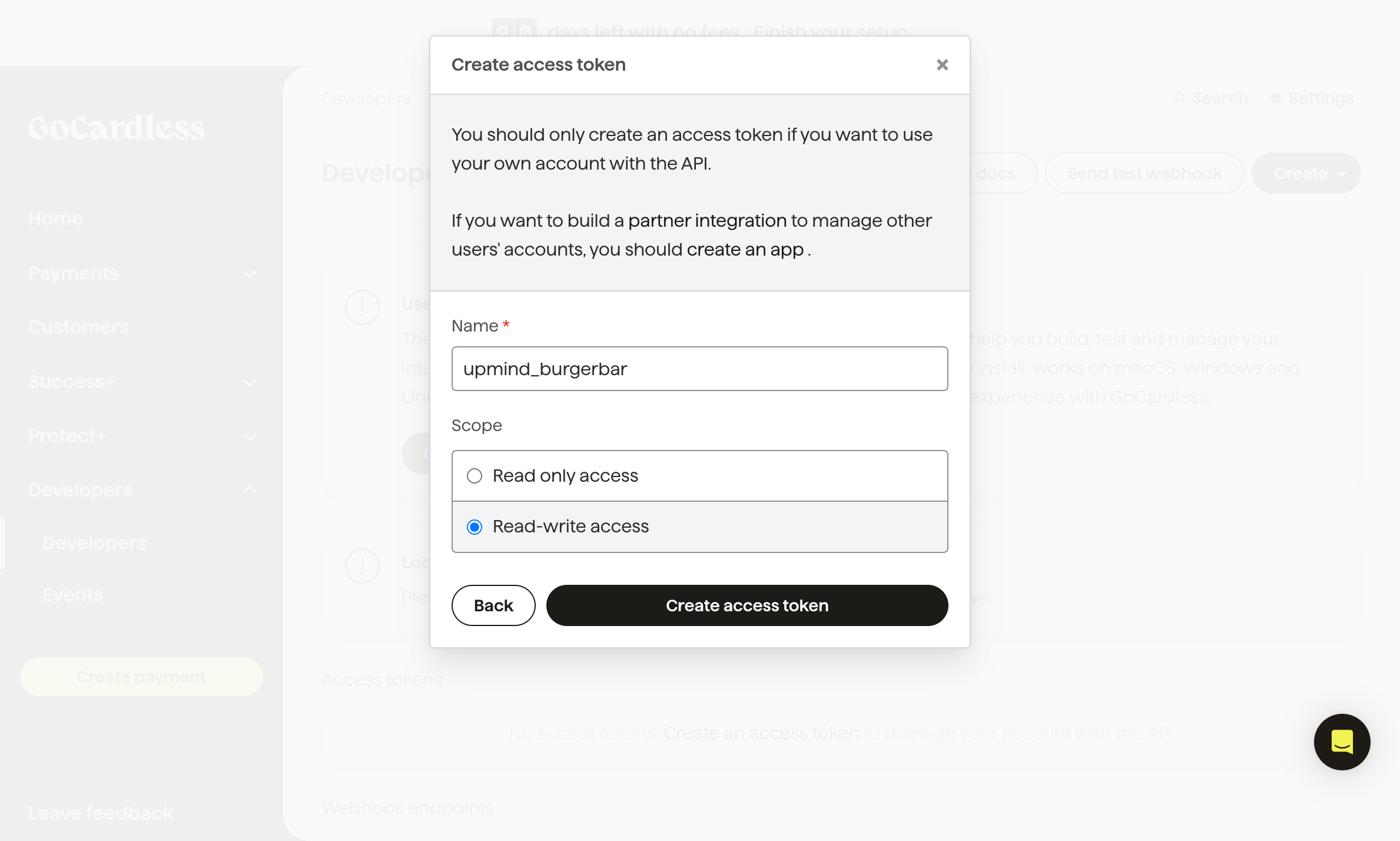
Name your access token and select the appropriate scope
- Click Create Access Token.
- Copy the access token displayed (you will not be able to view this token again, so save it securely).
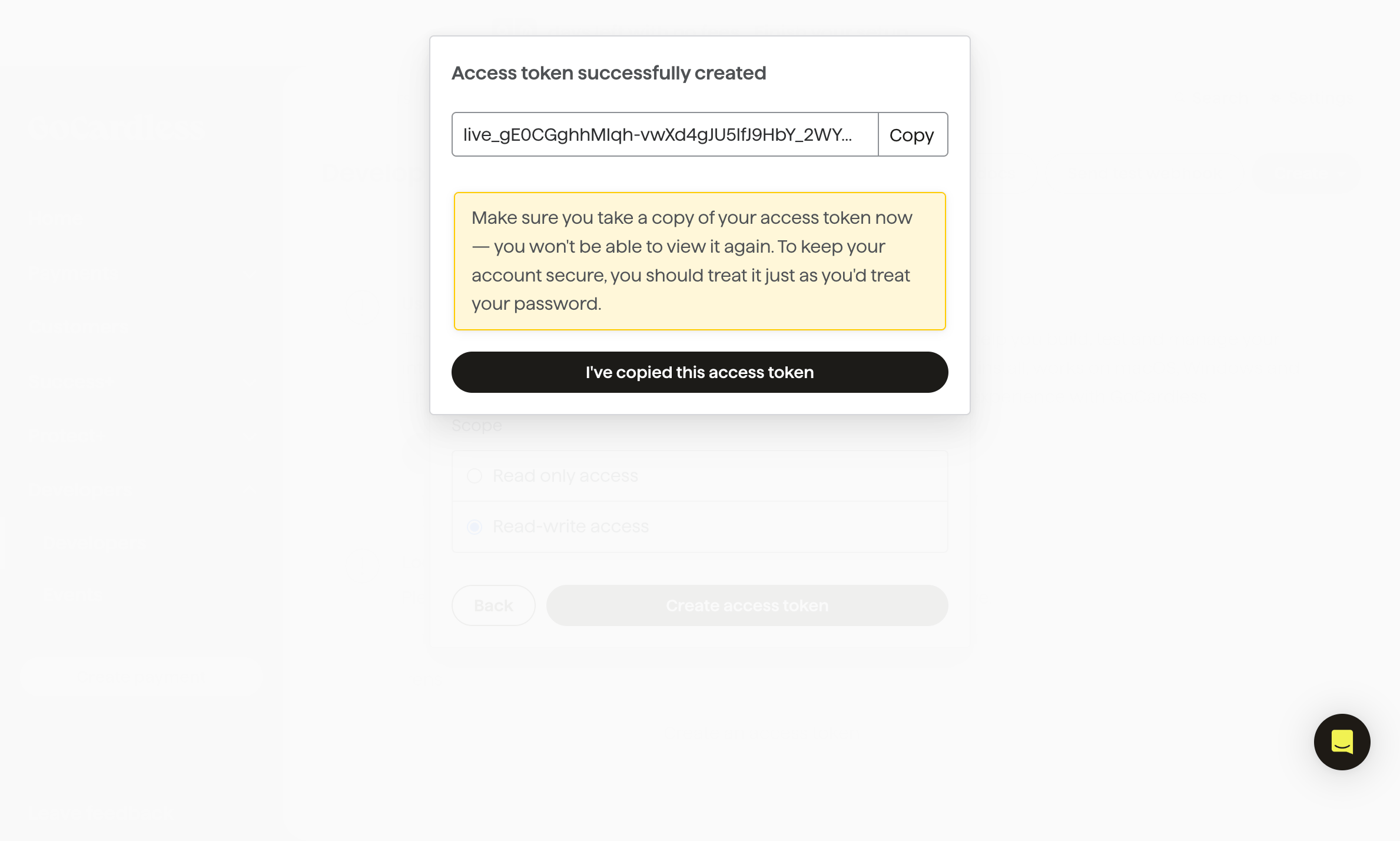
Copy your new access token
-
In Upmind, go to your GoCardless
Payment Providersettings. - Paste the access token into the designated field and click Save.
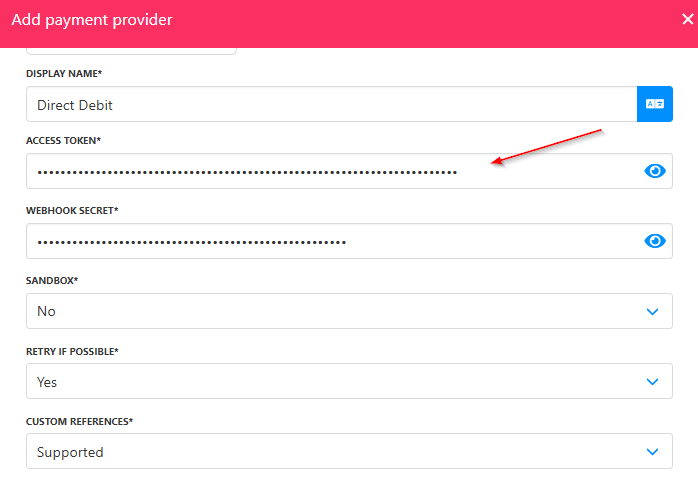
Paste the access token
Setting up the webhook endpoint
-
Log in to your GoCardless account and go to the
Developerssection. -
Click Create and select
Webhook endpoint.
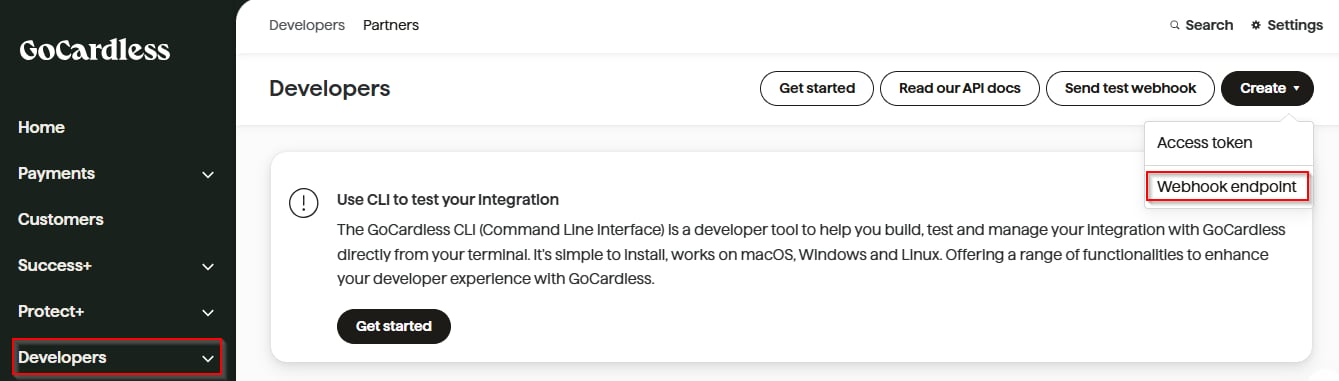
Developers > Create > Webhook endpoint
- Enter a name for the webhook.
- Set the URL to: https://api.upmind.io/payments/gocardless/callback.
- Leave the Secret field blank (GoCardless will generate a secure secret for you).
- Click Create Webhook Endpoint.
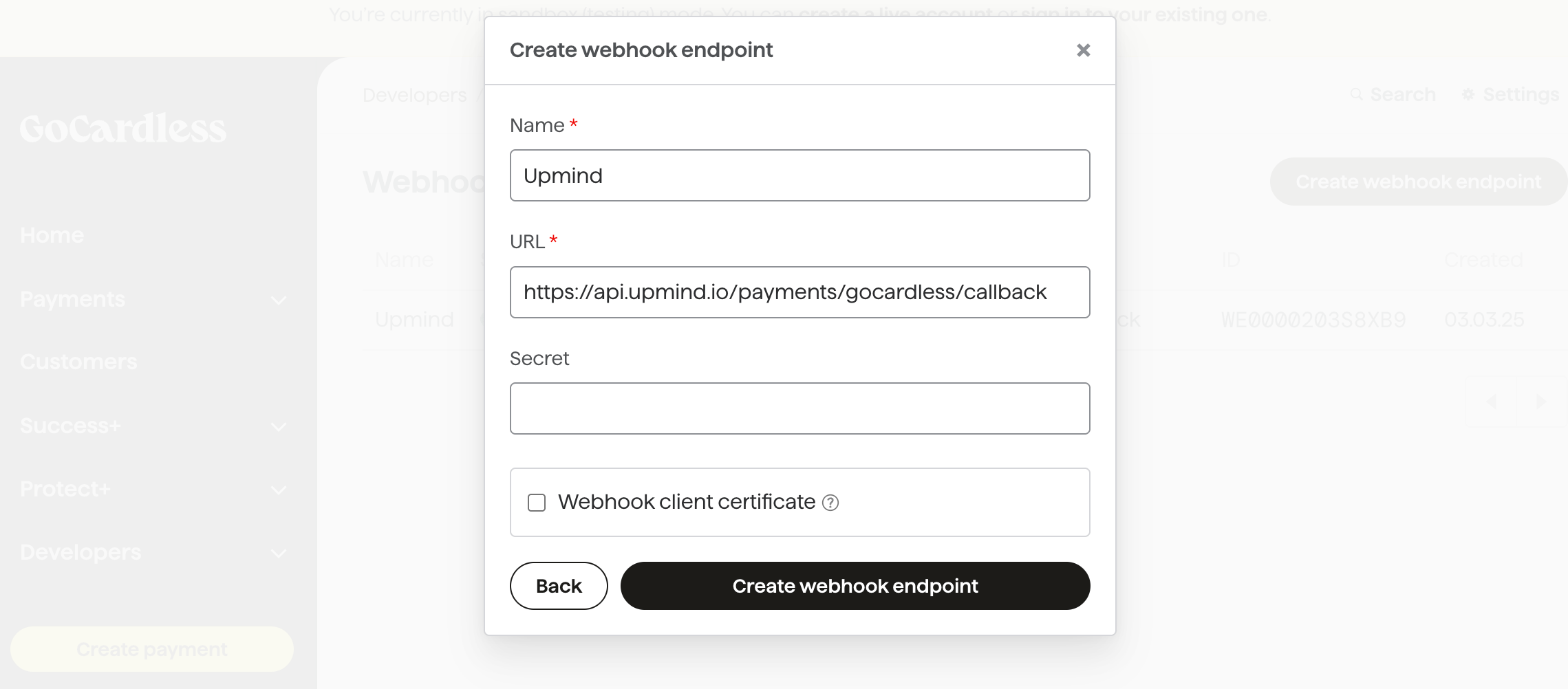
Fill the input fields
- After creation, click on the new webhook endpoint to view its details.

New webhook endpoint
- Copy the Secret generated by GoCardless.
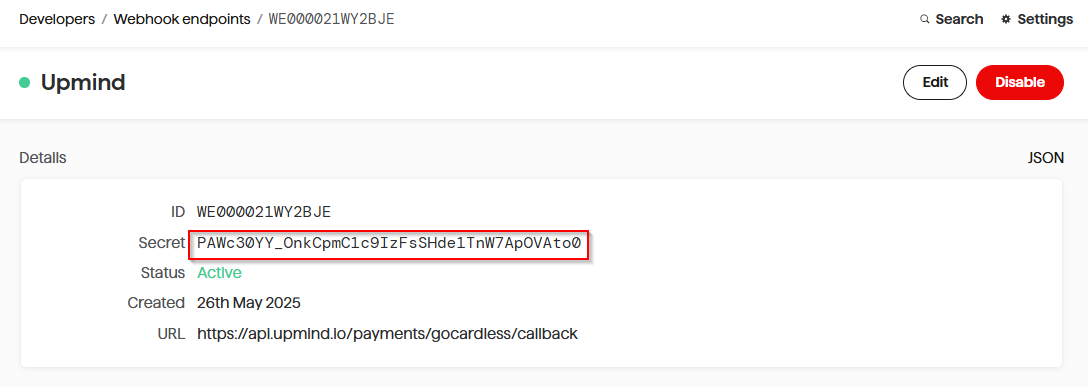
Copy webhook secret
- In Upmind, paste the webhook secret into your GoCardless
Payment Providersettings and click Save.
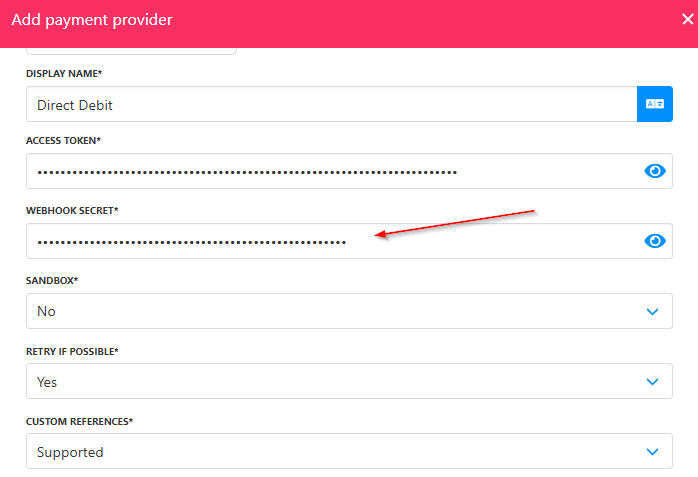
Paste the webhook secret