

- Plain text or encrypted
- Visible (and editable) by the client, or hidden from the client
- Attached to a client, or attached to a client service.
- Pinned, so they have priority over others
- Edited and Deleted
- A client sharing external login details with support
- Staff members leaving notes about clients (not visible to clients)
- Providing clients with access information about their services
Adding Notes and Secrets
To add notes or secrets to a client profile simply navigate to their profile and find the Vault section. You can view and add assets.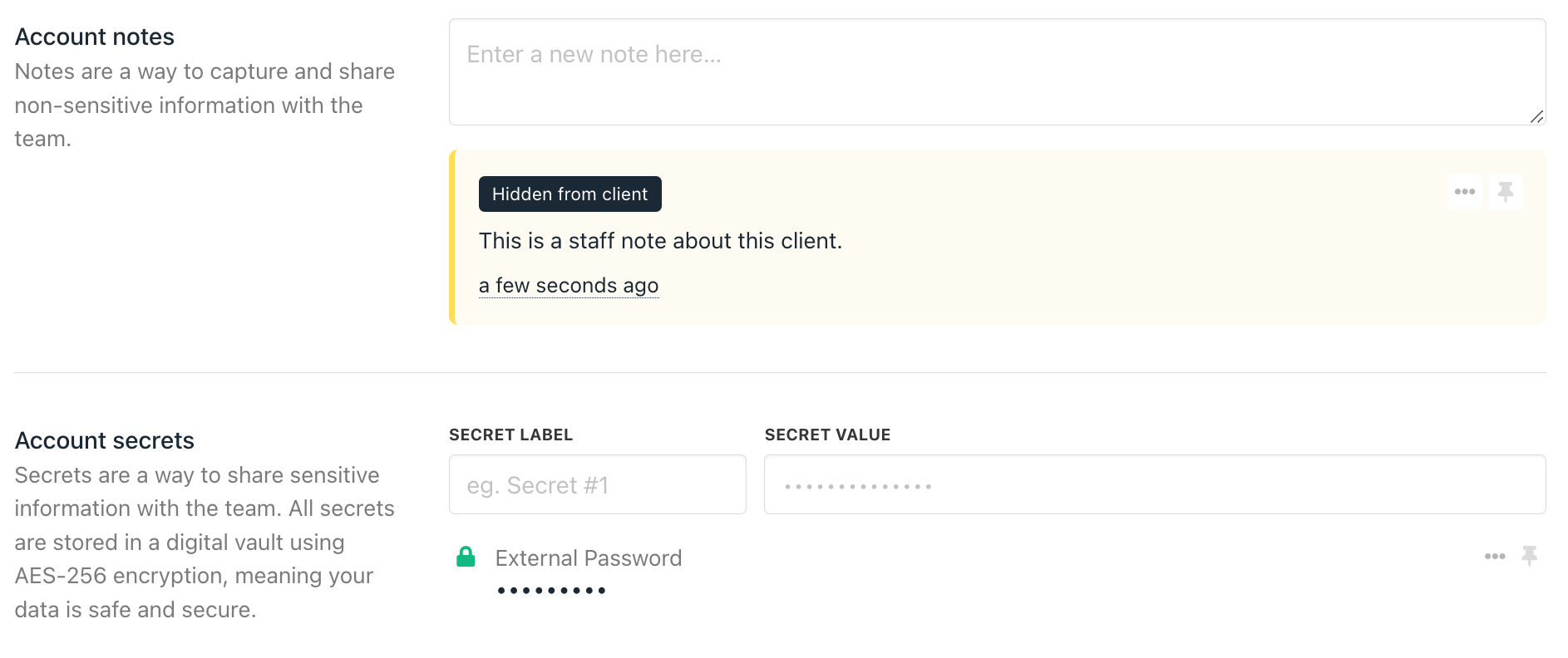
Client View
Clients can view their notes and secrets in their client area underMy Account > Notes and Secrets. They can also view it from a support ticket directly.