

Delegating Access to Specific or All Contract Products & Tickets
- Go to the client’s profile → Account
- Click on Account Delegates
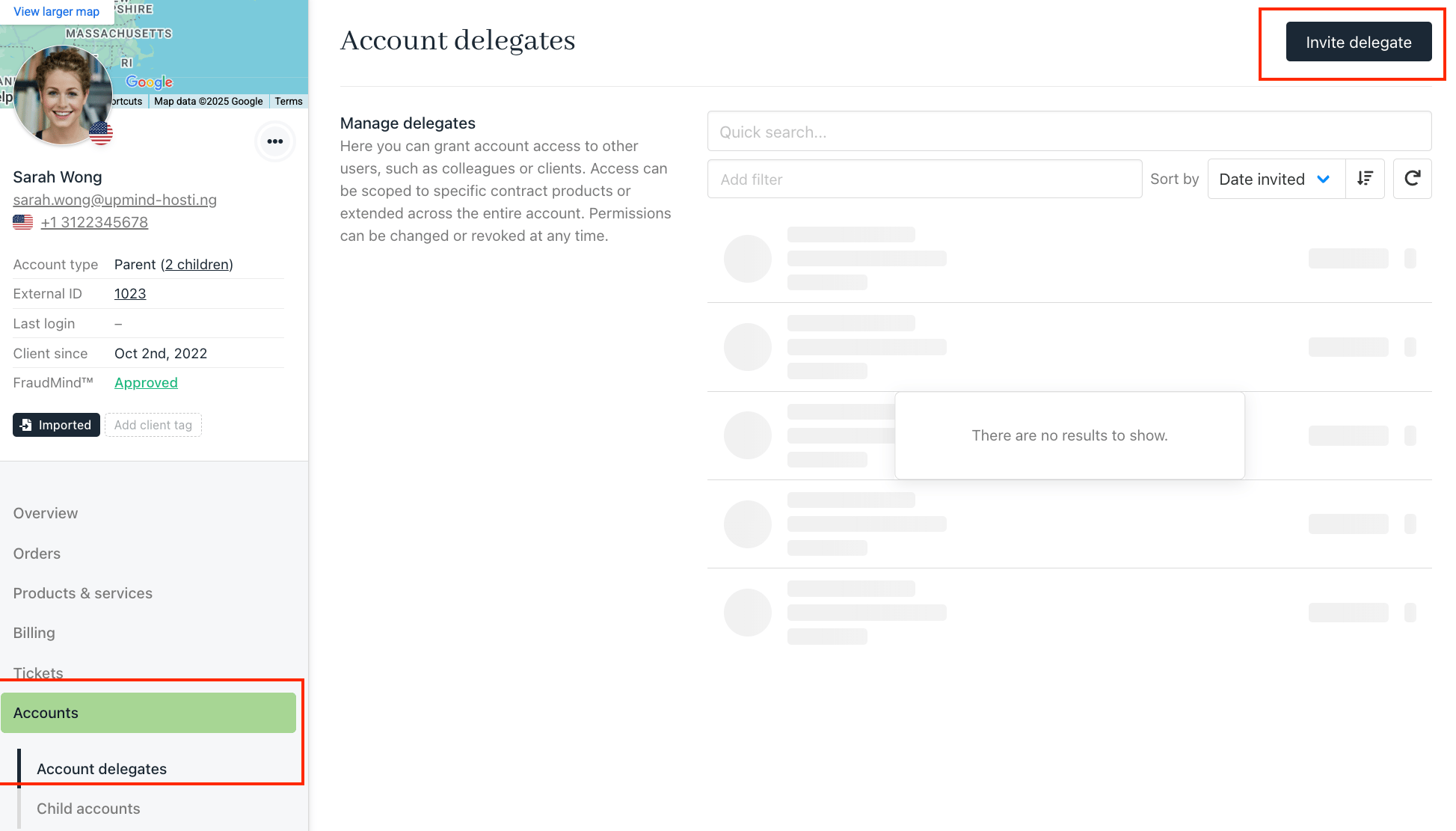
- Select Invite Delegates
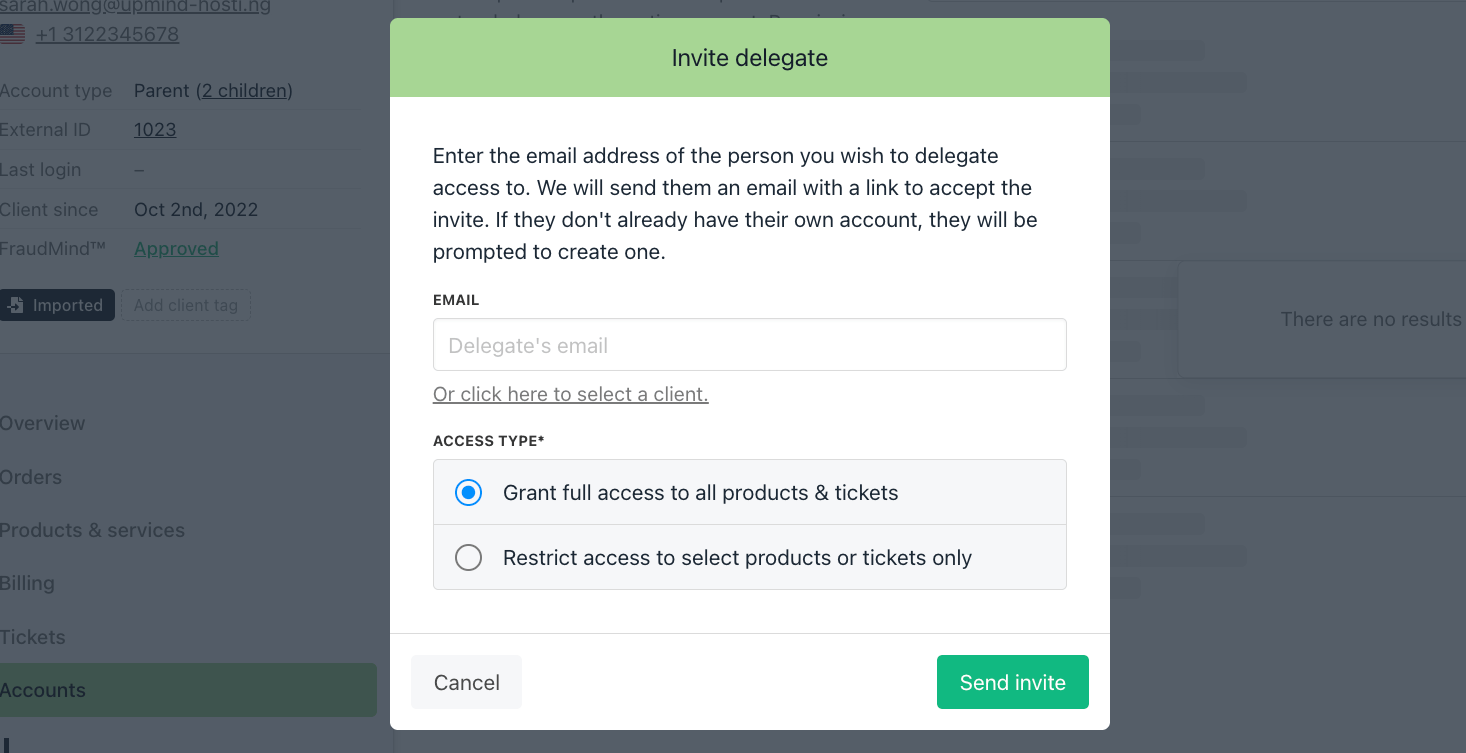
- In the invite box, you’ll find two ways to invite:
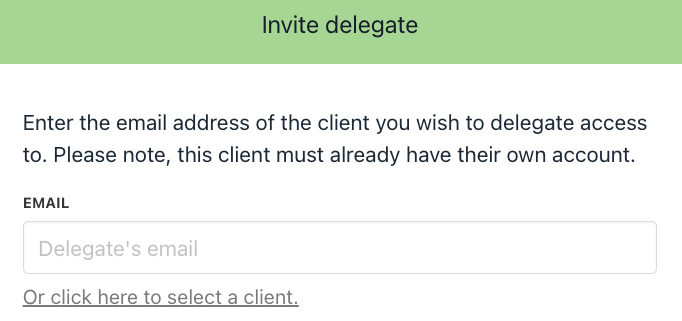
- By email: The invitee must have an Upmind account.
- From existing clients: Choose a client already in the system.
- Choose access type:
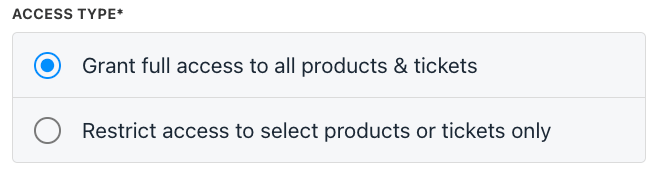
- Full access to all products & tickets
- Restricted access to specific products & tickets → If restricted, you can select which products & tickets the delegate can view.
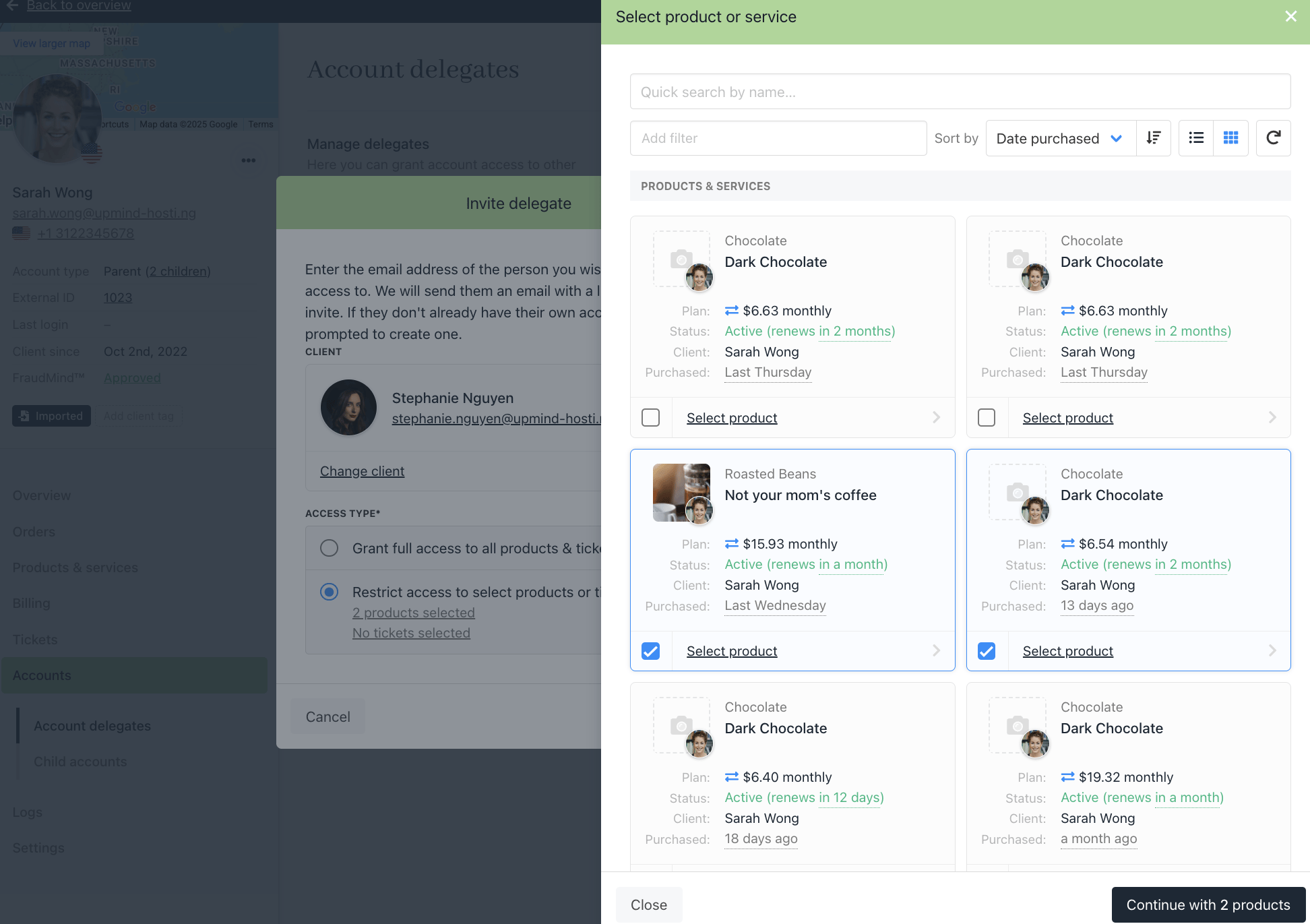
Select the products that the delegates can access
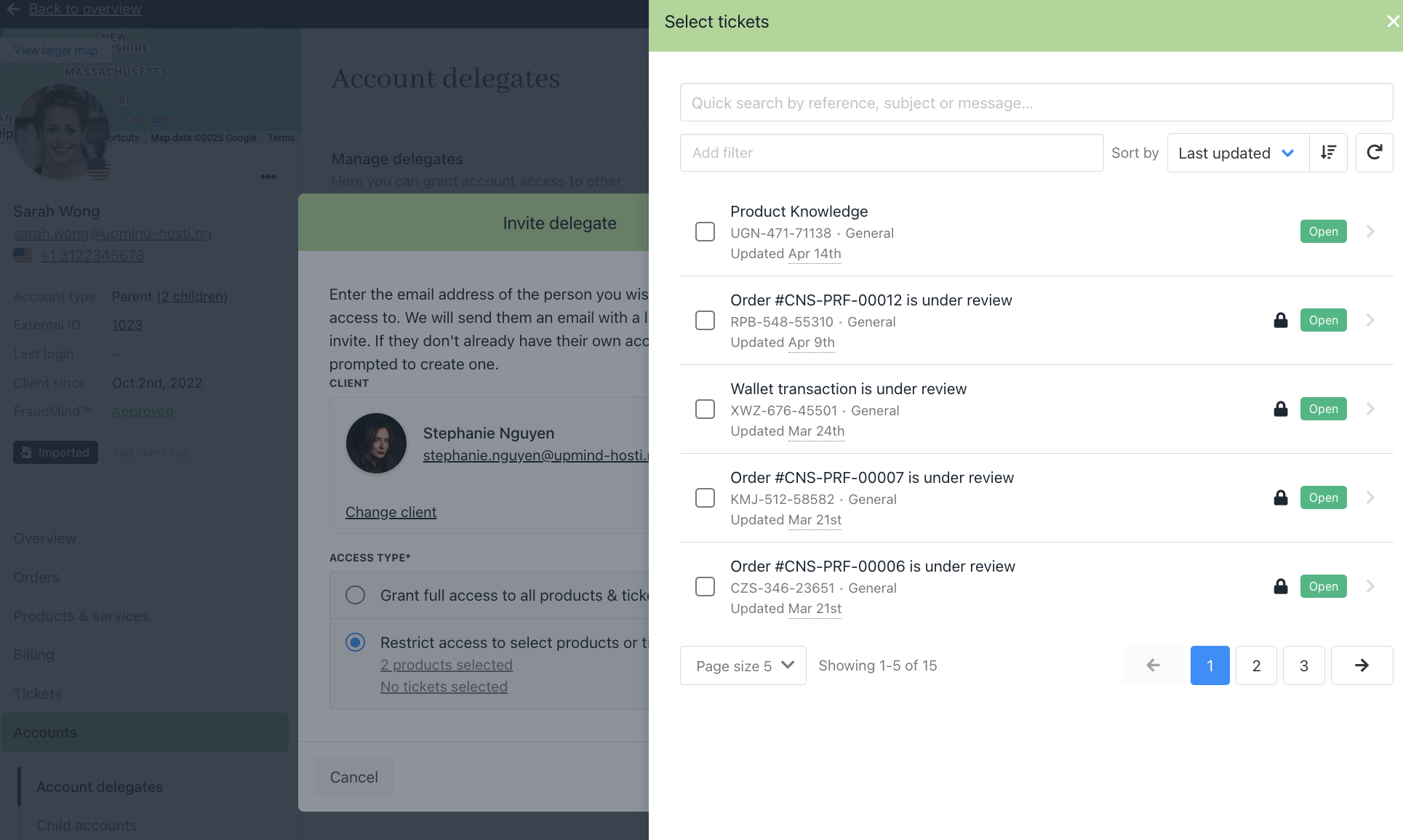
Select the tickets that the delegates can access.
- Click Add Delegates.
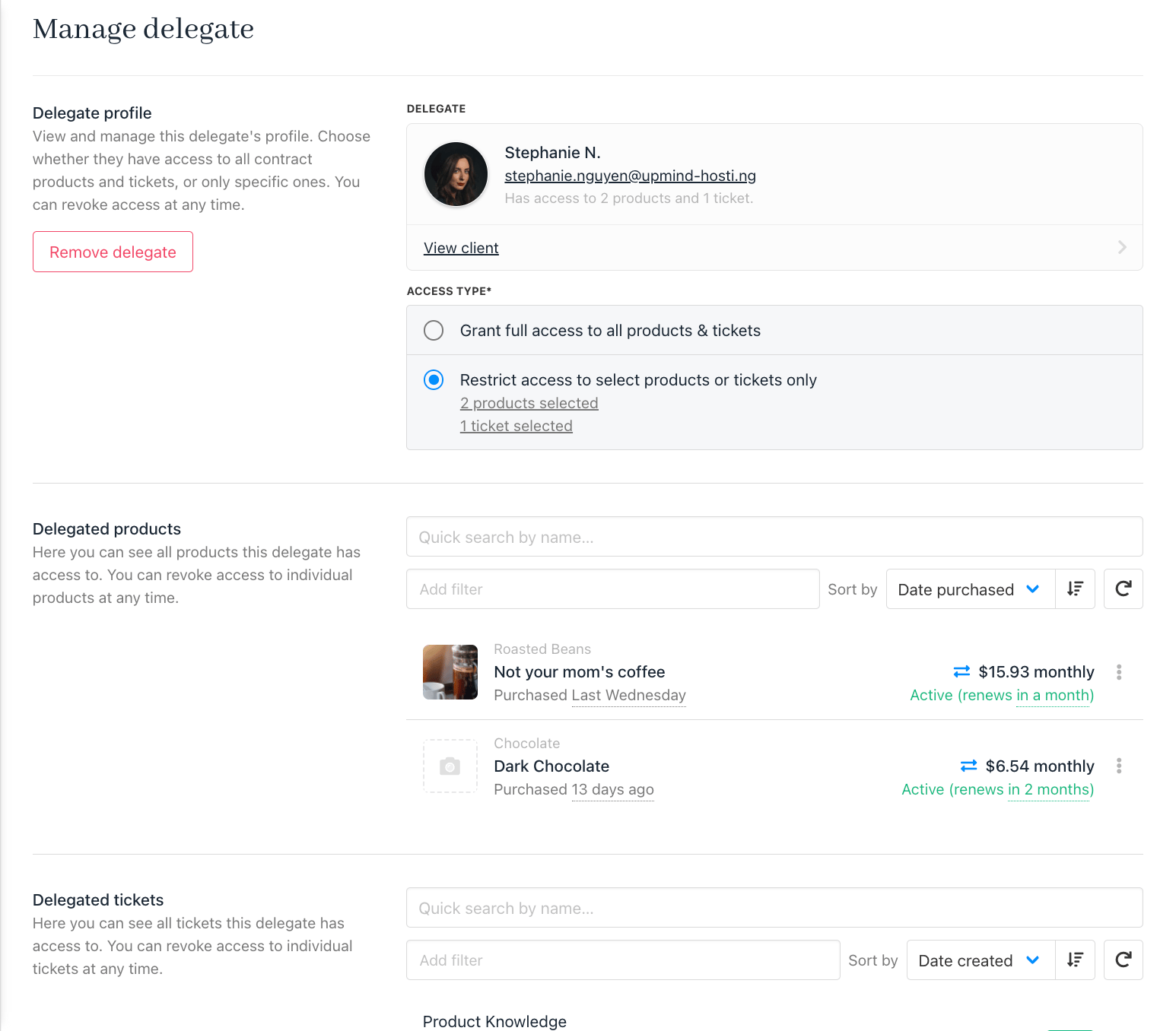
- Once added, click on the delegate’s name to manage their access or profile.
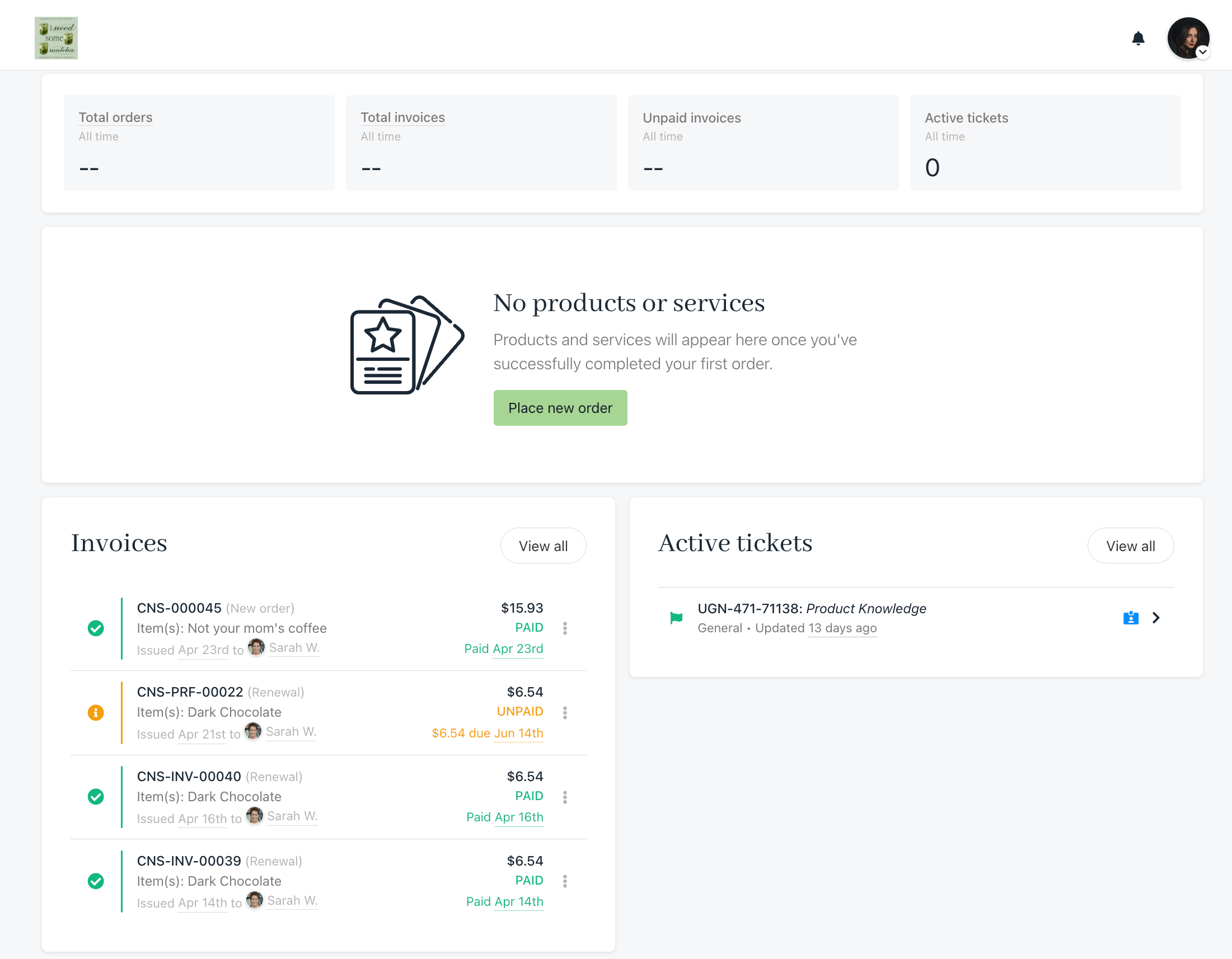
Delegates Dashboard