

What you will need
Plesk Authentication Options
Upmind connects to Plesk using the Plesk API. You can either use your Plesk username and password or you can generate a secret key by following their documentation.Create a provision configuration
Linking Plesk to Upmind
In Upmind, you should add Plesk as a provision configuration. You can either do this- On the sidebar, click Host Control > Web Servers> Add New. You can also select it from below.
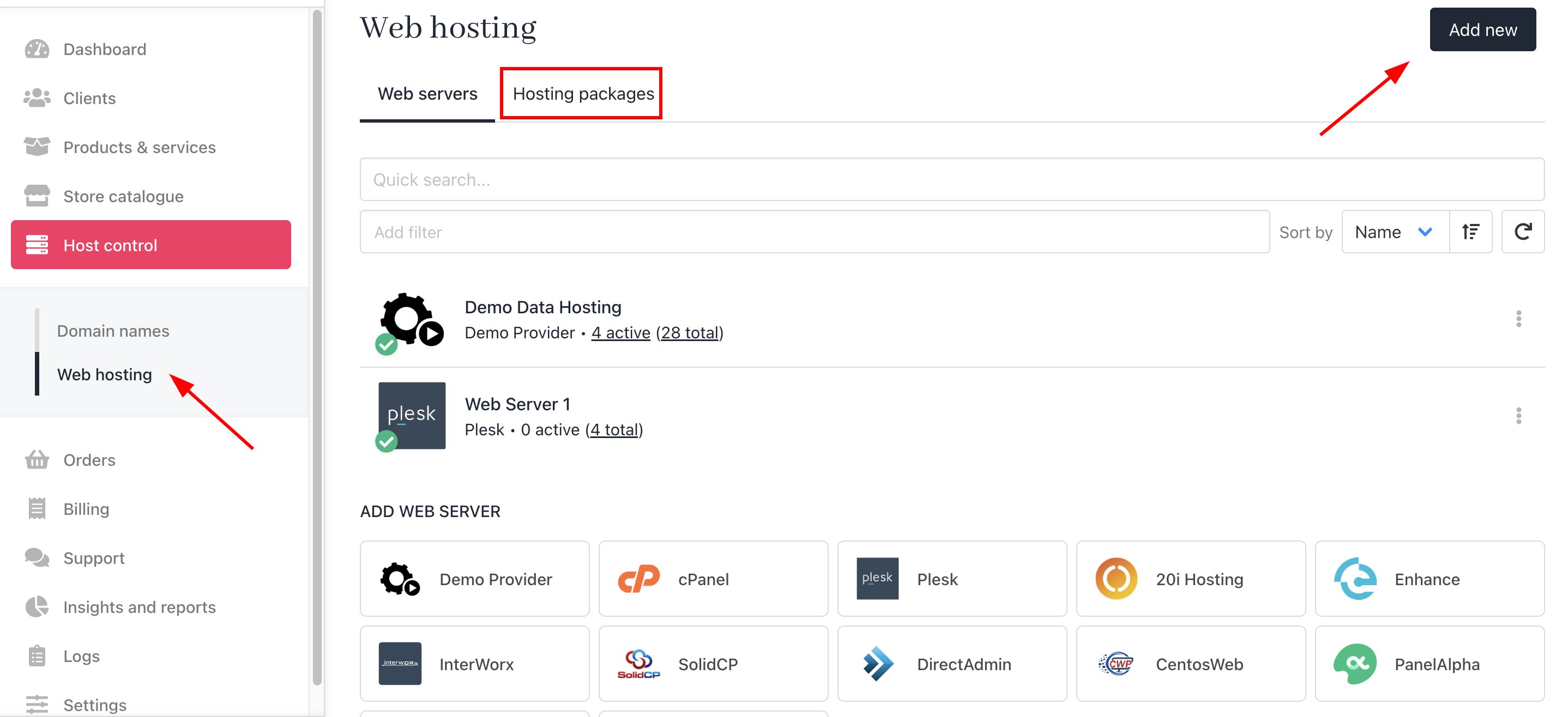
Host Control > Web Servers> Add New
- On the sidebar, go to Settings > Provision Configurations > Add New Configuration.
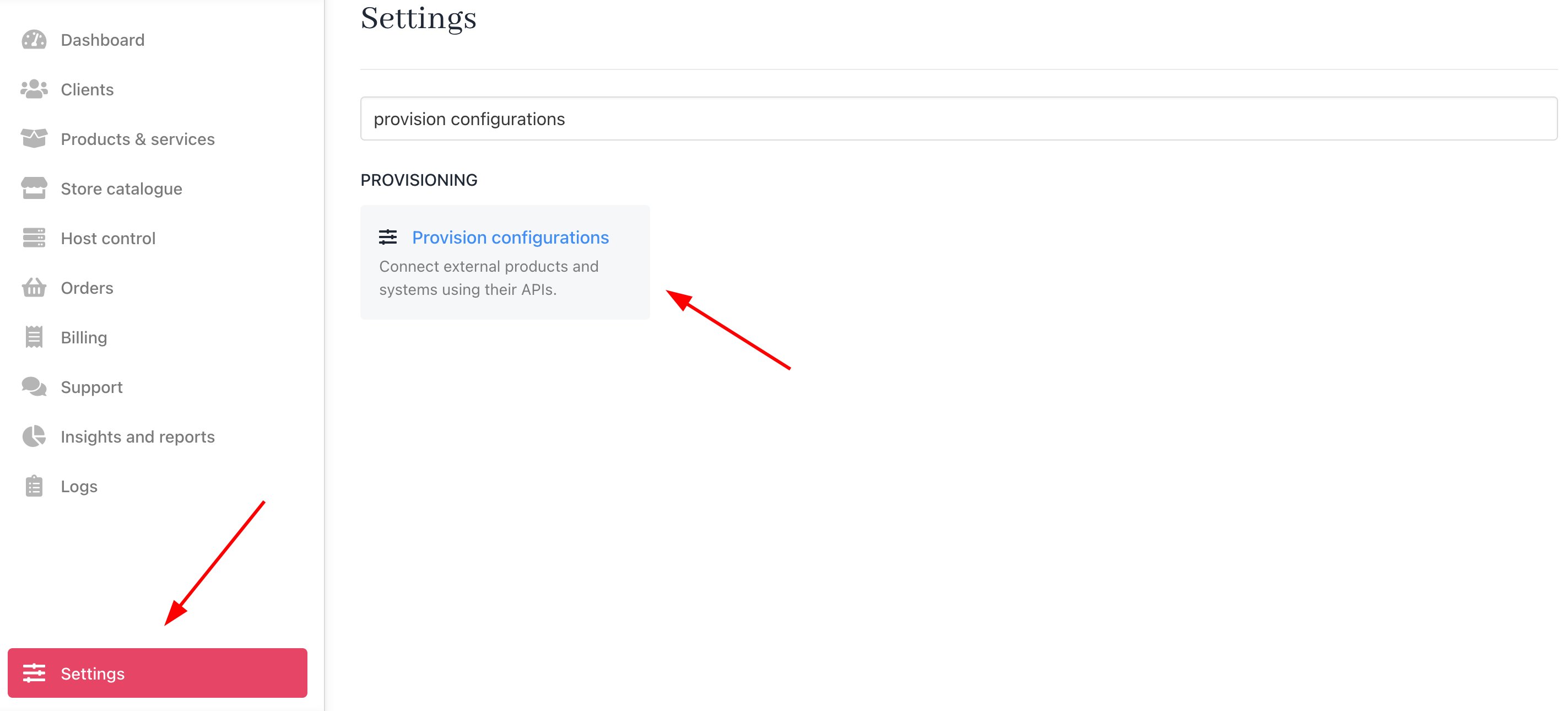
Settings > Provision Configurations > Add New Configuration
- Enter a server name. You may just want to use the Plesk control server name or give it a more familiar name.
- Under the Provision Category of Web Hosting, choose Plesk as the hosting panel type.
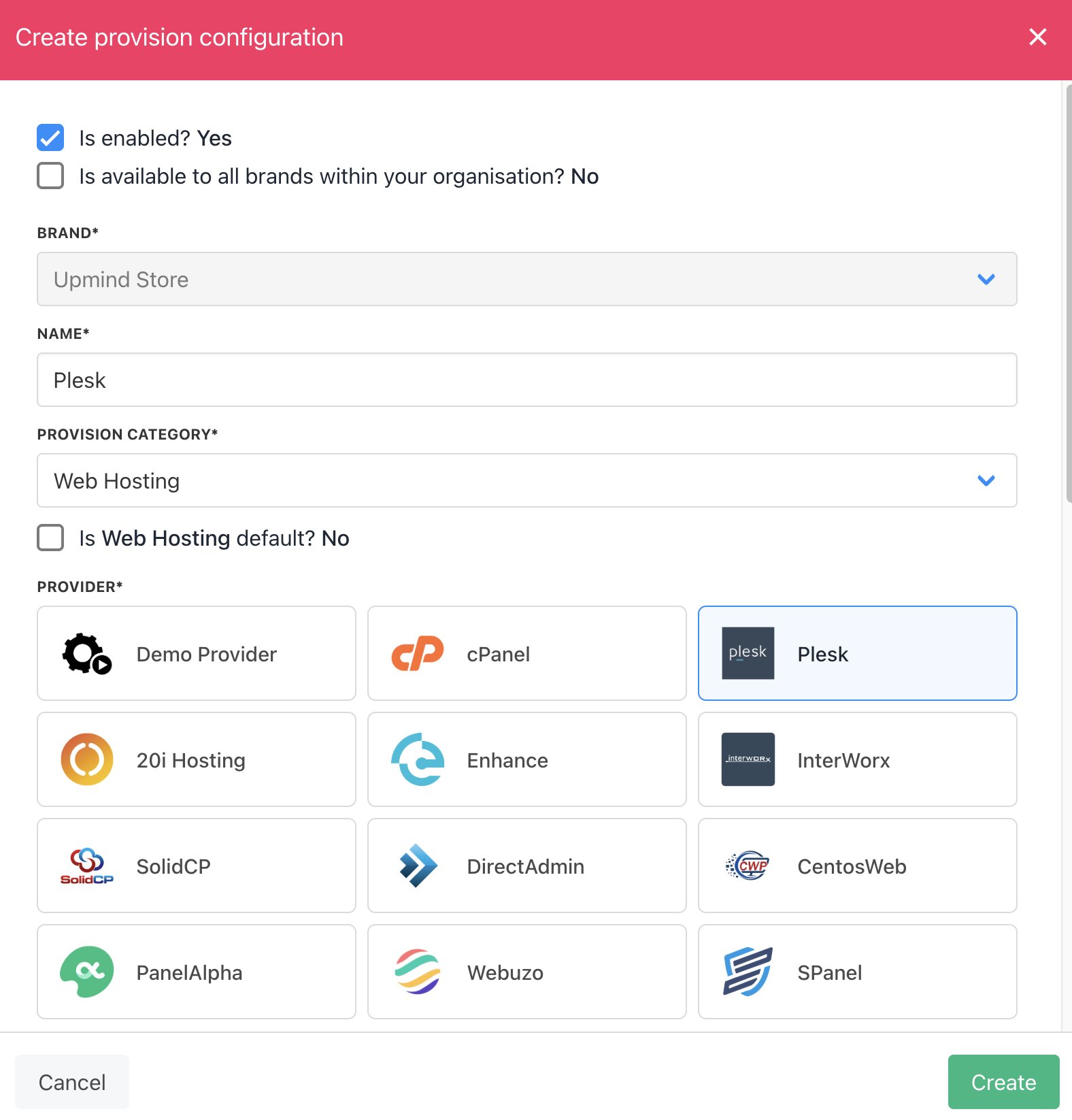
Enter name
- Enter your Hostname, Admin Username, Admin Password, and Secret Key.
- Click Create.
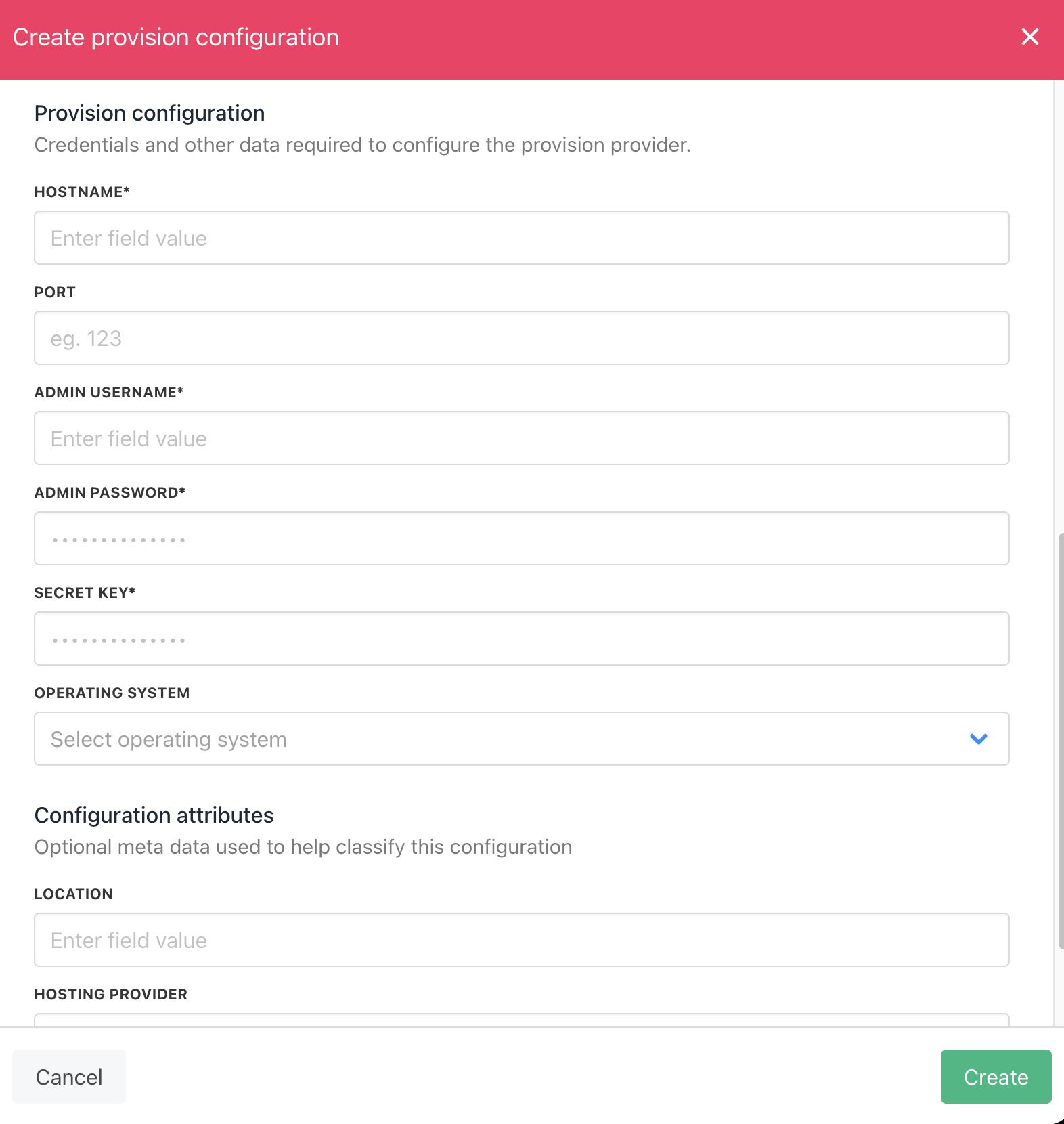
Enter details
Creating packages
Plesk calls packages Service Plans. You need to add a Service Plan in Plesk and add this as your service identifier in Upmind.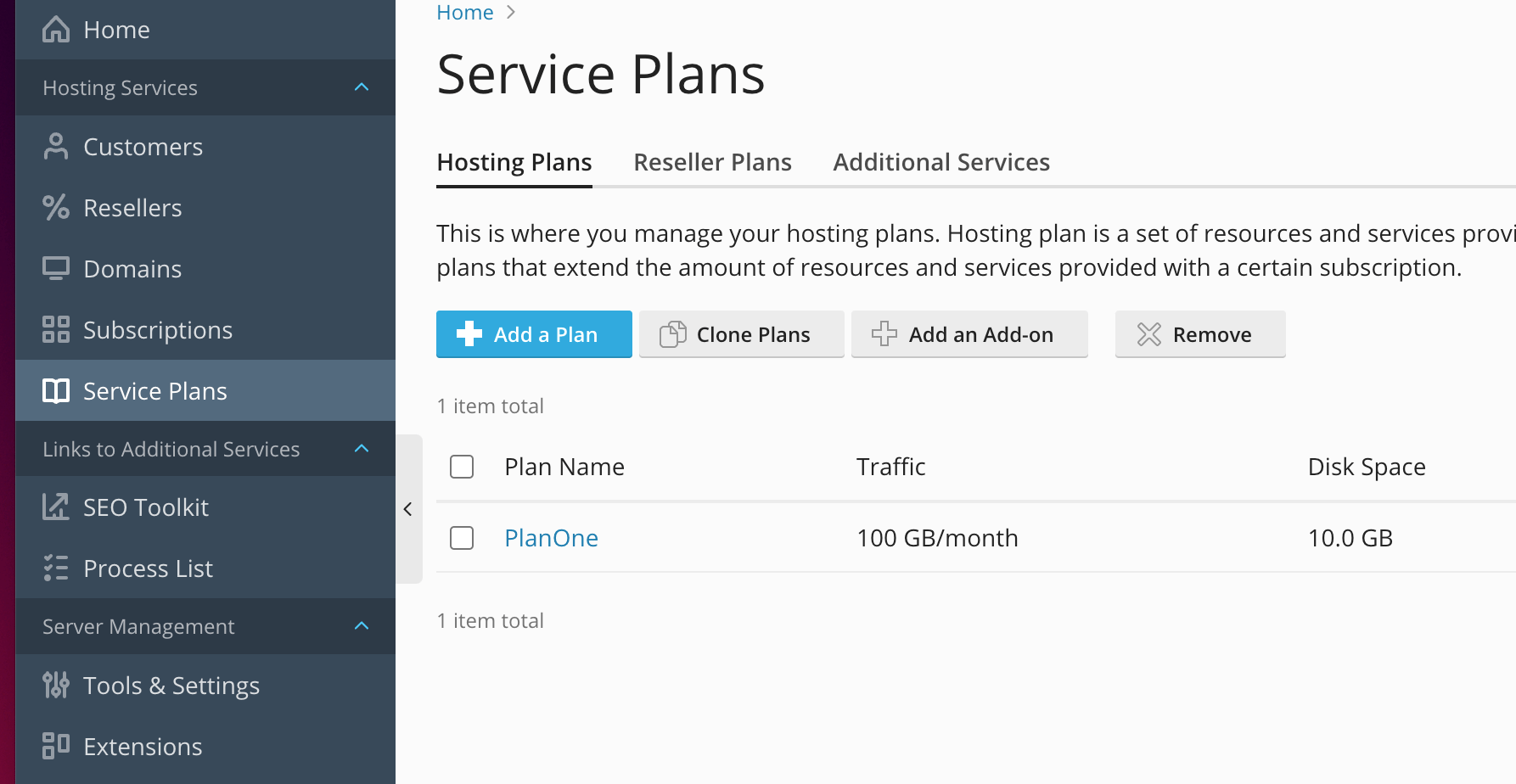
The service plan name here is "PlanOne"
Configure Upmind products
In your Upmind admin area, under Host control > Web hosting, click on the Hosting packages tab and click the Add new button to start configuring a new hosting package.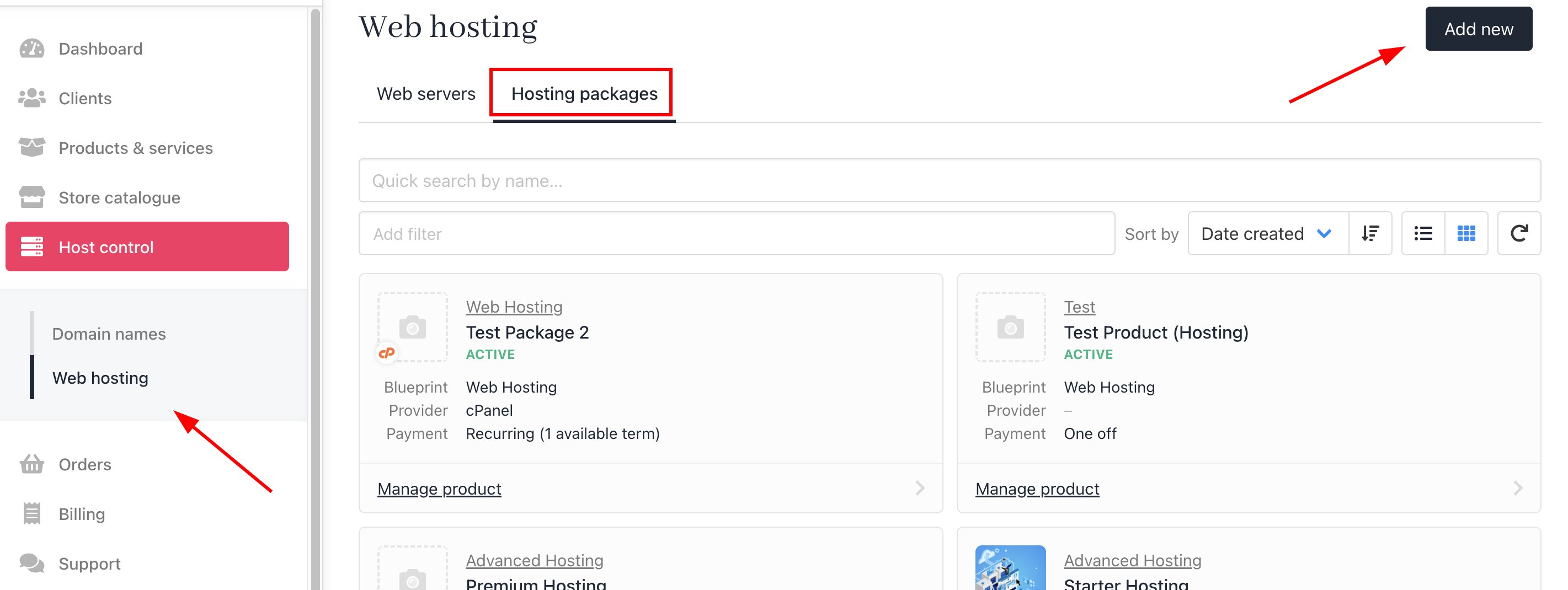
Host control > Web hosting > Add new
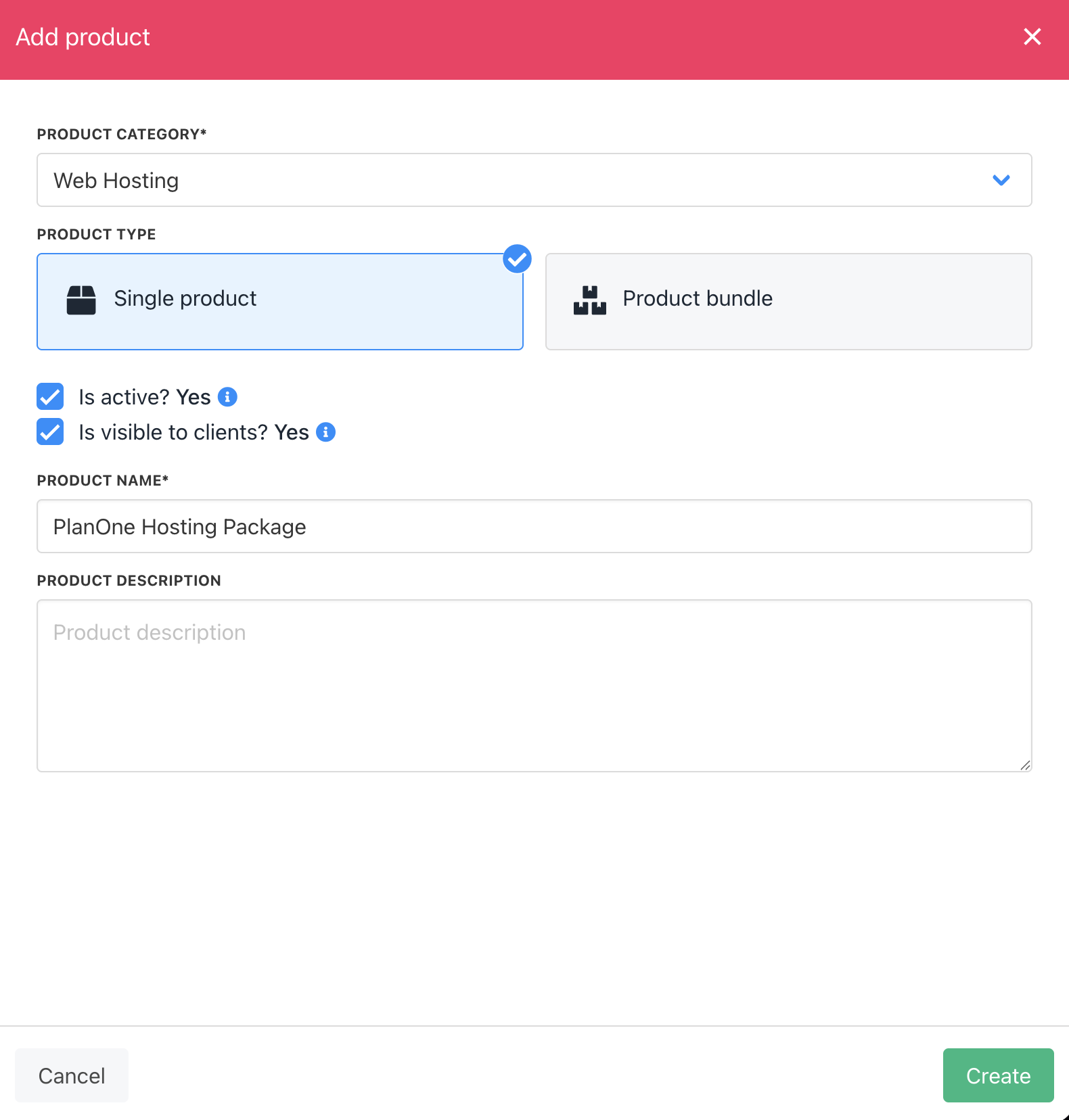
Create package
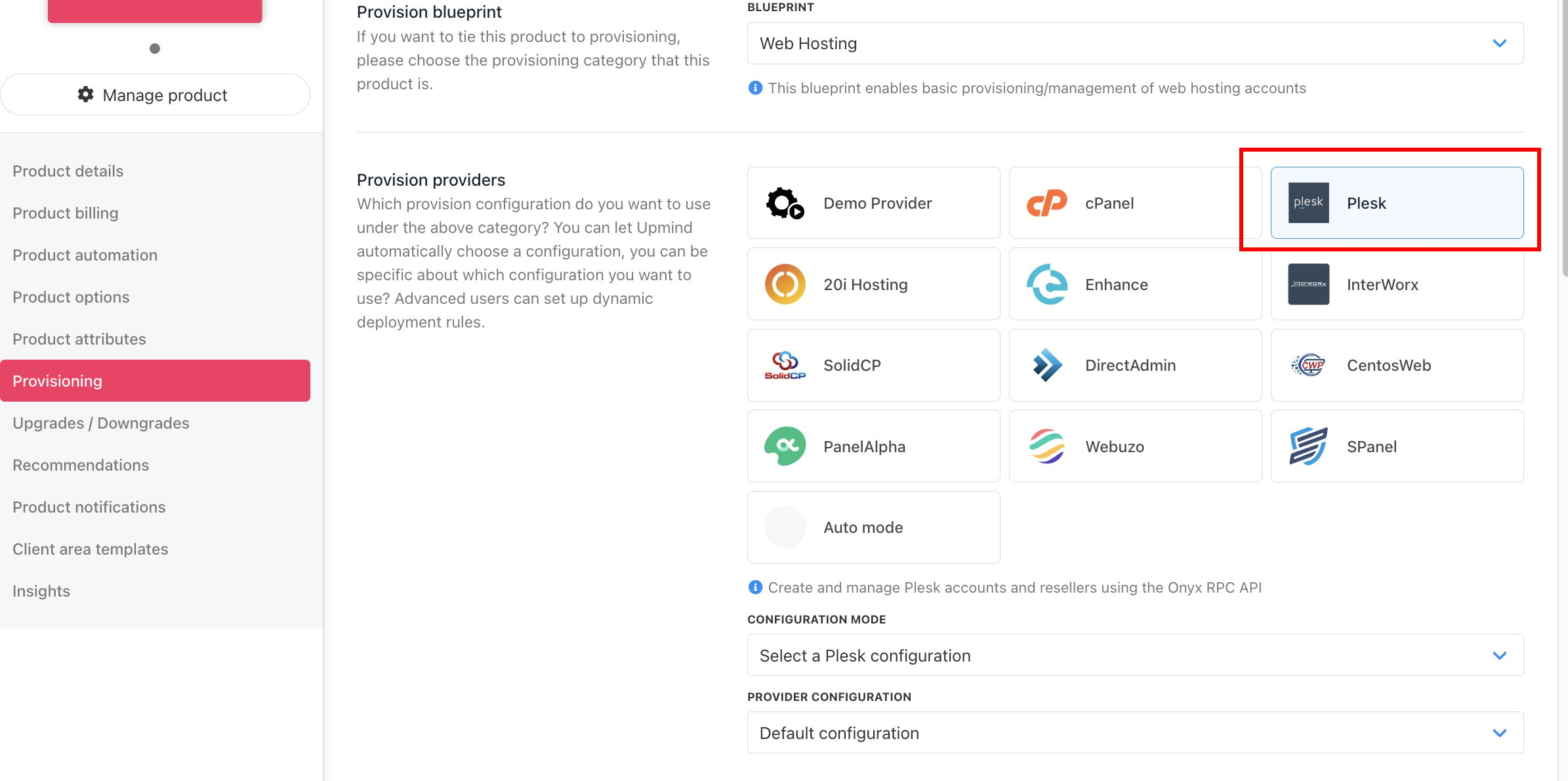
Set provision provider
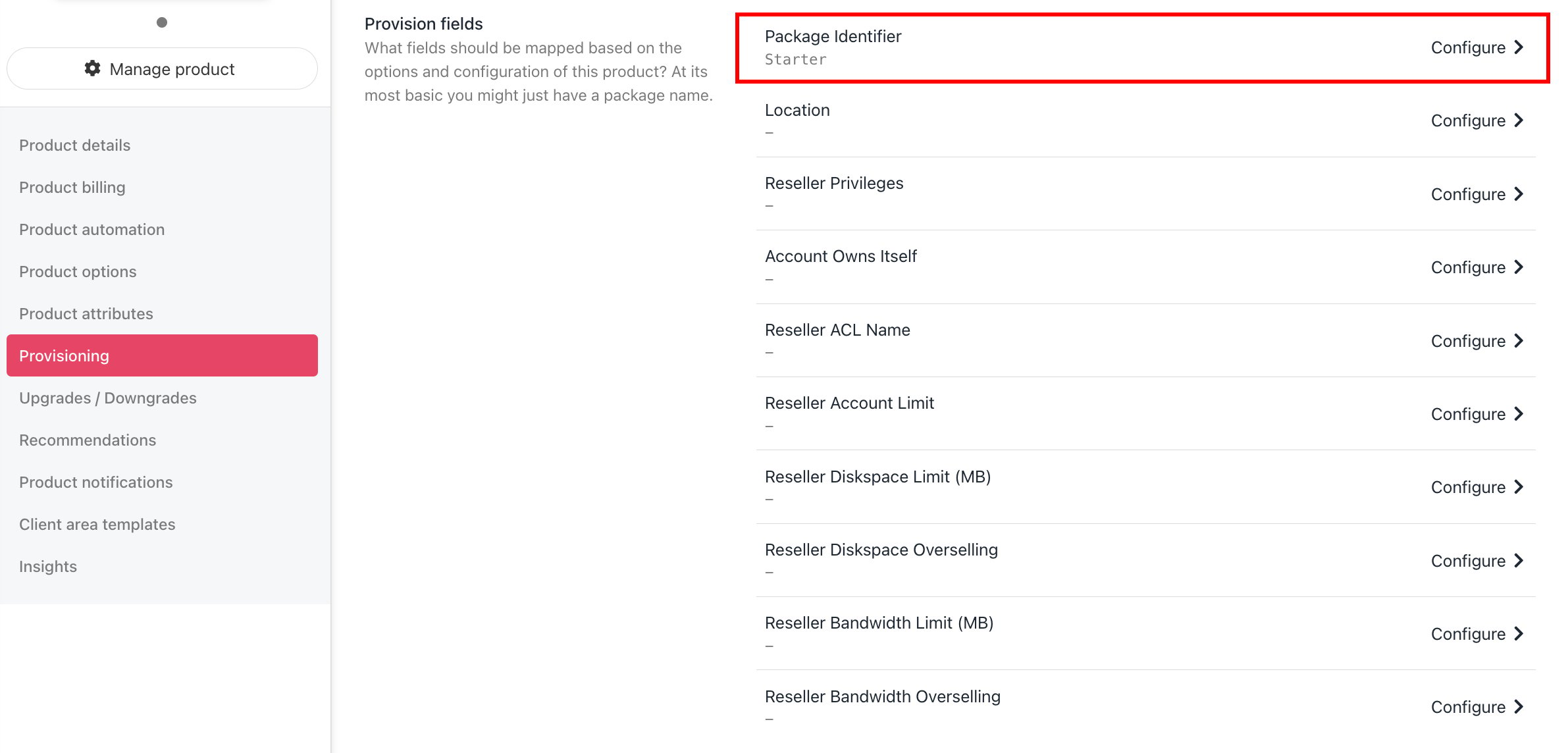
Set package identifier
Auto-Login
Plesk supports auto-login. When you or your client clicks Login to Control Panel when requesting an SSO link that is tied to the IP you request it with. You are then automatically redirected and logged into Plesk.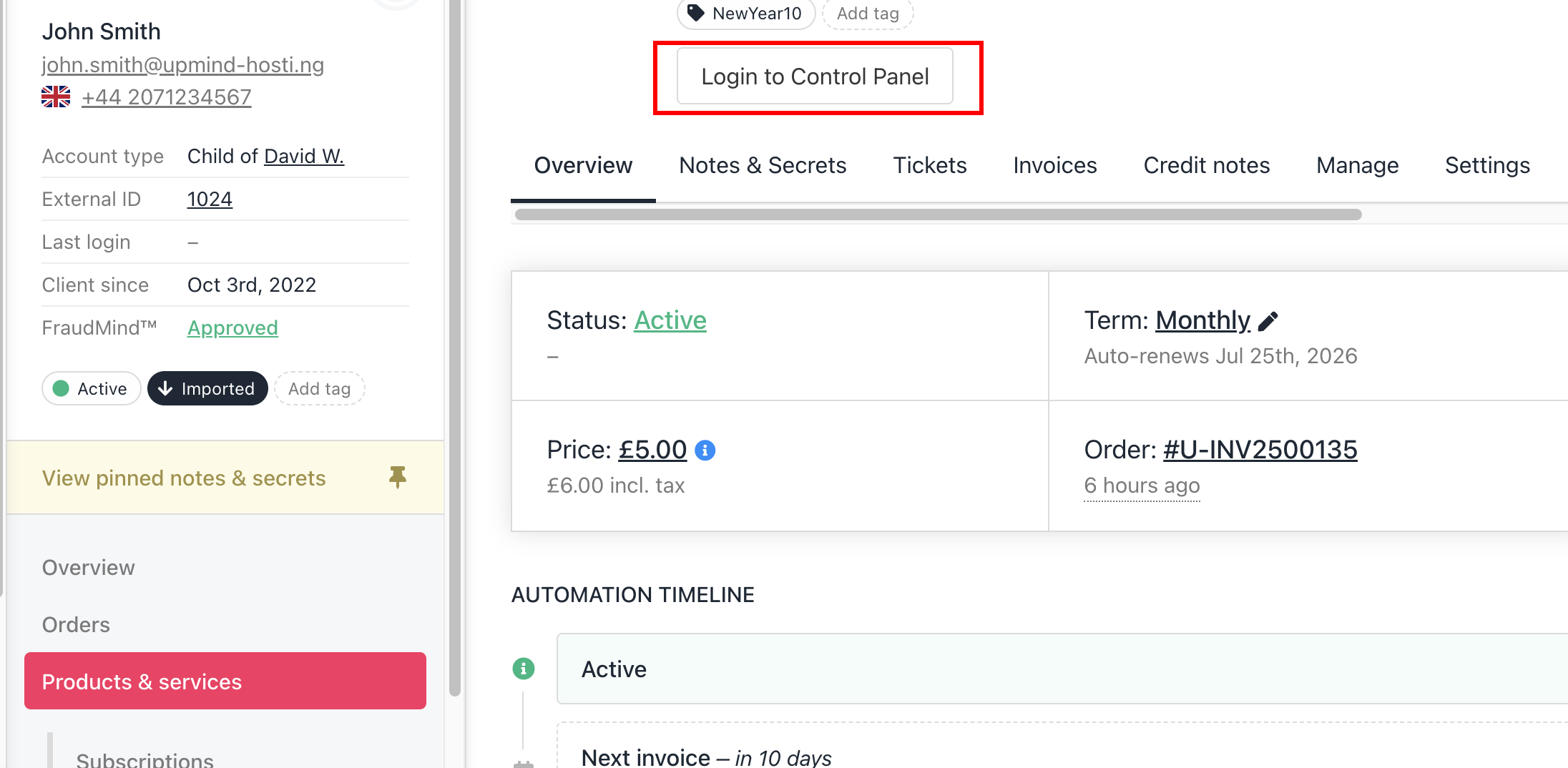
Login to Control Panel