

Getting your CentosWeb credentials
To connect CentOS Web Panel to Upmind, you’ll need the Hostname, API key, and Shared IP address. Here’s how to obtain the credentials in CWP:- Hostname - Copy the highlighted part from the URL.
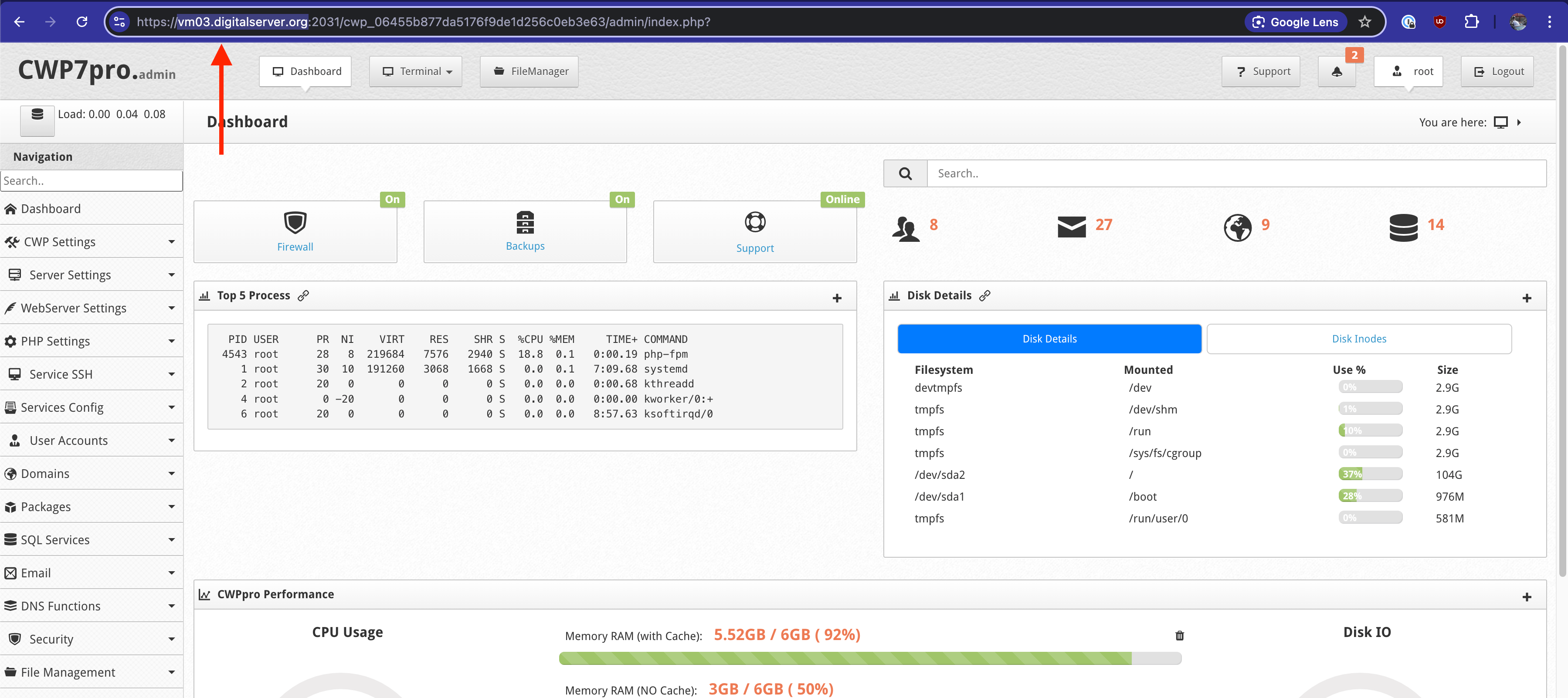
Hostname
- API Key
- Account
- Account Details
- Account Pack Change
- Account Quota
- Autologin
- Change of password
- Domains and Subdomains
- Metadata Account
- Packages
- Quota limit
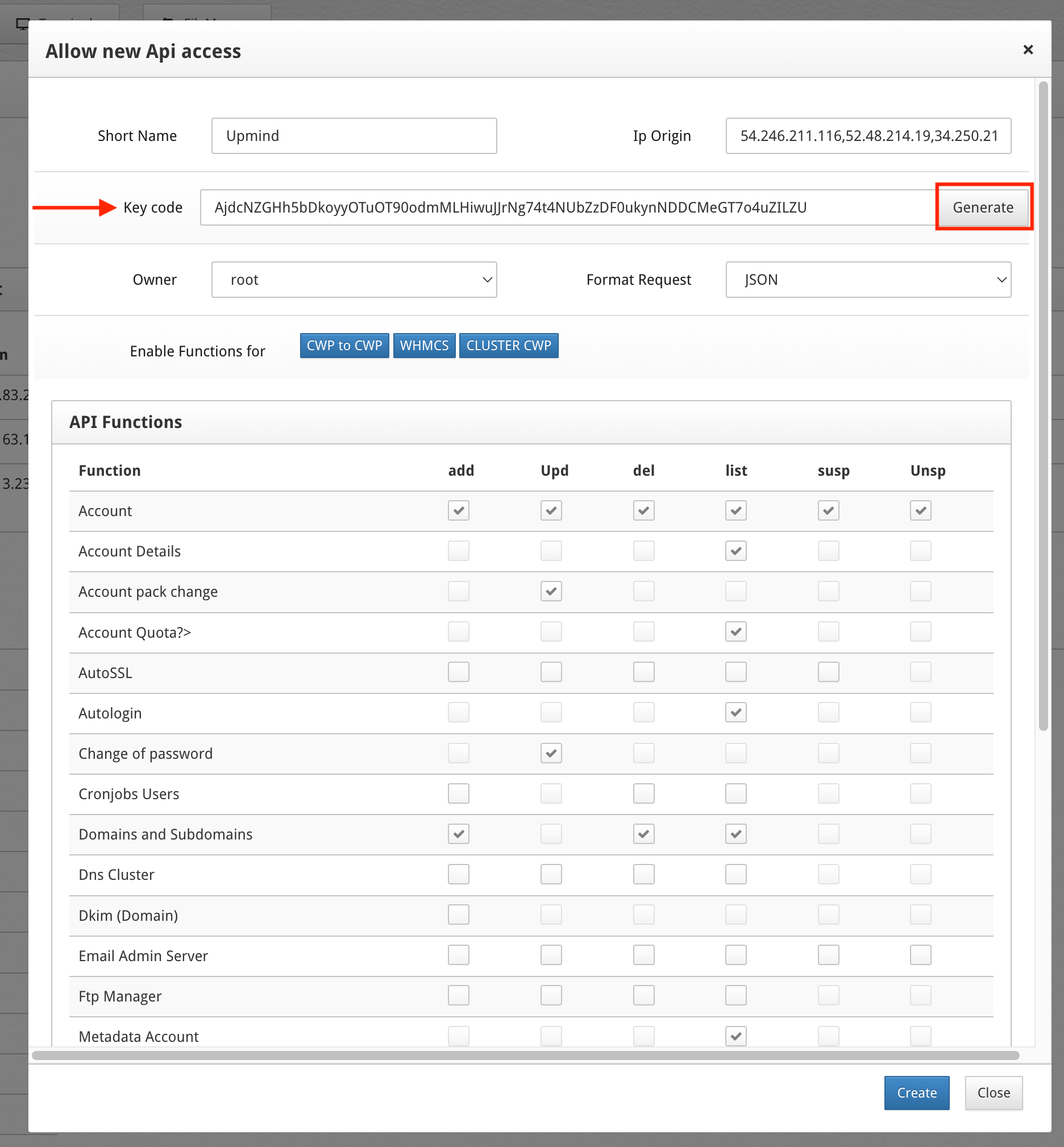
Copy key code
- Shared IP Address
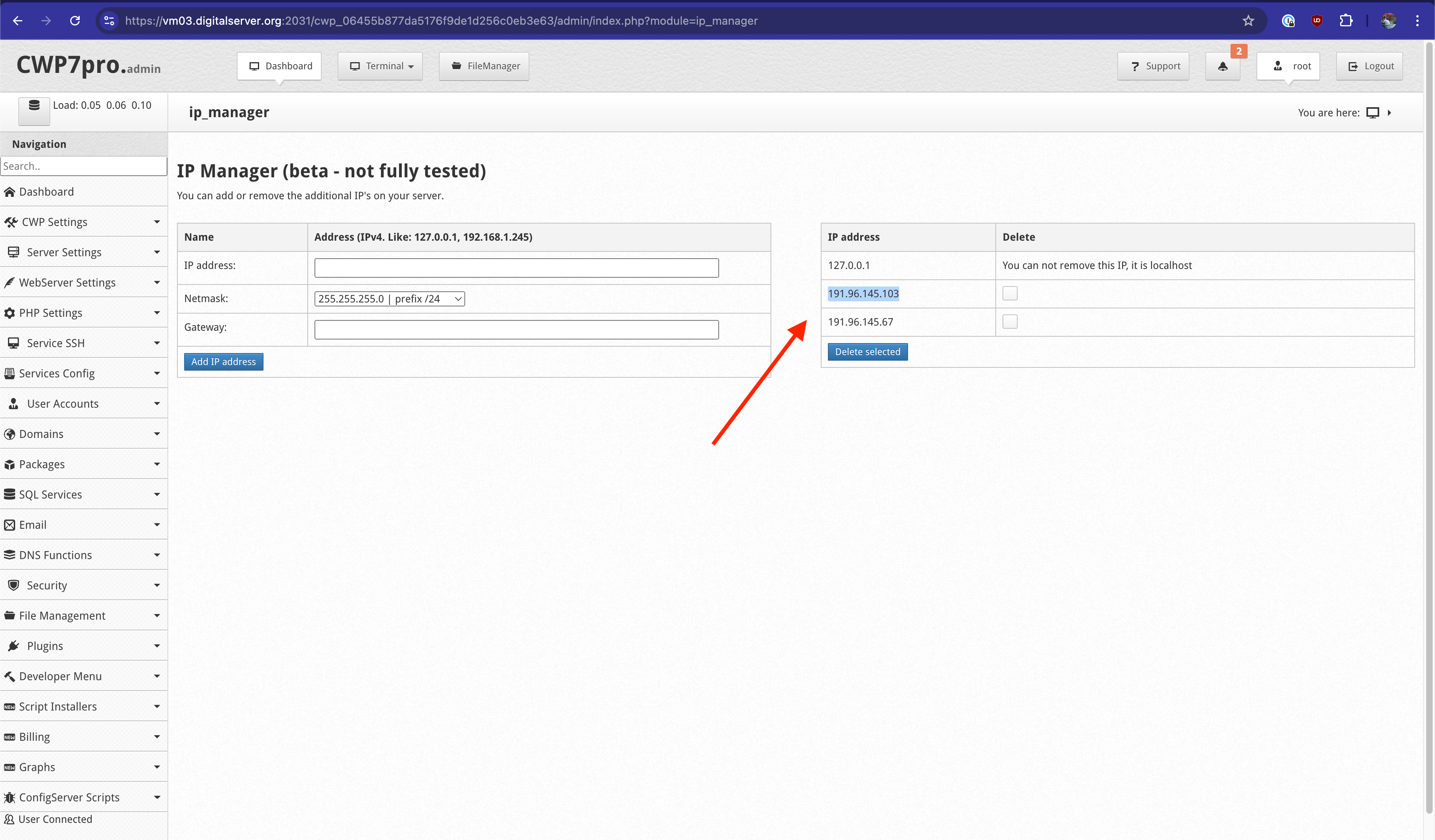
Copy and paste IP address
Linking CentosWeb to Upmind
In Upmind, you should add CentosWeb as a provision configuration. You can either do this- On the sidebar, click Host Control > Web Servers> Add New. You can also select it from below.
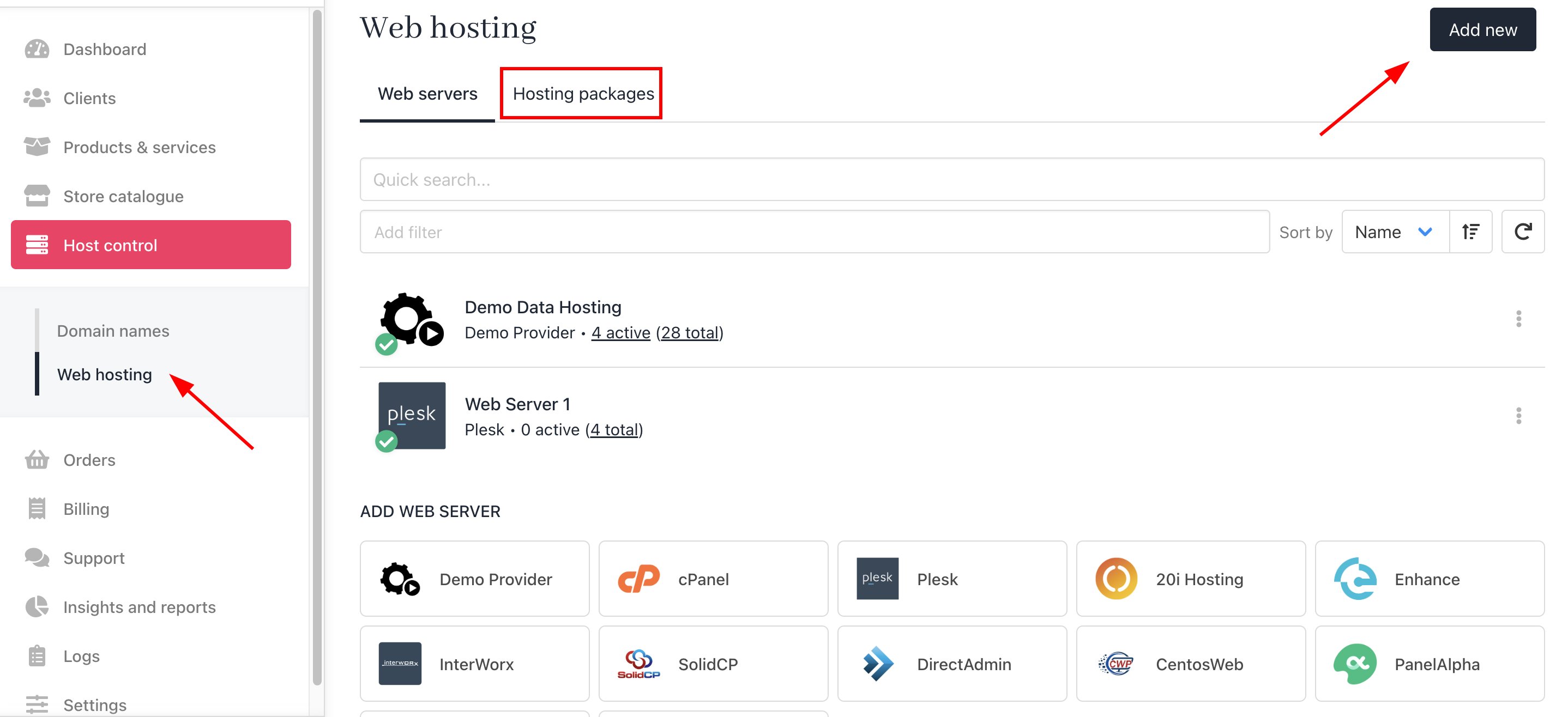
Host Control > Web Servers> Add New
- On the sidebar, go to Settings > Provision Configurations > Add New Configuration.
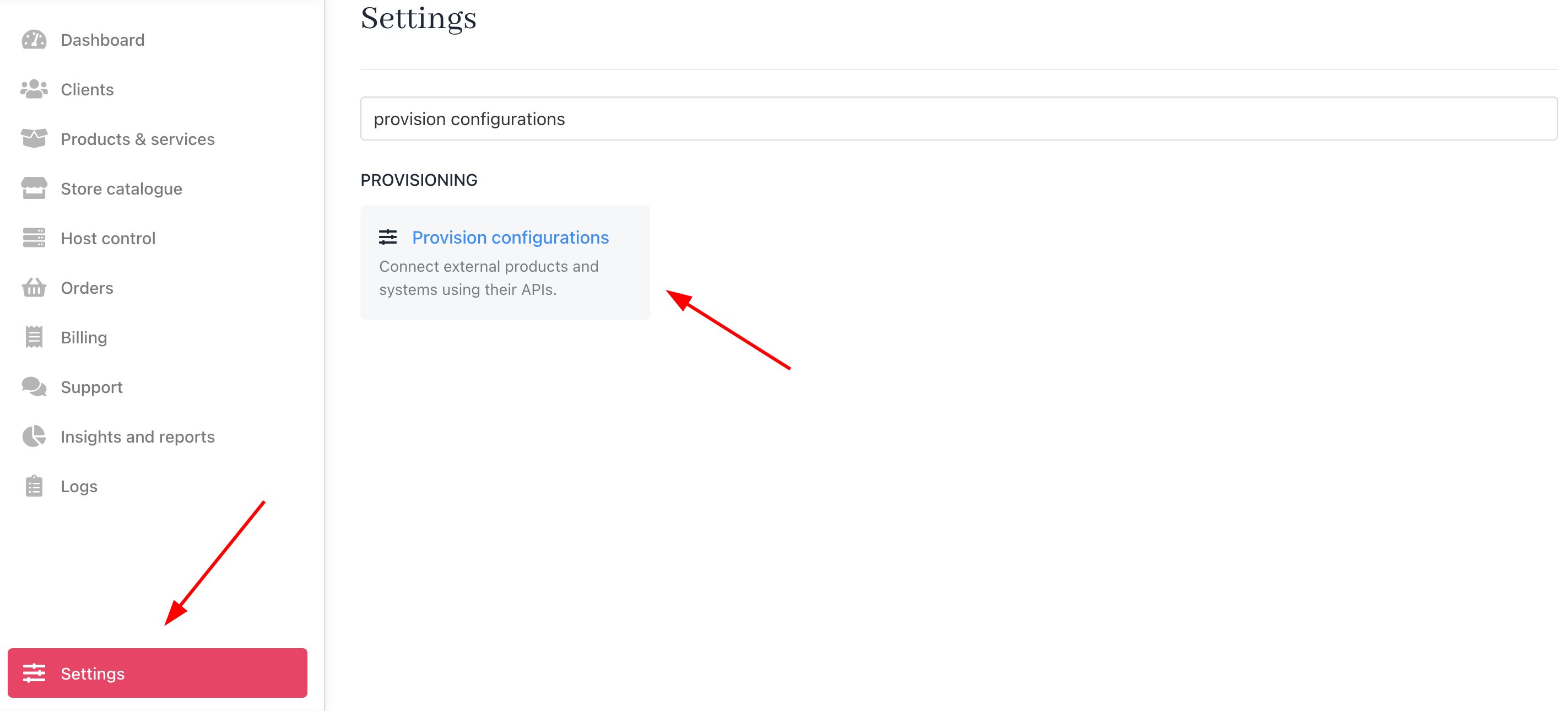
Settings > Provision Configurations > Add New Configuration
- Enter a server name. You may just want to use the CentosWeb control server name or give it a more familiar name.
- Under the Provision Category of Web Hosting, choose CentosWeb as the hosting panel type.
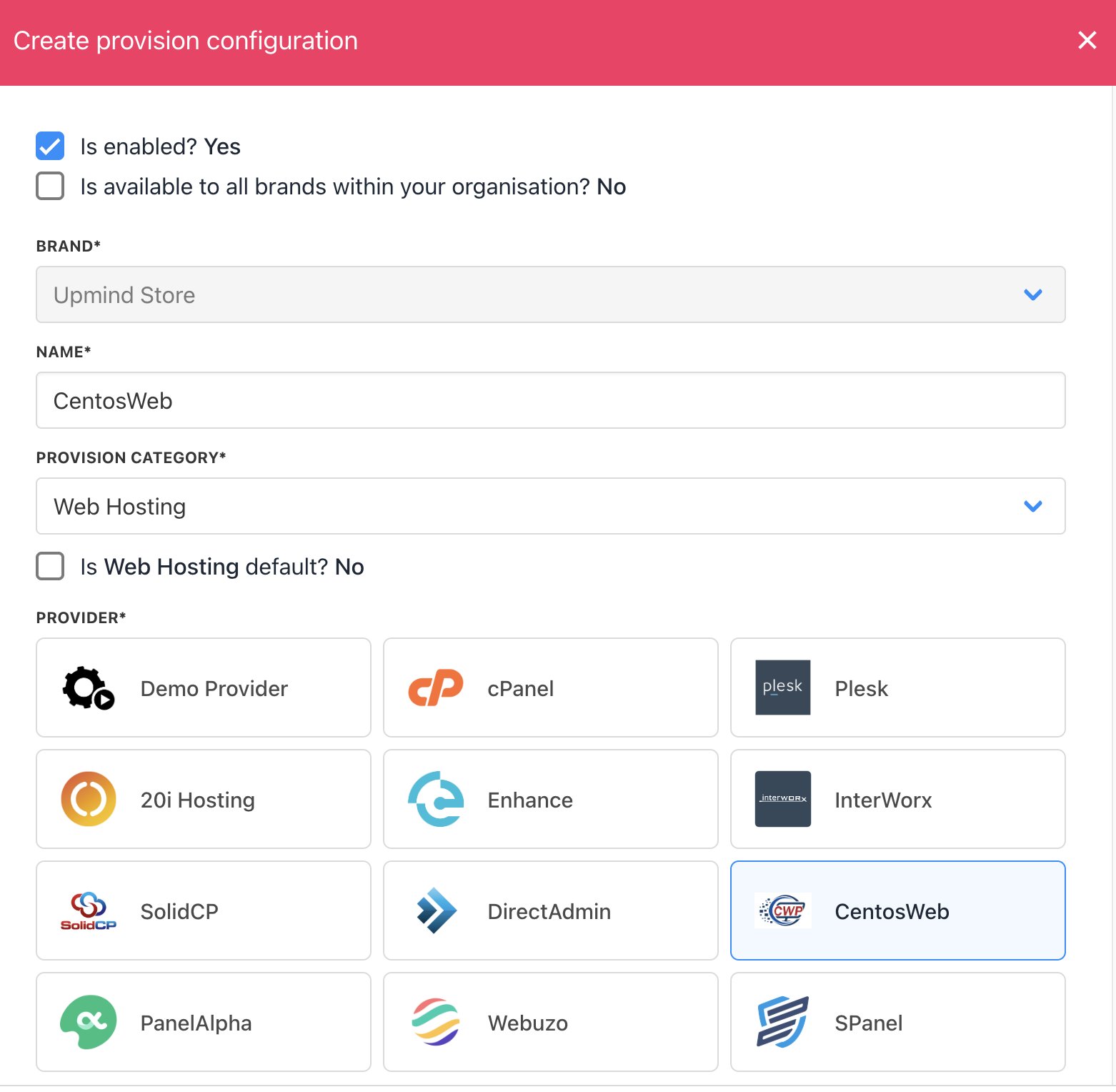
Enter name
- Enter your Hostname, API Key, and Shared IP Address.
- Click Create.
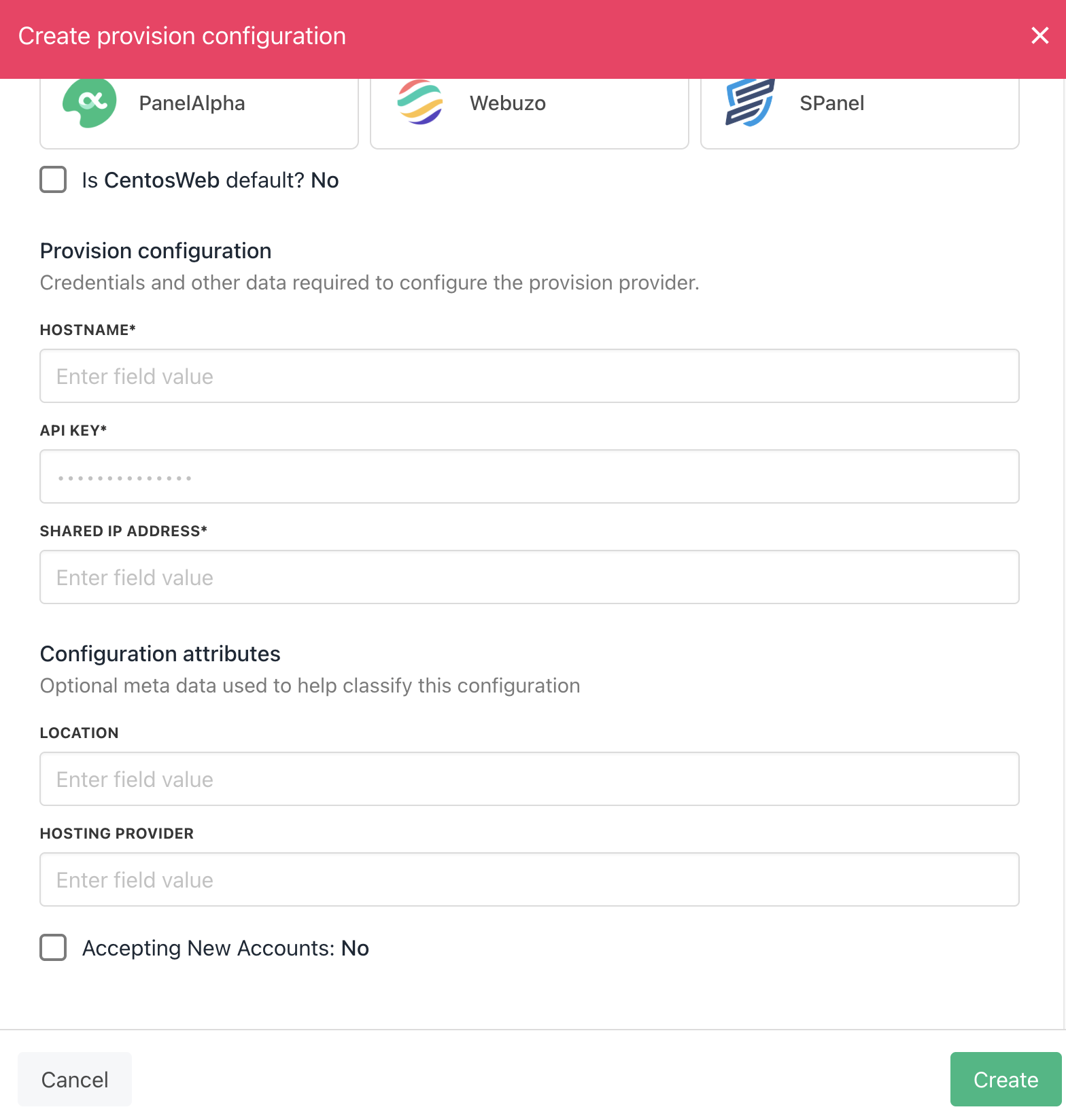
Enter details
Create Package
When you create hosting packages in Upmind, you can now choose CentosWeb as a provision provider. You will be asked for the Package Identifier. It’s recommended to use the CentosWeb package name (case sensitive).Configure Upmind products
In your Upmind admin area, under Host control > Web hosting, click on the Hosting packages tab and click the Add new button to start configuring a new hosting package.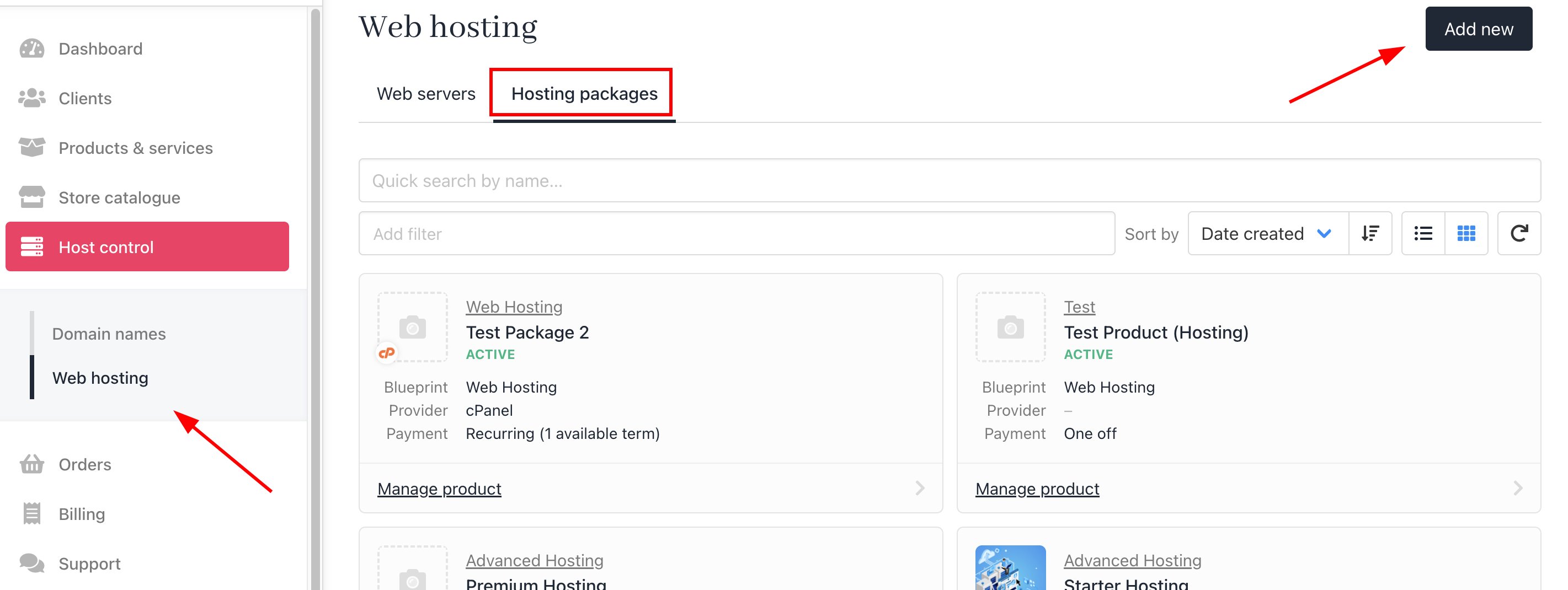
Host control > Web hosting > Add new
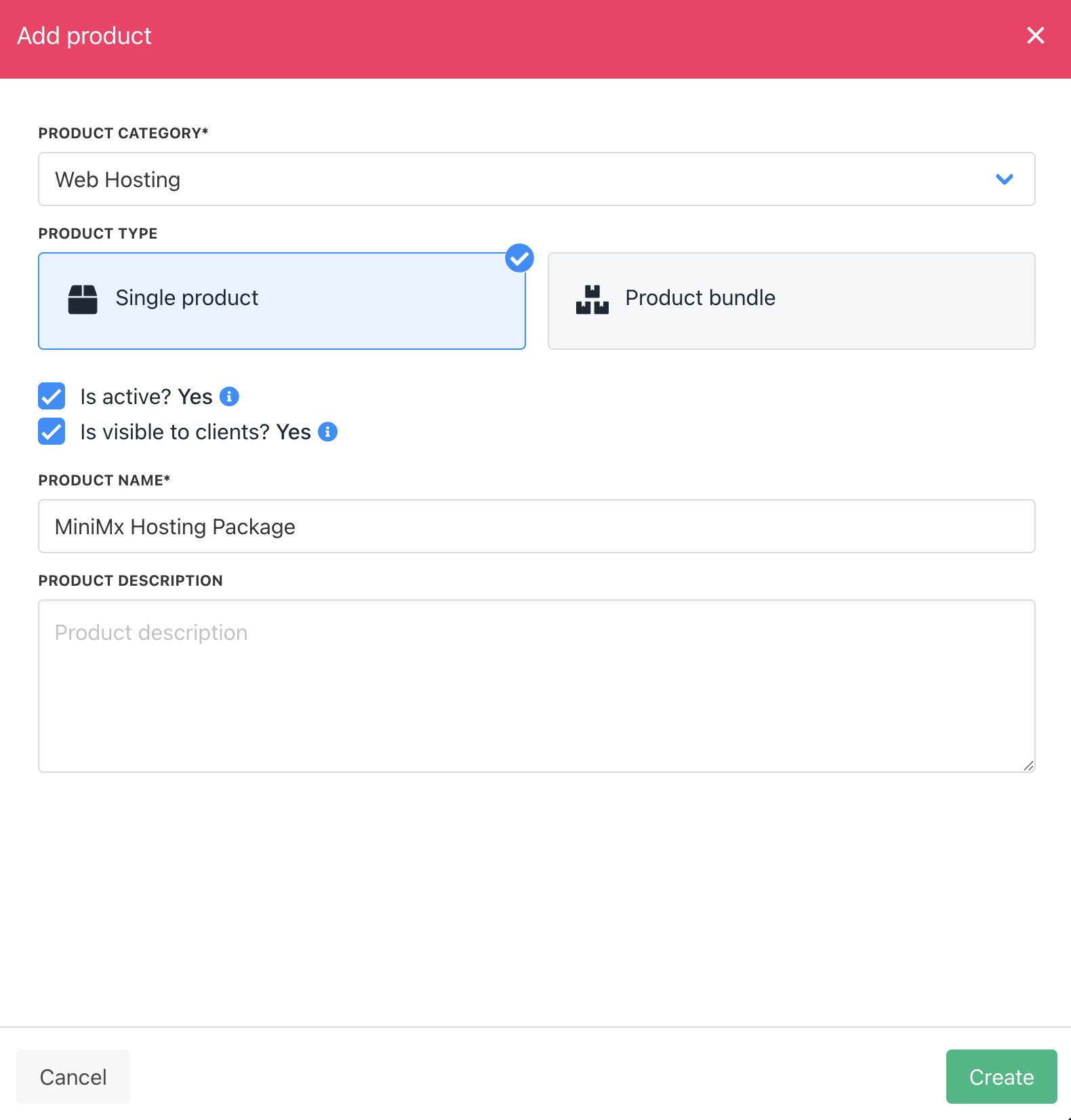
Create package
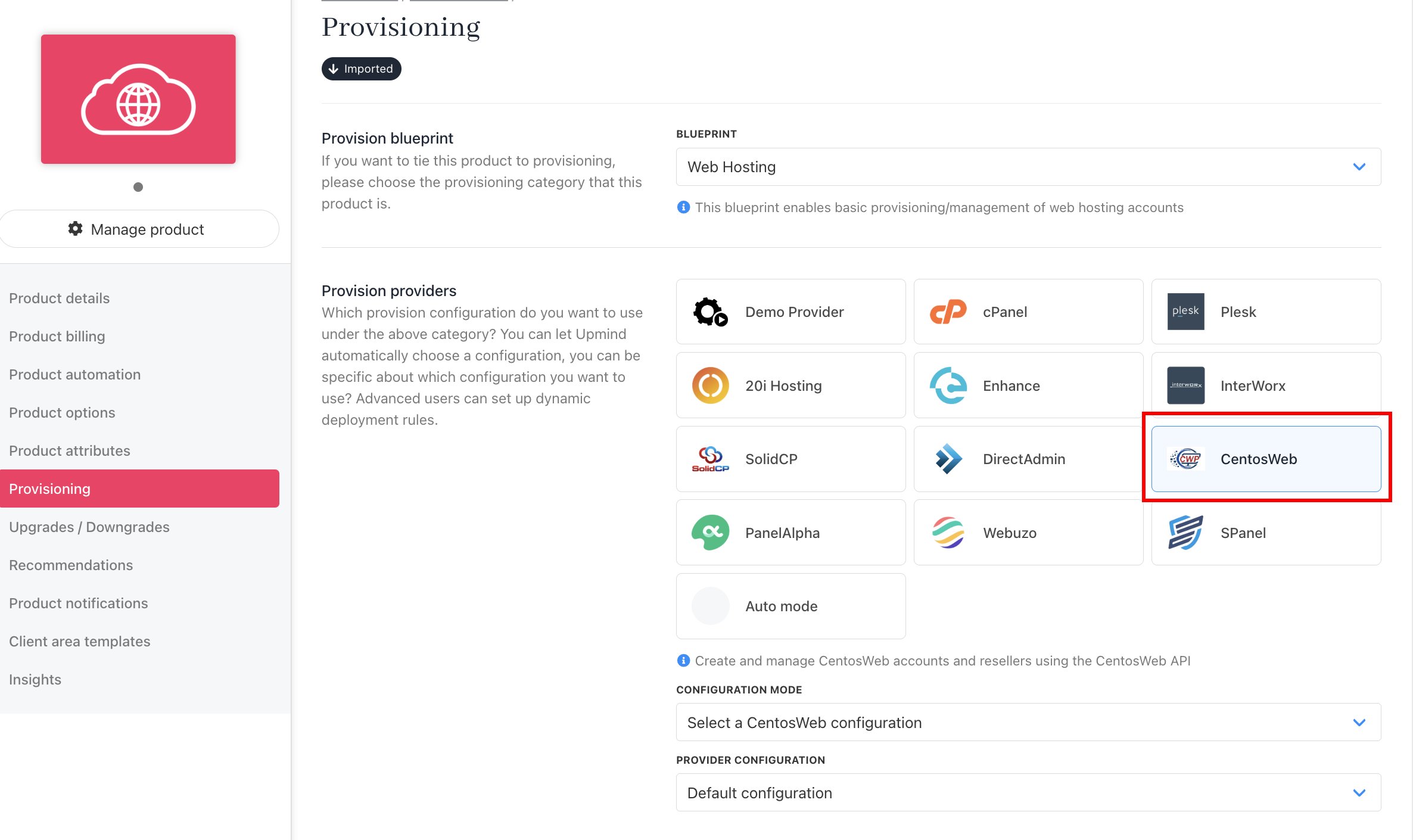
Set provision provider
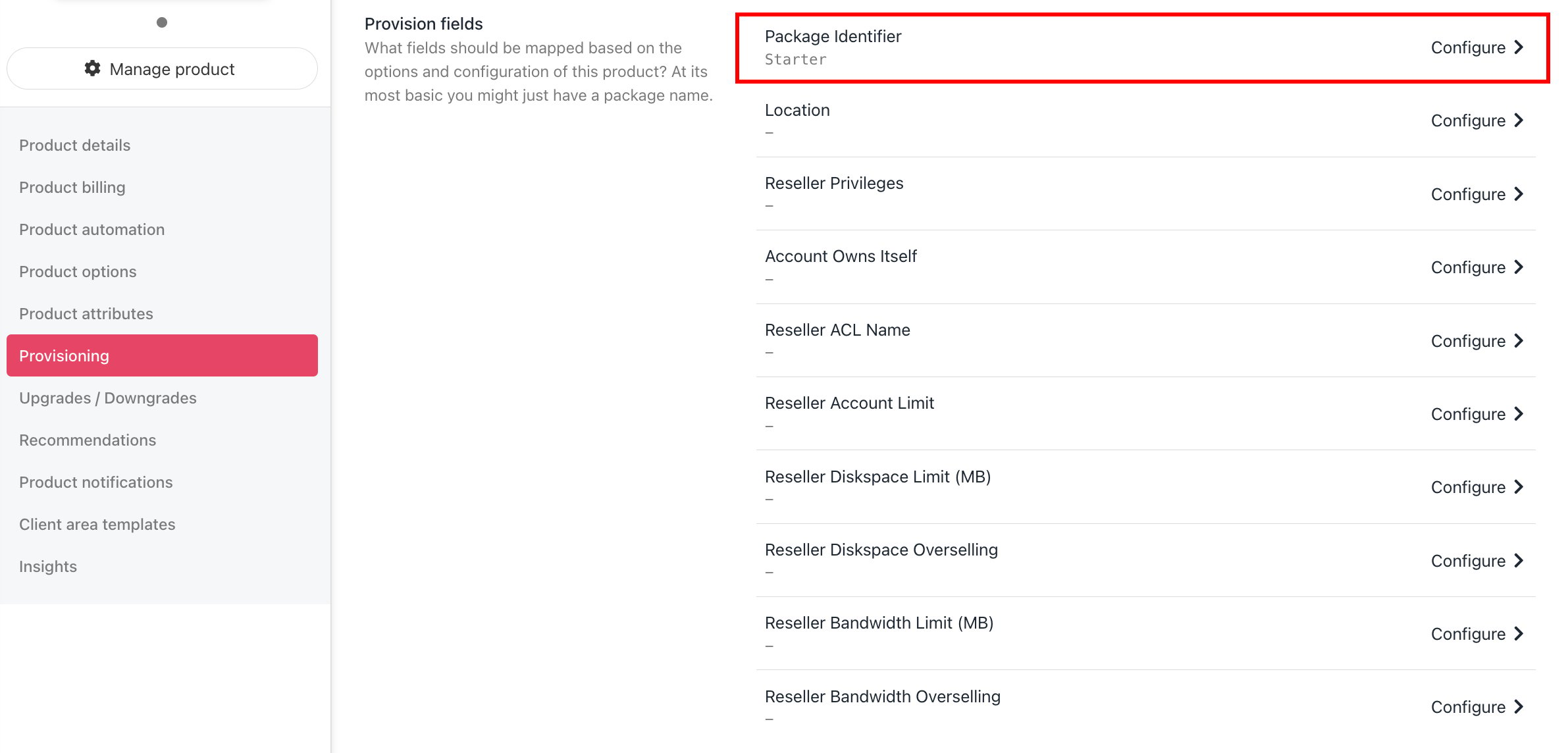
Set package identifier
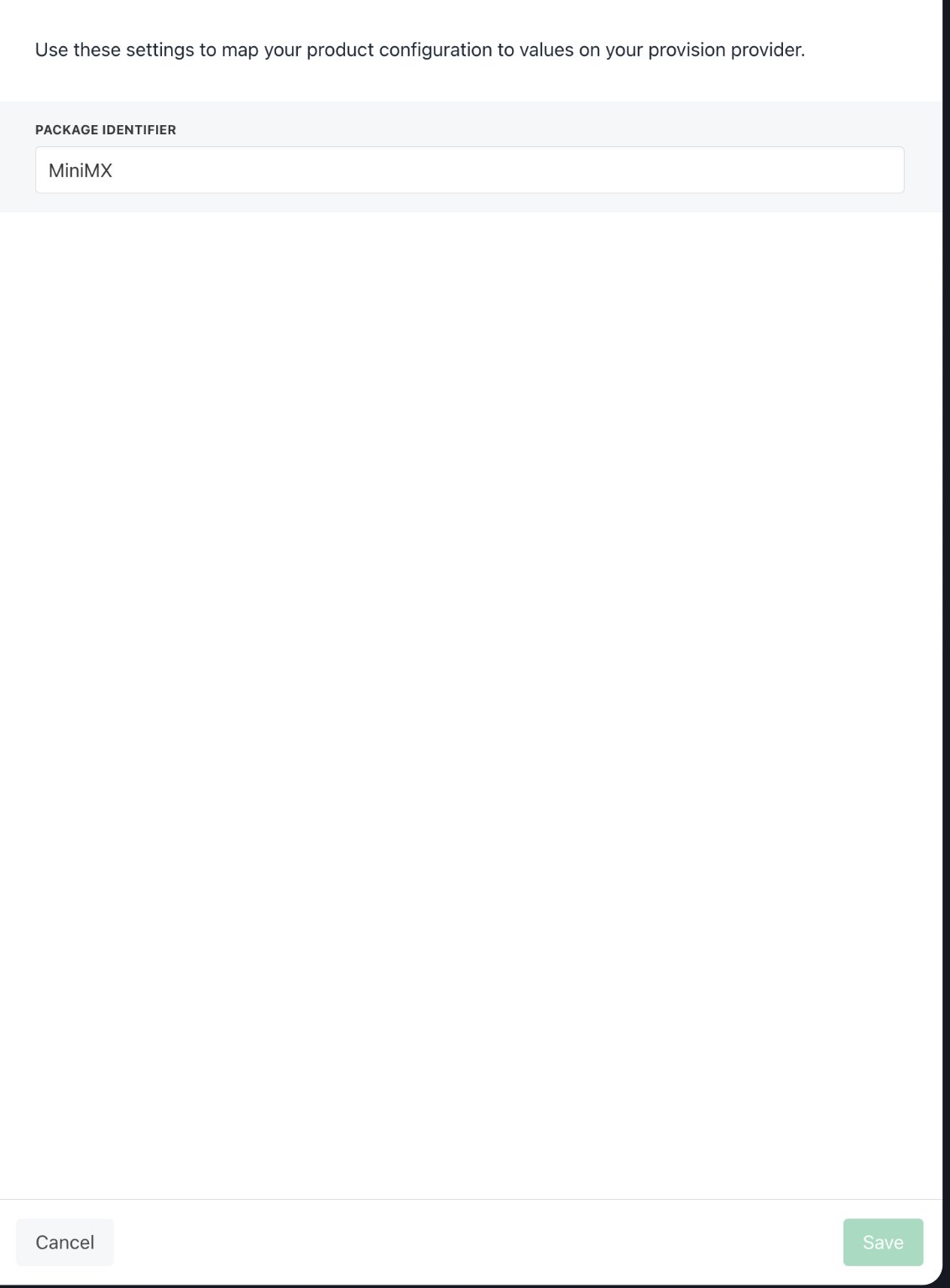
Package identifier must match the package name