

Getting your 20i credentials
- Log in to your 20i/StackCP Account.
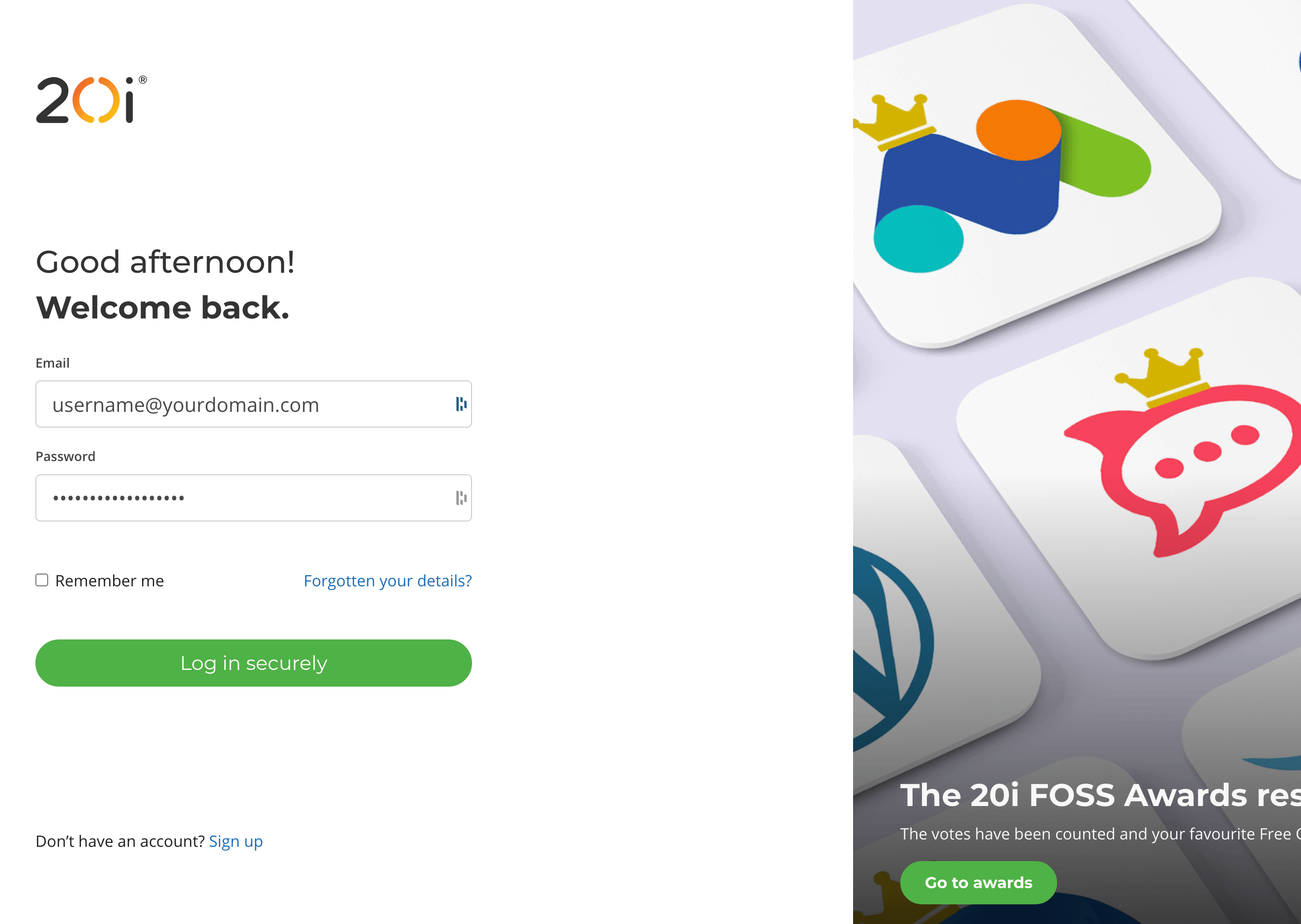
Login to account
- Navigate to https://my.20i.com/reseller/api and generate an API key. You should copy the general API key. Take a copy of this key.
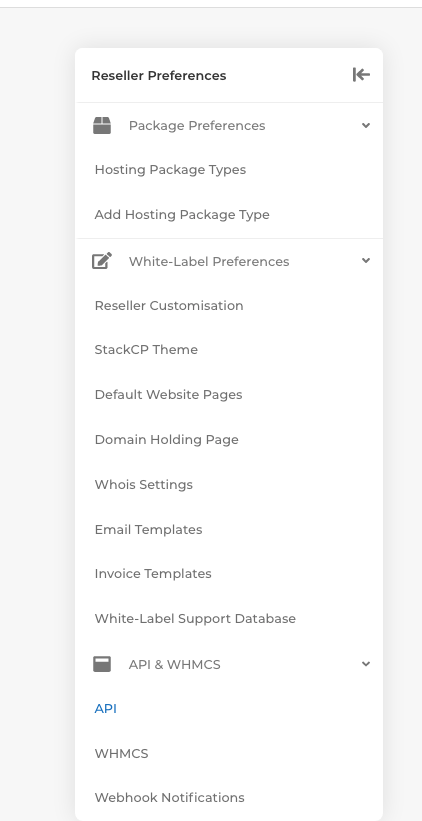
Copy API key
- You will need to generate at least one hosting package type. In this example, we have created a package Gold.
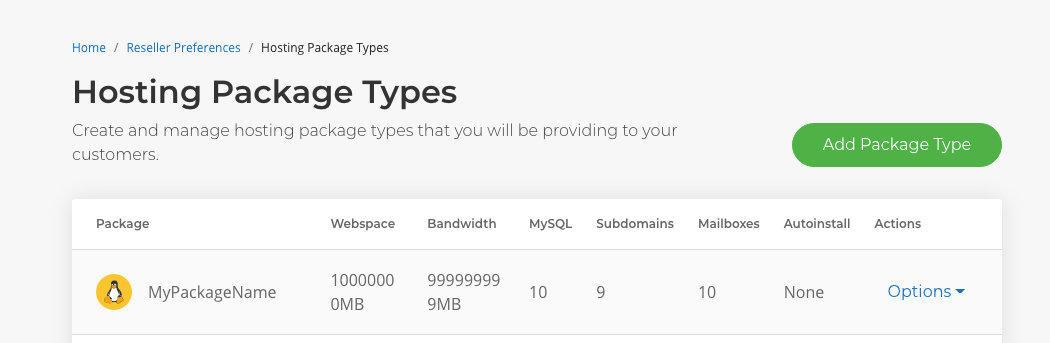
Generate hosting package
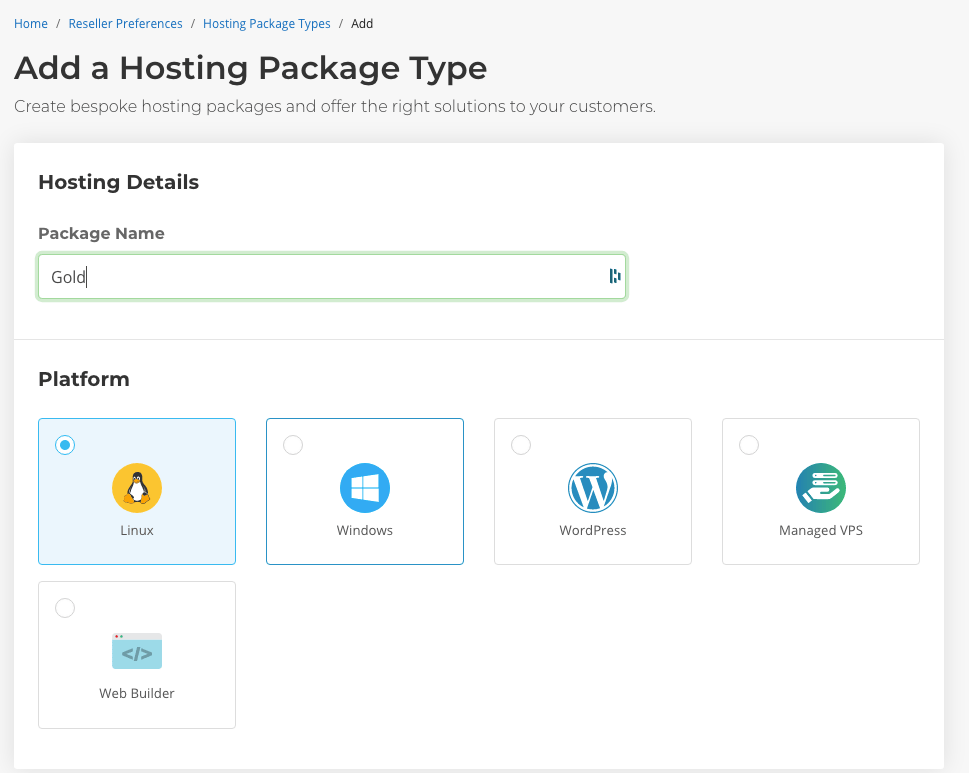
Add hosting package

Copy plan ID
Adding the provision configuration (server) to Upmind
- To add 20i to Upmind, log into your admin panel and then go to Settings > Provision Configurations.
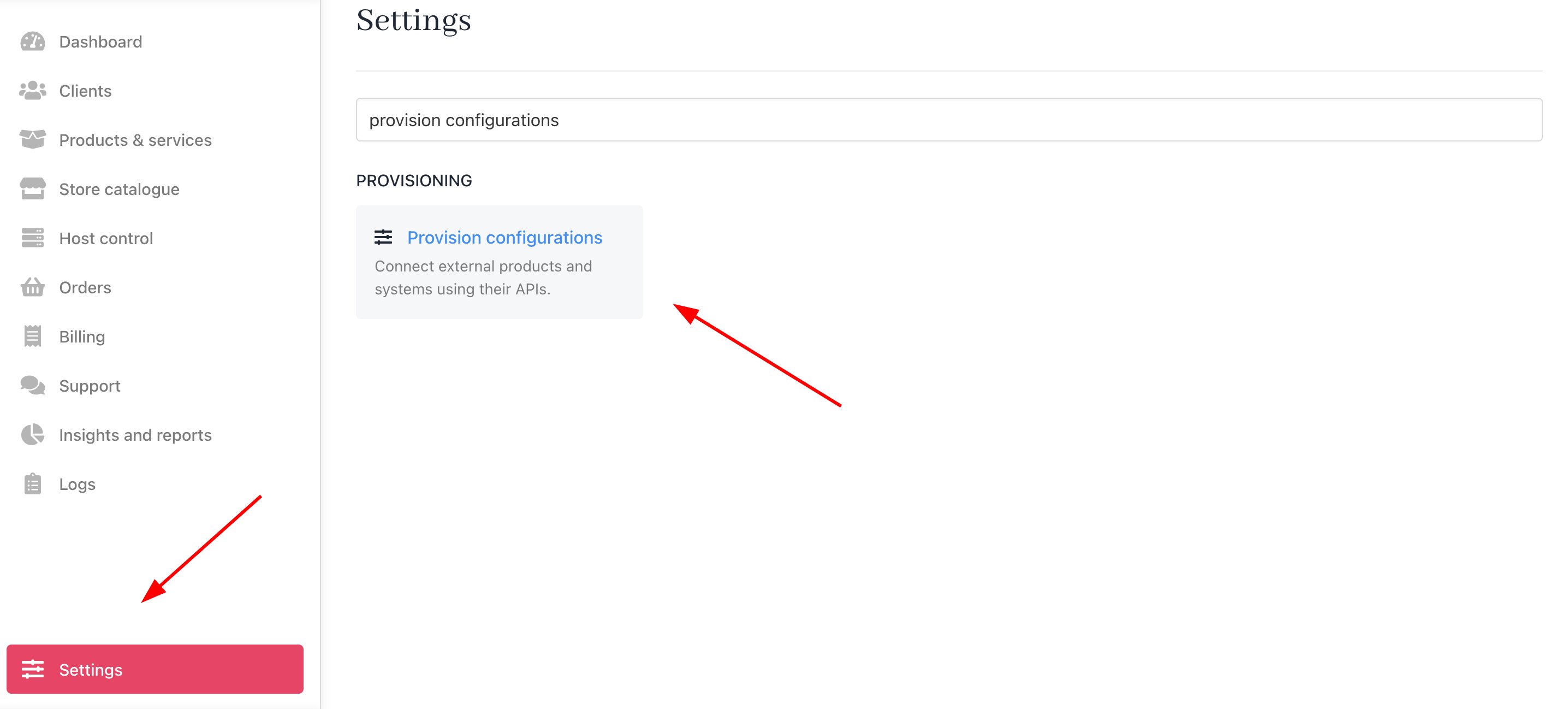
Settings > Provision Configurations
- Click Add new configuration.
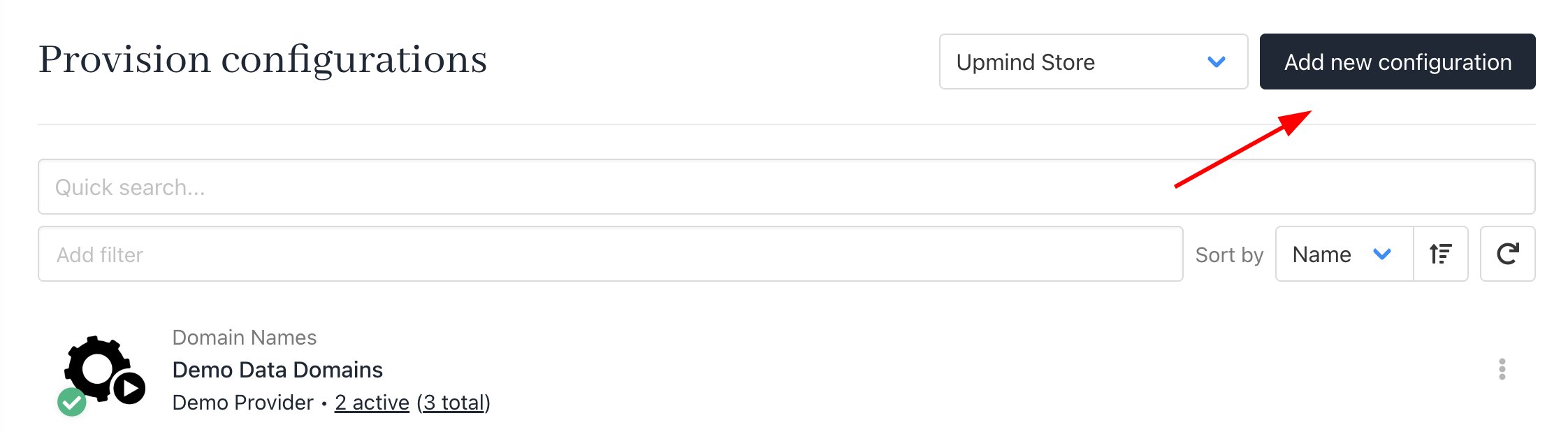
Add new configuration
- You will need to enter a name and choose 20i Hosting. Then, enter your General API Key when prompted.
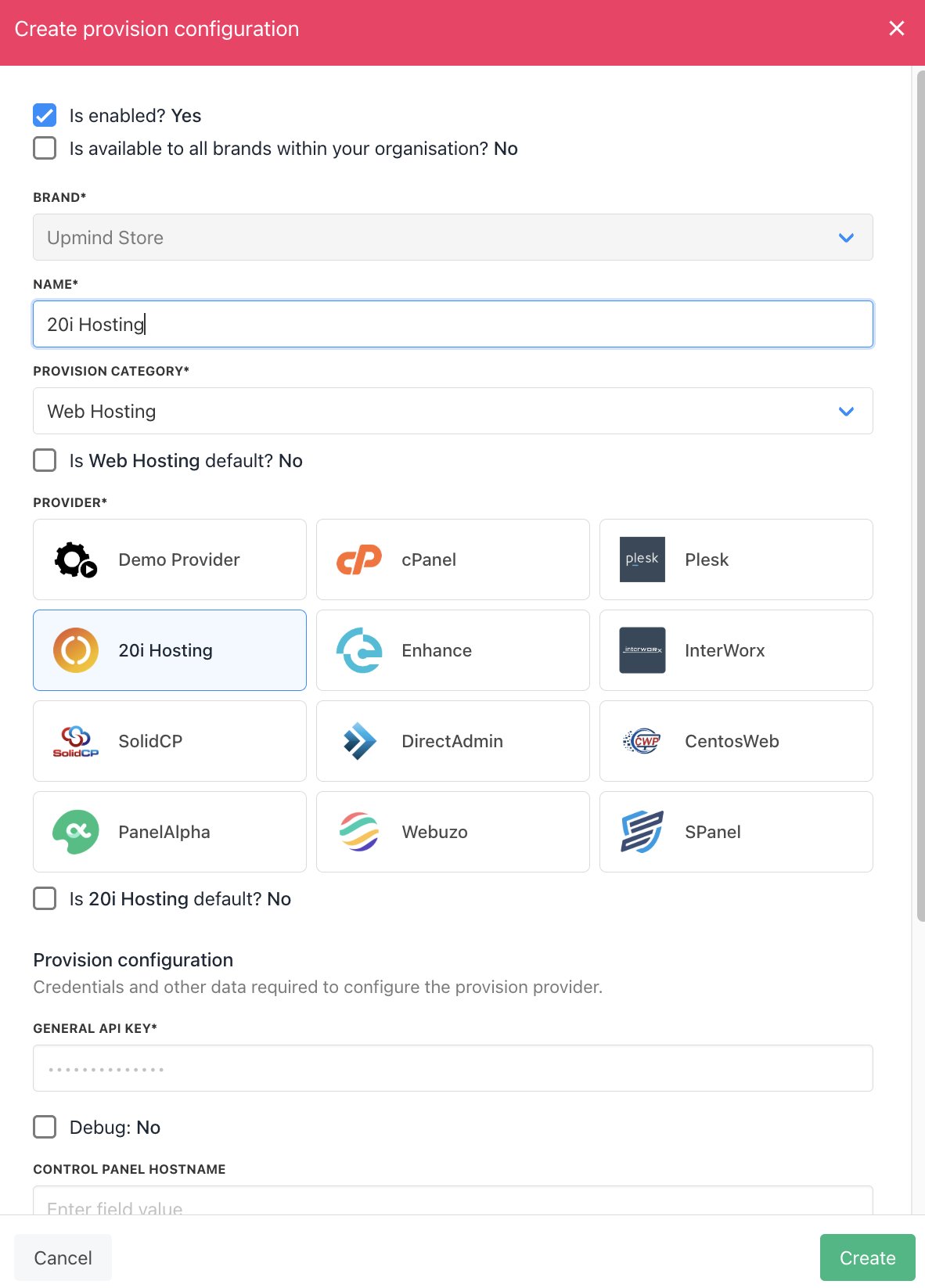
Enter details
Creating a hosting package on 20i using Upmind
Now that 20i is linked, you need to create a hosting package on 20i. Add a hosting package and set the pricing you desire.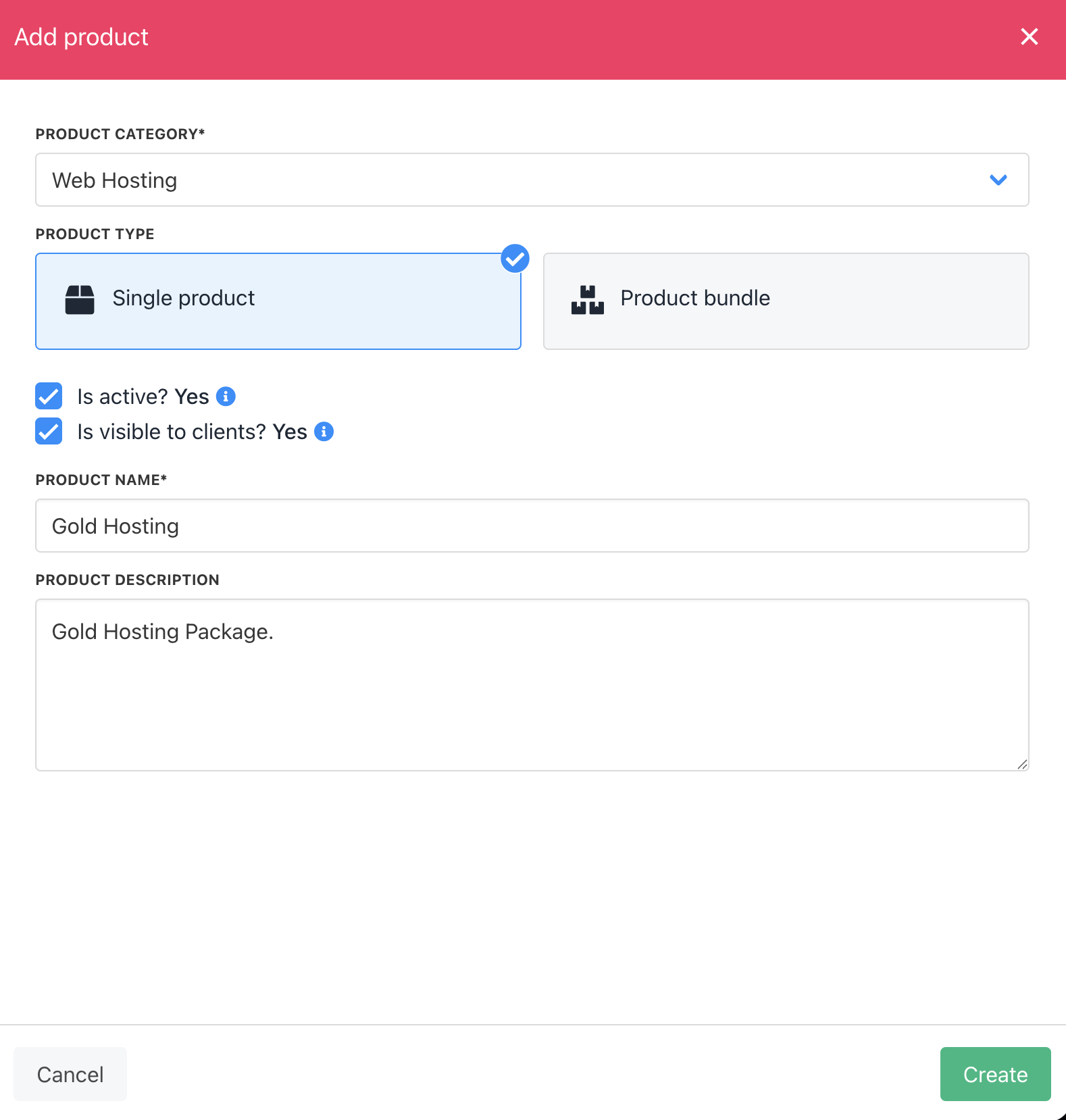
Create hosting product
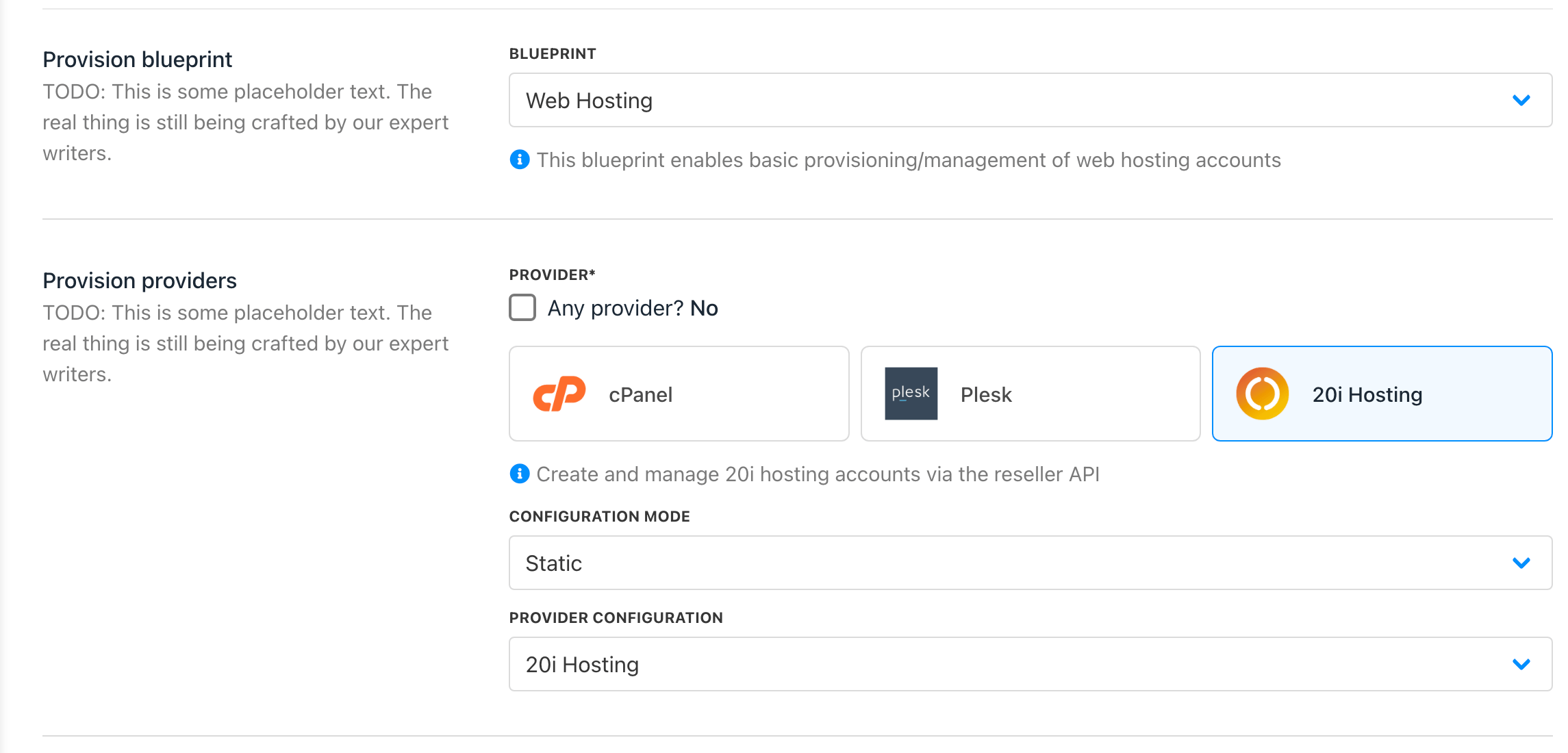
Choose provision provider

Set package identifier