

Opening the Tickets & Support page
- Log in to Upmind.
- Click the Settings button.
- Click the Service desk tile.
Setting Ticket Reference
Customise the prefix that displays with every ticket number. The default setting is TICKET. To change the default:- Enter a name in the field.
- Click Save.

Ticket prefix
Customising Ticket System Settings
Customise the default settings for three fields. (optional) CLOSE TICKET AFTER DAYS- Automatically close a ticket after X number of days of inactivity.
- Automatically notify a party that a ticket will be closed after X number of days of inactivity.
- Automatically set ticket priority to this level if the party does not choose a priority level.
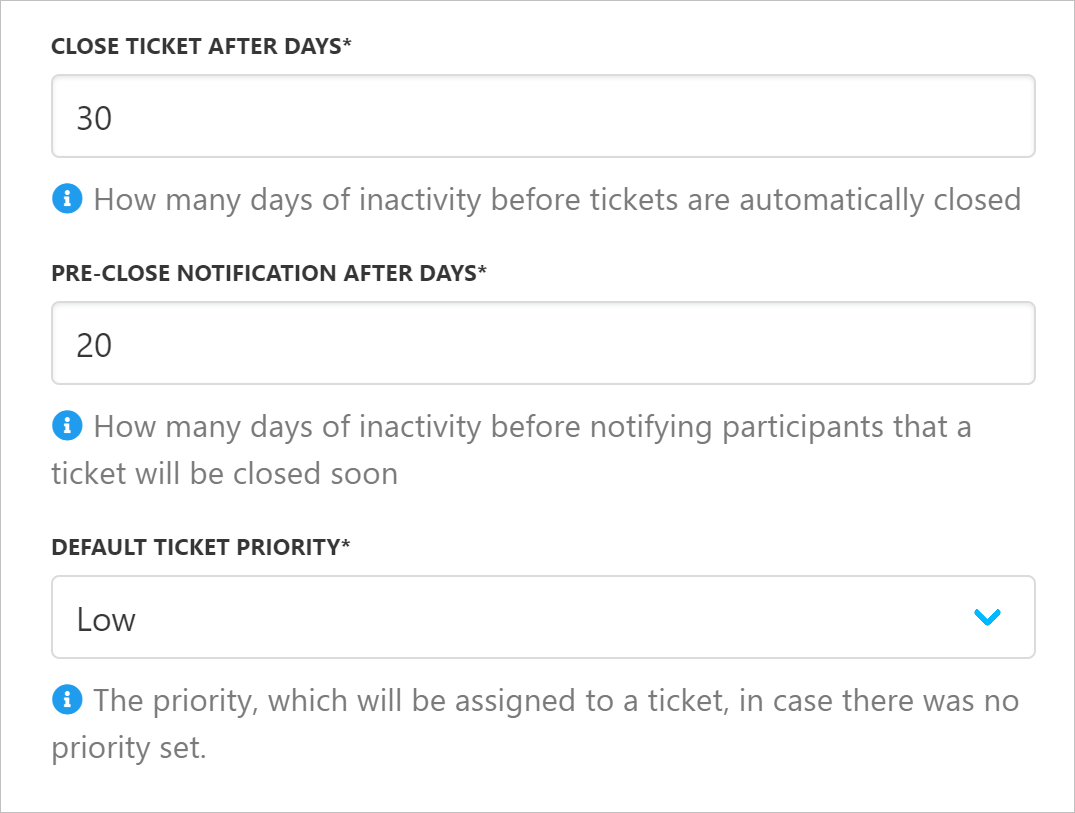
Ticket system settings
Enabling Support PIN
The Client Support PIN is a unique code used to securely verify your client’s identity when they contact customer support. You can enable or disable this feature under Settings -> Service Desk. You can also set the expiration interval, which will allow the system to automatically generate a new PIN once the current one expires.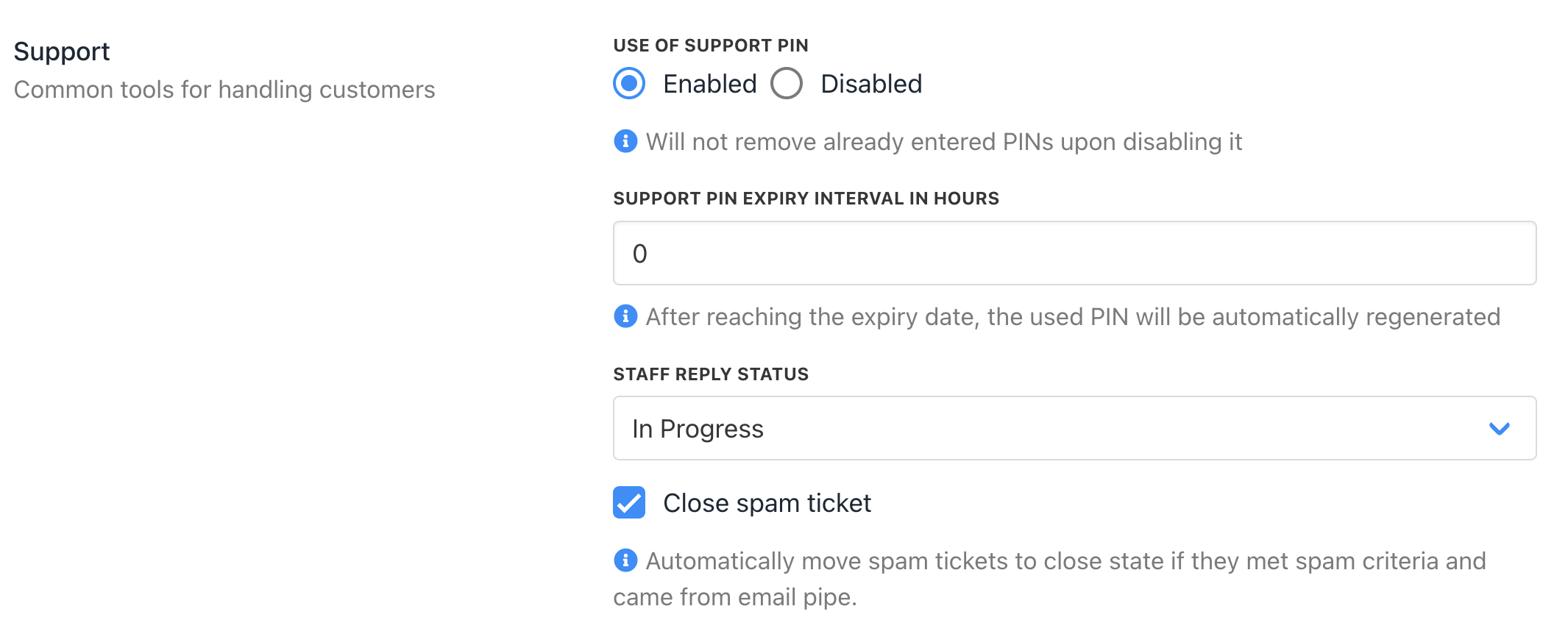
Enable Support PIN