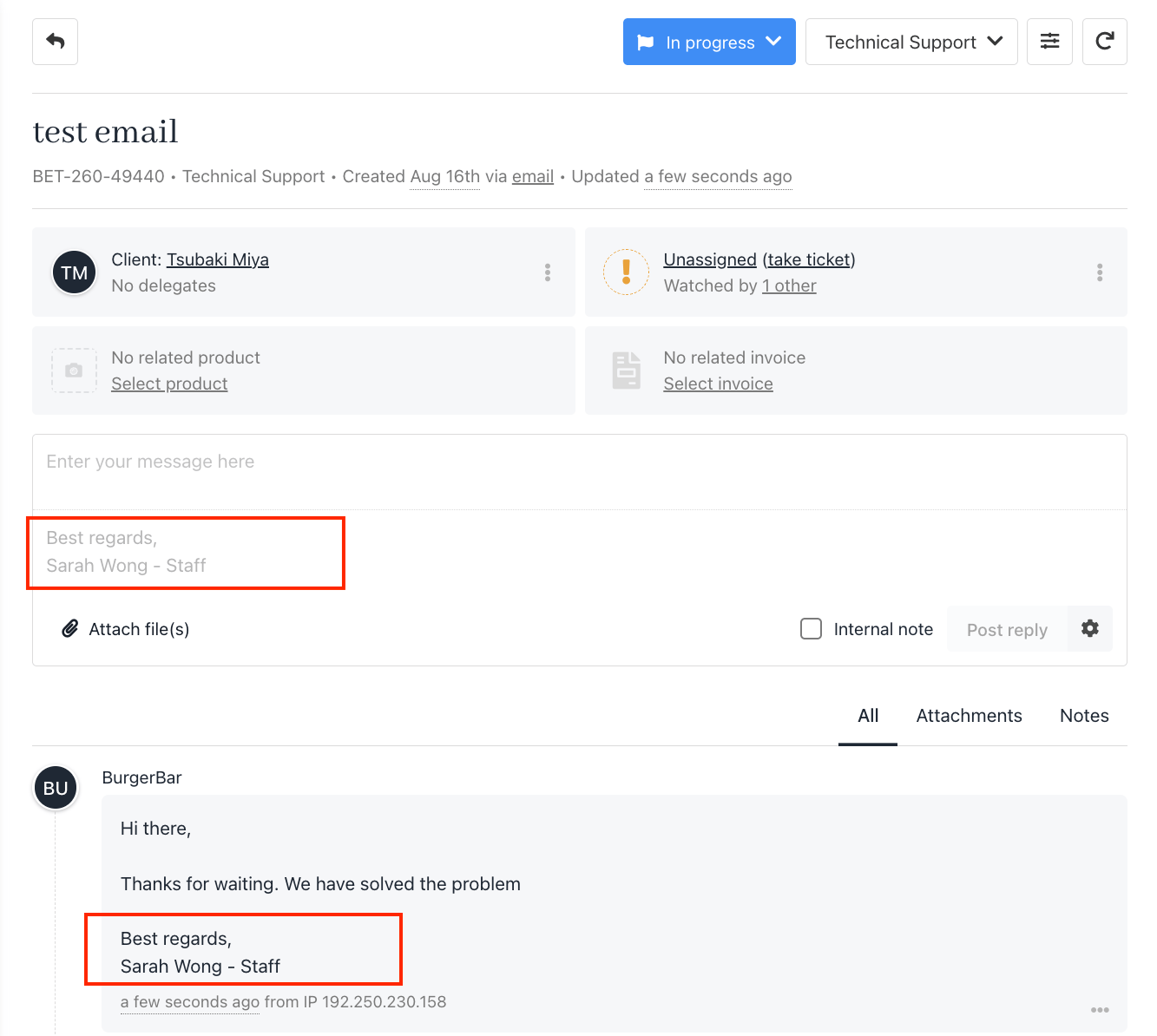
Option 1: Add a Signature from Preferences
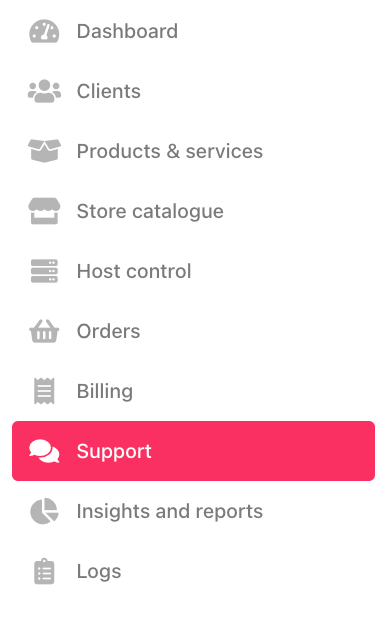
- Go to Support.
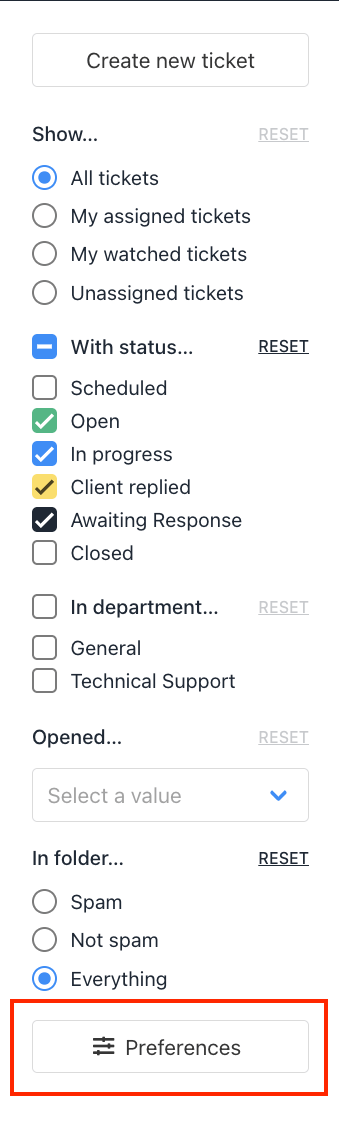
- Click Preferences.
- Under Message Composition, add your signature text.
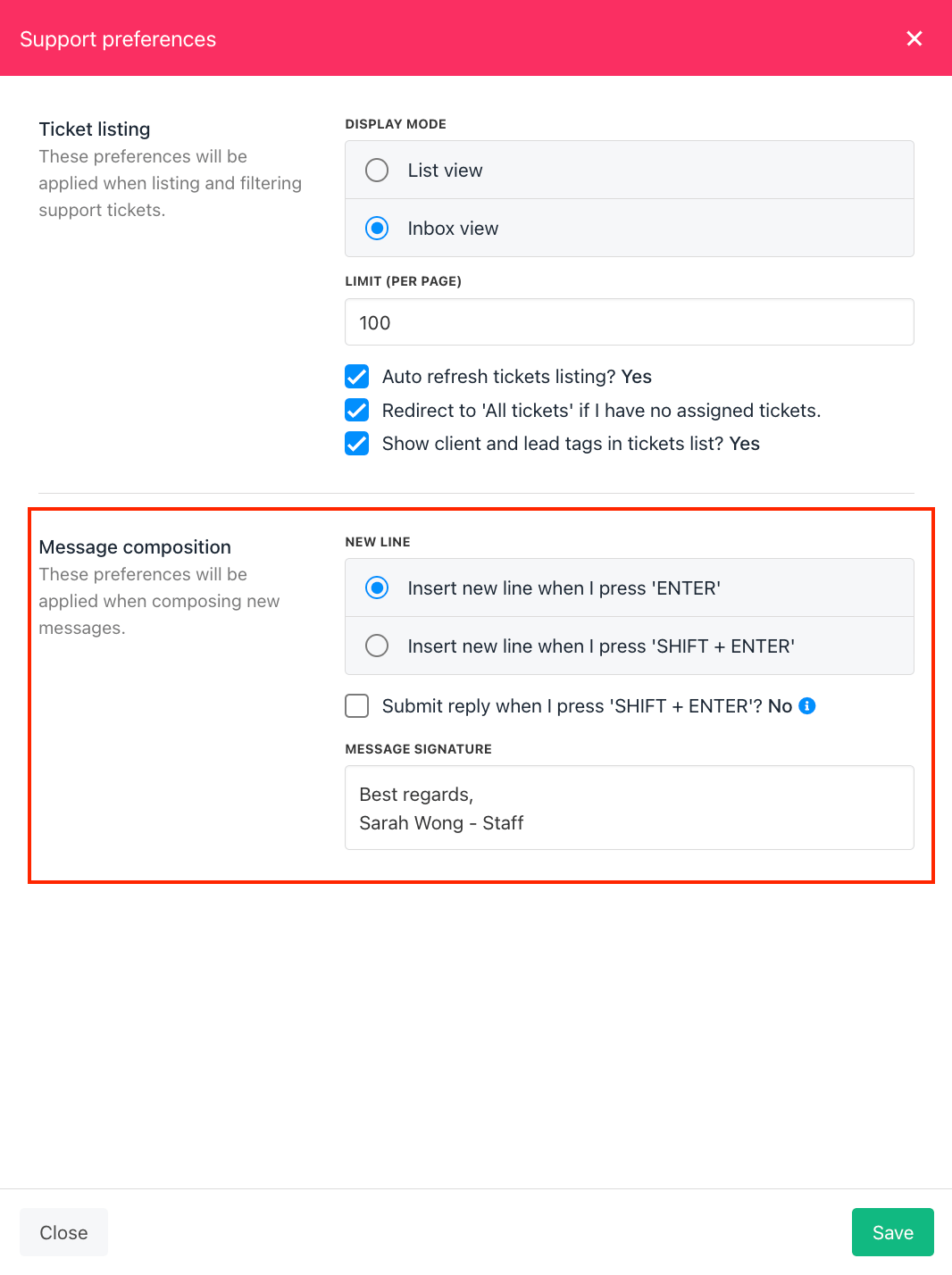
- Click Save.
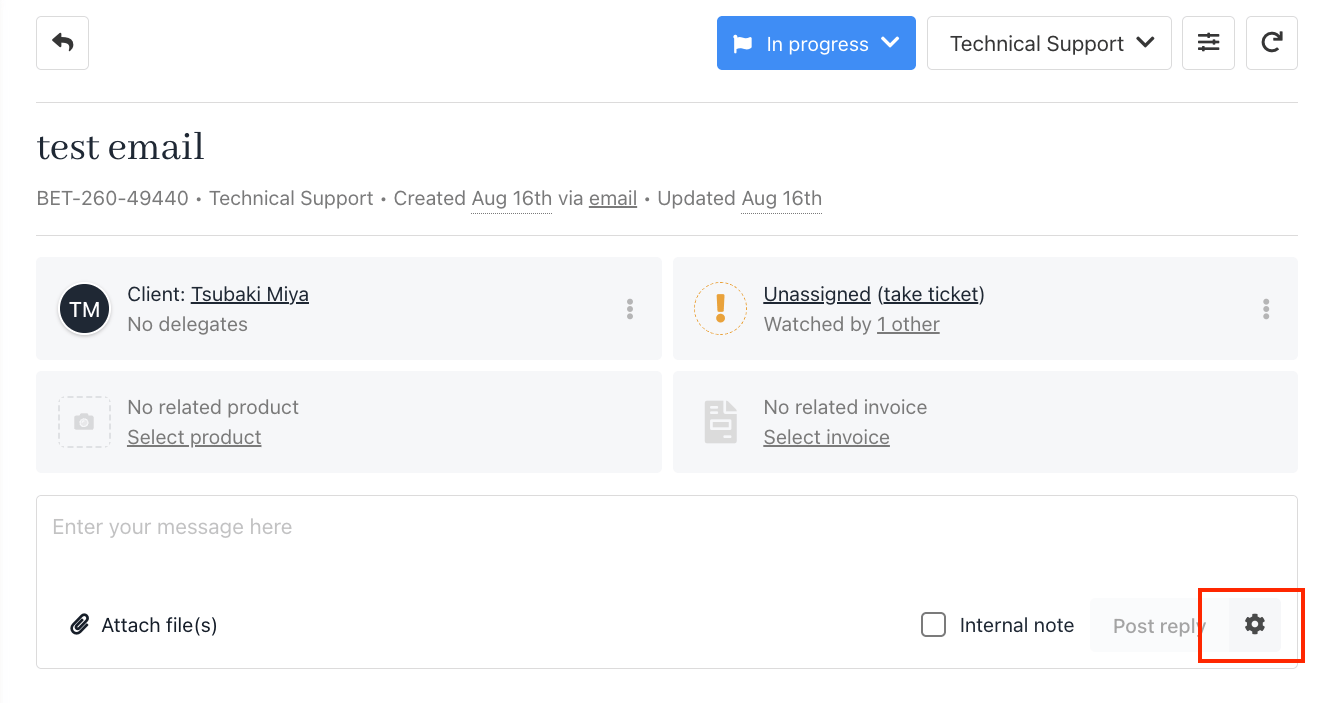
Option 2: Add or Edit a Signature from the Settings Button in a Ticket
You can also set or update your signature directly while working inside a ticket.- Open any ticket.
- Click the Settings (gear icon) in the message editor.
- Enter or update your signature text.
- Click Save.