

Creating an account
The first step is to share your store’s client-side login URL. That URL looks like this: https://yourstorename.upmind.app Or if you have used a custom domain, then you can share your store domain name. Next, your clients:- Go to the login page.
- Click the Create one here link.
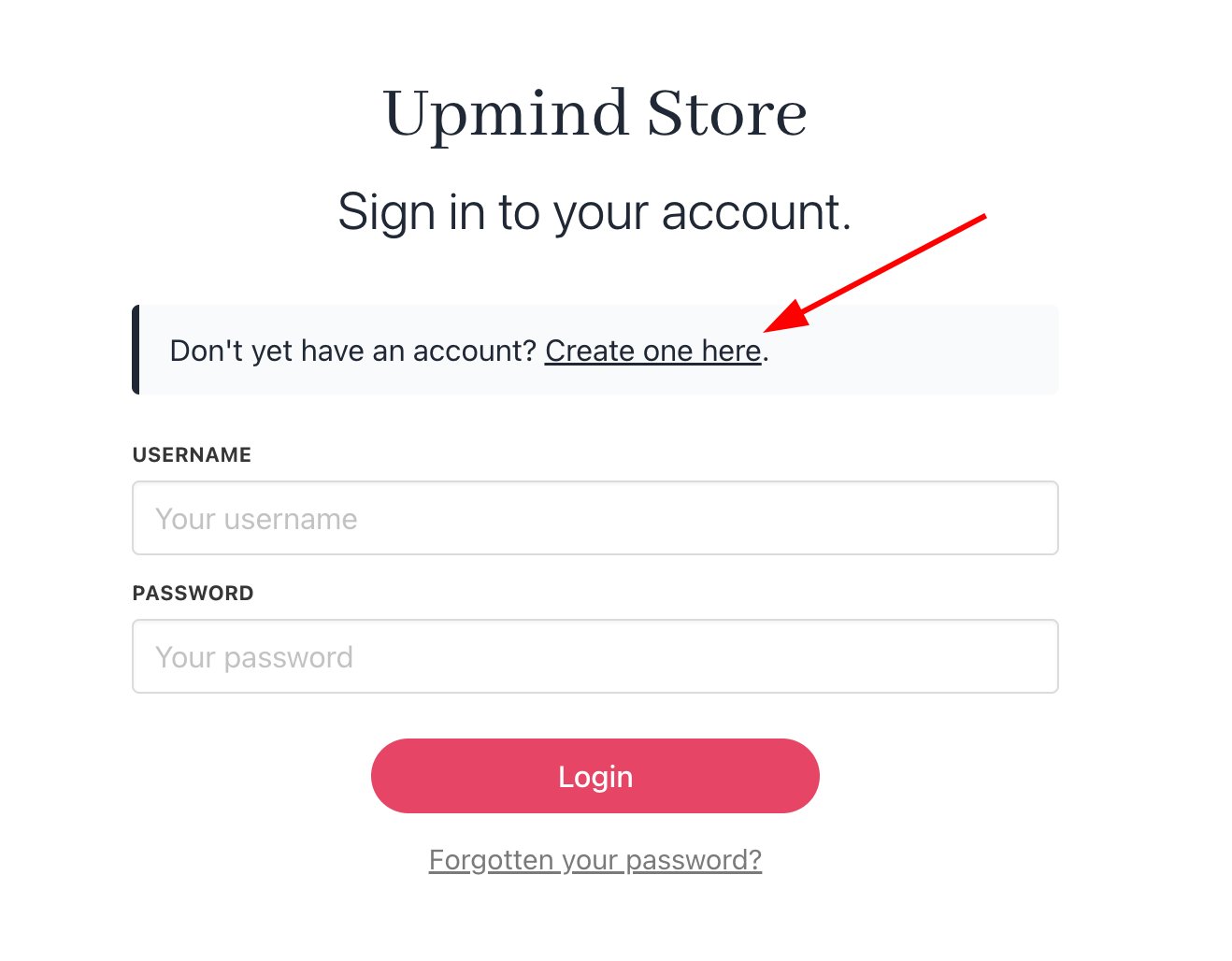
Click Create one here
- Fill the fields.
- Click Continue.
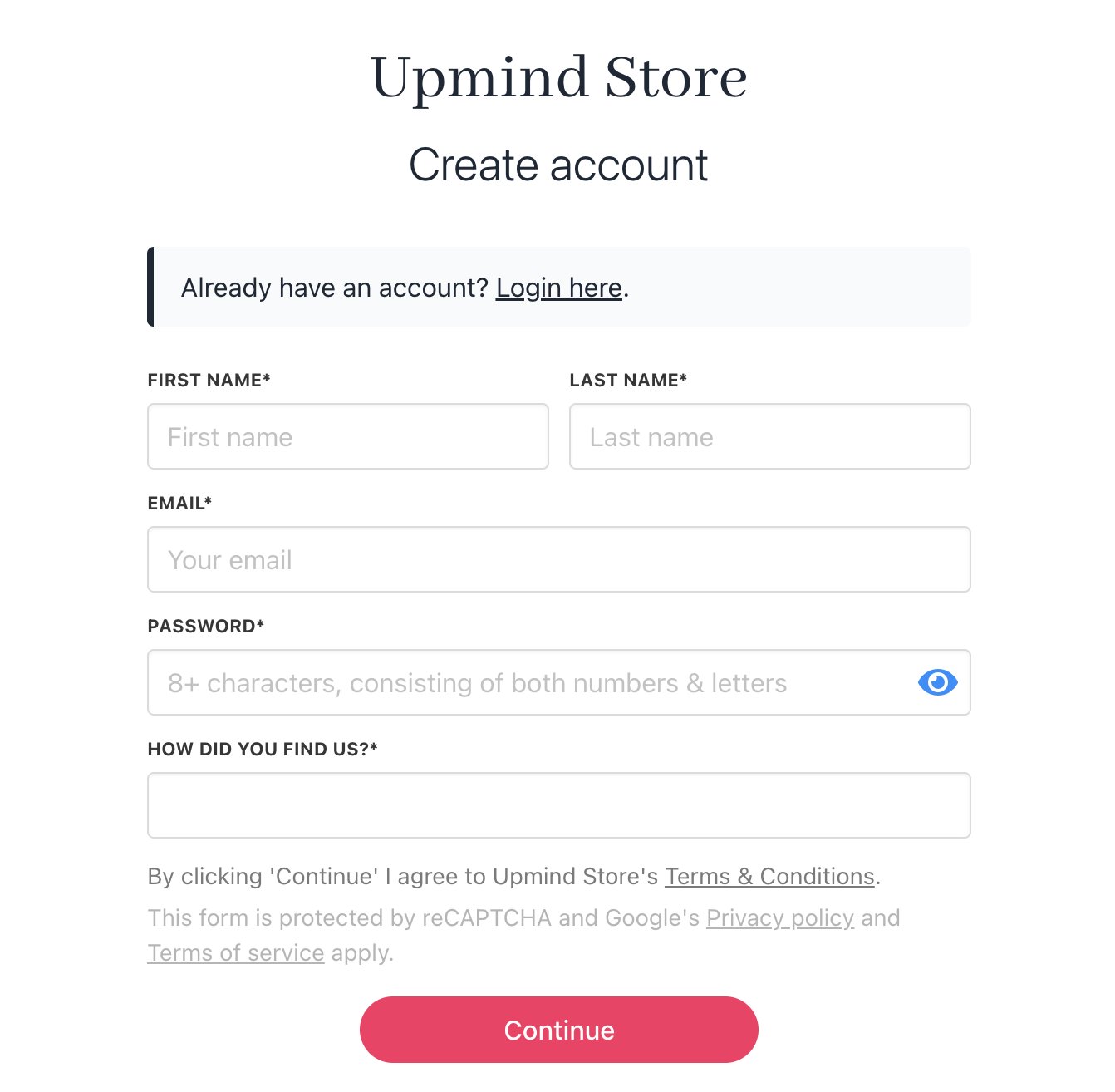
Fill the fields
Resending a verification code
If a client fails to verify their account, admins or store staff can resend the verification code to the client’s email address.- Go to the Upmind dashboard.
- Click Clients on the left side menu.
- Click the Clients list menu tab.
- Click the Unverified clients subheading.
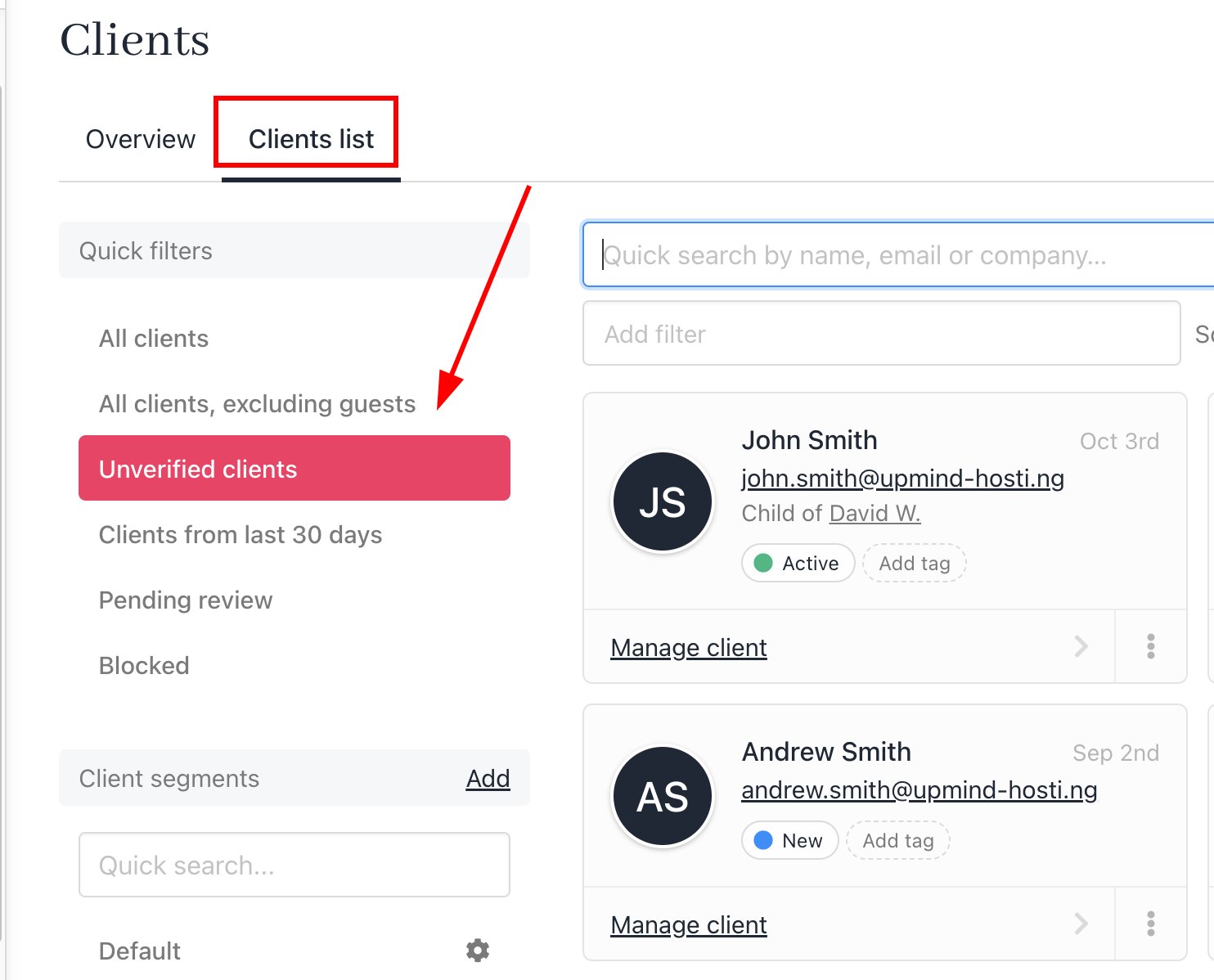
Click Unverified clients
- Click the client name.
- Go to Logs > Email history log. Find the verification email.
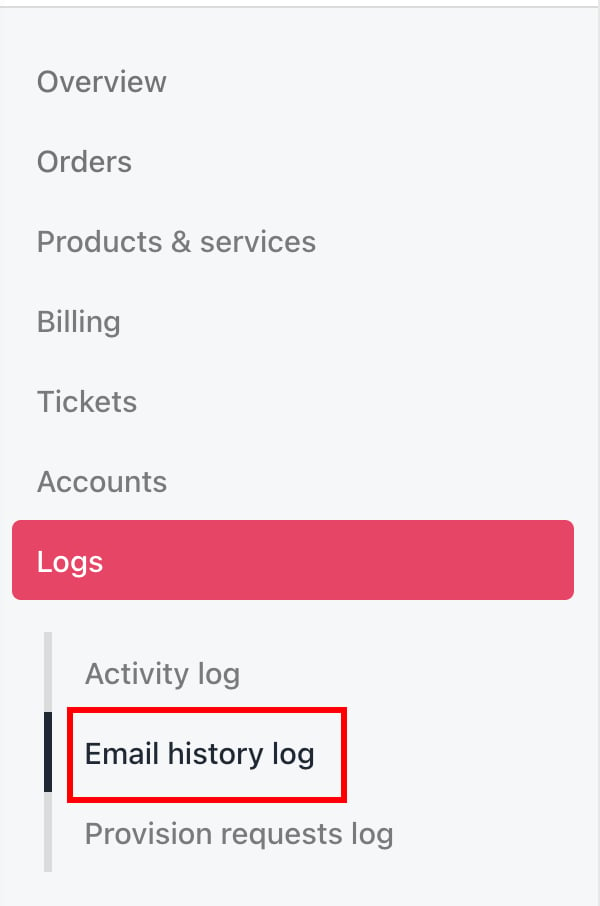
Logs > Email history log
- Click the gear icon.
- Click Resend.
Client verification and login
The client opens the email from your store and clicks the verification link.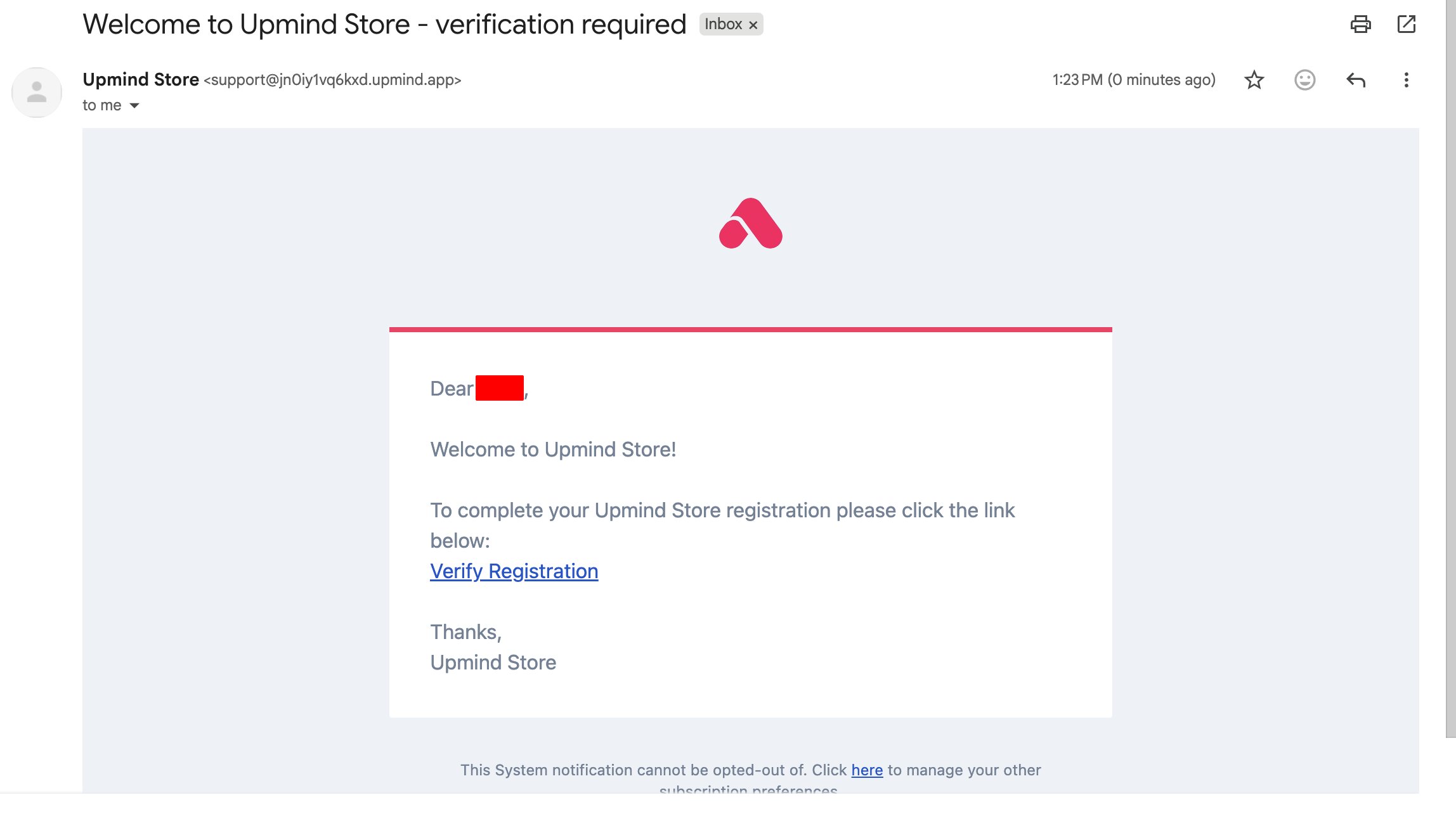
Verification link
- Enter login credentials.
- Click the Login button.
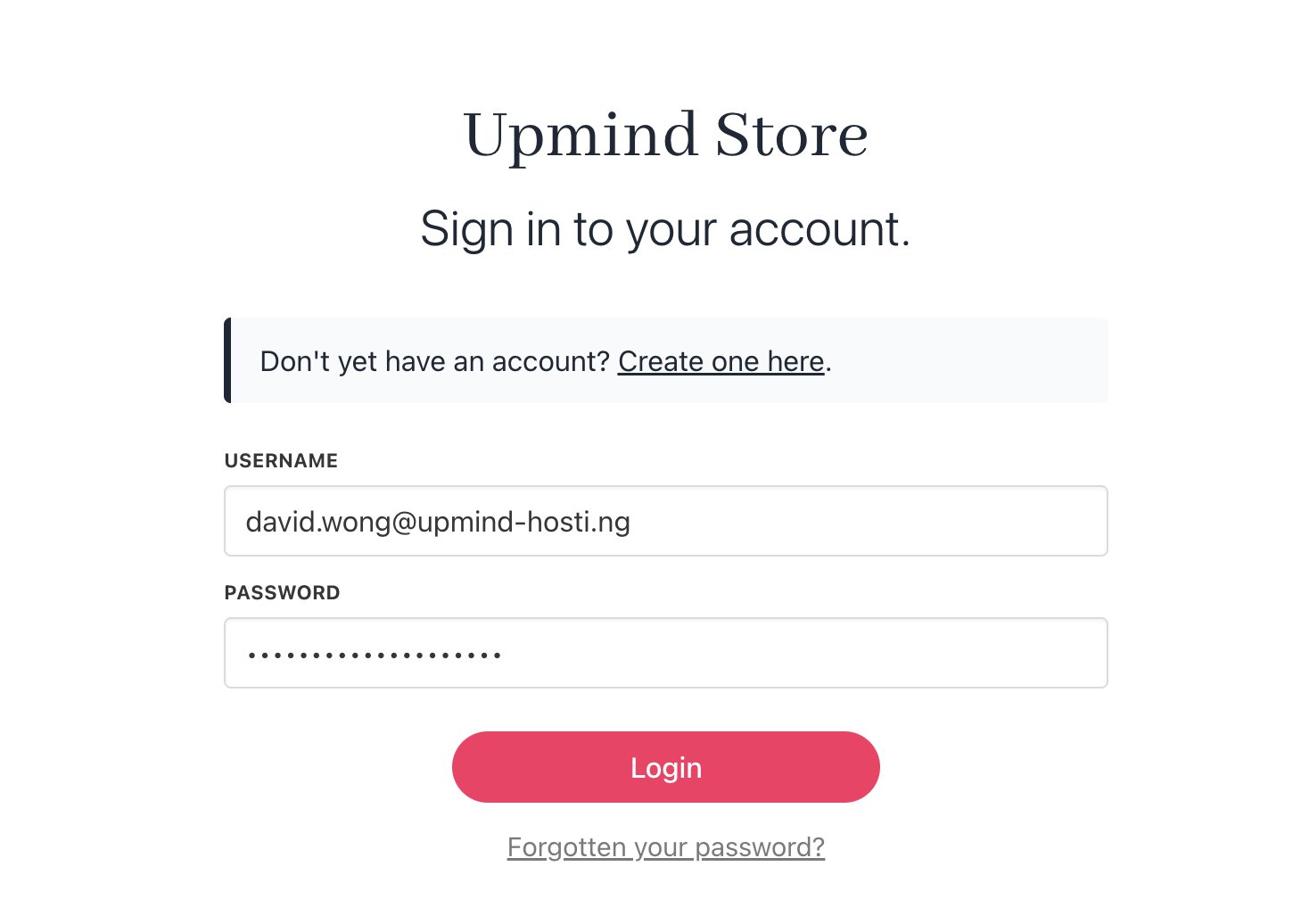
Click Login
- The store opens, and the client is signed in.
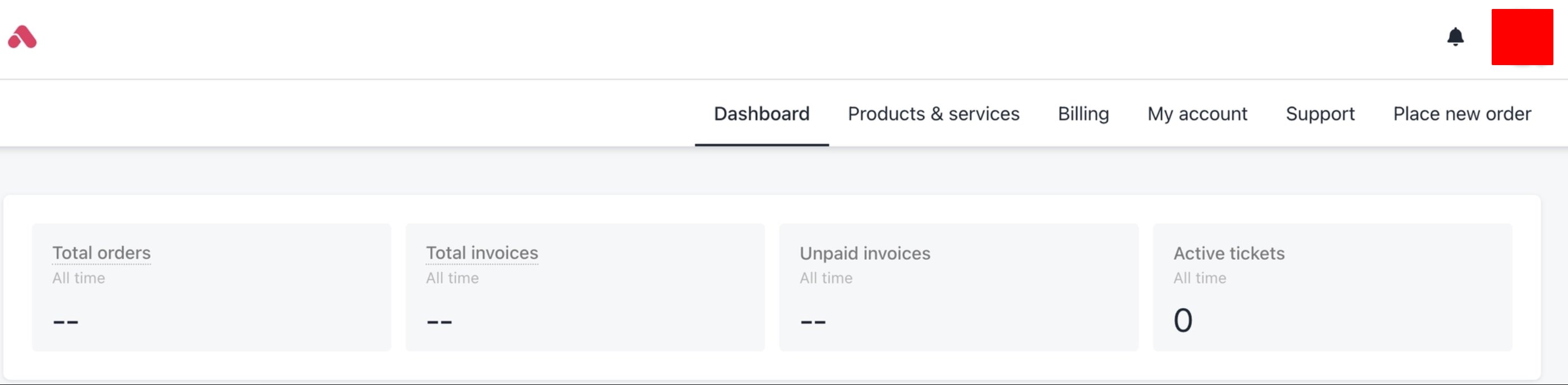
Client view of store