

Adding a payment method
There are two ways to add a payment method:- From the account dashboard
- At the checkout
Dashboard method
- Log in to the store account.
- Click the Billing menu tab.

Click Billing tab
- On the left menu, click Payment methods.
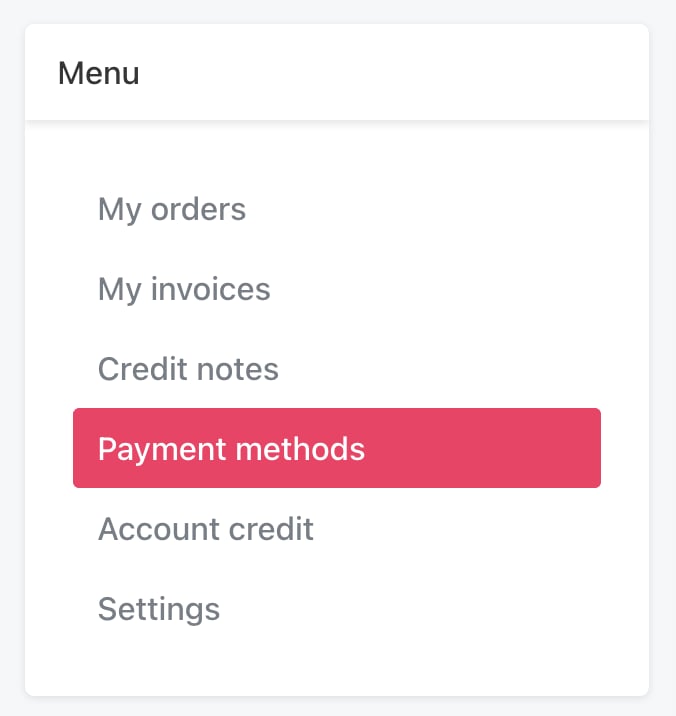
Click Payment methods
- Click the Add payment method button.
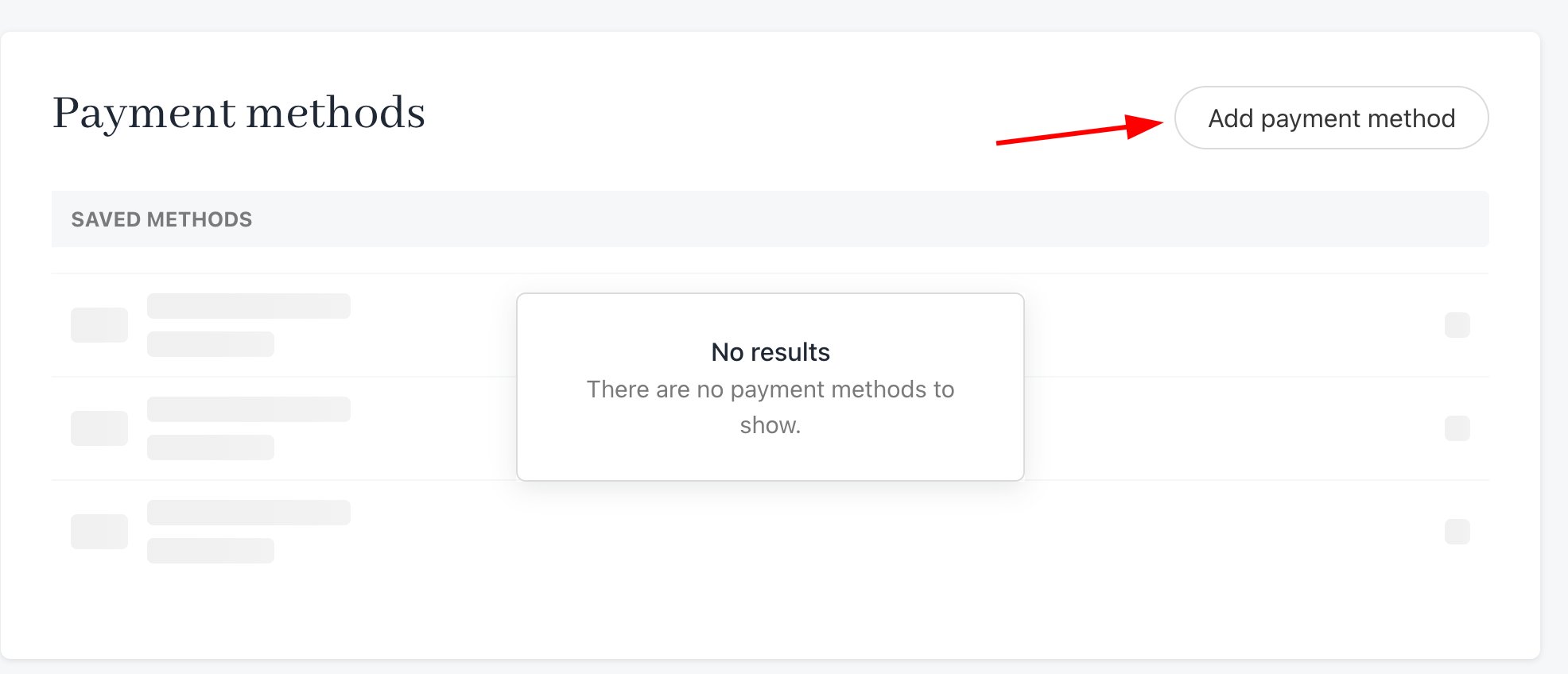
Add payment method
- Fill the fields and then click Save.
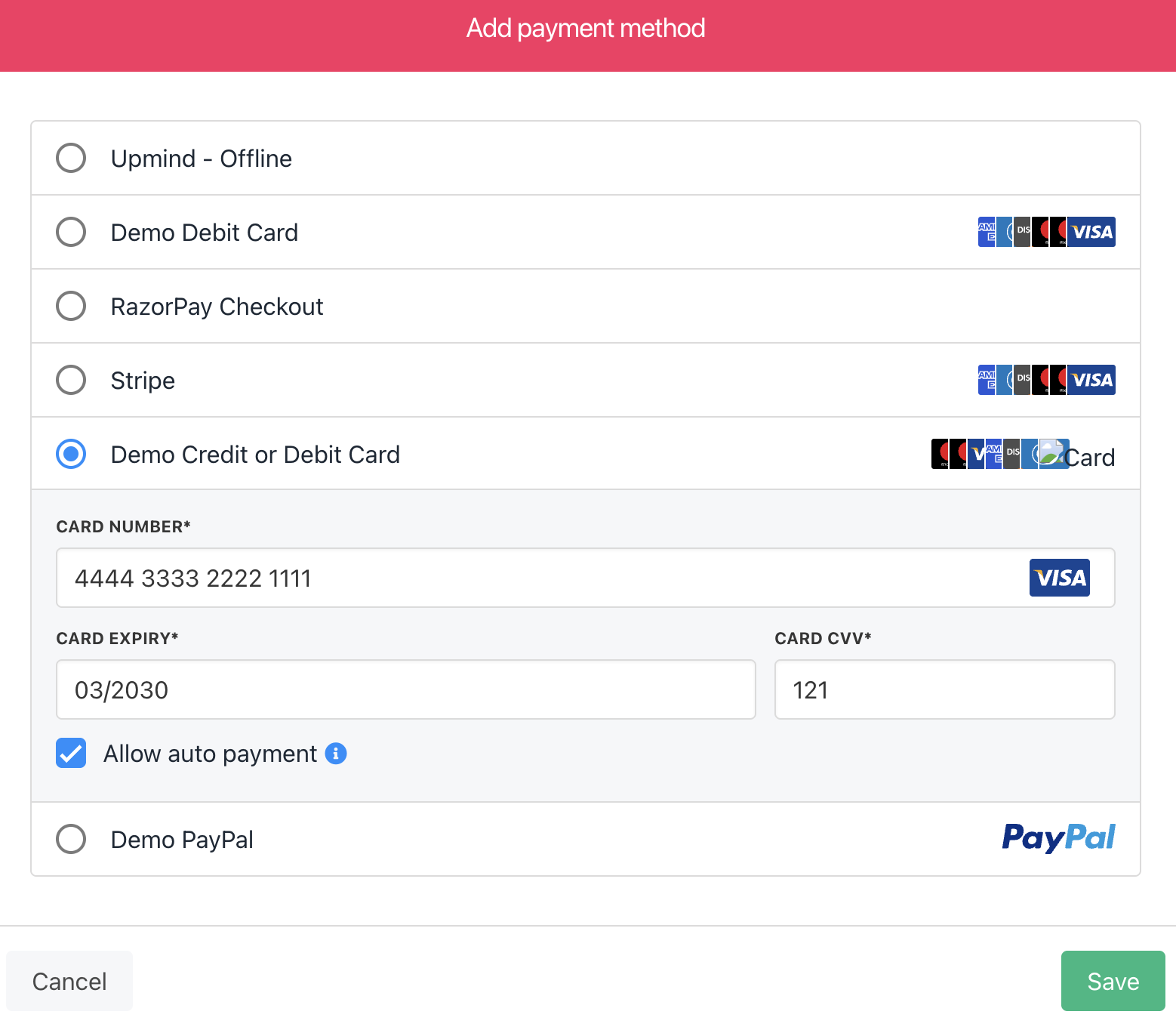
Fill the fields
Allowing recurring payments
Clients can control how this payment method manages auto-renewals (e.g., recurring subscription payments).- Check the box to automatically allow recurring payments on this payment method.
- Uncheck the box to prevent auto-renewals on this payment method.
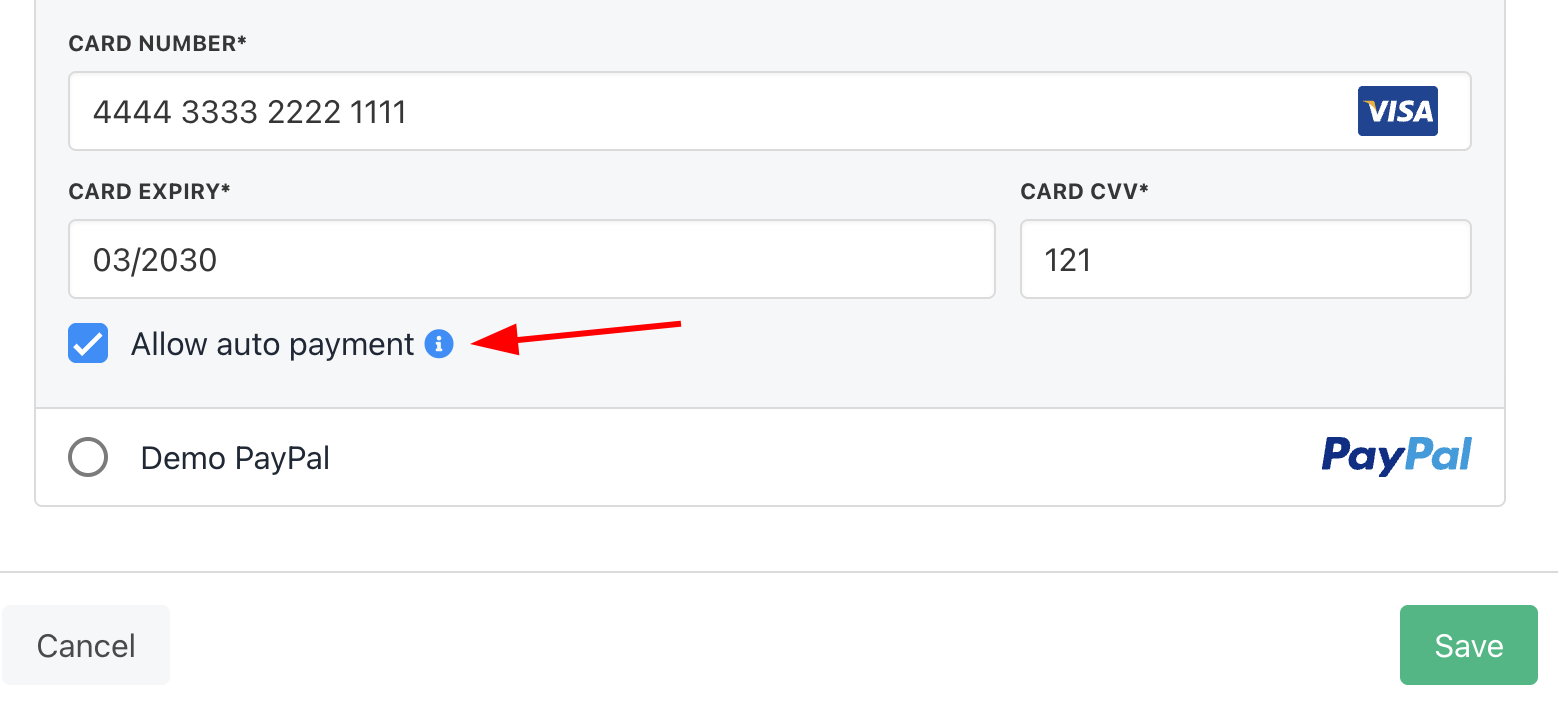
Enable or disable auto-recurring payments
Checkout method
Your clients can add a new payment method at the checkout.- Fill the fields.
- Click the Place order & pay button.
- Save card (save payment method details in the client’s account).
- Allow auto payment (e.g., recurring payments).
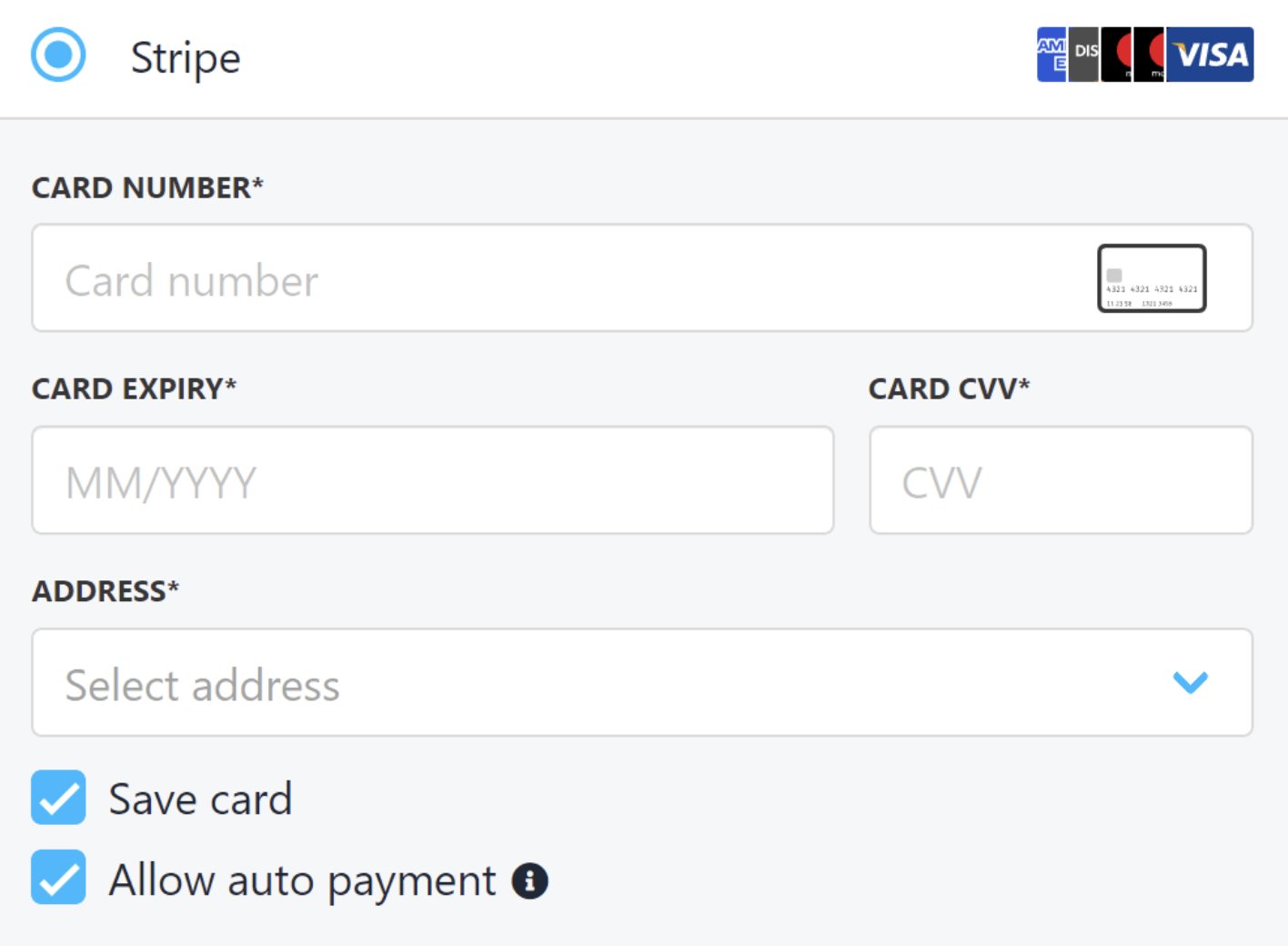
Review checkboxes