

Locating the account balance
- Log in to the store account.
- Click the Billing menu tab.

Click Billing tab
- Click Account credit on the left side menu.
- Upmind displays the account balance.
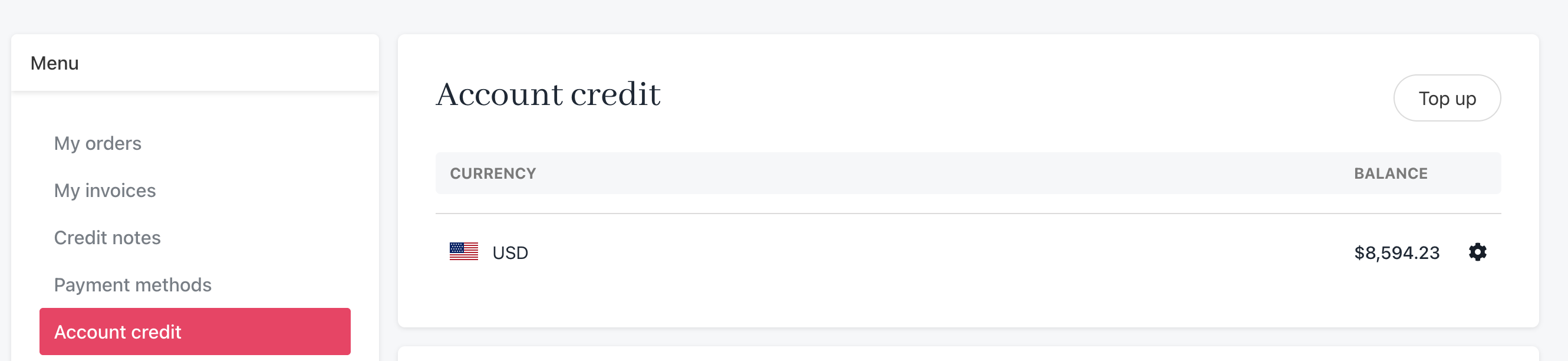
Review credit balance
Topping up an account
To add funds to the account balance:- Click the Top up button.
- Enter an amount and complete the payment form.
- Click Submit payment.
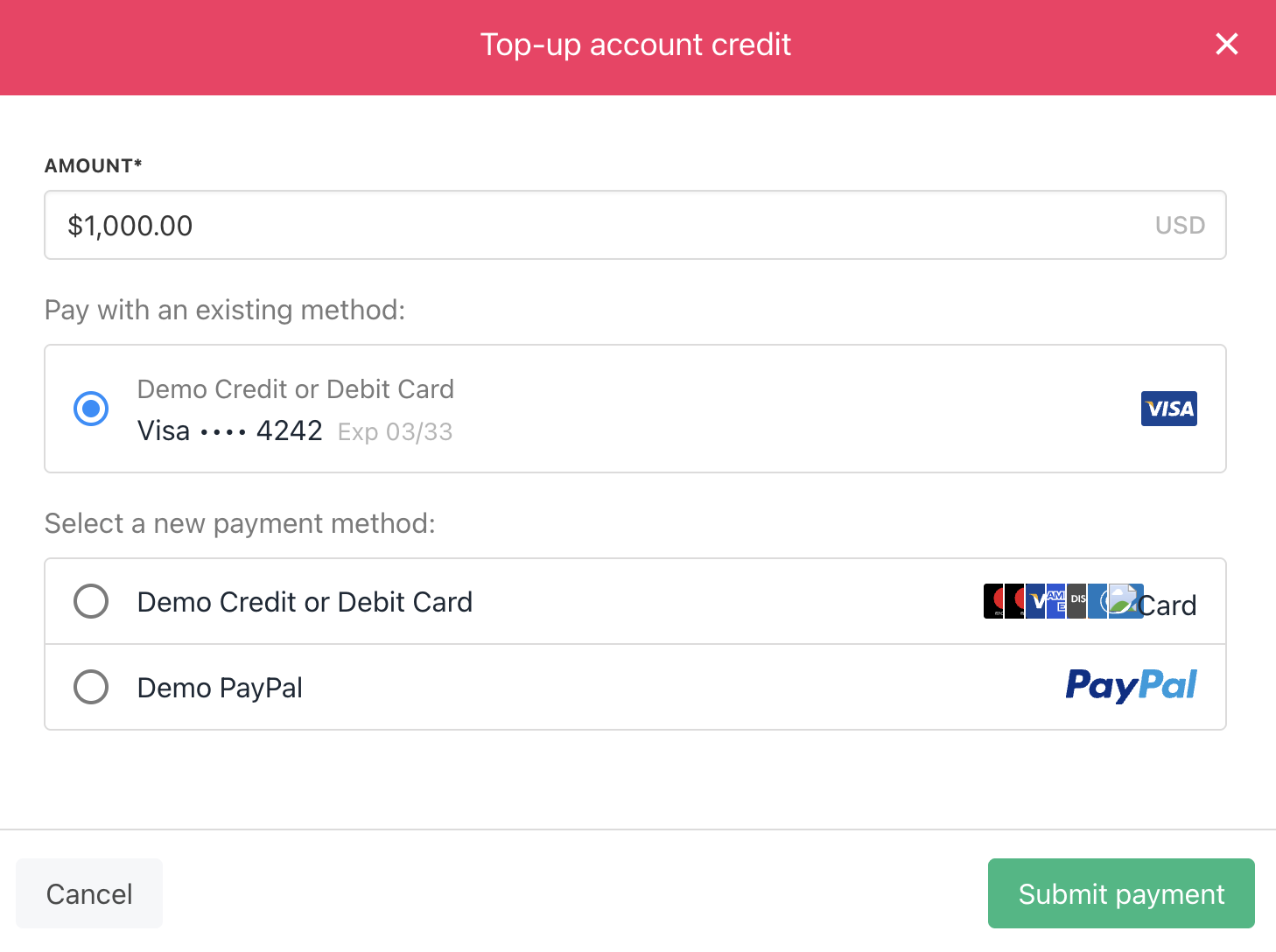
Complete the payment form