

What is an email log?
The email log records every message sent from your Upmind business, including the subject, recipient, date, and delivery status. It allows you to view message content and the trigger or hook that generated it, such as a welcome email. This log serves as proof of communication, aids in auditing and troubleshooting, and enables quick resending of messages if needed.Viewing the general email history log
- Log in to your Upmind admin account.
- Click Logs in the left menu.
- Select Email History Log to view all sent messages.
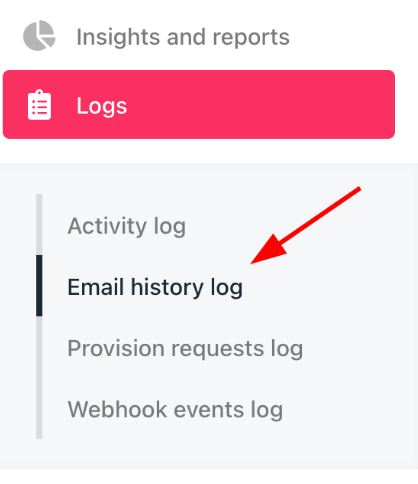
Email history log
Viewing a specific client’s email log
- Click Clients in the left menu.
- Select the Clients List tab.
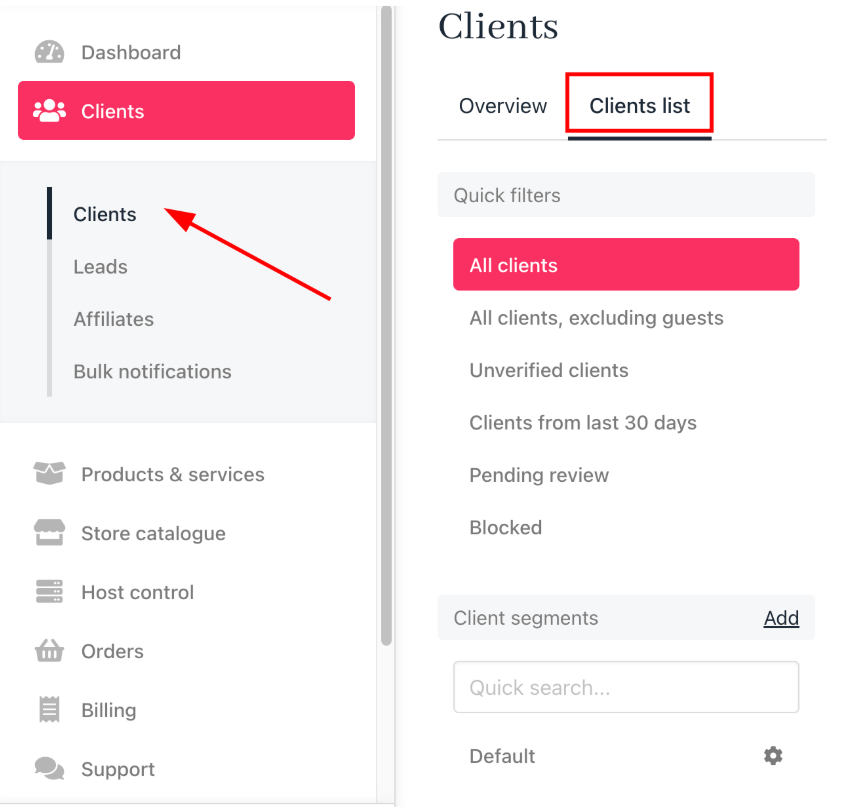
Clients list
- Find and click the client’s name.
- Under the Logs heading, click Email History Log to see the client’s email history.
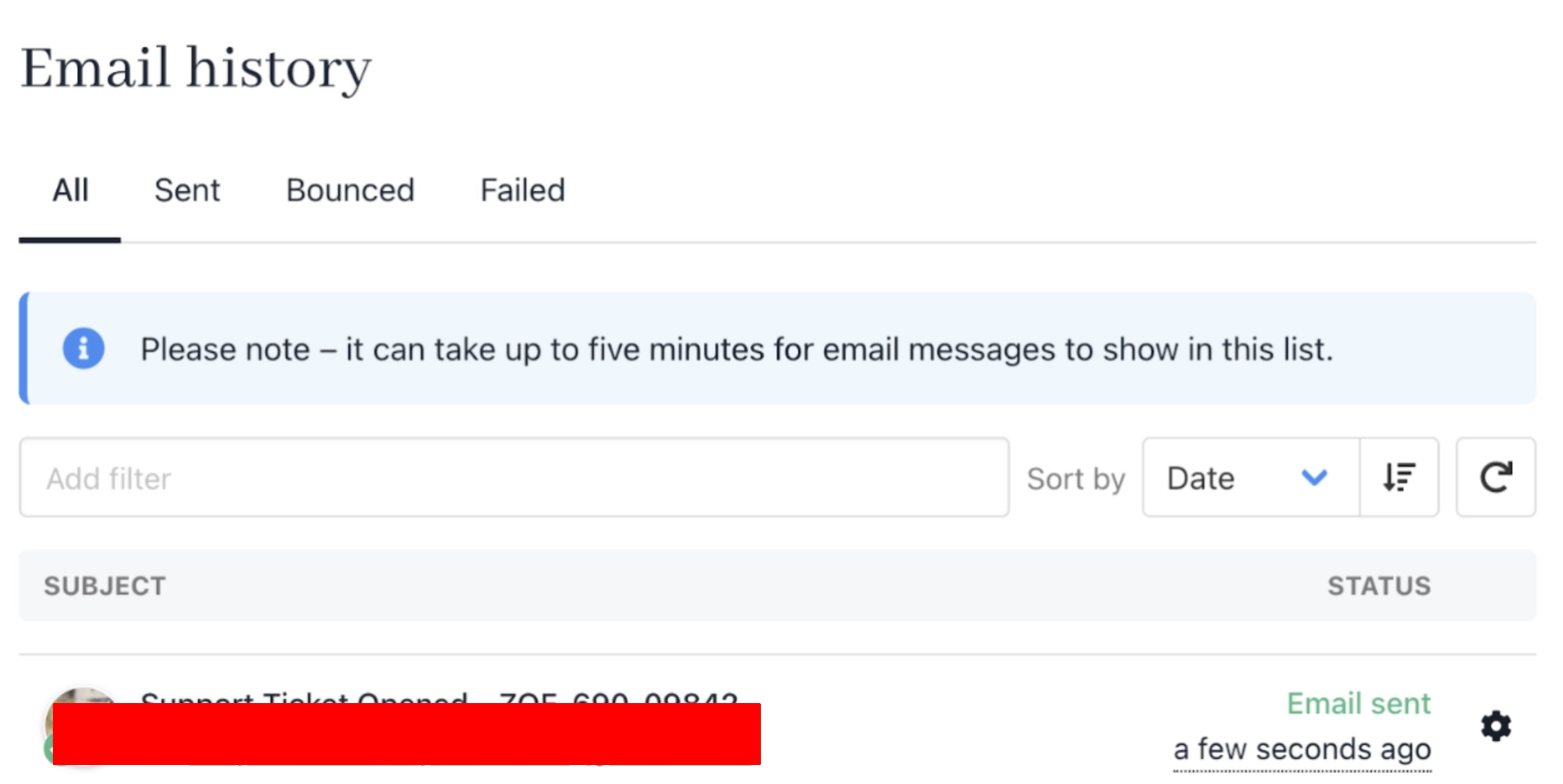
Specific client email history log
Filtering messages
- On the Email History Log page, use menu items to filter by status (Sent, Bounced, Failed).
- Use the filter field to search by tag, such as first name or email address.
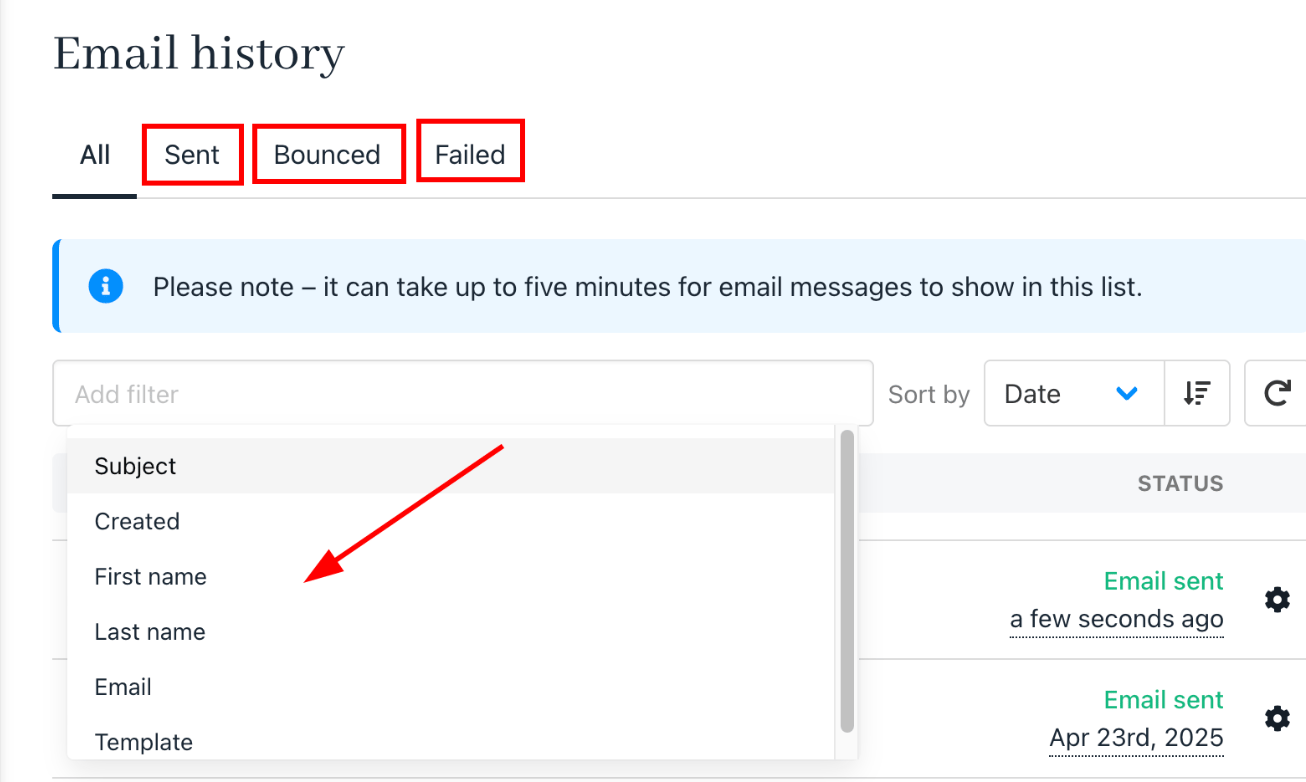
Filter messages
Reading a message
- Click a message to open the View Email panel.

Read messages

Hook and trigger messages
Resending a message
- Click the gear icon next to a message and select Resend.
- Or, open the message and use the Resend link at the top of the panel.
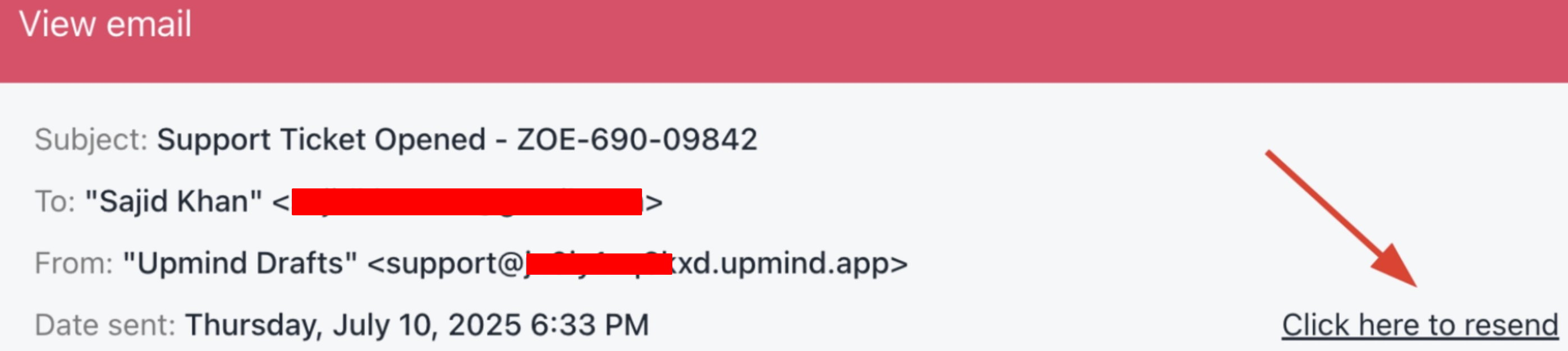
Resend message
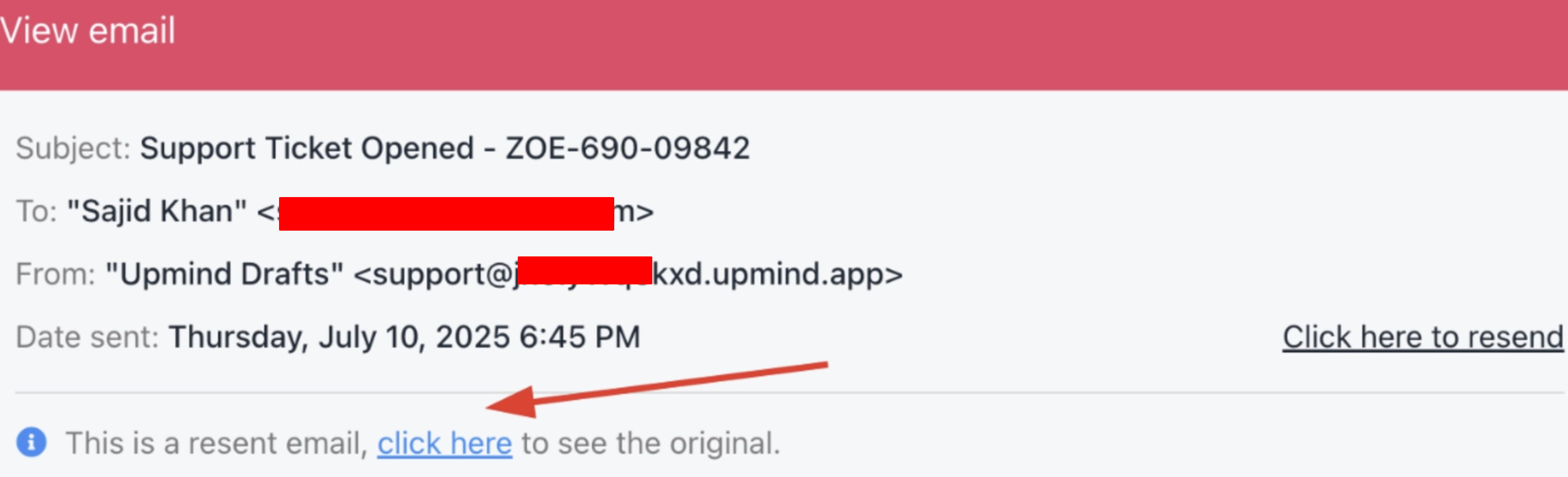
Resent message