

Provision blueprint
By choosing the right provision blueprint, you ensure your product is set up to trigger the correct automated workflows.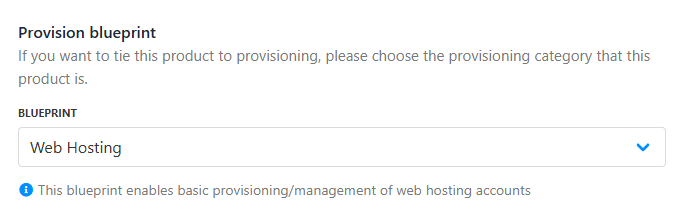
Provision blueprint
Provision provider
You can let Upmind pick the best provision provider automatically, select a specific one, or set up advanced dynamic rules for more control. This flexibility means you can easily scale, switch, or customise how and where your products are provisioned.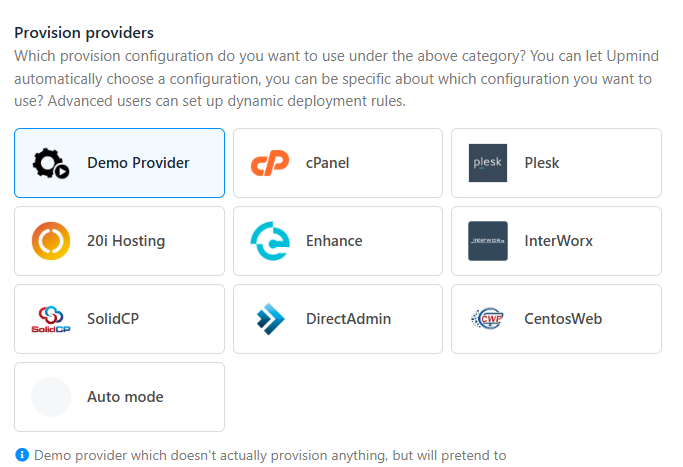
Provision providers (web hosting)
Configuration mode
The configuration mode lets you decide how Upmind matches your product to a provider setup, either by using your brand’s default settings or by matching specific attributes like location or features.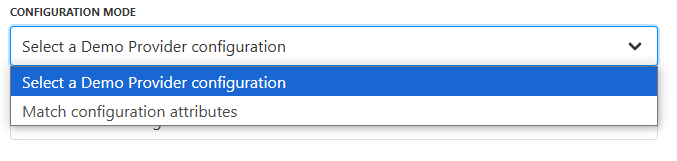
Configuration mode
Provider configuration
The provider configuration is where you choose the exact settings or credentials for your selected provider, such as the brand’s default setup or a custom configuration. This step makes sure that Upmind connects to your provider with the right details.
Provider configuration
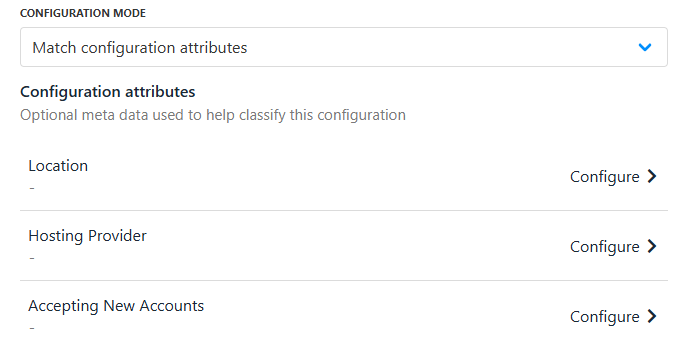
Match configuration attributes
Setup functions
Setup functions define what action Upmind takes when a product is activated, usually creating a new account or service. You can choose from standard actions like create or customise what happens during setup, so your customers get instant access to their new service without delays.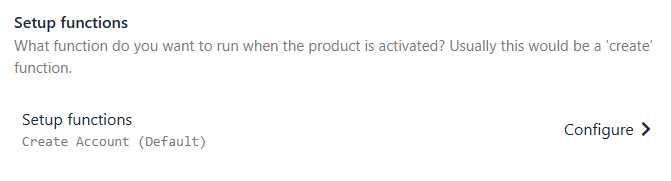
Setup functions
Order setup fields
Order setup fields control when and how customers provide the information needed for provisioning. You can decide if details are collected before payment, after payment, or optionally at either stage, giving you flexibility to match your sales process and customer experience.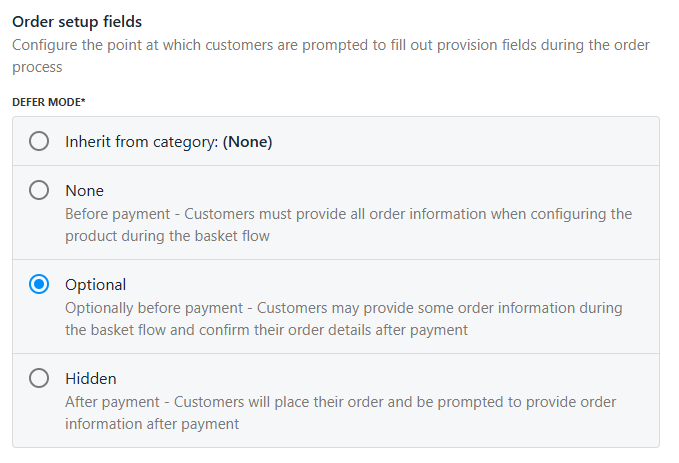
Order setup fields
- Inherit from category (None): Uses the default timing set by the product category.
- None (Before payment): Customers must enter all required info during checkout, before they pay.
- Optional: Customers can provide some info at checkout and confirm or complete details after payment.
- Hidden (After payment): Customers pay first, then provide the info needed for provisioning.
Provision fields
Provision fields are the specific data points, like package name, domain, or server location, that Upmind maps to the provider during setup. These fields make sure the right information is sent for each order, making automated provisioning accurate and customised to each product or service. These features collectively provide control, flexibility, and limitations for resellers within Upmind.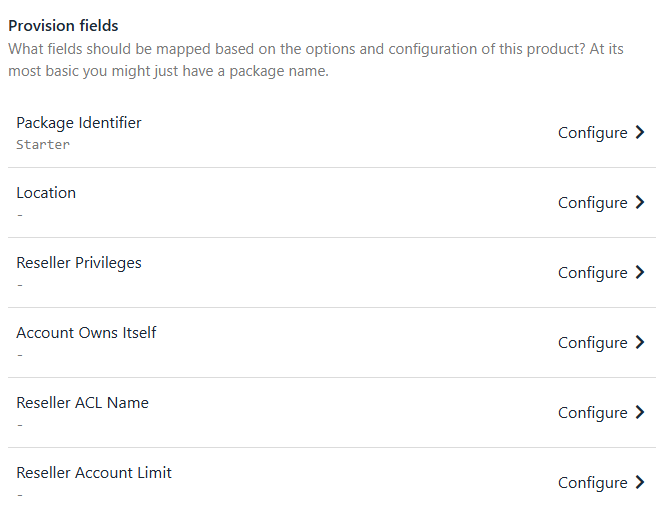
Provision fields