

Opening a client subscription page
The first step is to open the client’s subscription page.- Log in to Upmind.
- Click Products & Services on the left menu.
- Make sure the Subscriptions menu tab is selected.
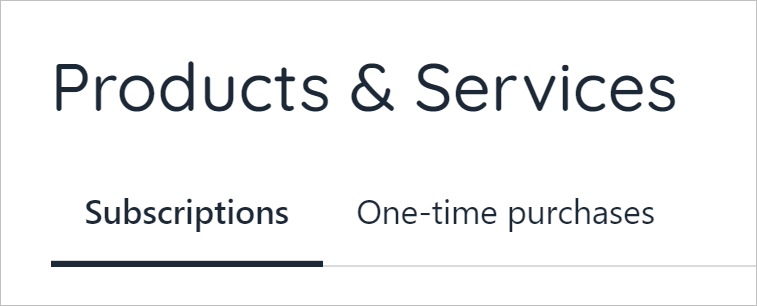
Click Subscriptions tab
- Scroll through the list and click the subscription contract you want to change.
- Click the Modify product button under the QUICK ACTIONS heading.
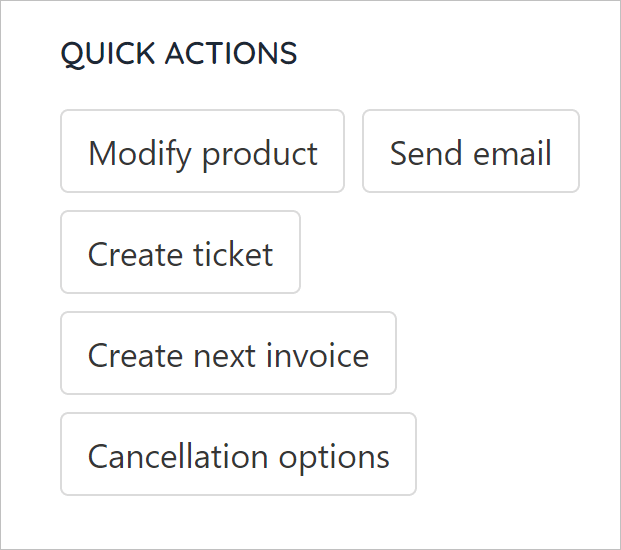
Click Modify product
- On the new window, click the Change to new product tile.
- Click the field below the product name.
- Select an option to upgrade or downgrade the current service level.
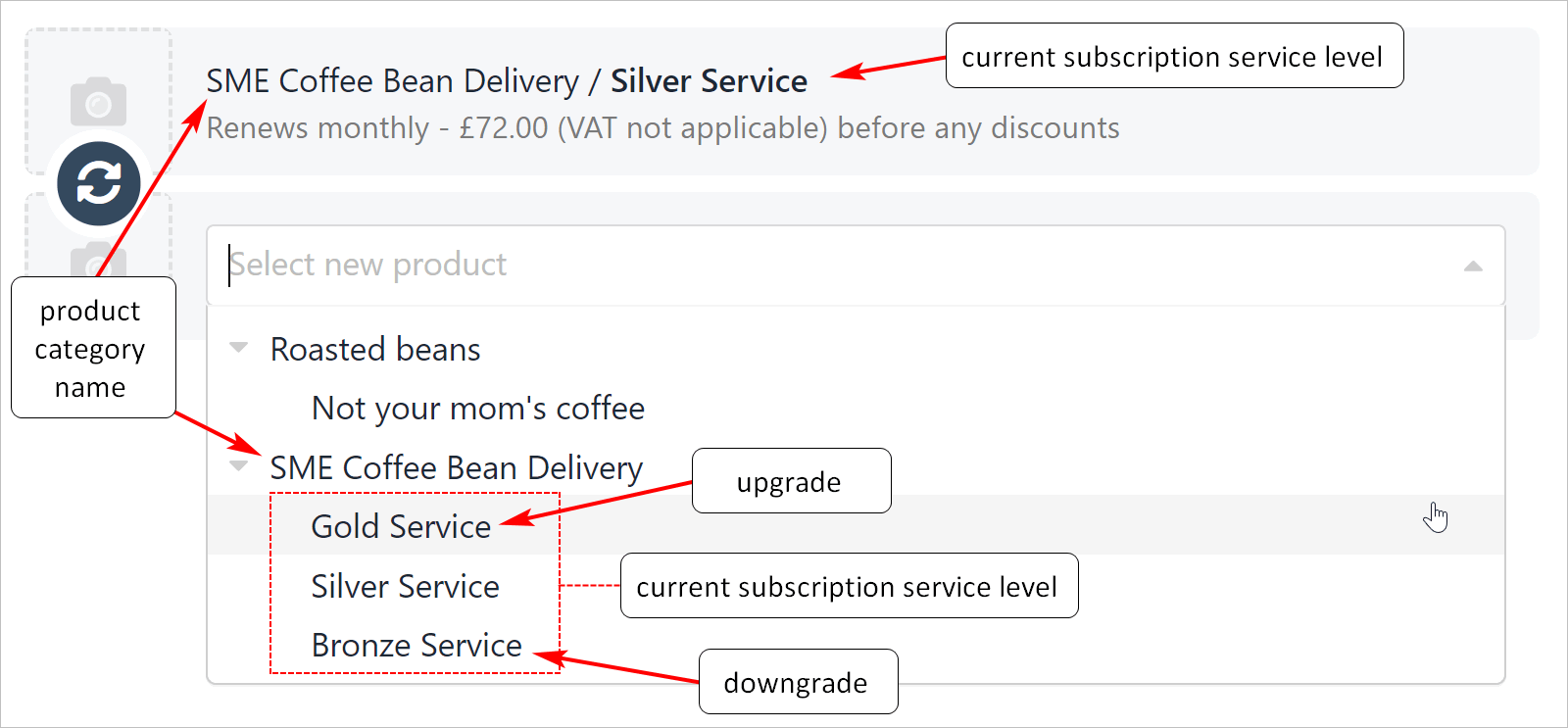
Upgrade or downgrade
Upgrades and invoice changes
Upmind automatically calculates the balance owed, if applicable, when you upgrade a subscription service. You can choose to send an invoice or apply changes for free.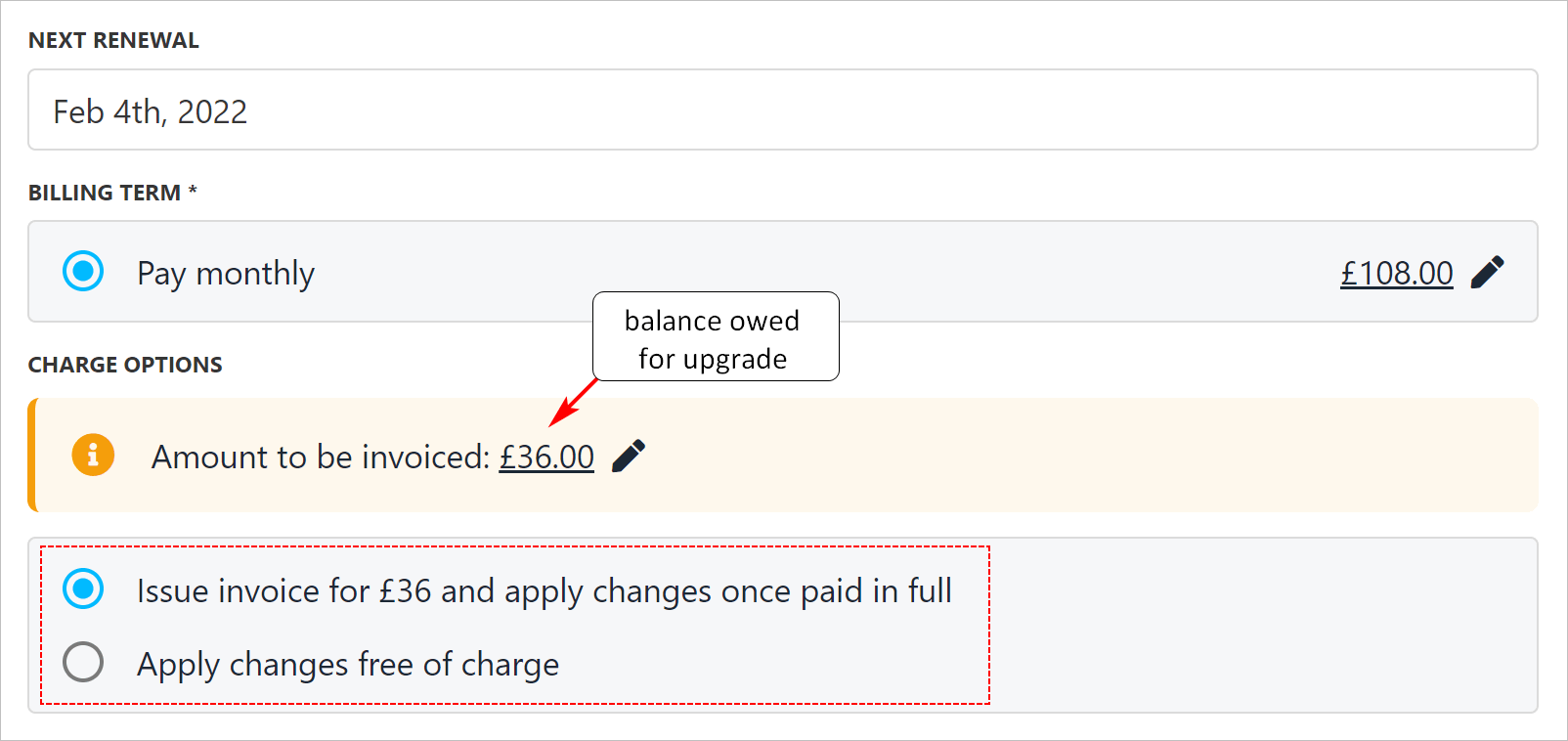
Balance owed for upgrade
Downgrades and invoice changes
Upmind automatically calculates an account credit, if applicable, when you downgrade a subscription service. You can choose to issue a refund, add funds to the client’s account, or do nothing.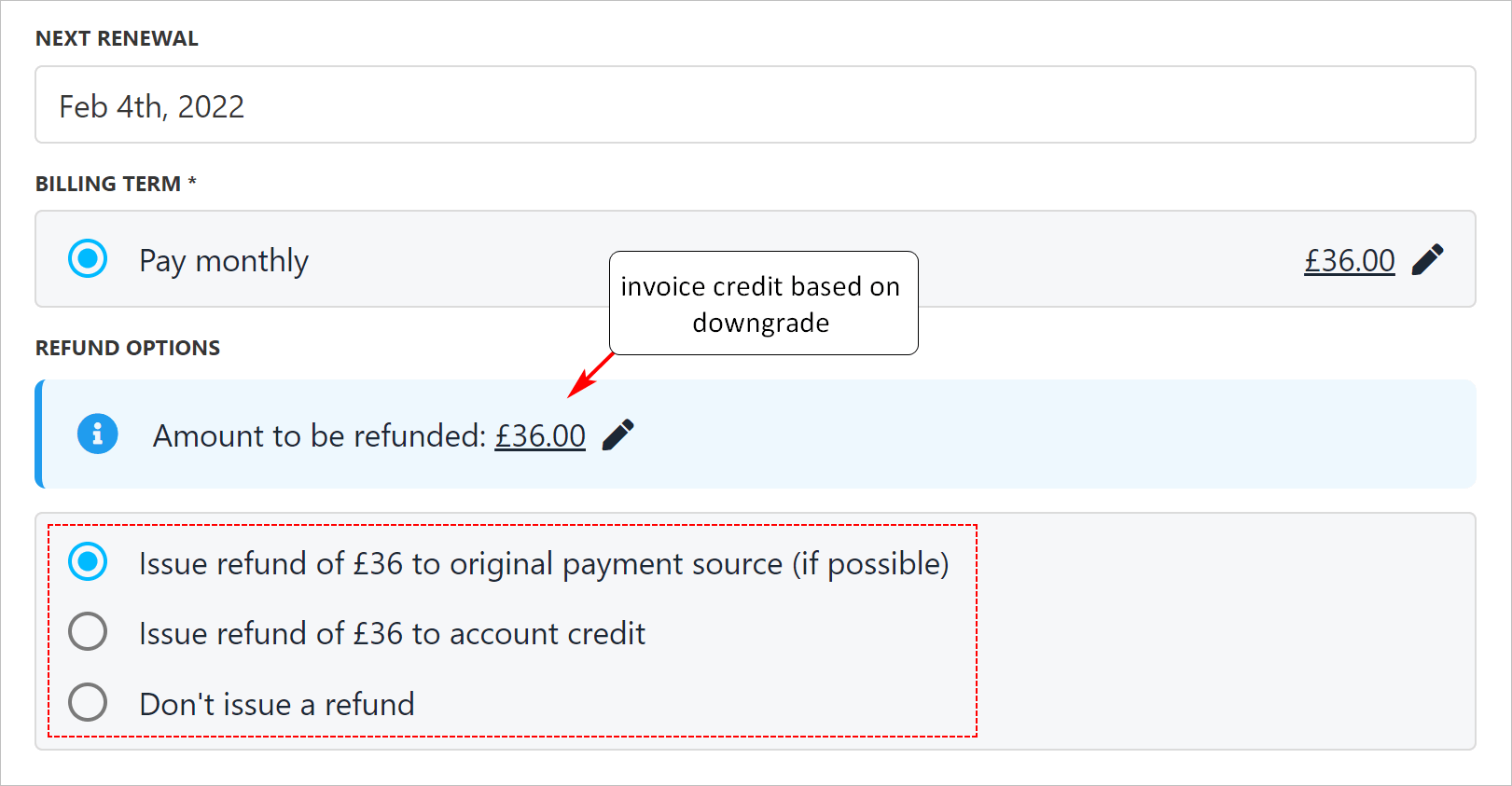
Upmind calculates account credit