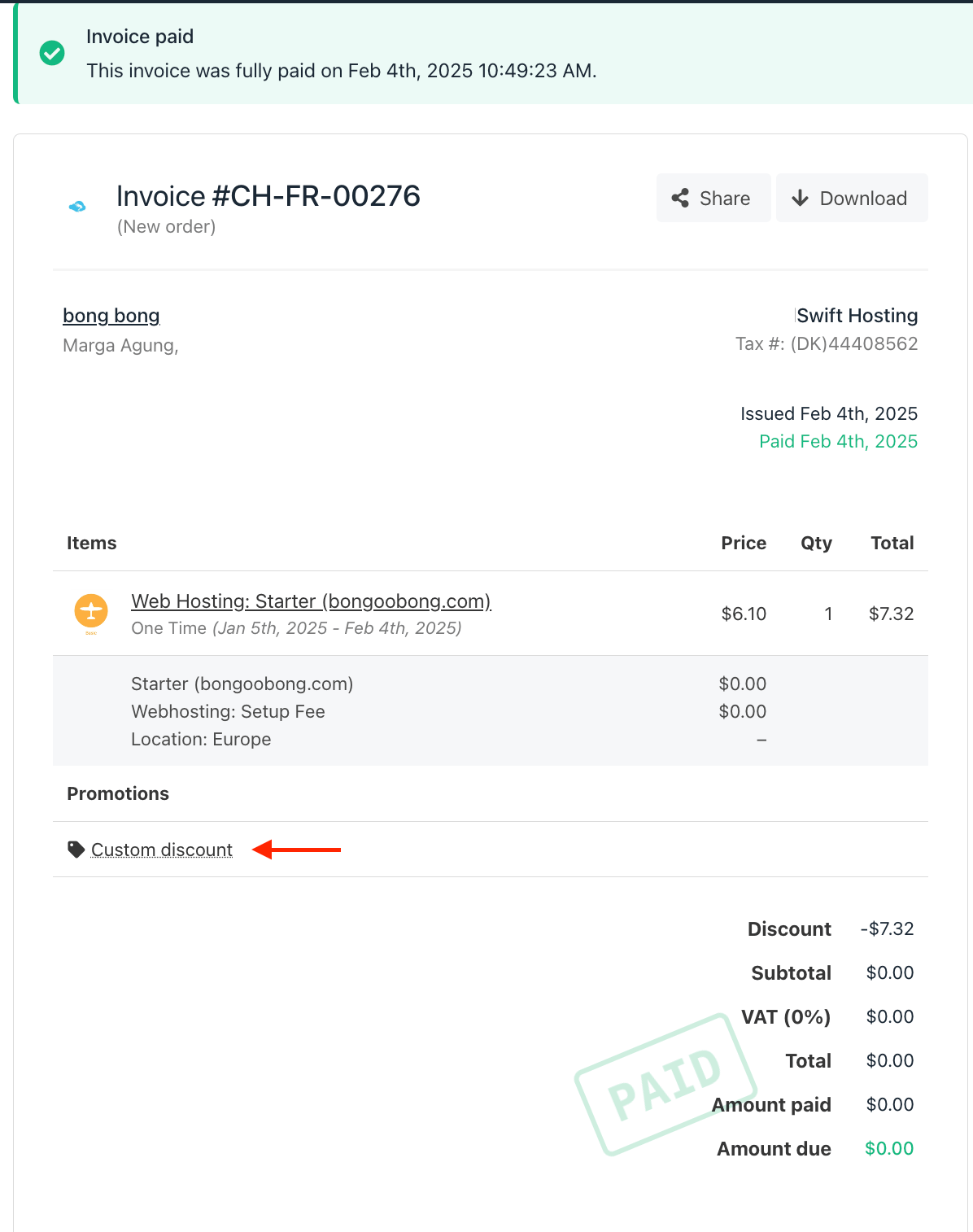
- Place New Order – Creates a new order with a normal invoice that includes the full price.
- Add Existing Service – Adds an existing service to Upmind for continued billing. The initial invoice will be set to 0 since the system recognises that the client has already paid for it in your previous system.
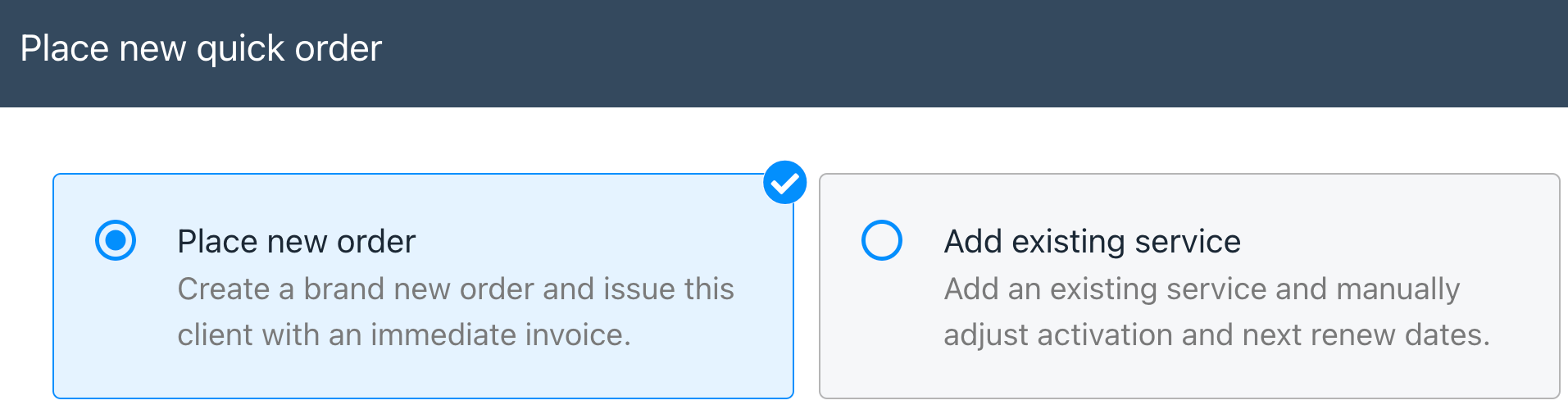
You may want to select either Place New Order or Add Existing Service
- Navigate to the Client’s profile in your admin area
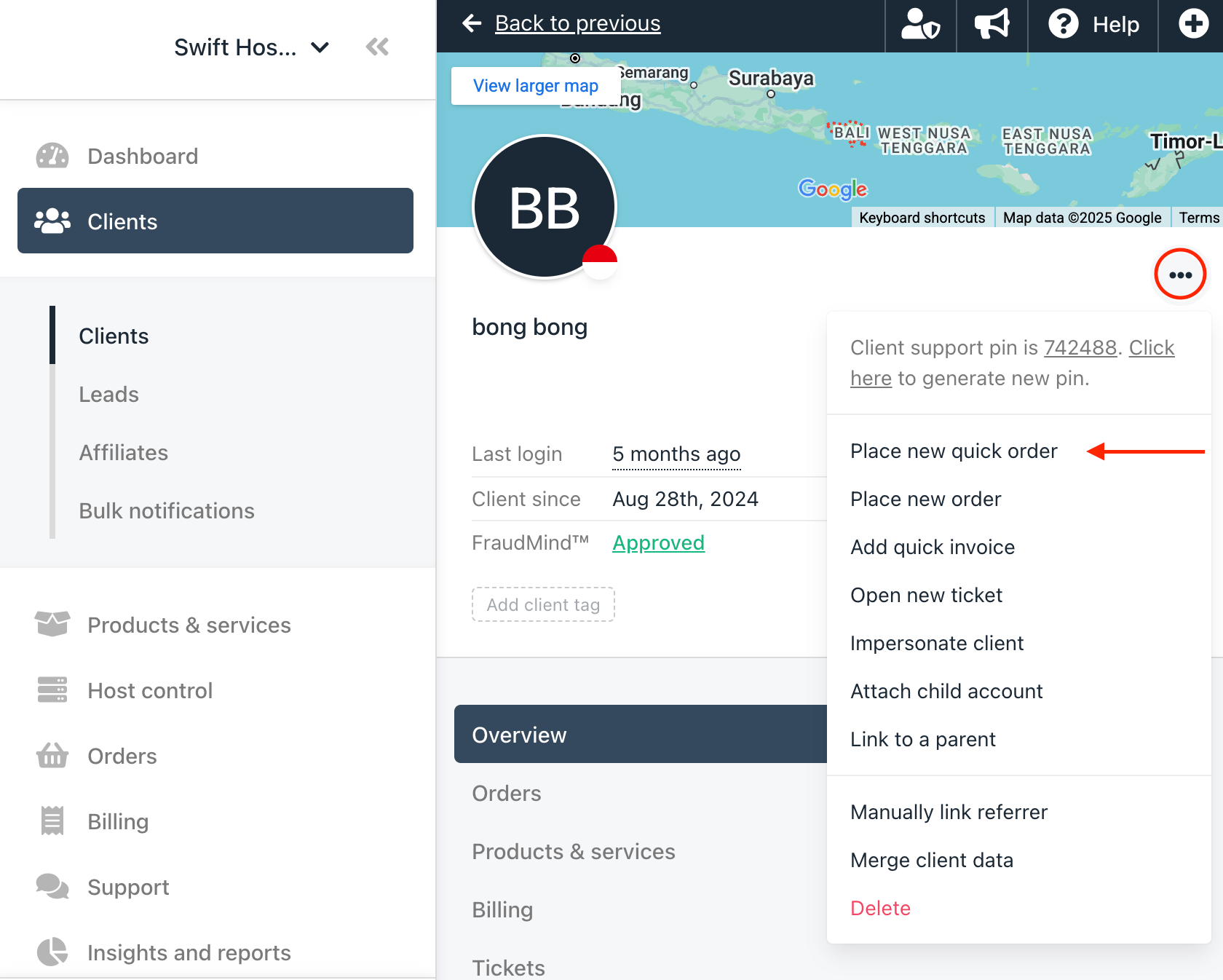
- Click the three dots on client profile card and select Place new quick order
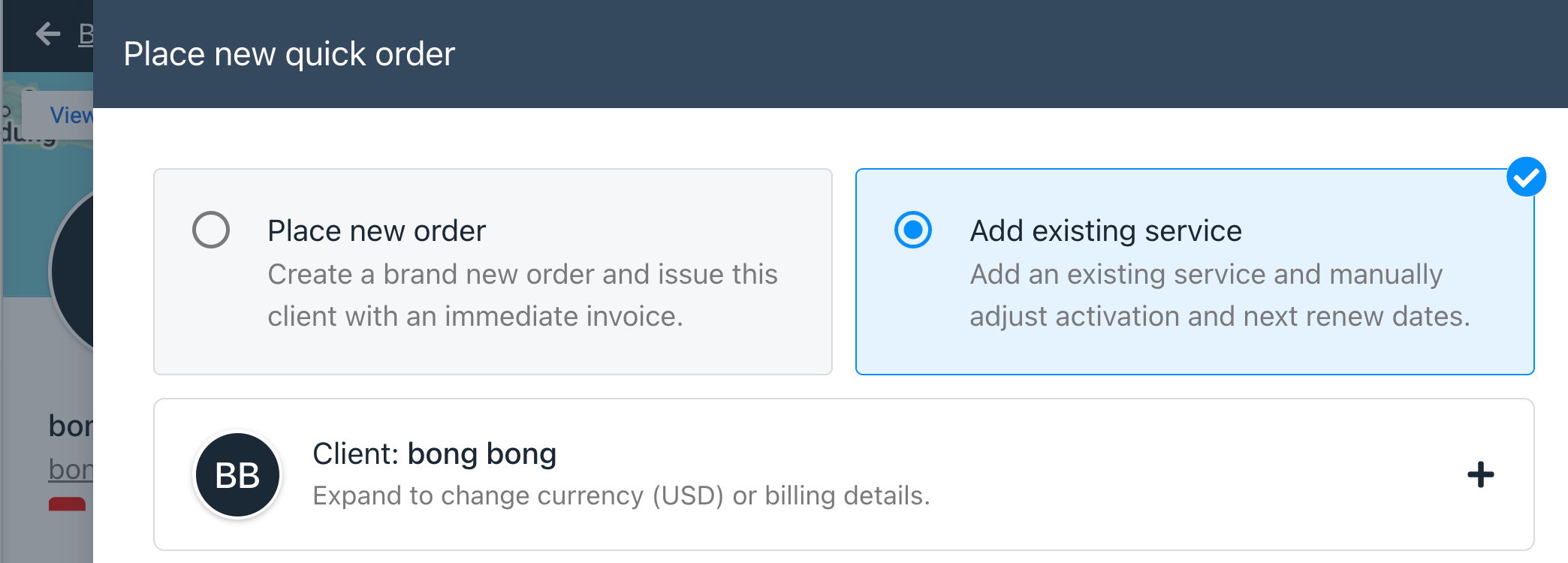
- In the quick order window select Add existing service
- Add an Order Item and select the product you wish to add
- Configure the product as necessary then click Add to basket
- If necessary, configure the Activation and Next Renewal date accordingly
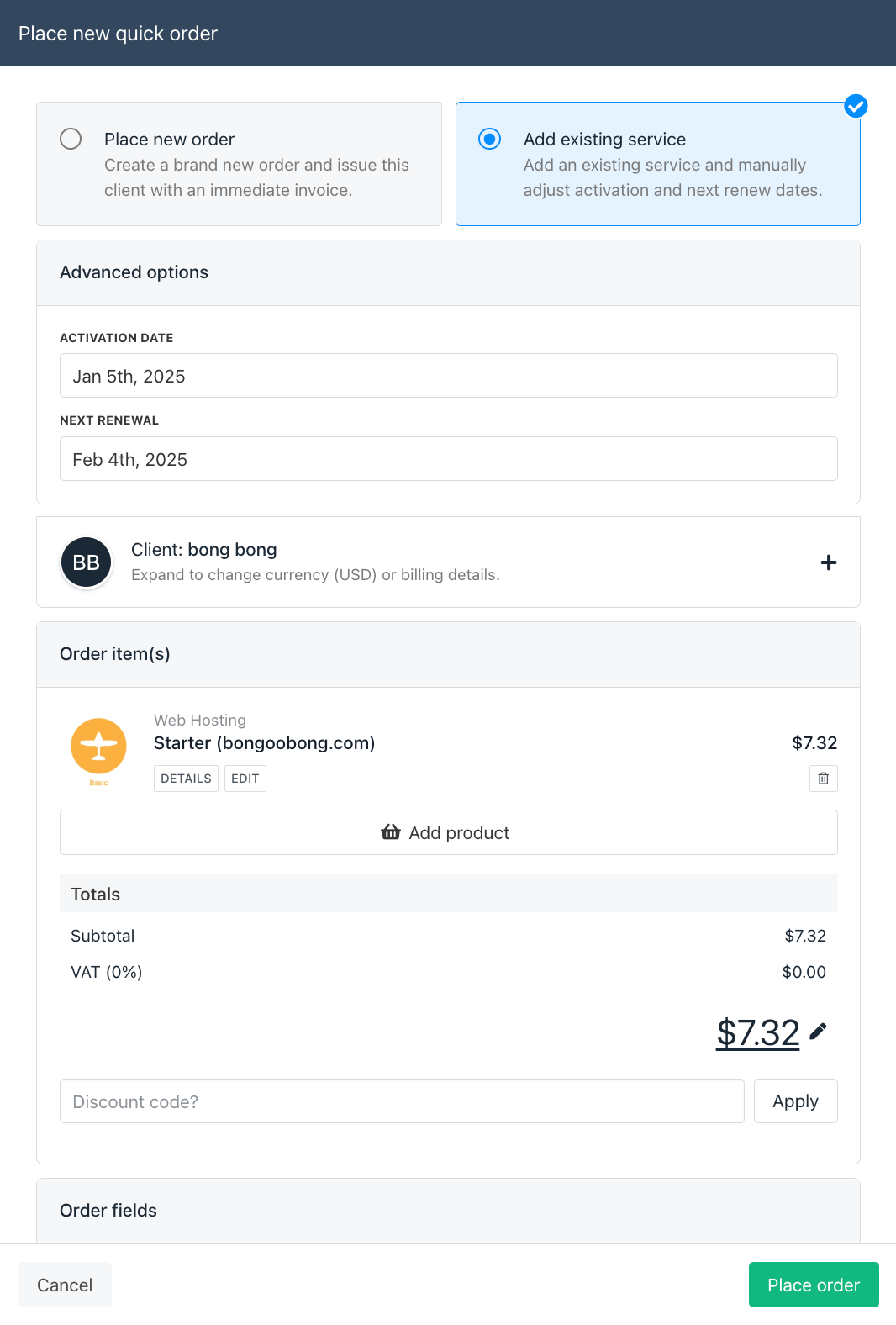
- Click Place order
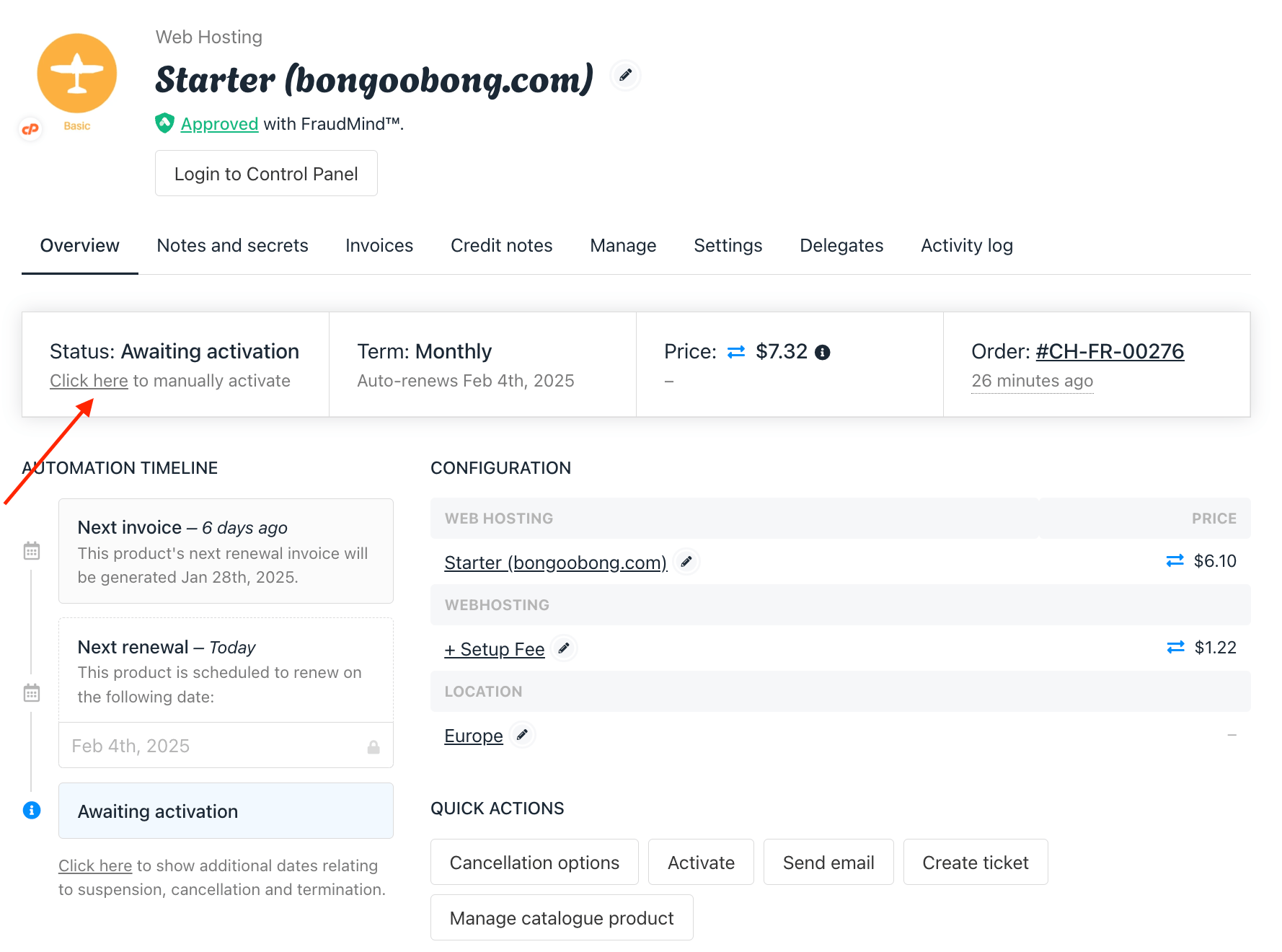
Manually activate the order if necessary
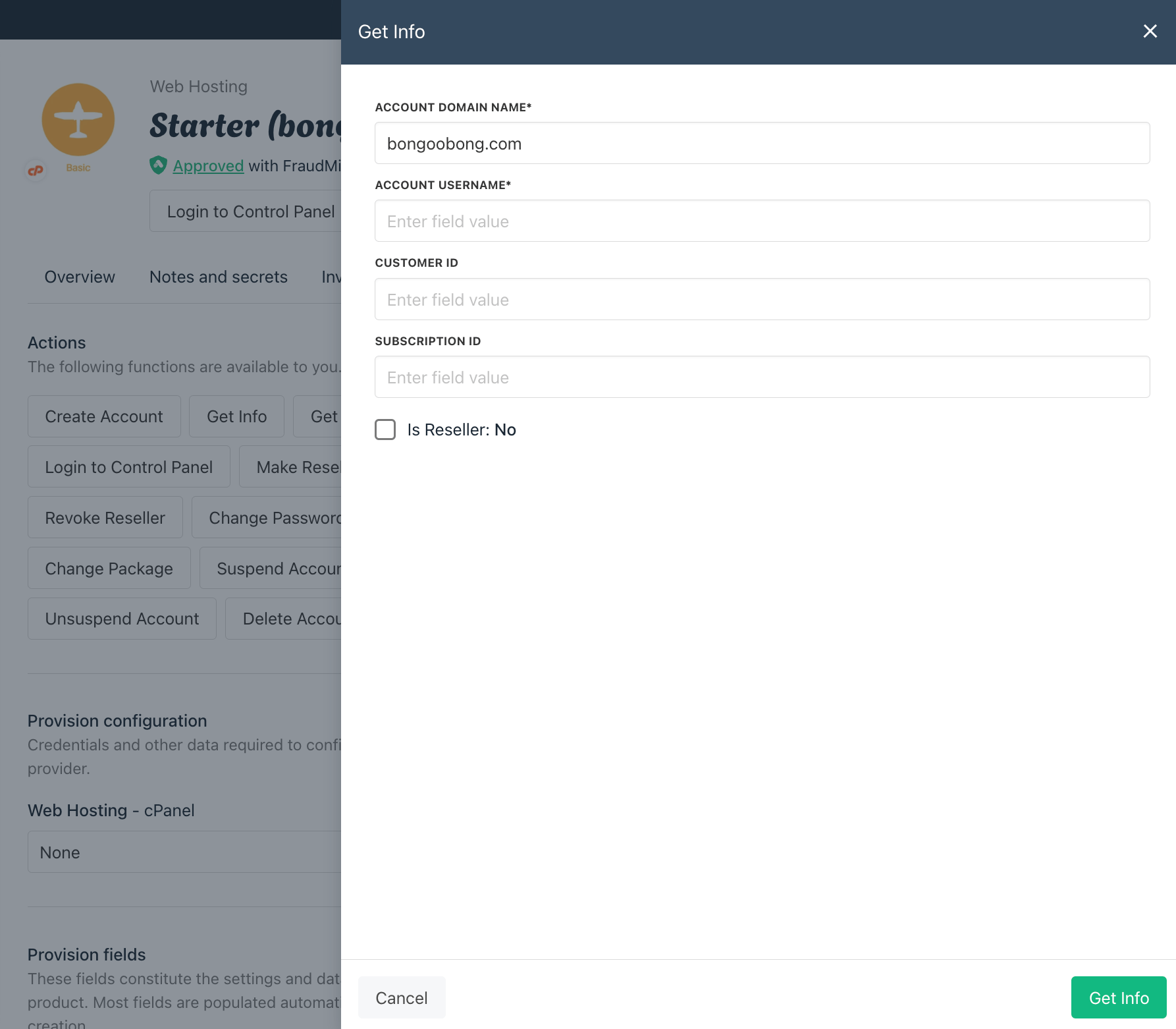
If the product has provisioning, go to the Manage tab and run Get Info to verify it works