

Turning off auto-renew
- Log in to Upmind.
- Click Products & Services and choose the subscription.
- Go to the Settings tab.
- Click the Turn off auto-renew link.
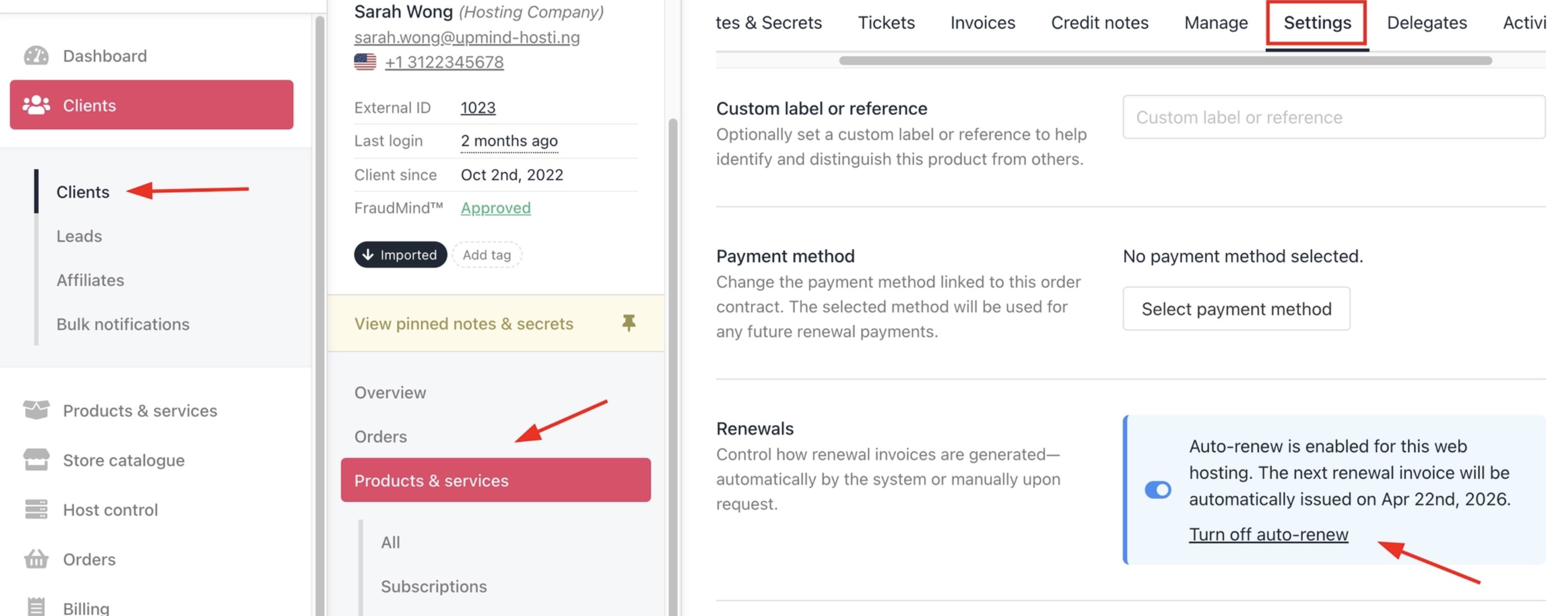
Clients > Products & Services > Settings > Turn off auto-renew link
- Click Turn off auto-renew in the pop-up confirmation window.
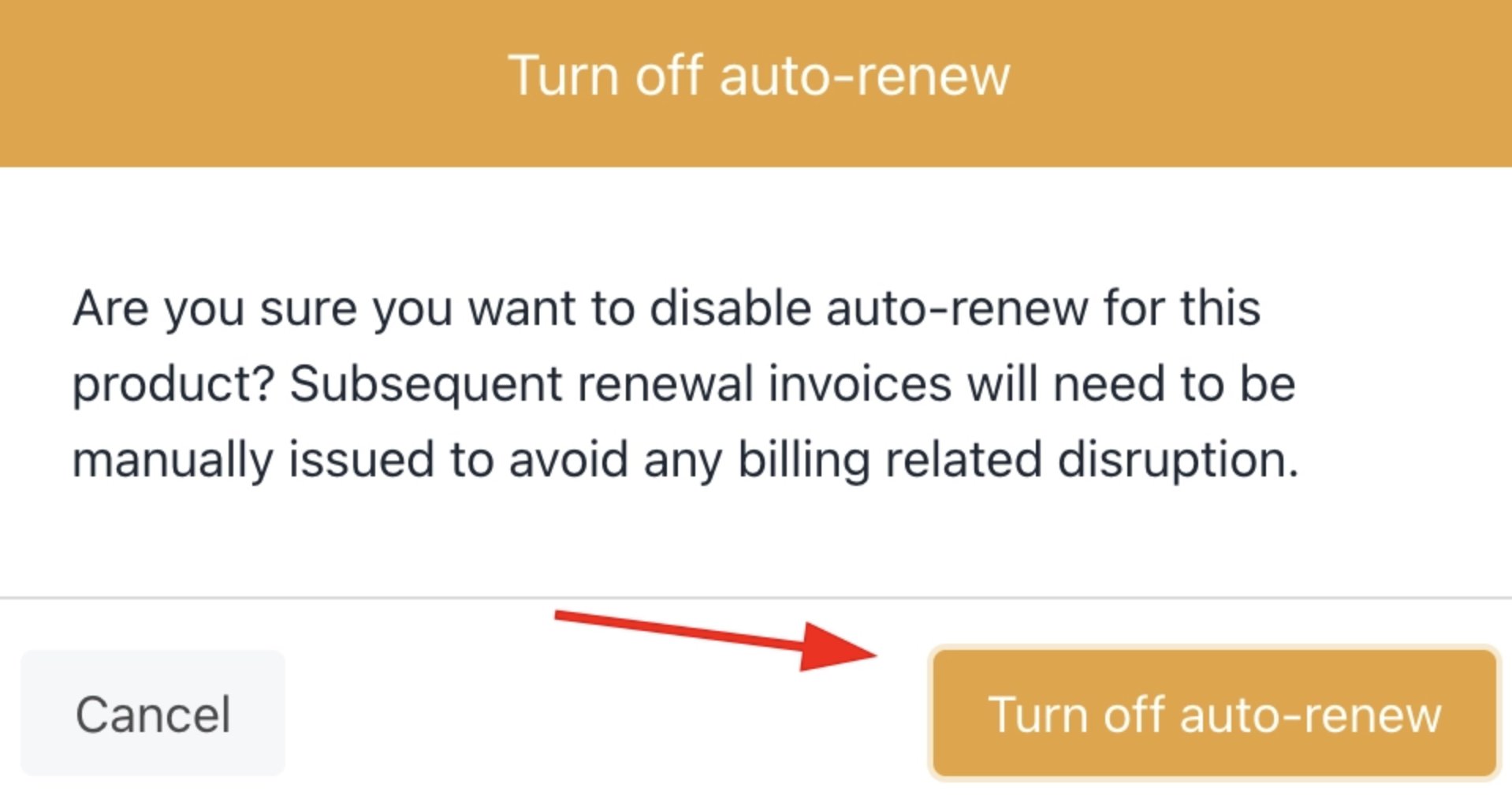
Turn off auto-renew
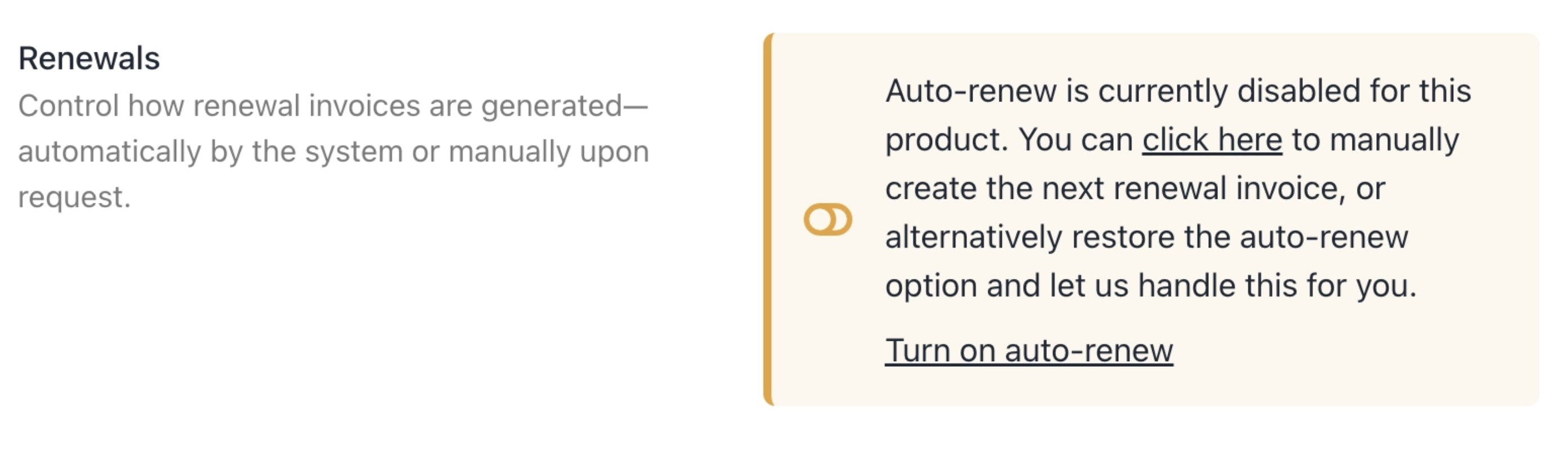
Auto-renew turned off
Manual renew
When the auto-renew feature is turned off, the client can manually renew the subscription.- Click the manual renew link in the text.
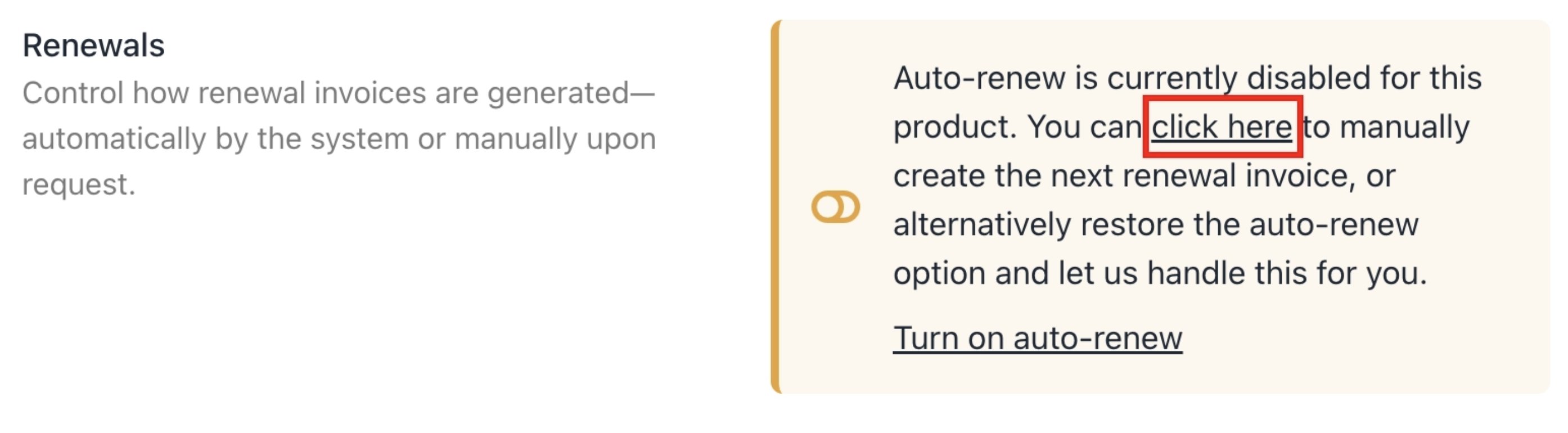
Manual renew
- Click Issue next invoice in the pop-up confirmation window.
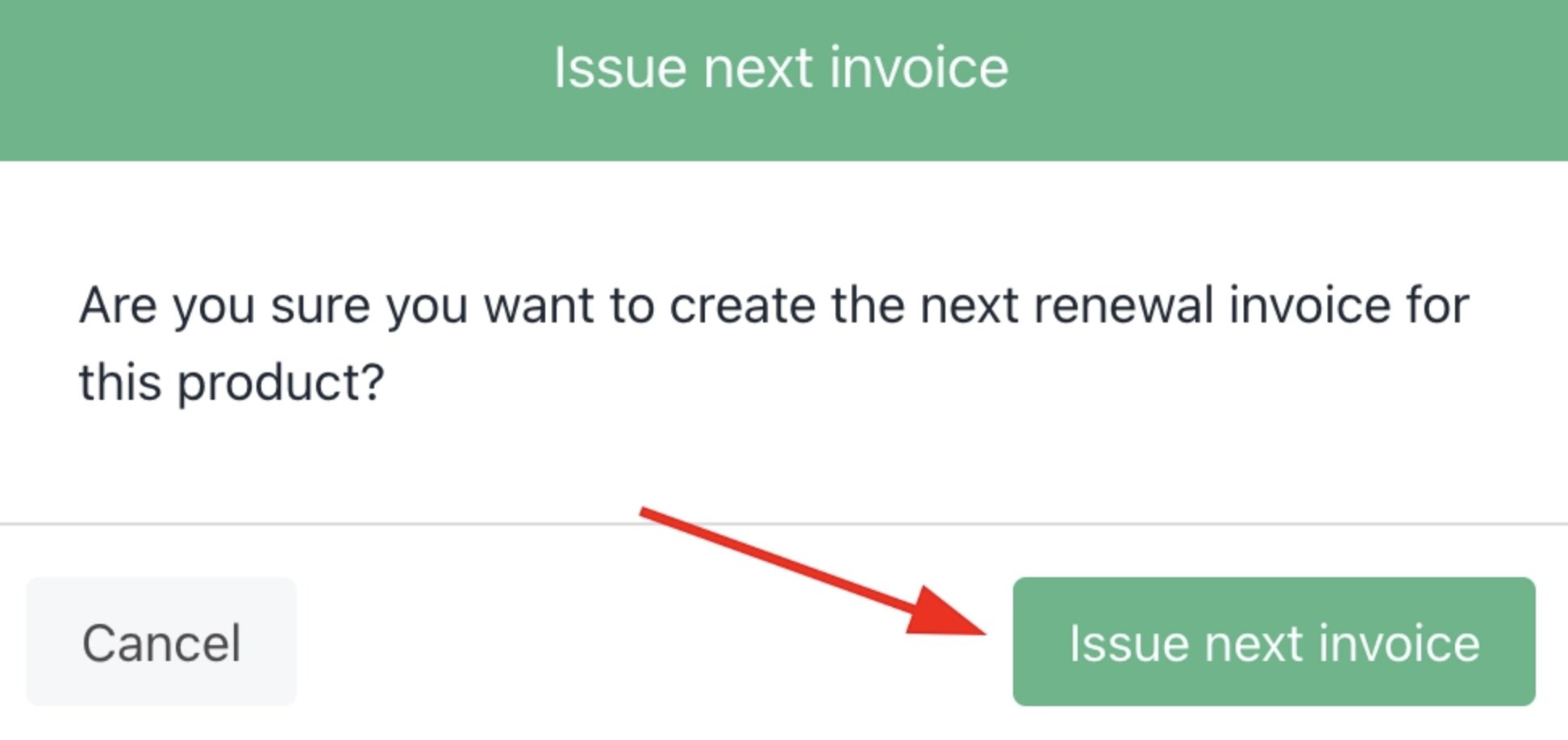
Manually generate an invoice
- Upmind displays a new invoice.
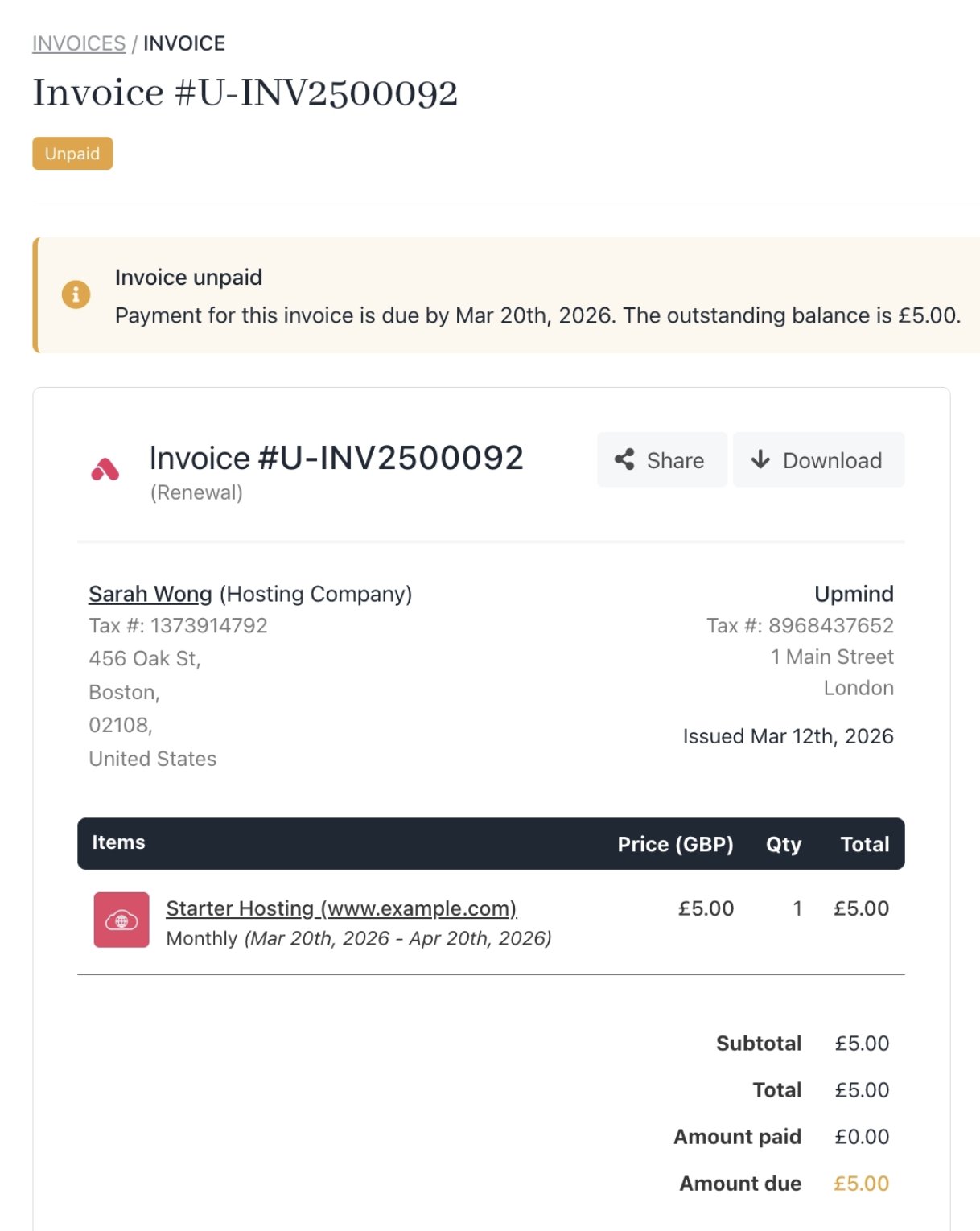
New invoice
Strict mode cancels unpaid future invoices if off.