

Access subscription options
- Log in to Upmind admin.
- Go to Settings > Subscription Options under Branding and Customisation.
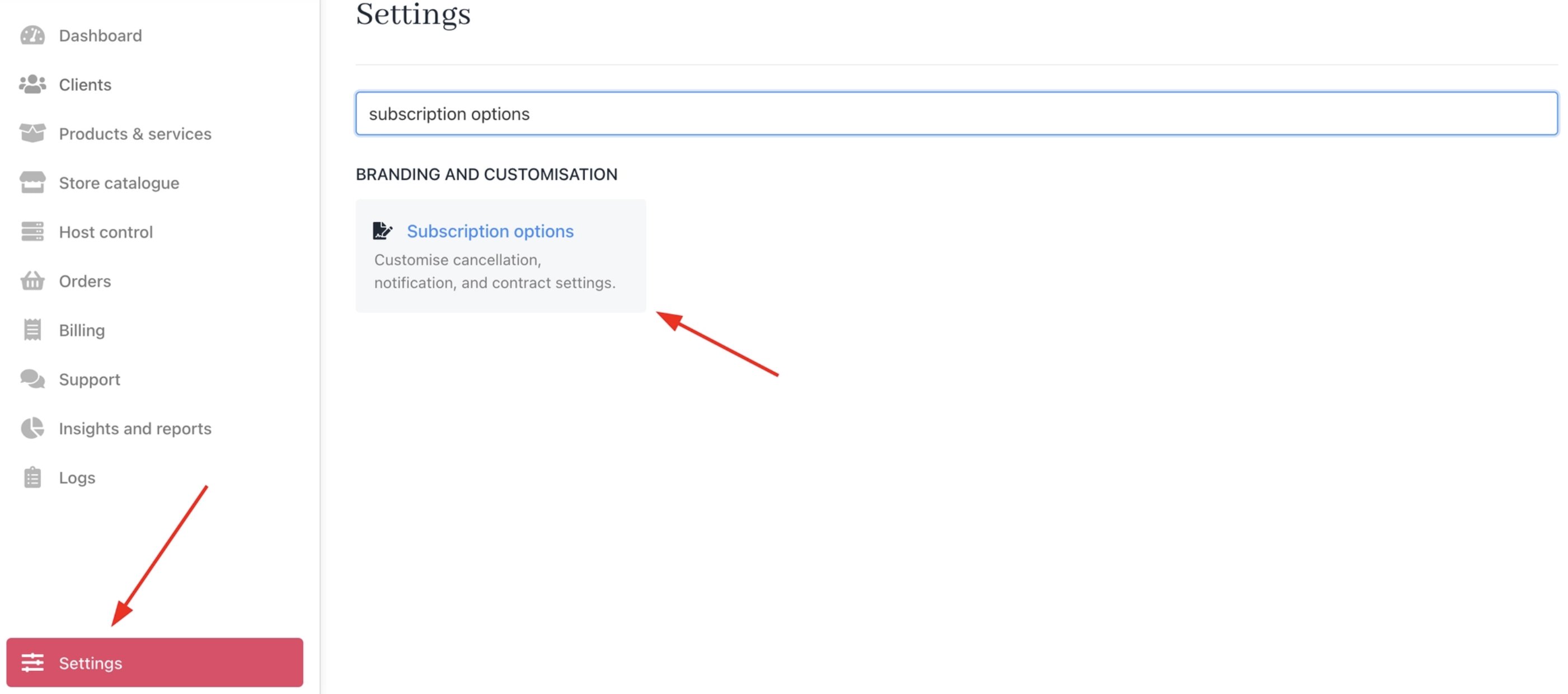
Settings > Branding and Customisation > Subscription Options
Enable auto-accept
- Under Cancellation Terms, select Auto-accept cancellation requests for overdue products.
- Save changes.

Requests auto-approve if the invoice is overdue. It has an immediate effect on new requests.
When auto-accept triggers
- Client submits a cancellation request on an overdue subscription.
- Upmind skips creating an open support ticket.
- Contract cancels based on the selected option, either immediate or end of term.
Client-level overrides are available under Automation Overrides. For more details, follow this guide.