

- Category type (e.g., Cancelled and Unpaid).
- Number of open baskets.
- Fraud totals.
Opening the Orders page
- Go to the Upmind dashboard.
- Click Orders on the left menu.
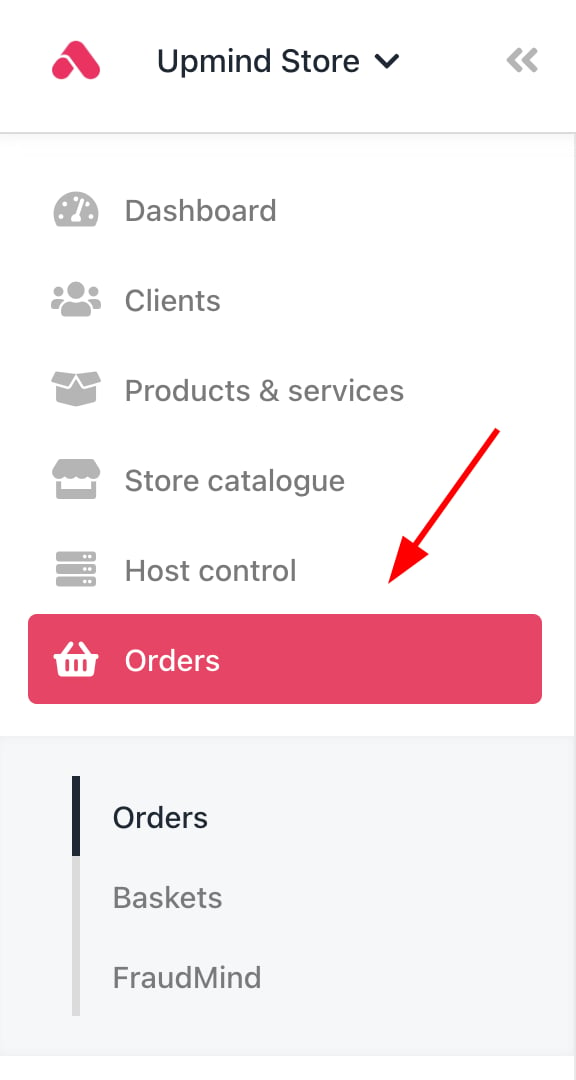
Dashboard > Orders
Viewing orders by category
Sort orders with a filter.- Click the Orders list menu tab.
- Scroll down the list.
- Click a Quick Filters subheading.
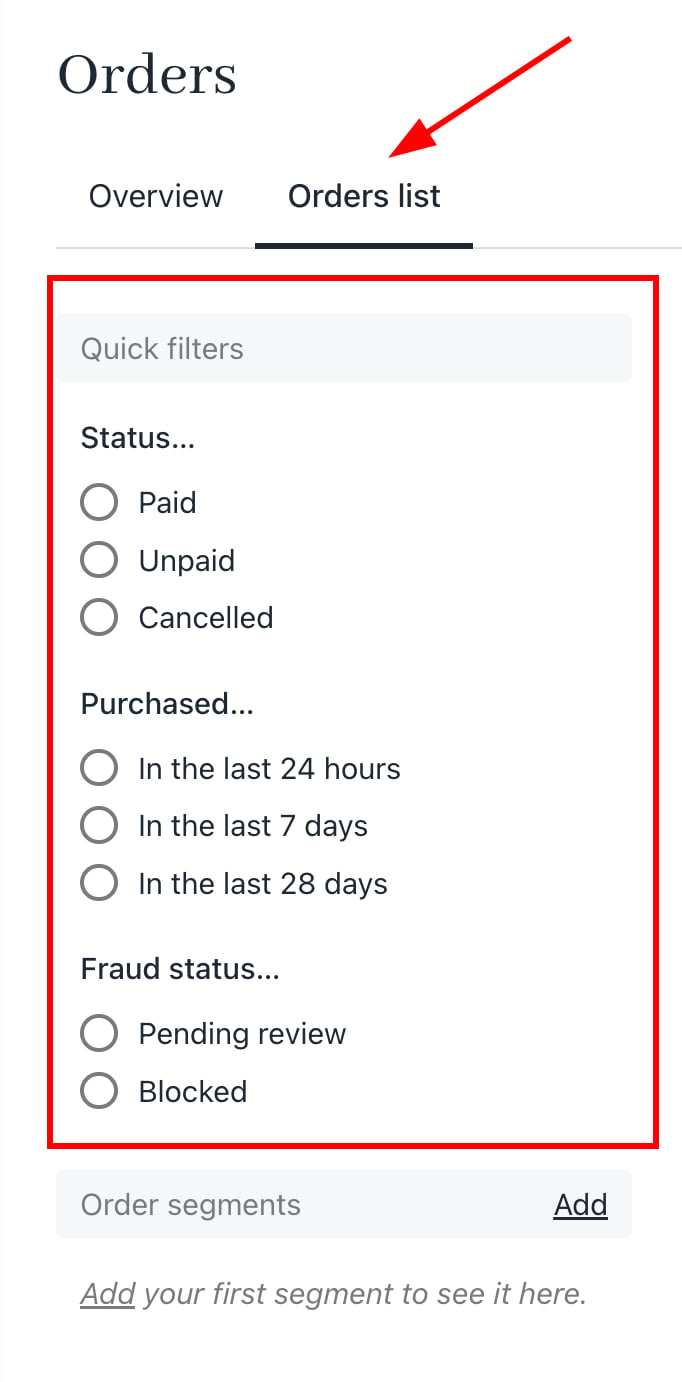
Choose a filter
Adding segments
Create a rule to sort and display data based on one or more variables.- Scroll down to the Order segments heading.
- Click the Add button.
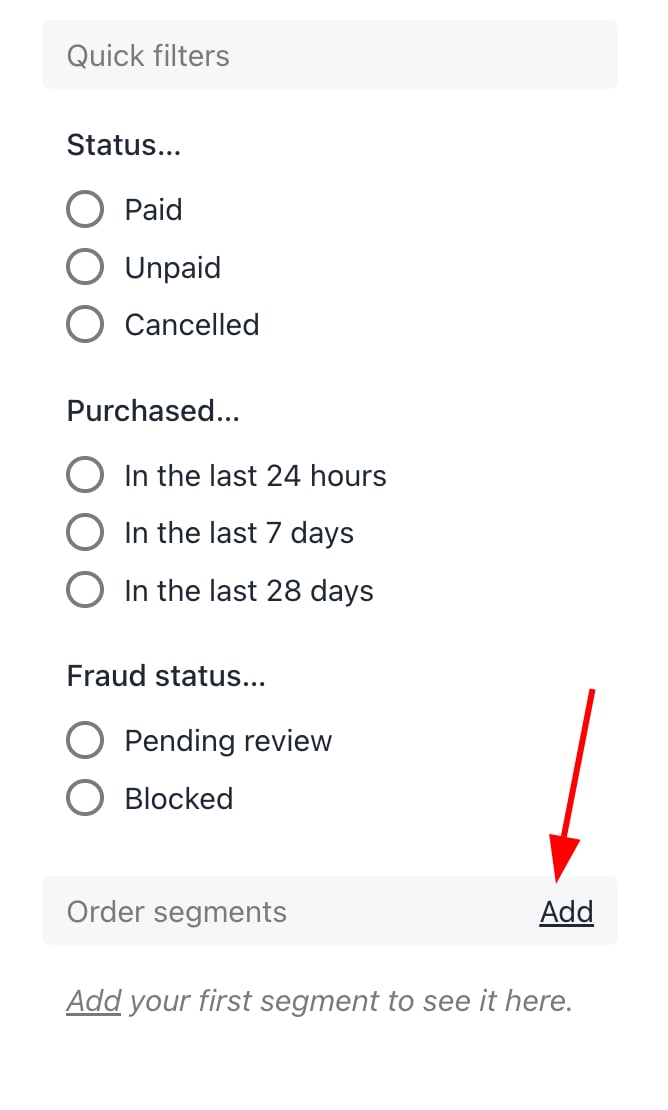
Click add
- In the new window, add a filter title.
- Select a segment on the drop-down menu.
- Click Save.
Custom fields you create for the create account page or basket appear on this drop-down menu.
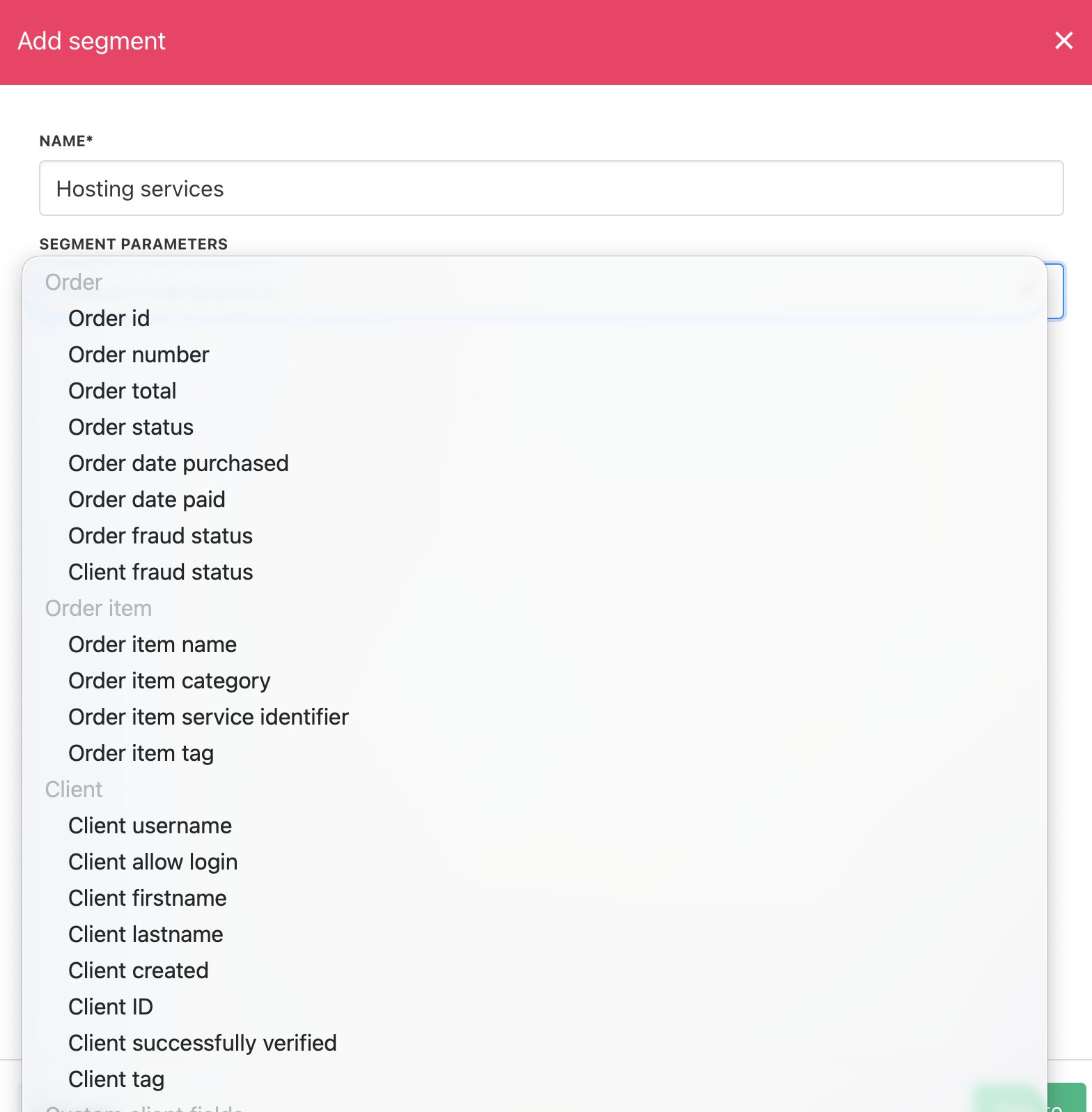
Segments on the drop-down menu
Reviewing open baskets
Click the Baskets link on the left menu. Upmind displays all the open baskets.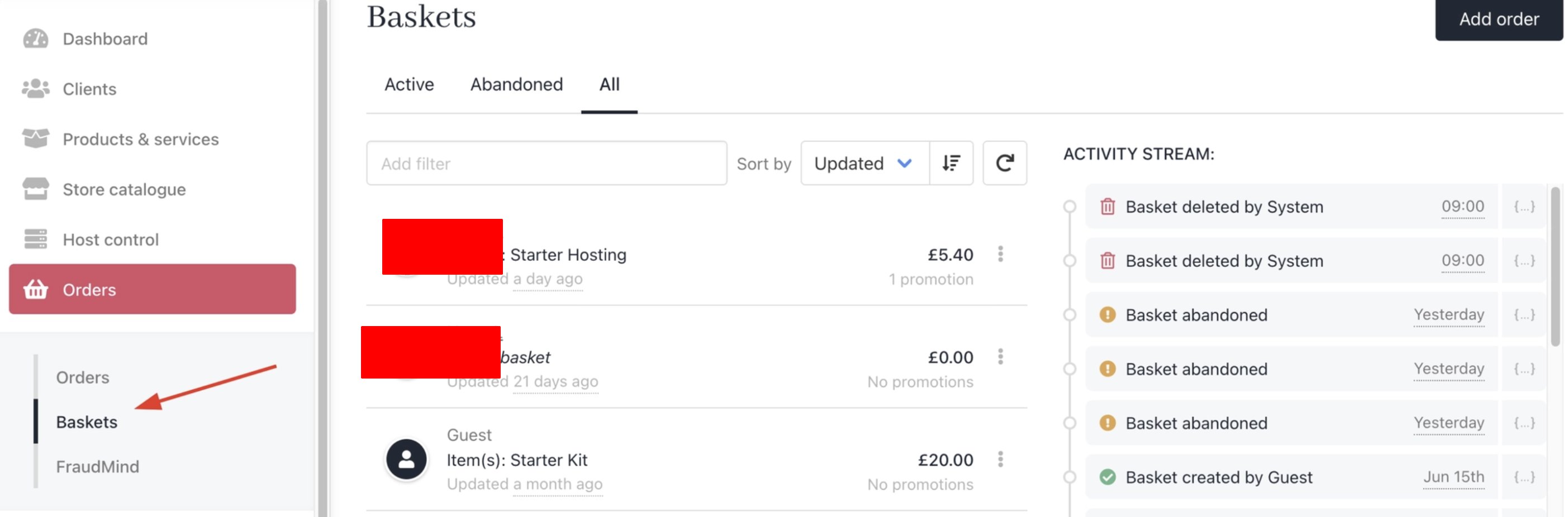
Displays all the open baskets
Reviewing fraud orders
- Click the FraudMind link on the left menu. Upmind displays all flagged orders, clients, and invoices by FraudMind.
- Click an order to review the information and take action, if required (e.g., change the fraud status).
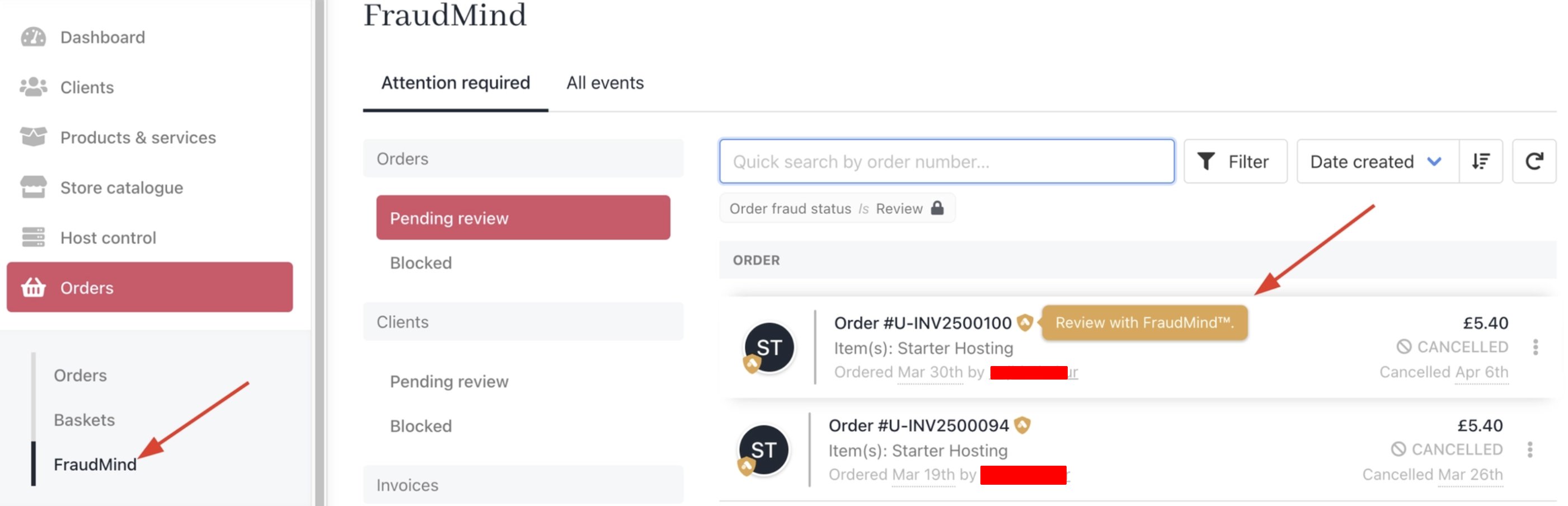
Icons highlight suspicious orders
You can adjust FraudMind thresholds.