

Preconditions
- Only proceed if you have no live customer data.
- Make sure you have a backup if needed, since this action is irreversible.
Enabling data reset
- Log in to your Upmind Admin.
- Go to Settings > Brand Settings under Branding and Customisation.
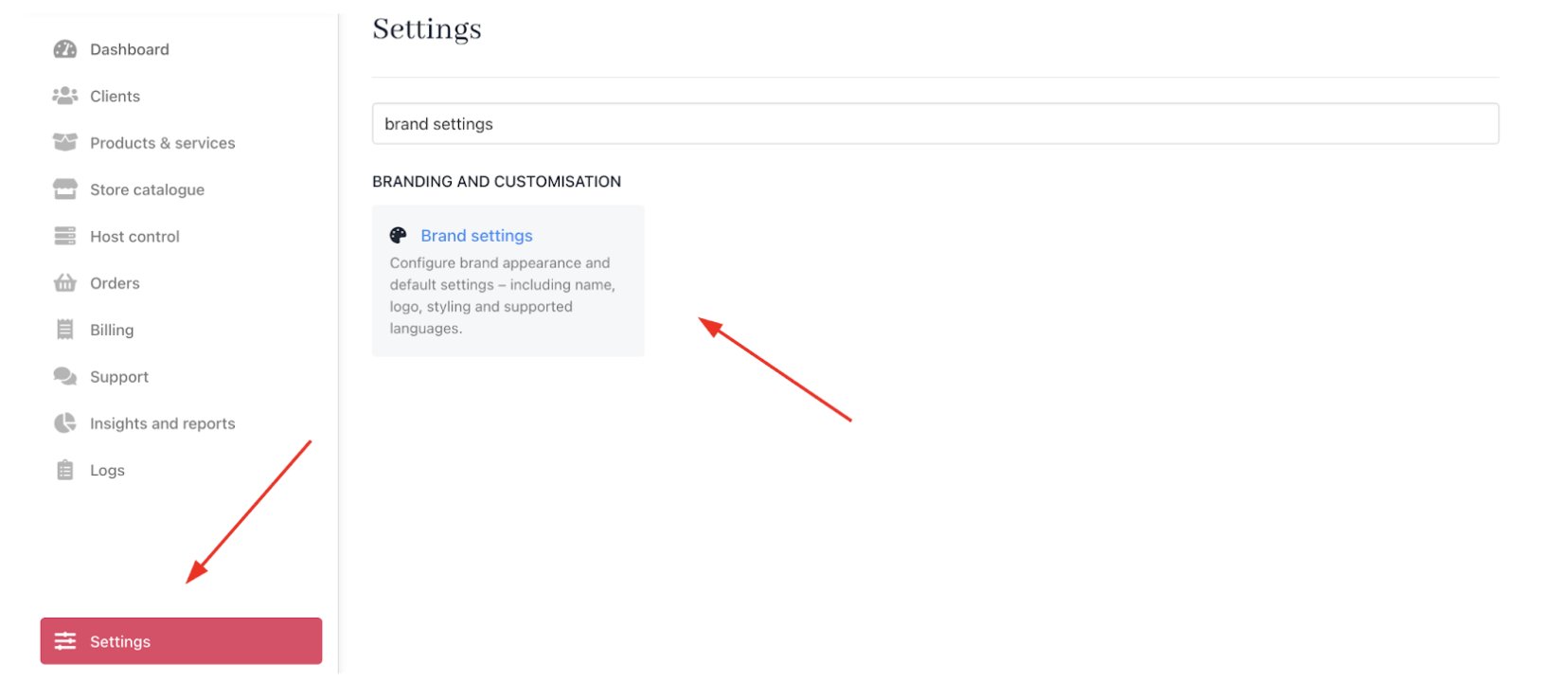
Settings > Branding and customisation > Brand settings
- Locate and tick the checkbox for Reset brand data.

Reset brand data
Requesting the reset
With the checkbox enabled, submit a support ticket to Upmind requesting a brand data reset.- Go to
Manage my Upmind.
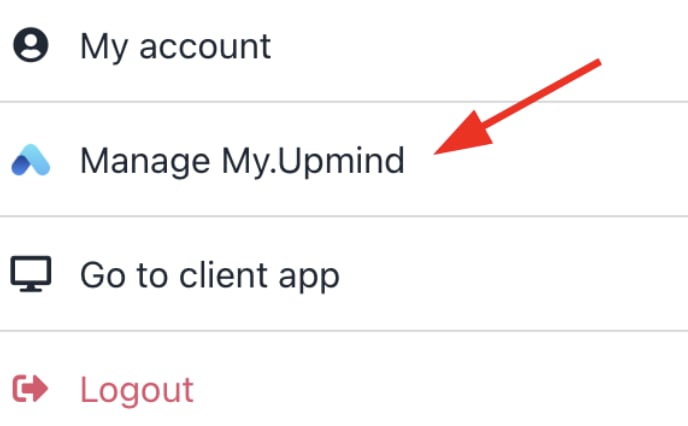
Manage my Upmind
- Click on Support and then click Open new ticket.
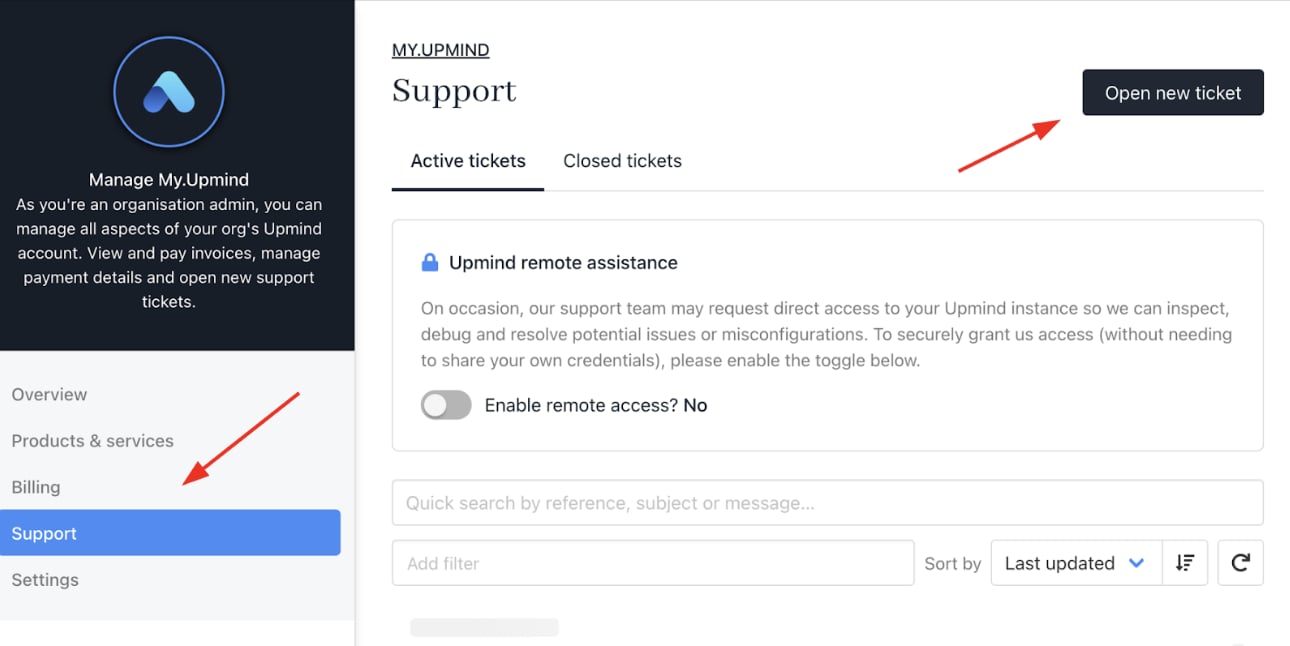
Open new ticket