

Accessing brand settings
From the Upmind dashboard, go to Settings > Brand Settings under Branding and Customisation.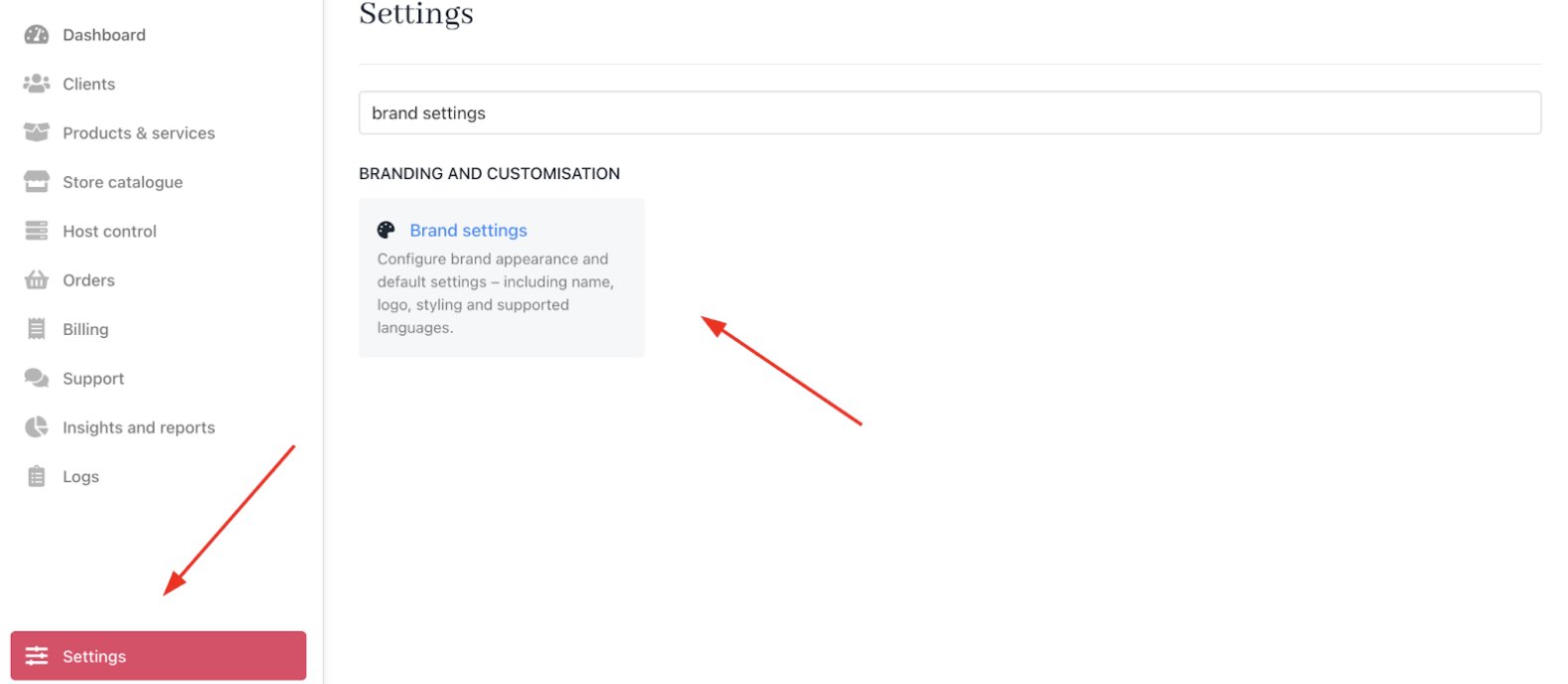
Settings > Branding and customisation > Brand settings
Customise brand settings
Brand details
- Name: The brand name shown to clients and invoices, which is editable anytime.
- Country: Set the brand’s base country for tax and compliance calculations, with an optional regional setting.
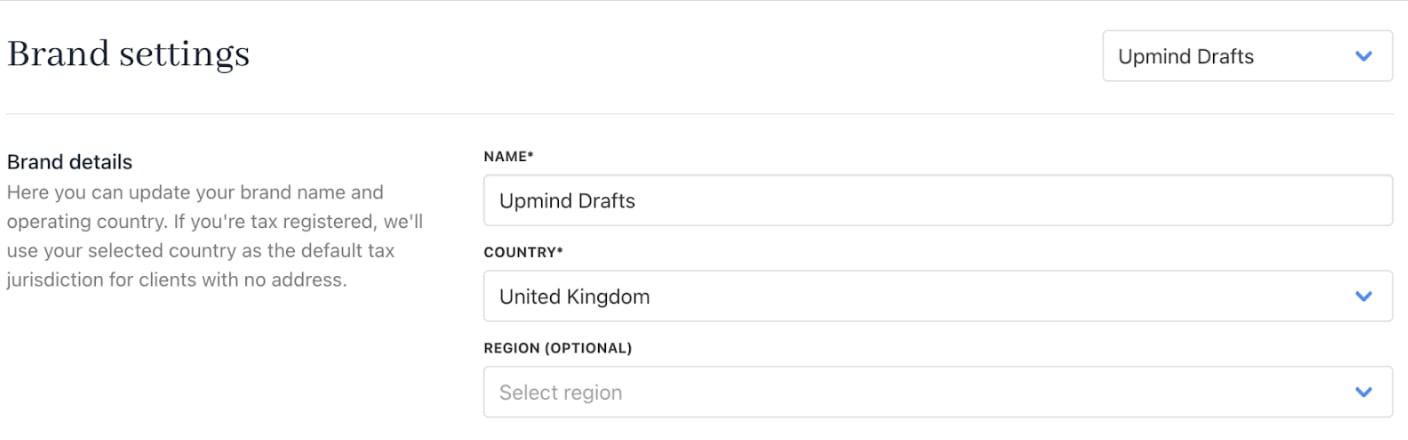
Brand details
Brand languages
- Supported Languages: Add optional languages your clients can use on their account pages. English is the default.
- Default Language: Choose the main interface language for your clients. To change the interface language, choose one or more languages in the Supported Languages. The selected options appear in the Default language dropdown.
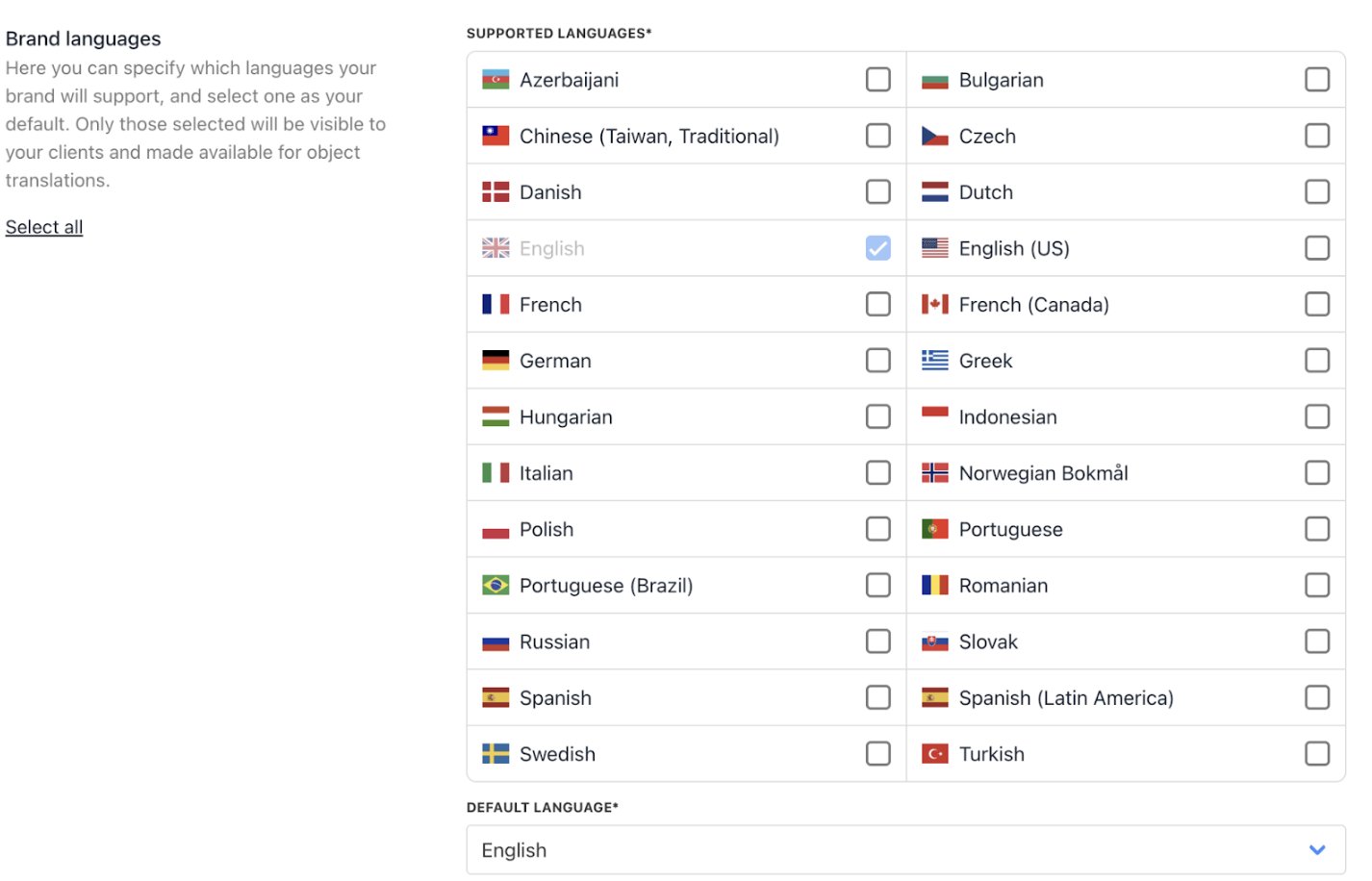
Brand languages
Brand imagery
- Brand logo: The primary emblem representing your brand’s identity.
- Brand logomark: The standalone symbol or mark used when space is limited.
- Brand favicon: The tiny icon shown in browser tabs for quick brand recognition.
- Email logo: The logo used in email communications to reinforce branding.
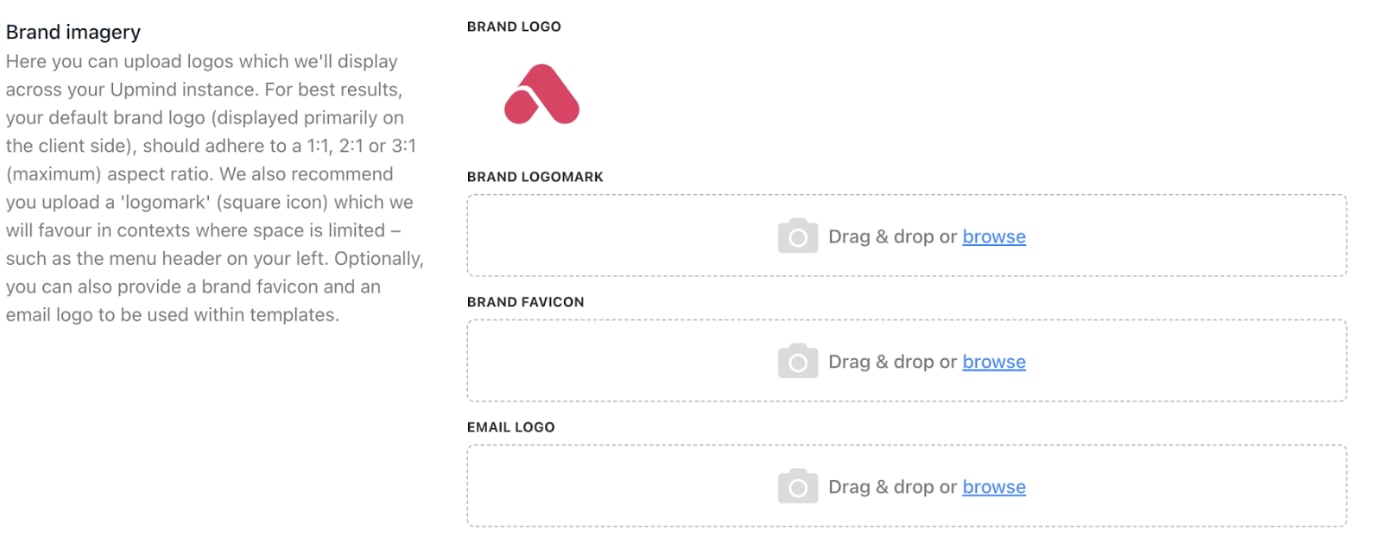
Brand imagery
Brand appearance
- Primary colour: The main brand hue used across all materials to reinforce identity and consistency.
- Brand font: The chosen typeface that defines the brand’s look and readability.
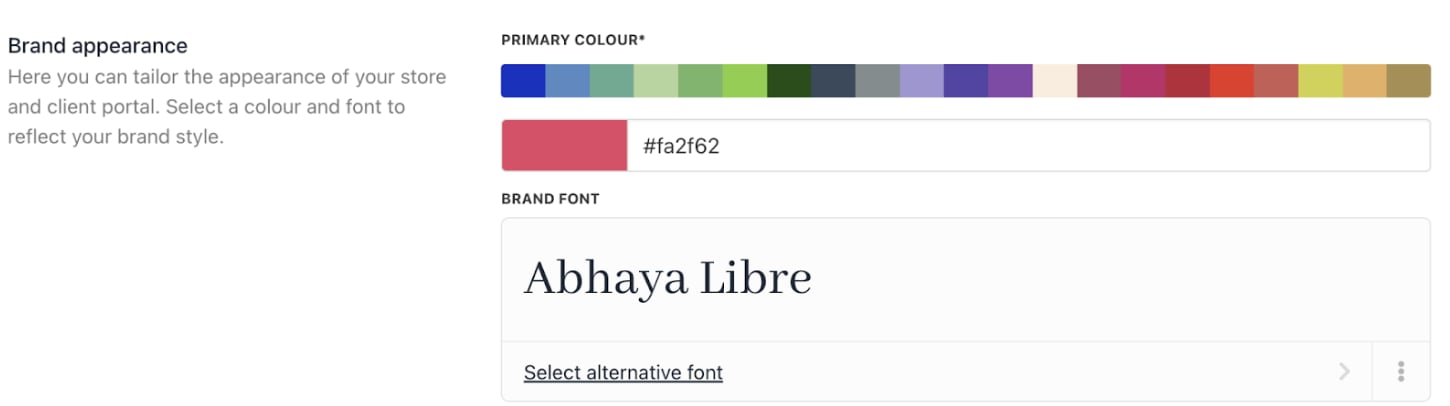
Brand appearance
Brand meta
UI metadata: Defines how the interface is labelled, organised, and structured to look and behave consistently across devices. This includes text labels, menu names, button captions, and data schemas in a machine-readable format (in JSON format) so the UI can render consistently. It stores extra, brand-specific details you can customise for your UI, allowing you to override or extend segments without changing core code. It also provides per-language or per-region variations for strings such as emails, product descriptions, and help text. This ensures messaging aligns with local culture and terminology while keeping branding consistent.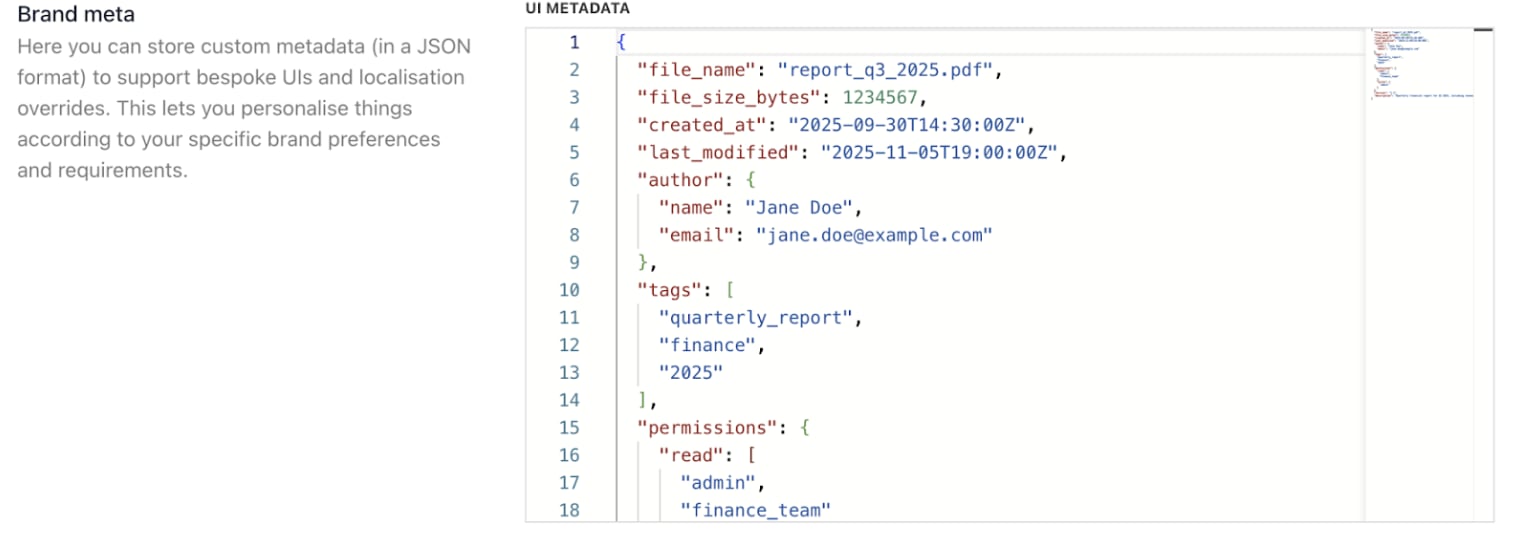
Brand meta
Brand tokens
Design-system building blocks that store brand values (colour, typography, spacing) and drive consistent styling across products (using CSS variables). This is currently in closed beta.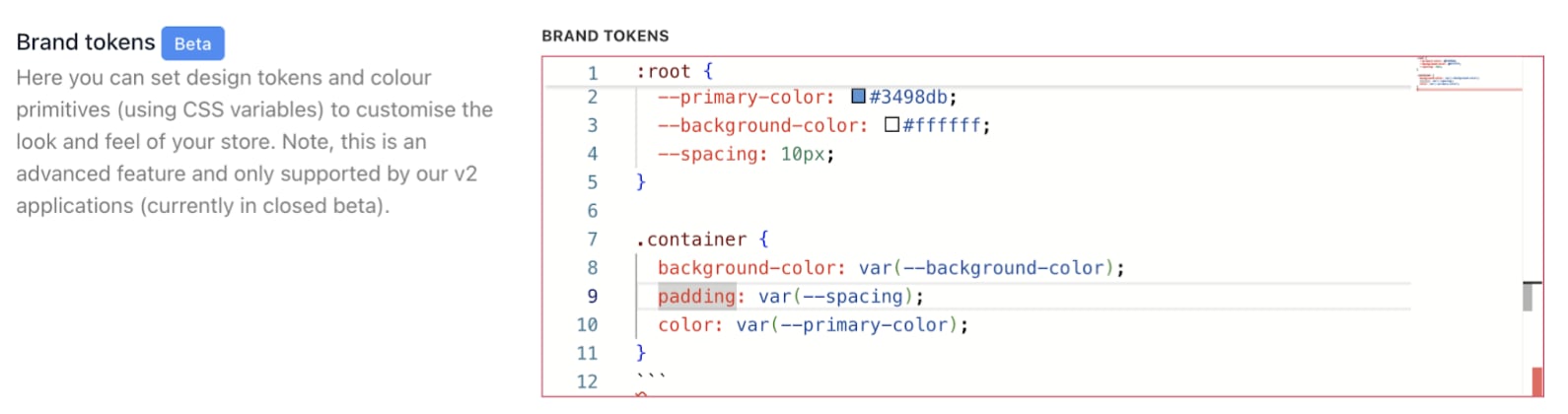
Brand tokens
Reset brand data
Allow deletion of all brand data: Enable/disable option to permanently remove all brand-related data.
Reset brand data
Go fullscreen
You can expand the Monaco editor to go full screen to see your code better.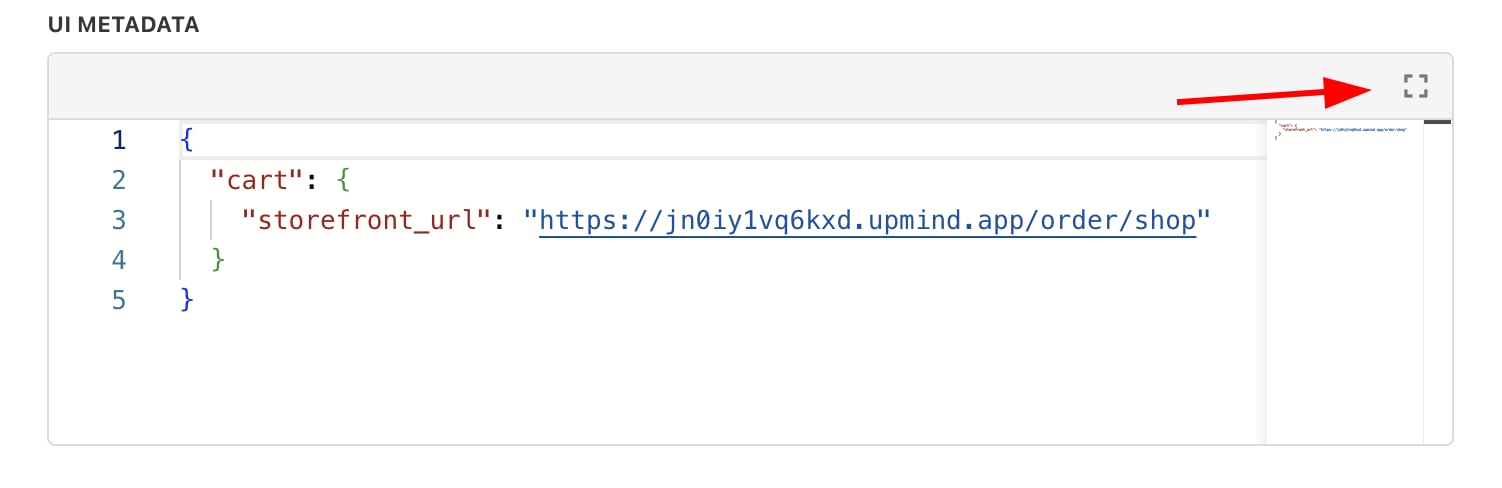
Expand Monaco editor