

Steps to add a custom URL for the logo button
- In the Upmind admin dashboard, go to Settings > User Interface under Branding and Customisation.
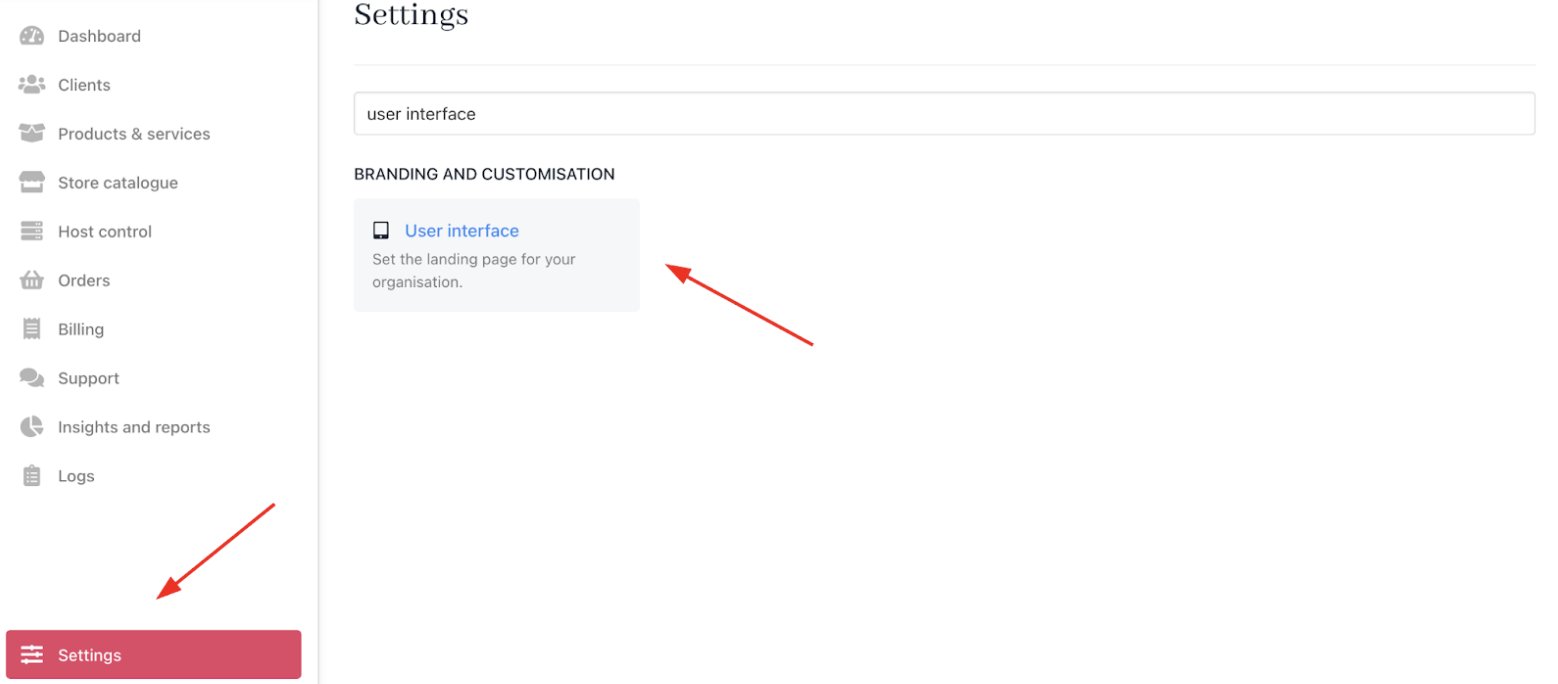
Settings > Branding and customisation > User interface
- Locate the Custom URL for Logo Button under
Client Areasettings. - Enter your desired URL. This URL can be your homepage, order page, or any other page where you want to direct users.

Custom URL for logo button
- Click Save.