

- You should have a Google Tag Manager account, which you can create for free at https://tagmanager.google.com/
- In Upmind, you must add your Google Tag Manager account under Settings > Analytics & Tracking.
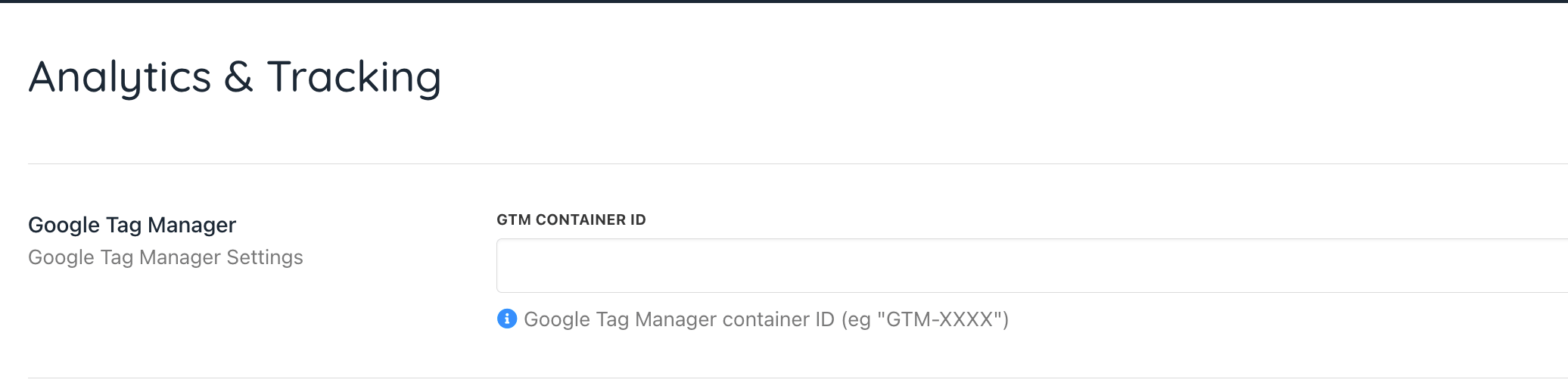
Settings > Analytics & Tracking
- Then go into Tag Manager. Add a new tag for every page view. Under Tag Configuration, select Custom HTML and add your custom JavaScript. Set the triggering to All Pages.
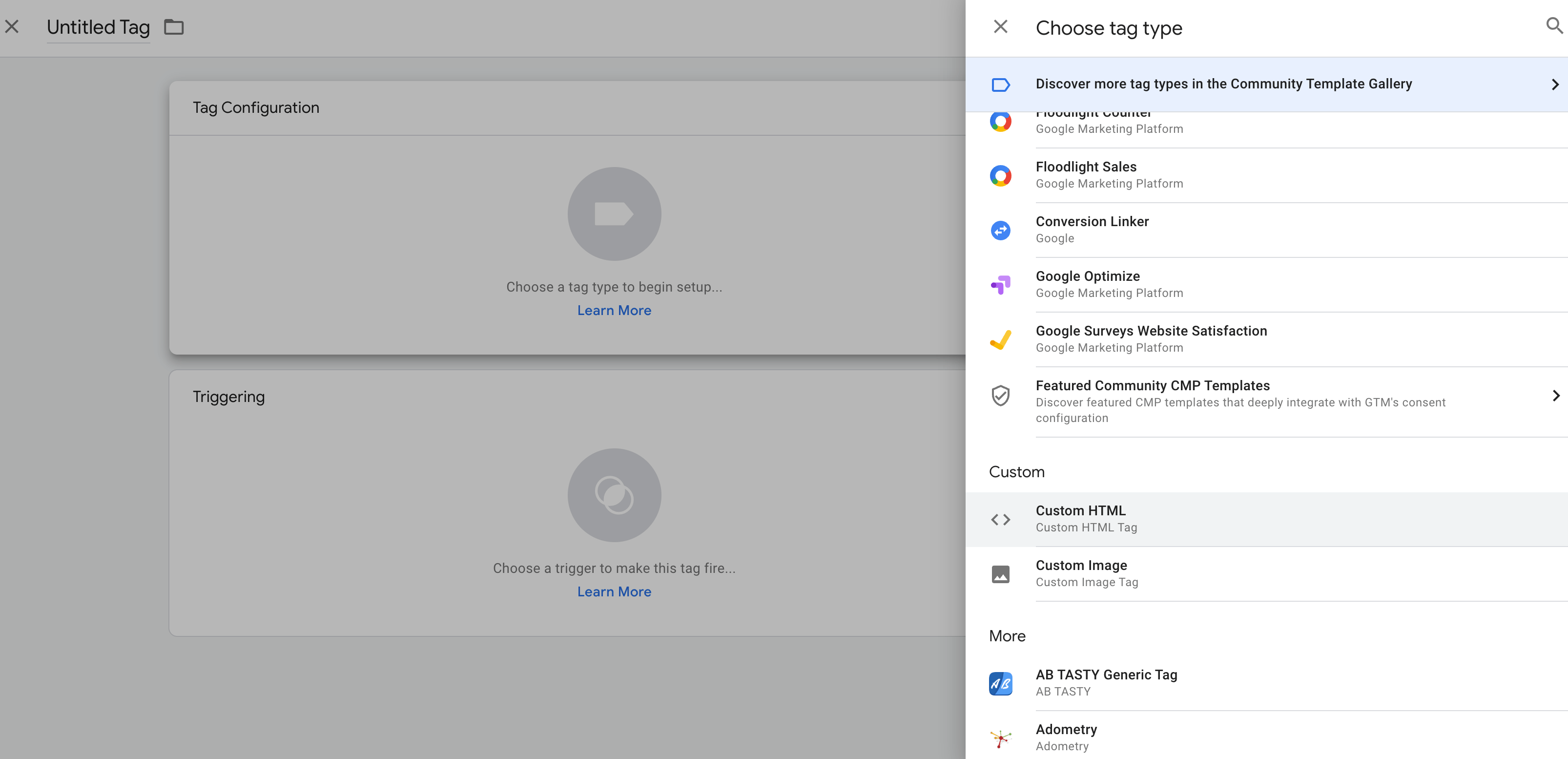
Add new tag
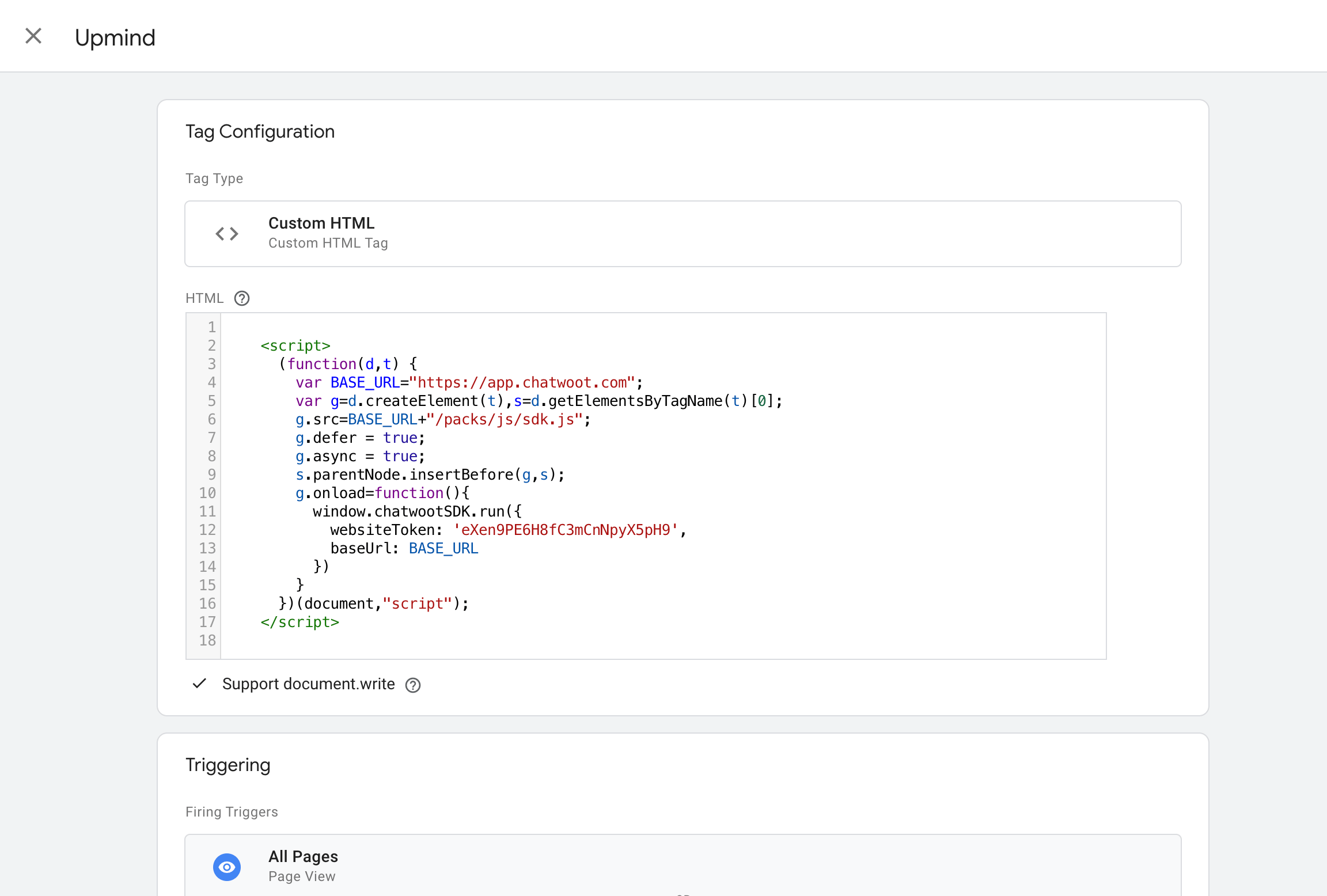
This is an example of the code if you are using Chatwoot platform
- Next, click Preview to ensure it publishes.
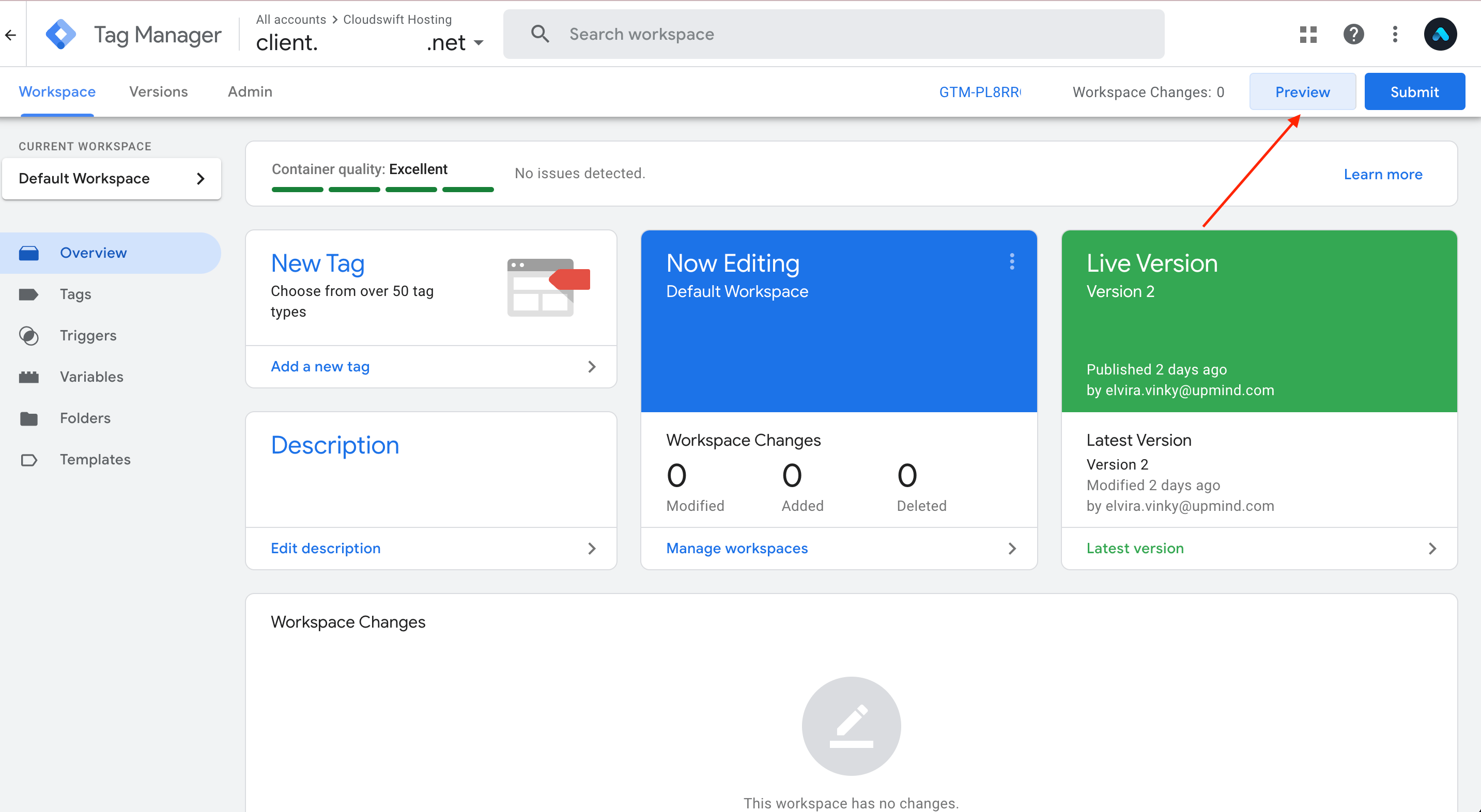
Preview
- Finally, in the new tab that opens, enter your website URL and try to connect it.
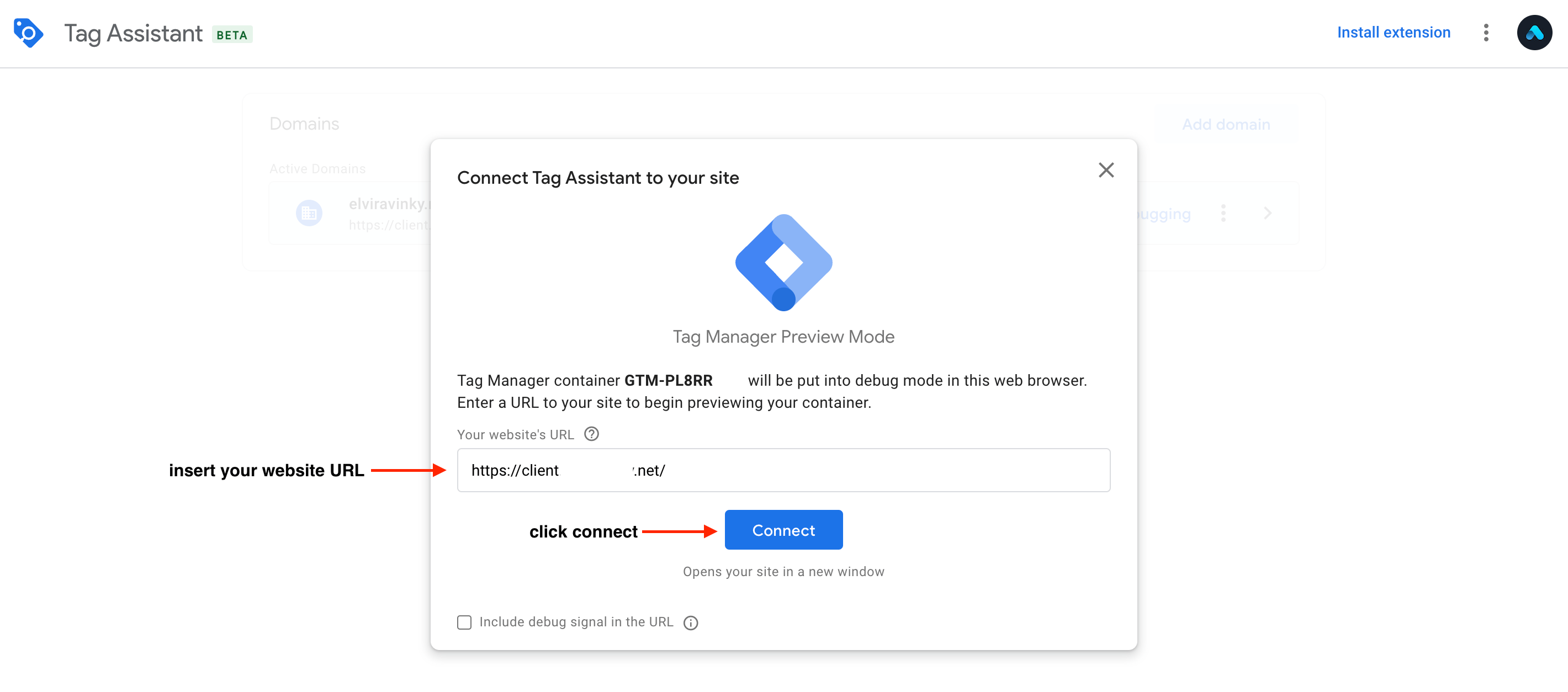
Connect
- This is how the Live Chat looks in your client area.
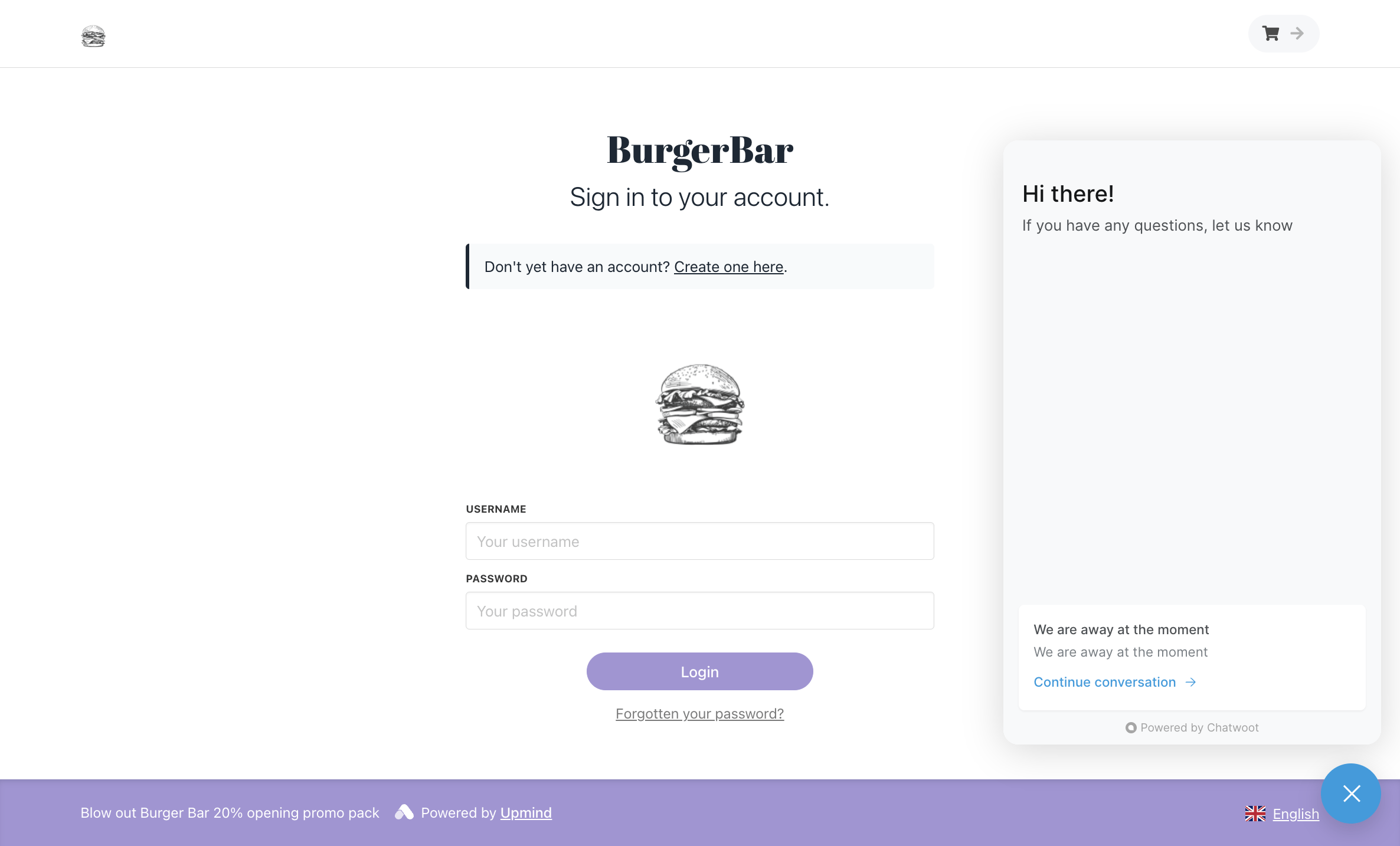
Live chat