

- Time — 8 minutes
- Difficulty — Beginner
- An active Upmind account.
- Familiarity with your current storefront setup (Cart 1.0 or otherwise).
- Basic understanding of how products and categories are configured in Upmind.
- Cart & Portal - The ready-to-use customer interfaces where users browse products, manage accounts, and complete checkout.
- Client Vue - A frontend starter framework that provides the structural building blocks needed to assemble cart and checkout experiences.
- Upmind UI - The shared design system of reusable UI components used to ensure visual and interaction consistency.
- Headless Upmind - A frontend-agnostic layer that exposes commerce logic and state so teams can build fully custom checkout experiences.
- XState Machines - The internal workflow engines that manage checkout state, transitions, and edge cases behind the scenes.
- Upmind API - The core backend APIs that power products, pricing, billing, subscriptions, orders, and payments.
Registration
With Cart 2.0, the registration experience has been refined into a cleaner, faster, and more brand-aligned flow.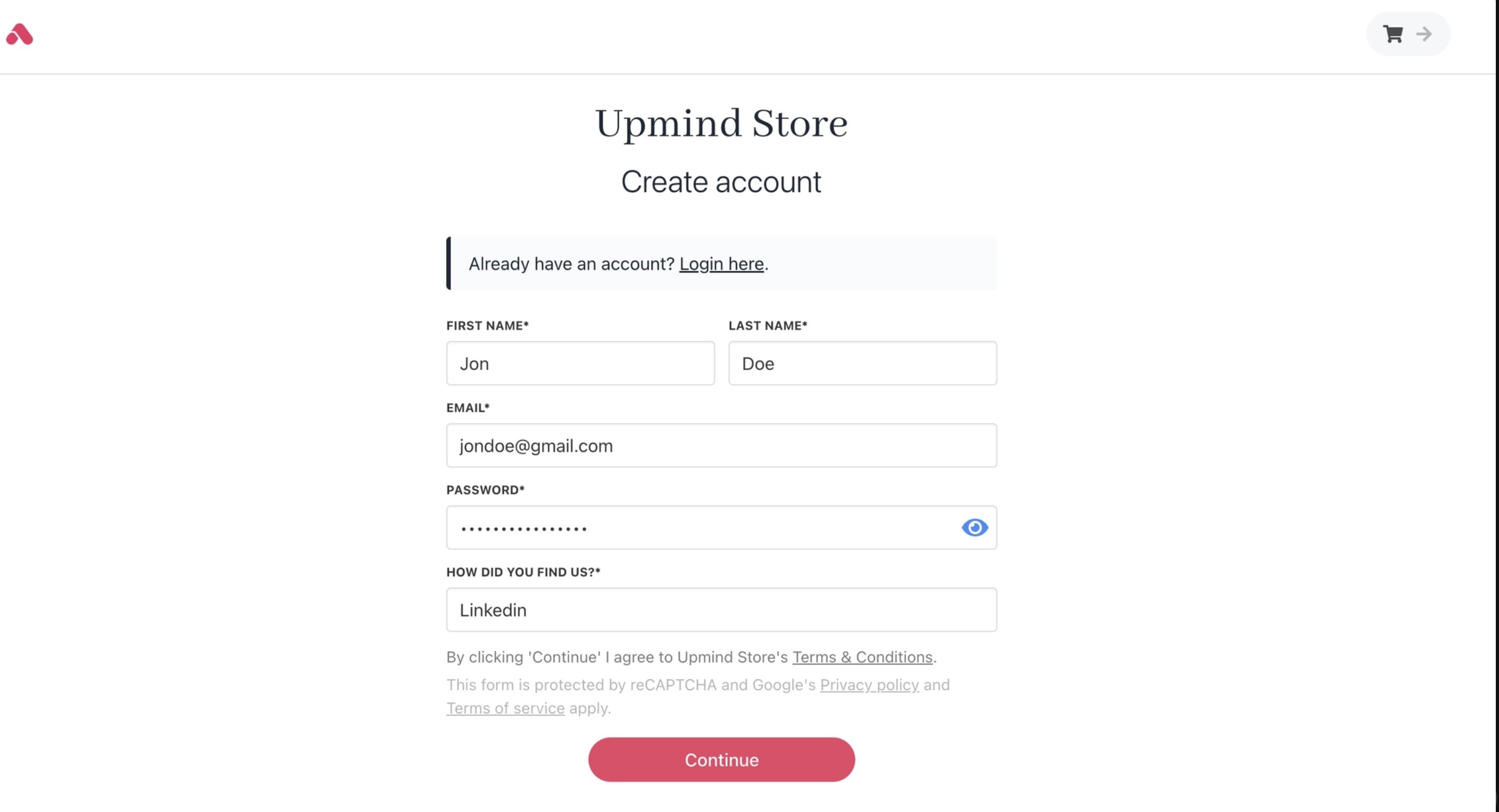
Cart 1.0 registration
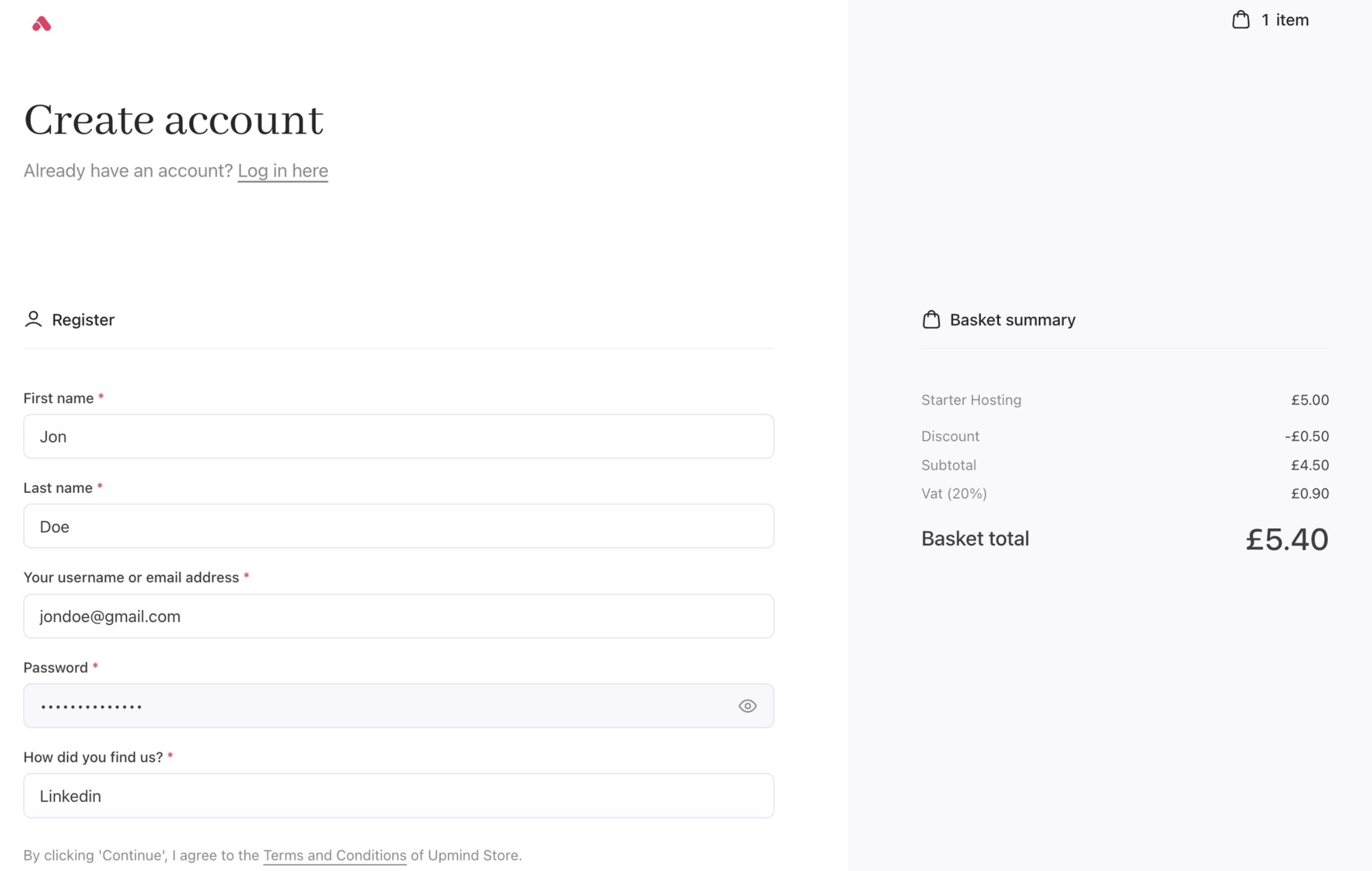
Cart 2.0 registration
Login
In Cart 2.0, the login experience has been brought fully in line with the rest of the cart and checkout.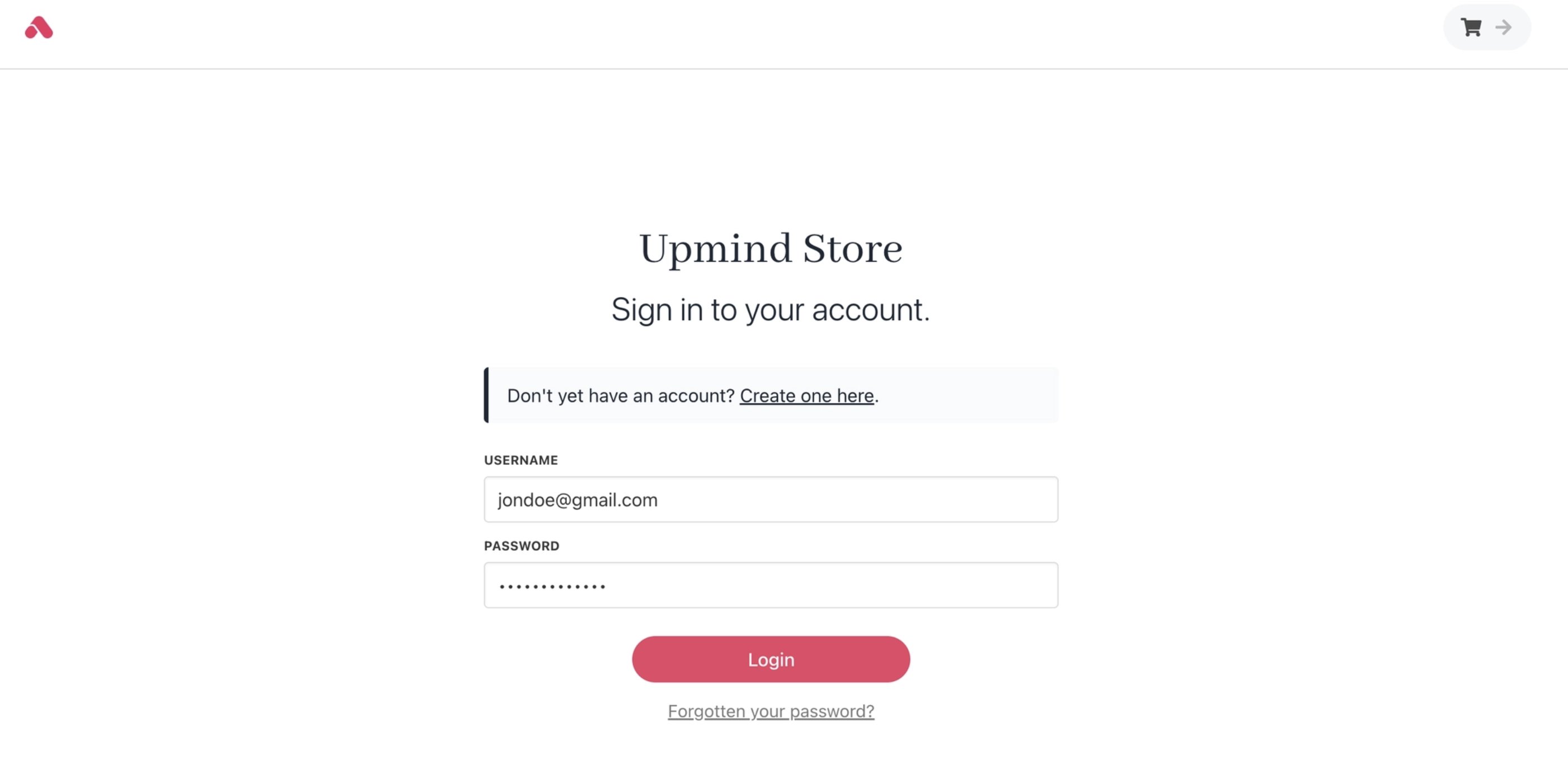
Cart 1.0 login
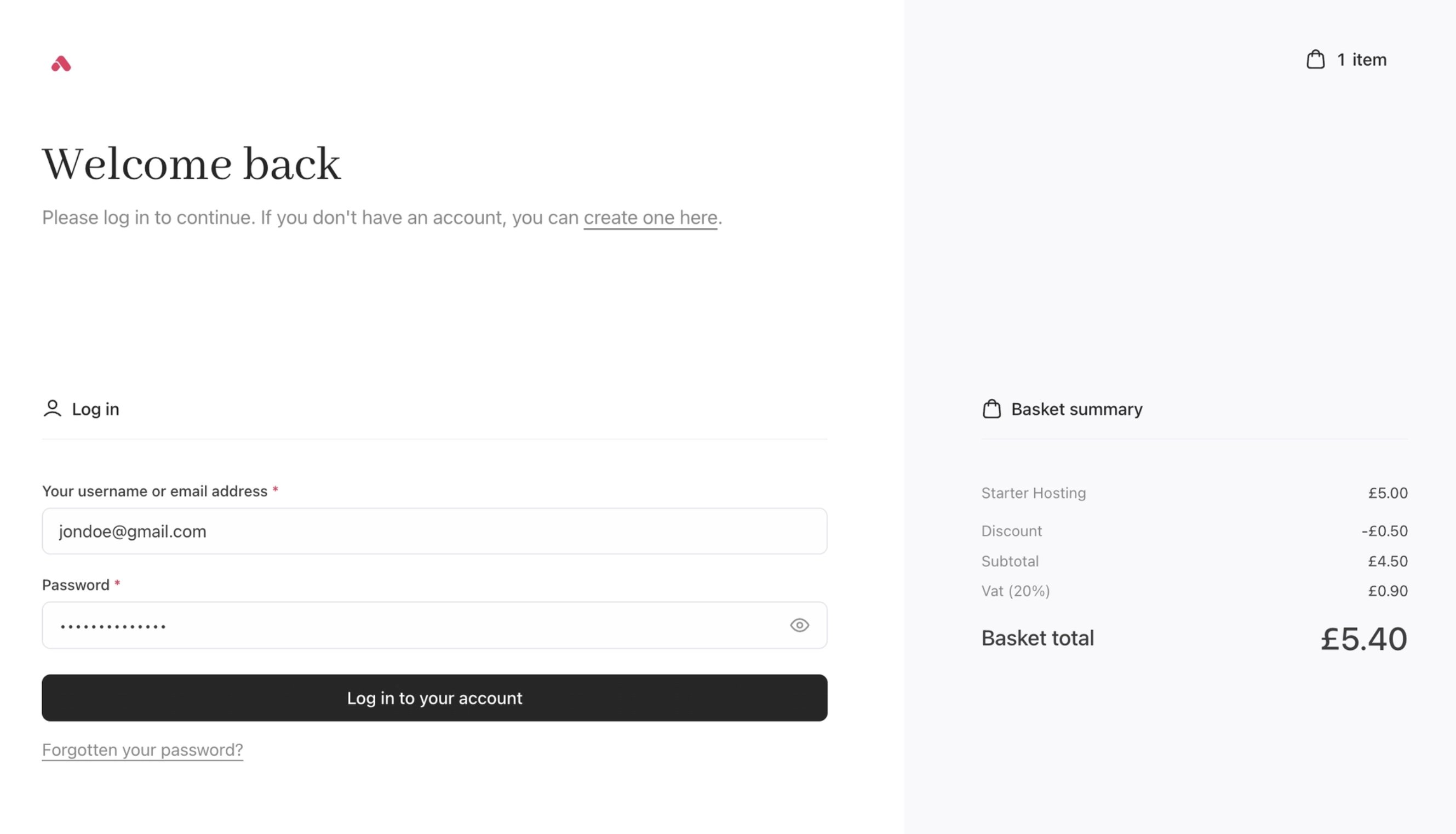
Cart 2.0 login
Product categories
Cart 2.0 enhances product categories with a more visual and informative category layout.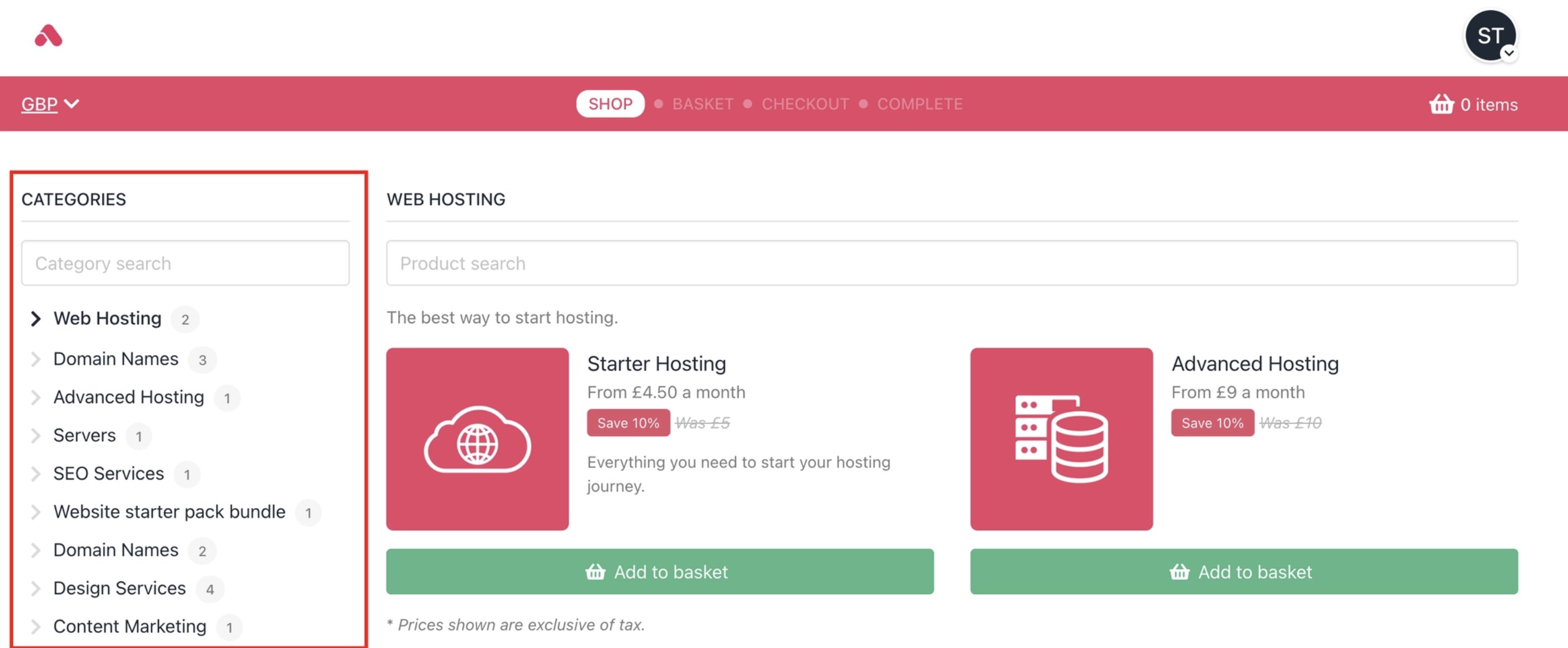
Cart 1.0 product categories
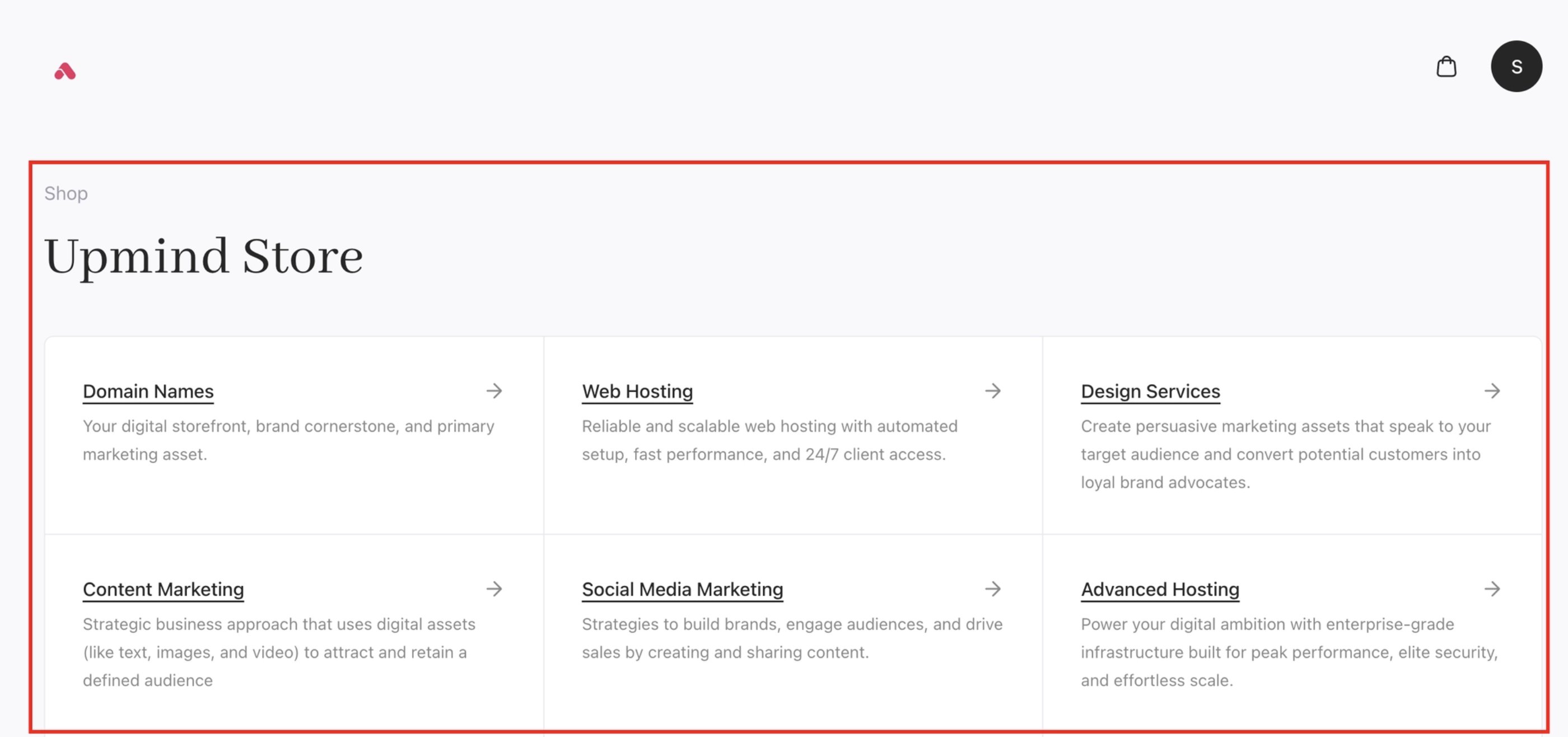
Cart 2.0 product categories
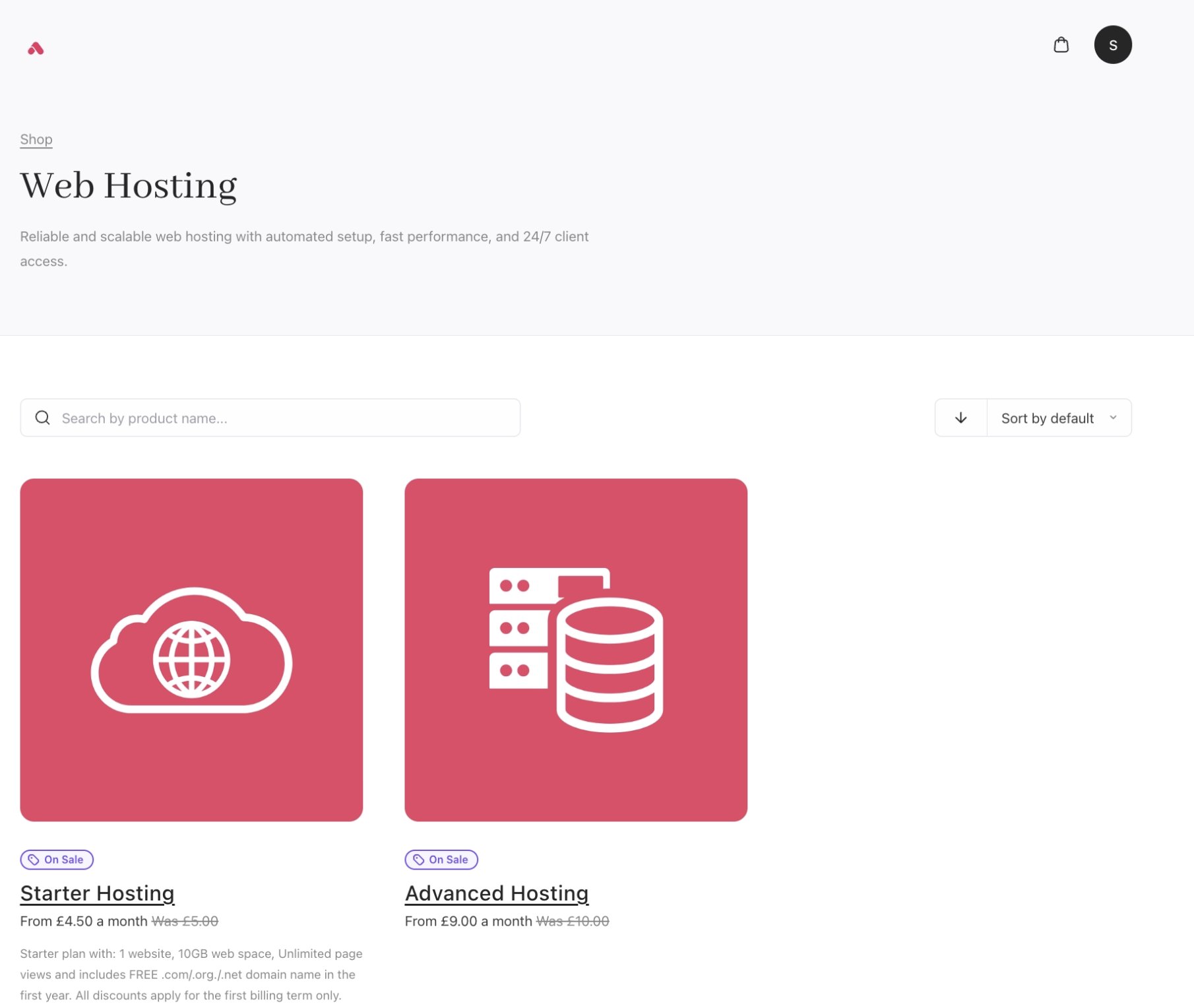
Cart 2.0 Individual category page
/order/domains. Exact matches for your search will also be provided.
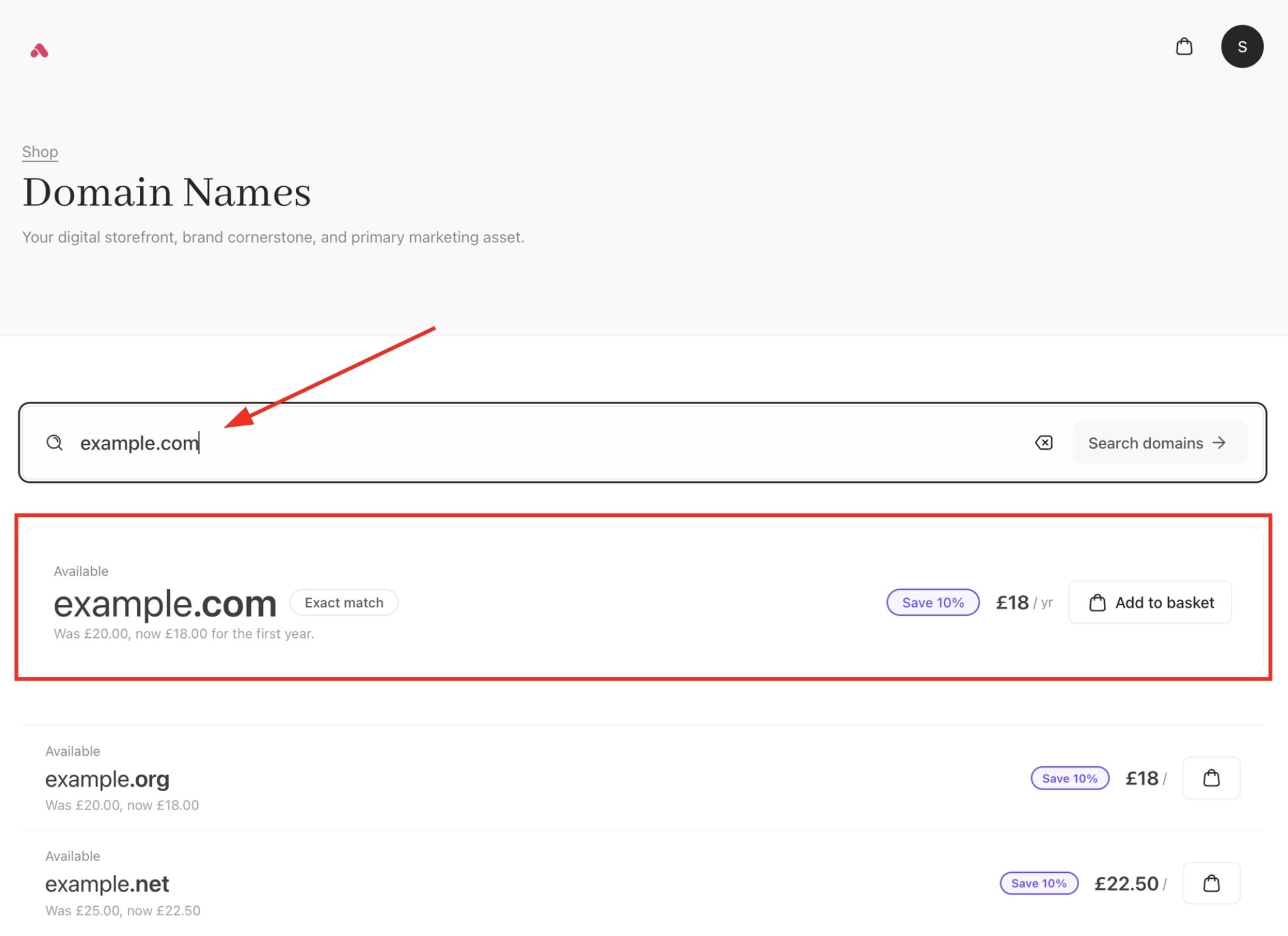
Cart 2.0 domain purchase flow
Product catalogue
With Cart 2.0, the catalogue experience moves to a lighter, more structured layout. The new catalogue introduces improved spacing, clearer visual hierarchy, and more flexible layouts. This makes products easier to scan and compare, while giving brands more control over presentation.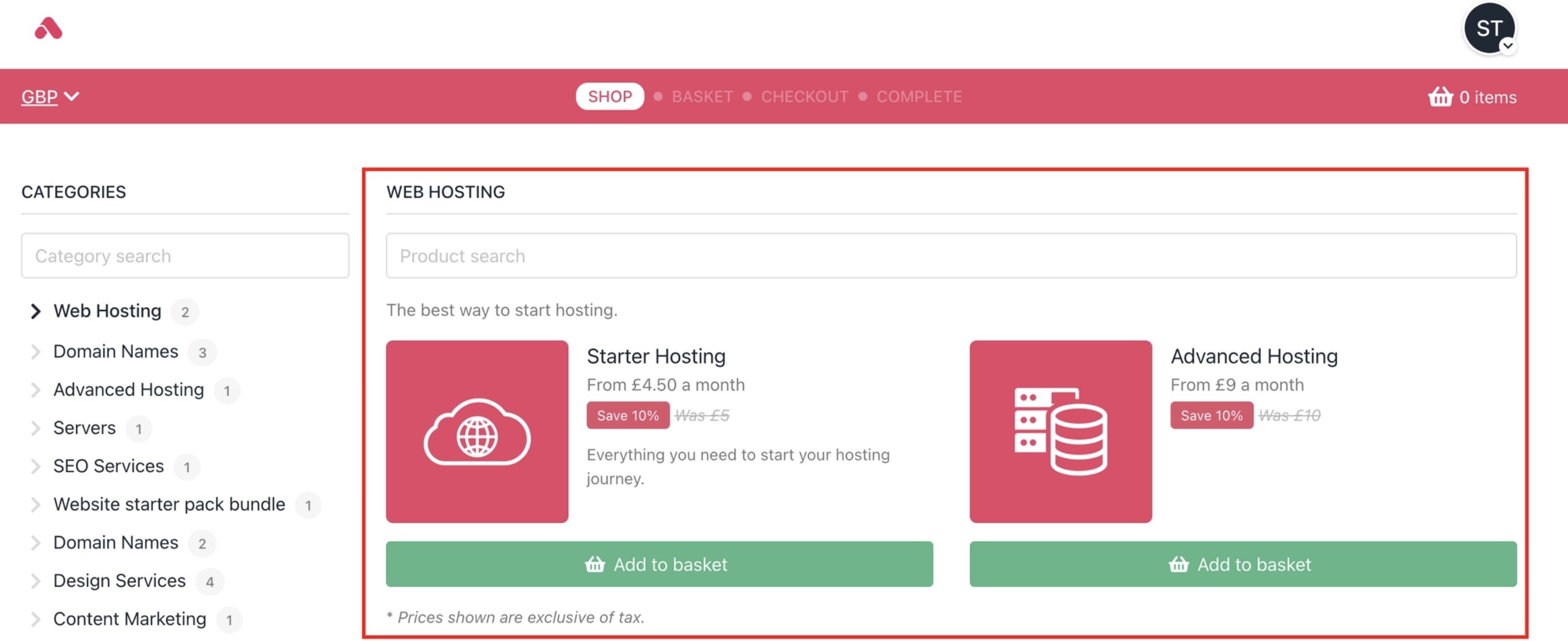
Cart 1.0 product catalogue
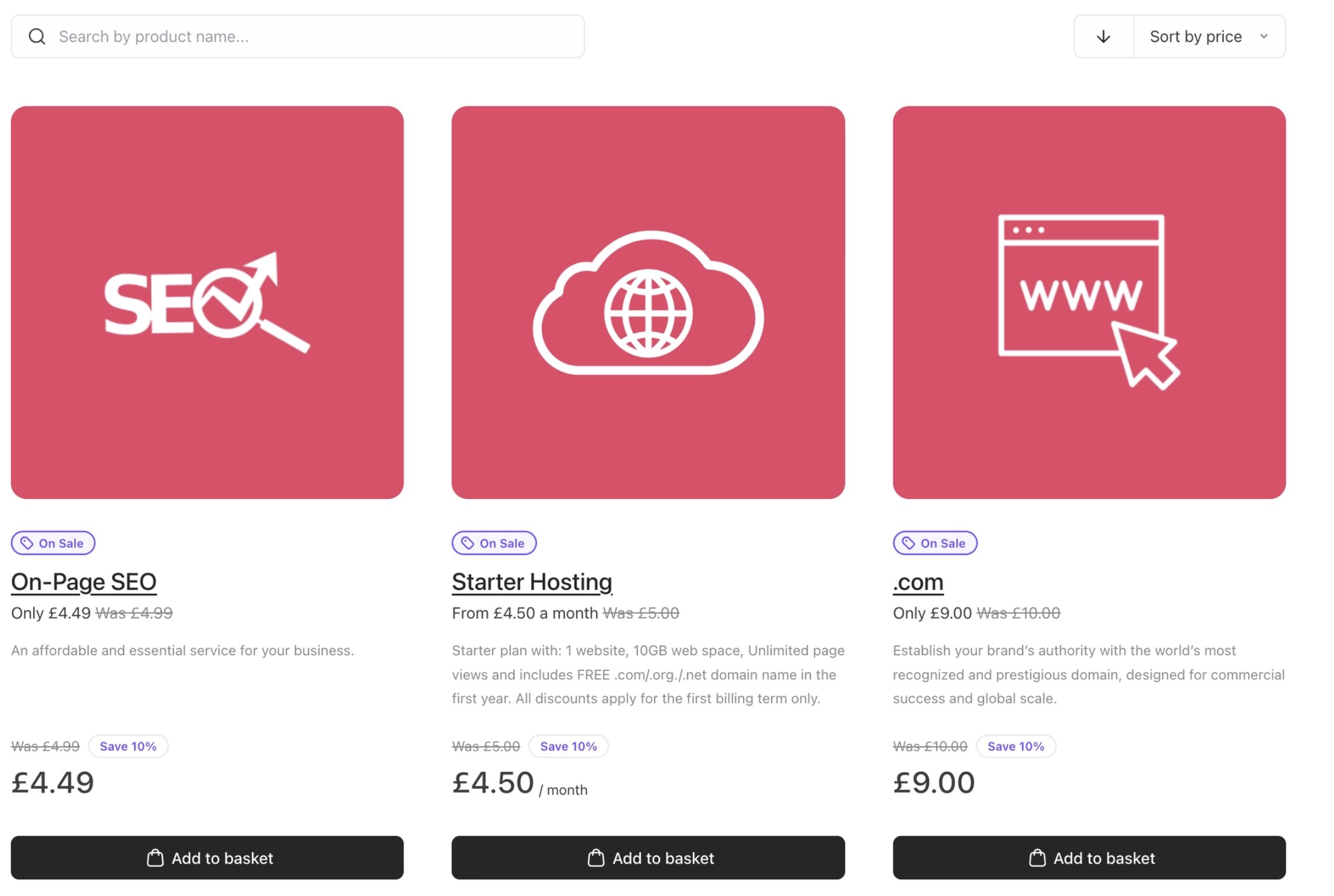
Cart 2.0 product catalogue
Product configuration
Cart 2.0 builds on the solid foundation of Cart 1.0 by introducing a clearer and more guided configuration flow. Layout improvements and a stronger visual structure make product options and pricing changes easier to follow, especially for more complex products.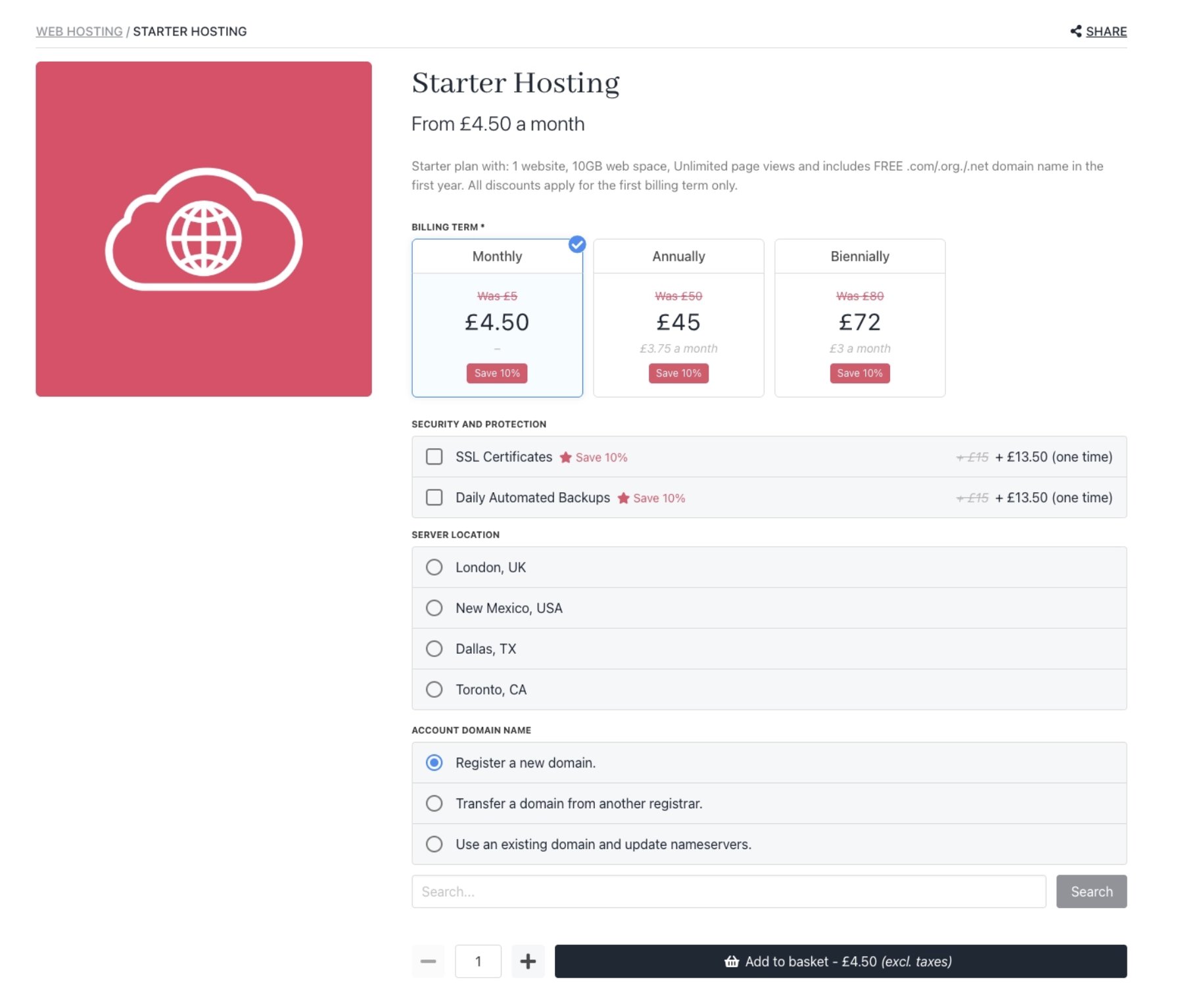
Cart 1.0 product configuration
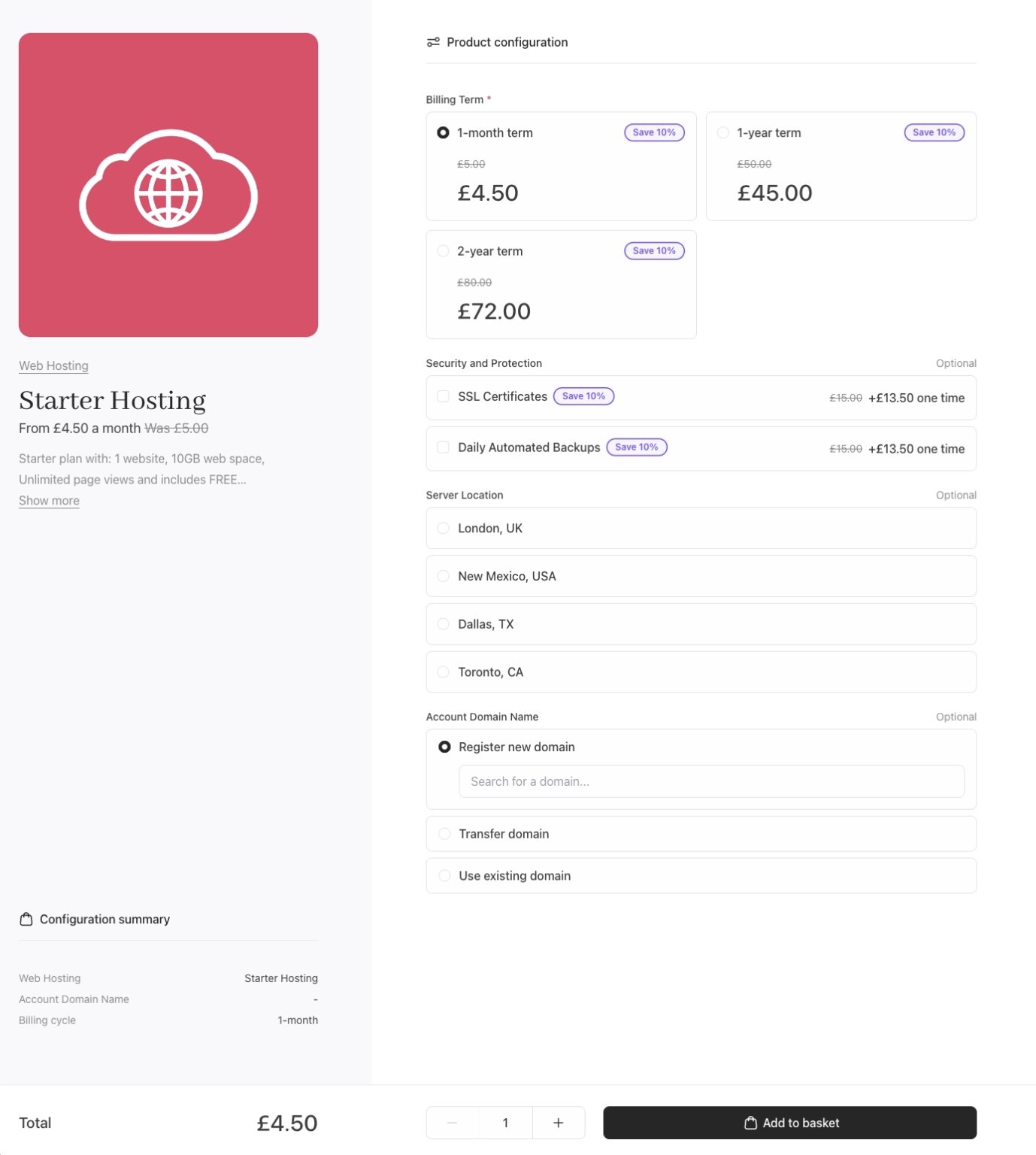
Cart 2.0 product configuration
Recommendations/upsells
In Cart 2.0, product recommendations are given a more prominent and intentional role in the buyer journey. The updated design adds clearer context, stronger visual cues, and better alignment with the surrounding content.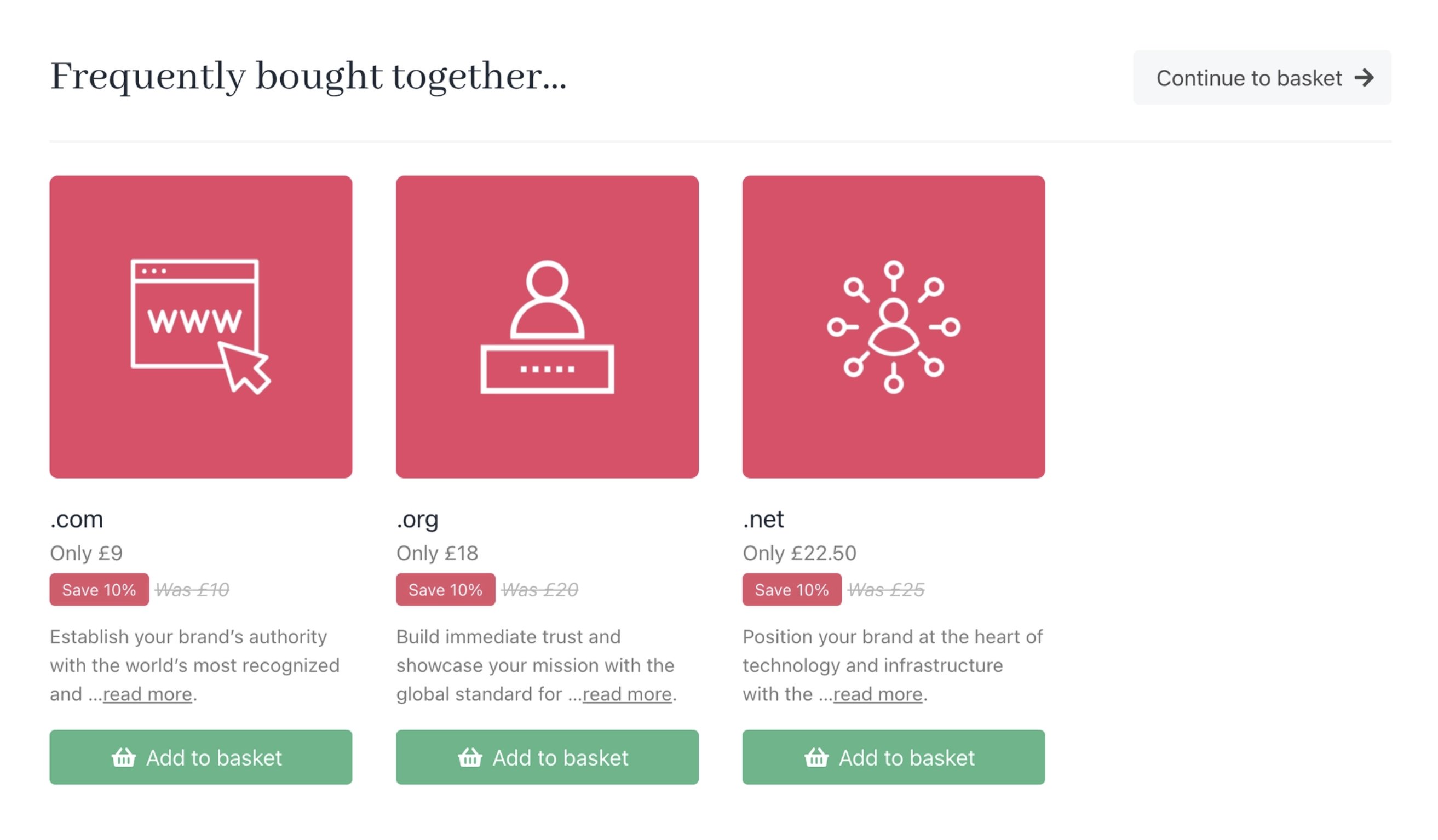
Cart 1.0 product recommendations
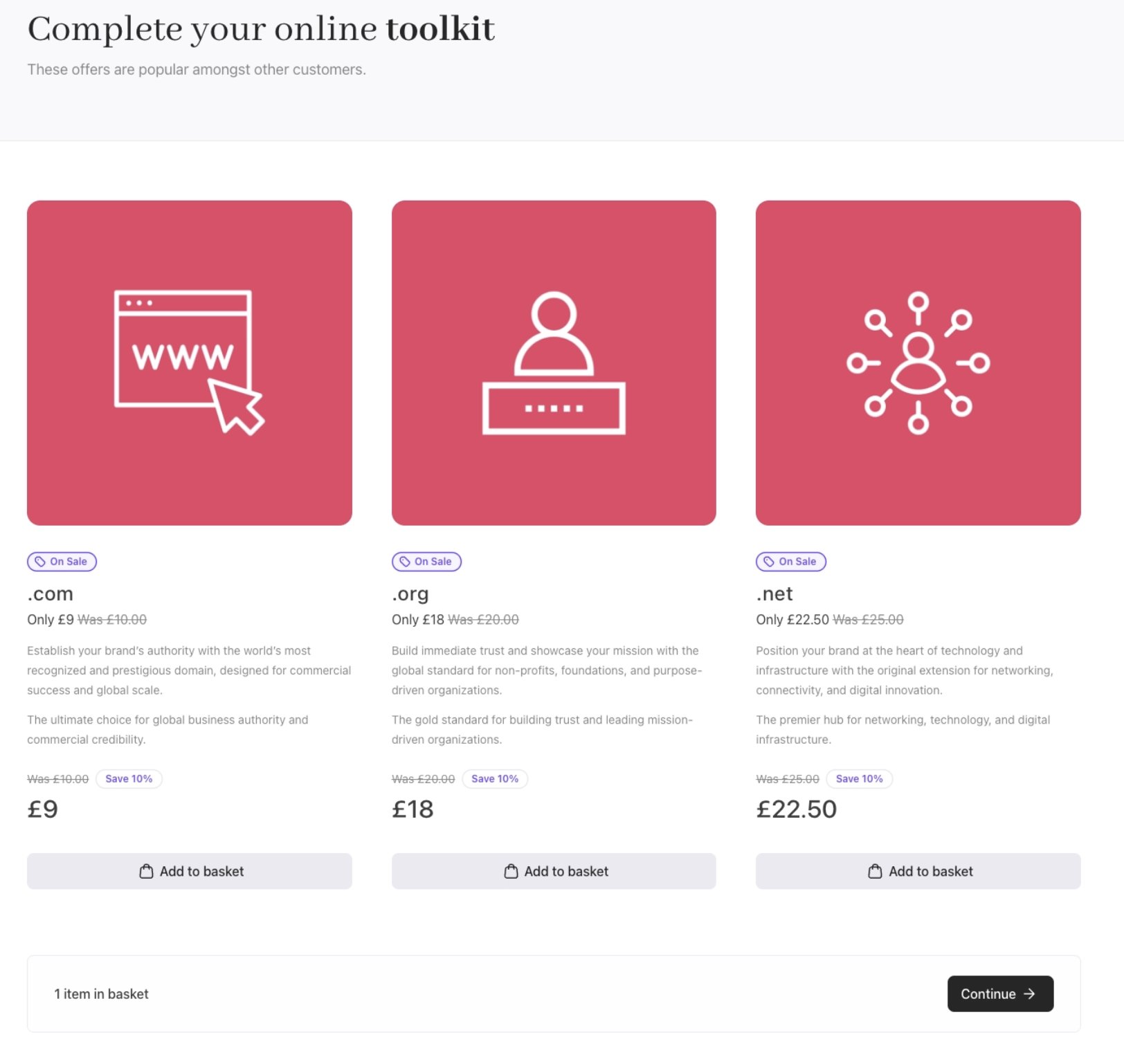
Cart 2.0 product recommendations
Basket
In Cart 2.0, the basket experience has been simplified with a cleaner layout and clearer grouping, so customers can review items, options, and totals more quickly and make changes with confidence before checkout.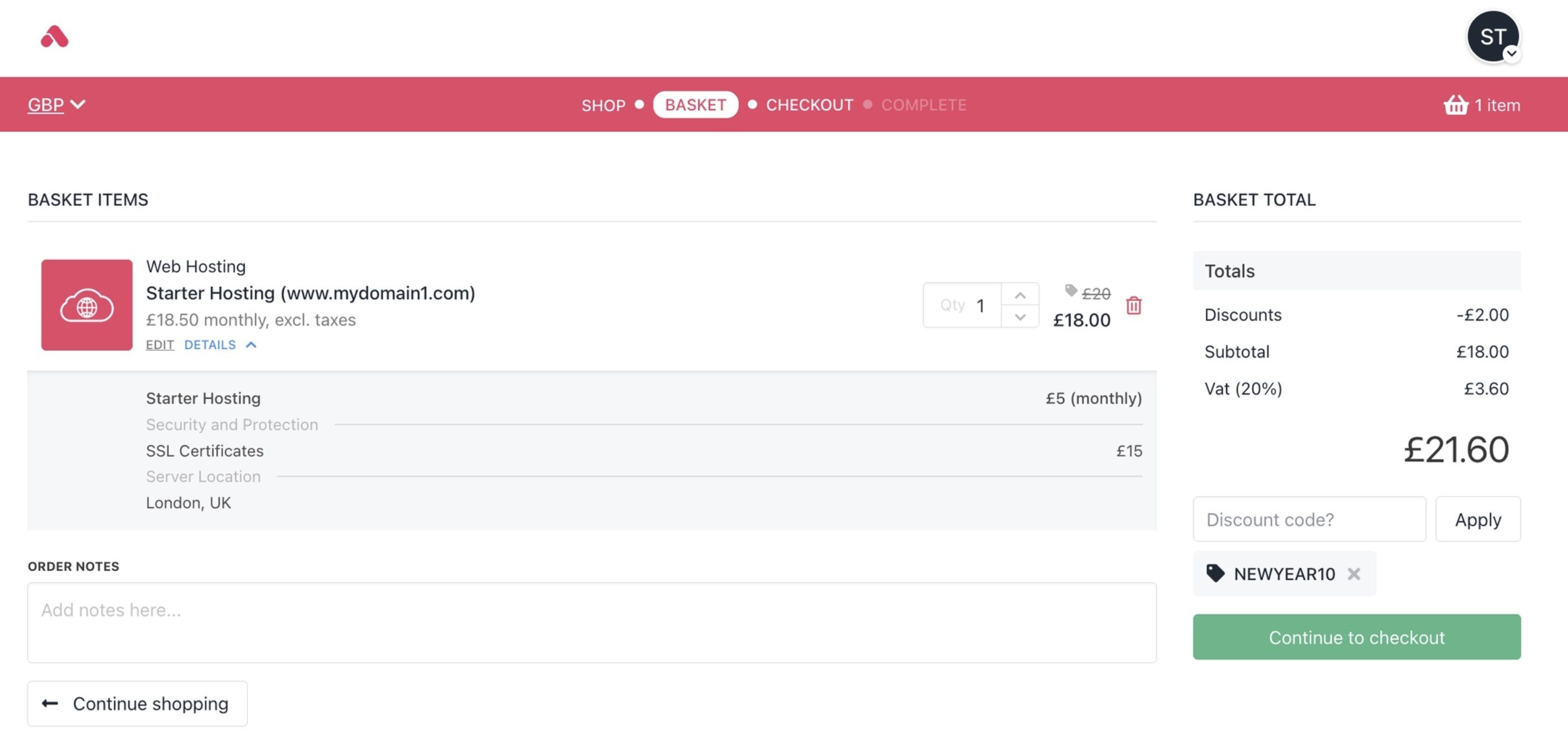
Cart 1.0 basket
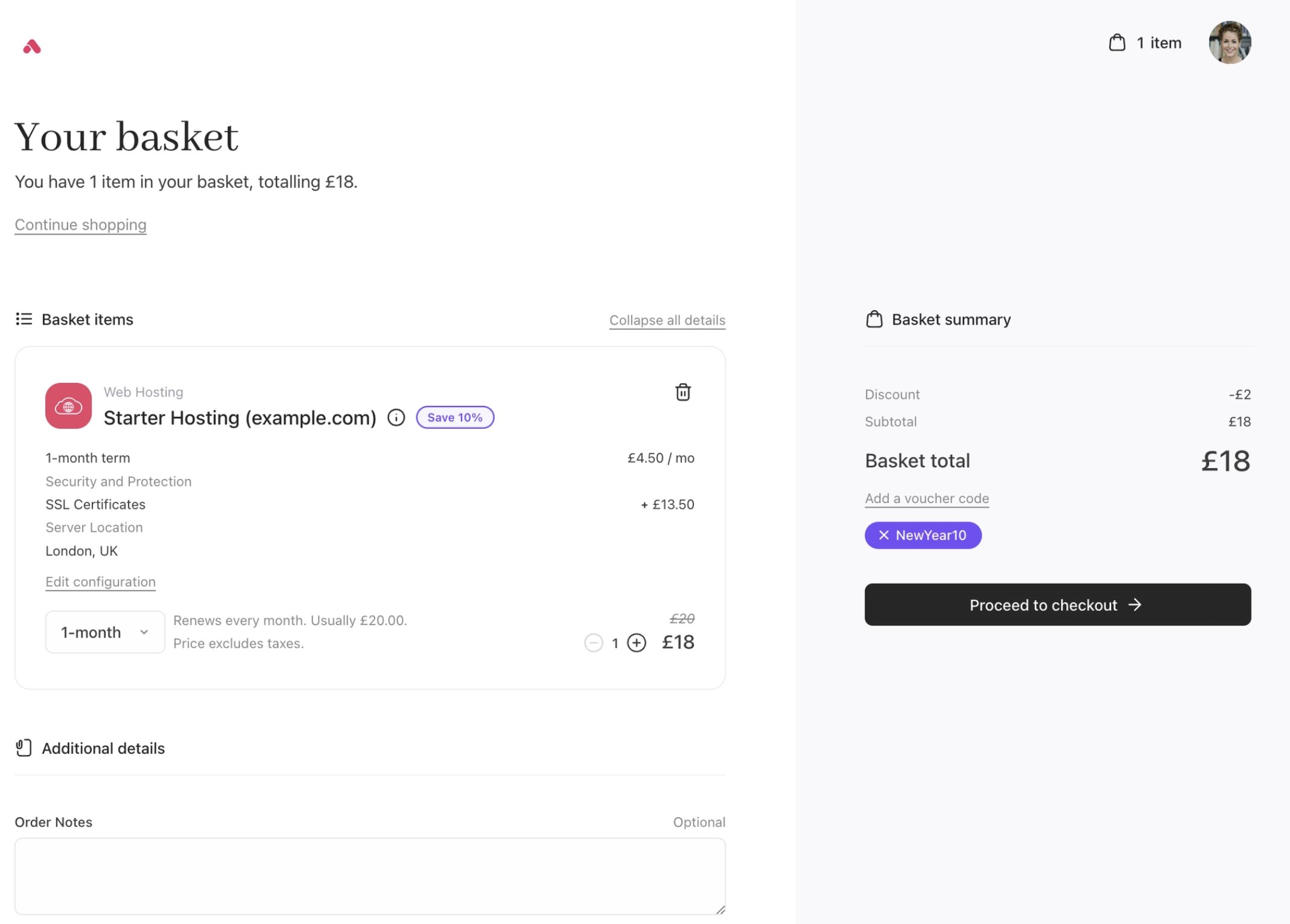
Cart 2.0 basket
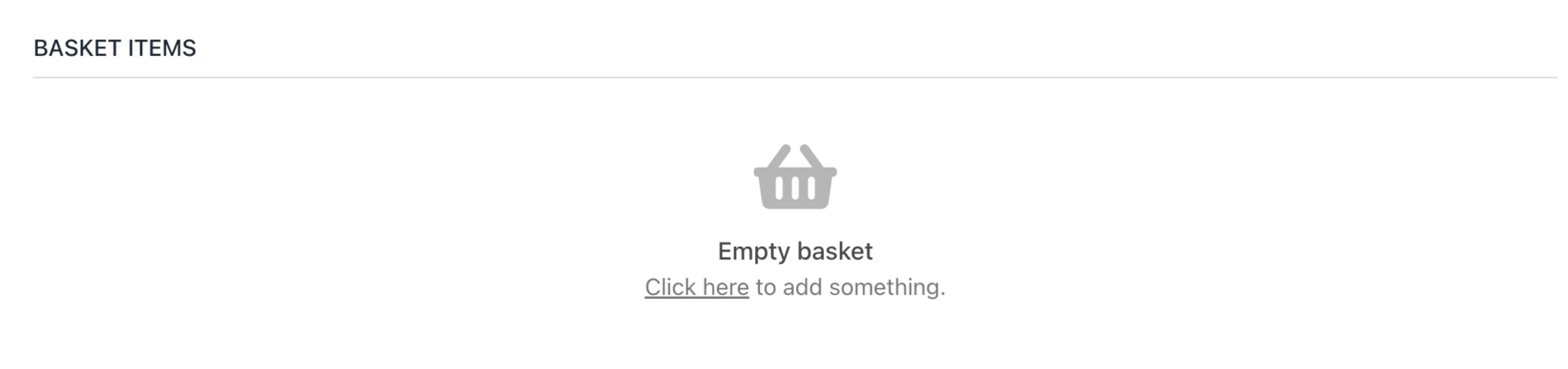
Cart 1.0 empty basket
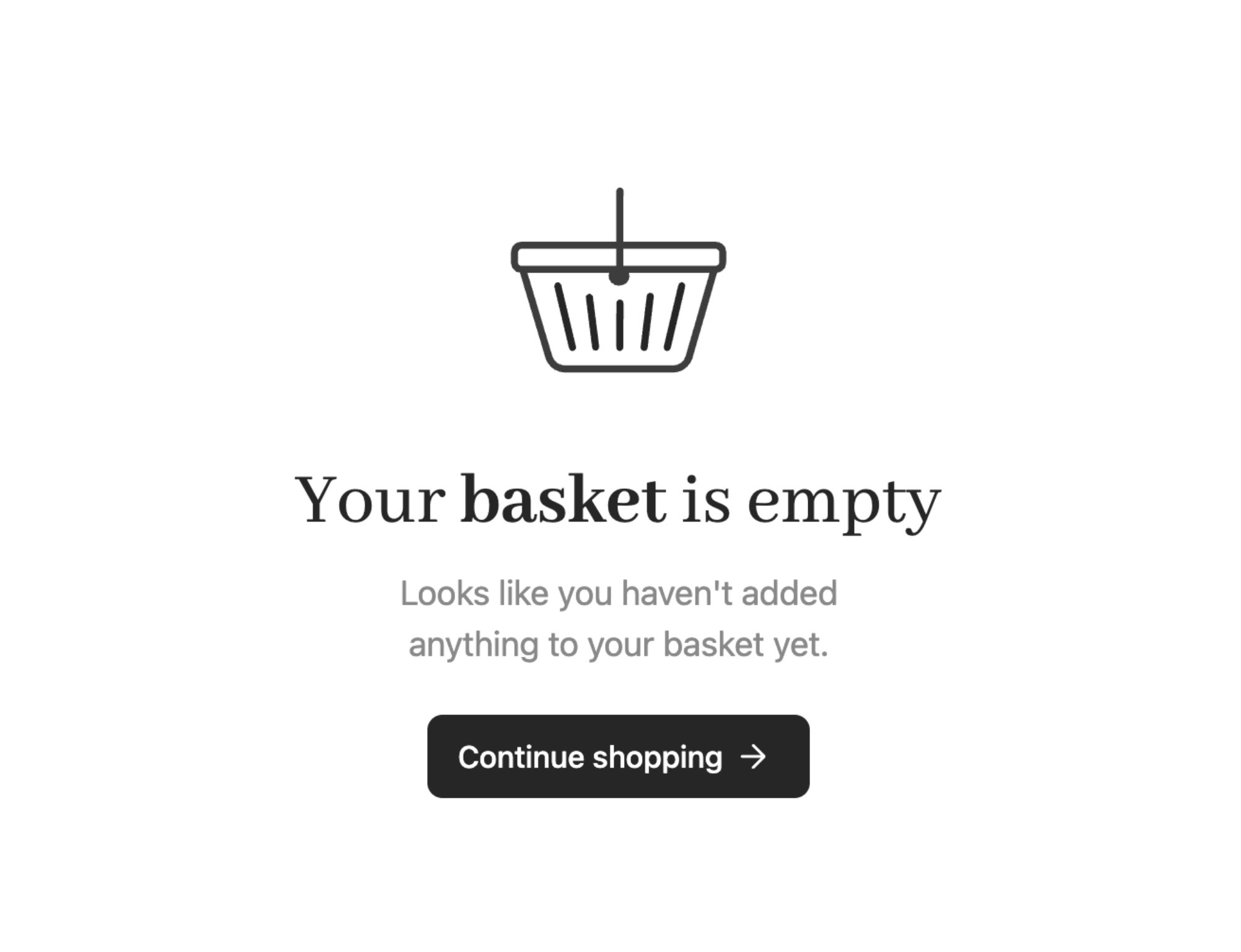
Cart 2.0 empty basket
Checkout
The Cart 2.0 checkout builds on the foundation of the previous checkout with a simplified, modern layout that feels lighter and more fluid.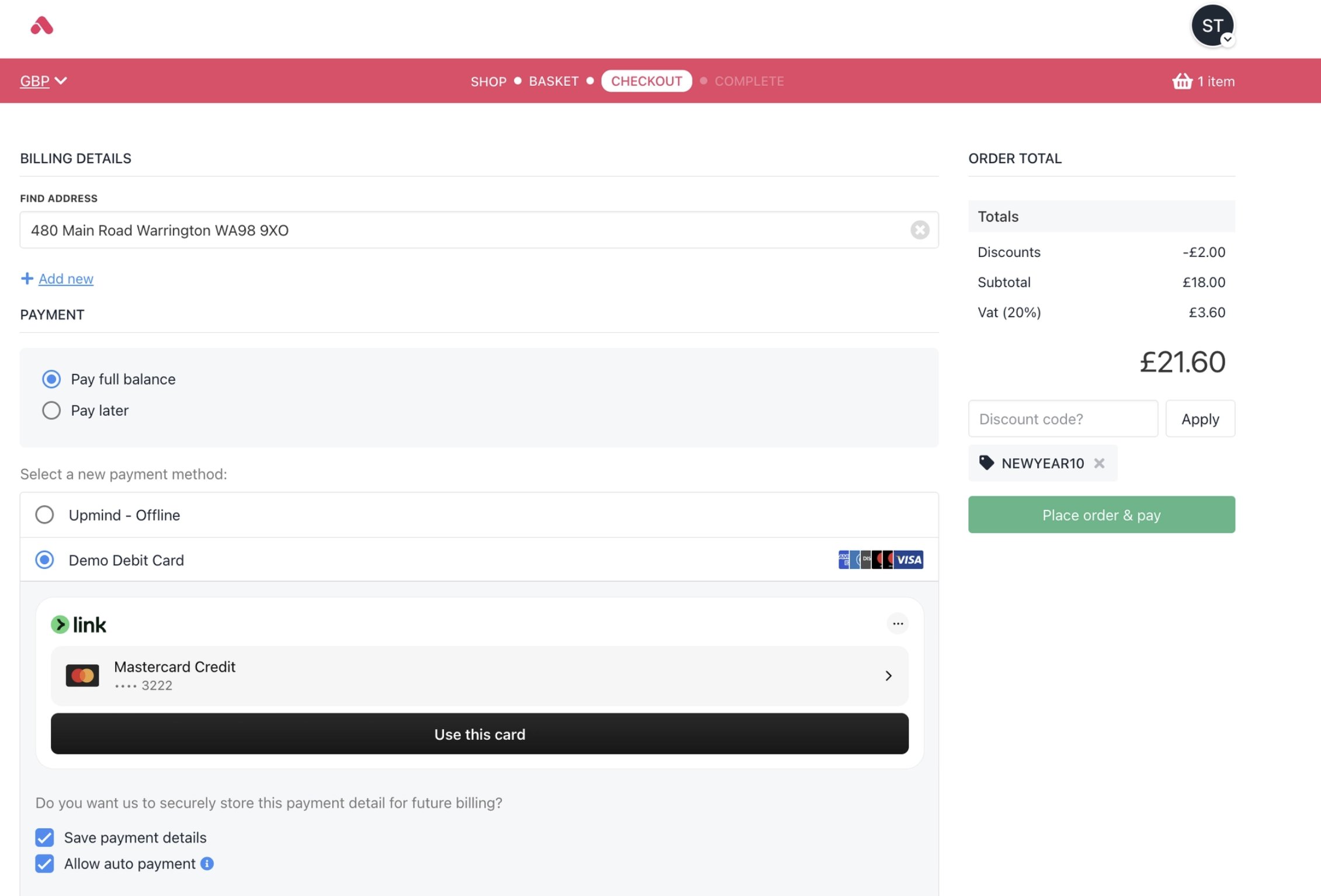
Cart 1.0 checkout
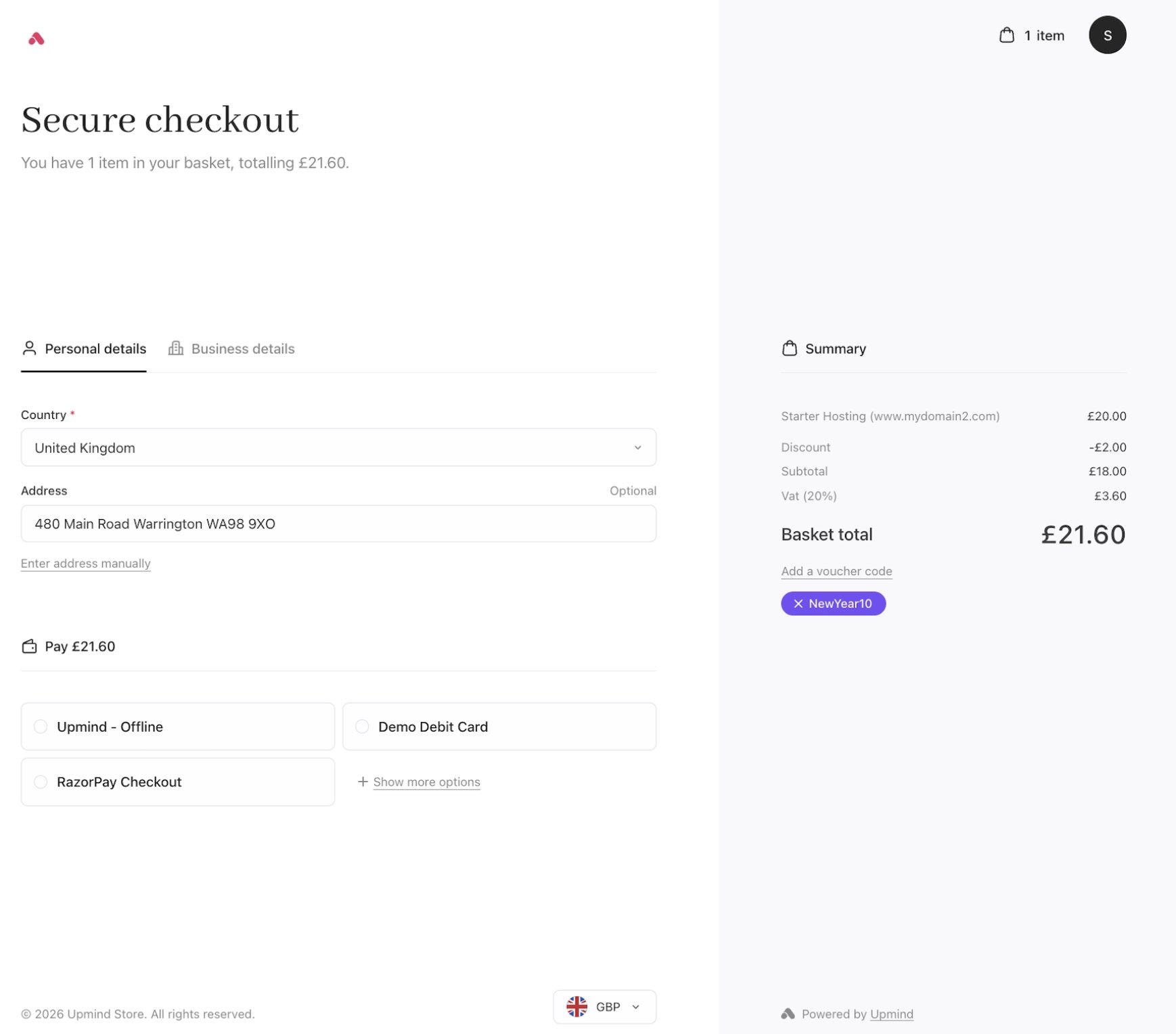
Cart 2.0 checkout
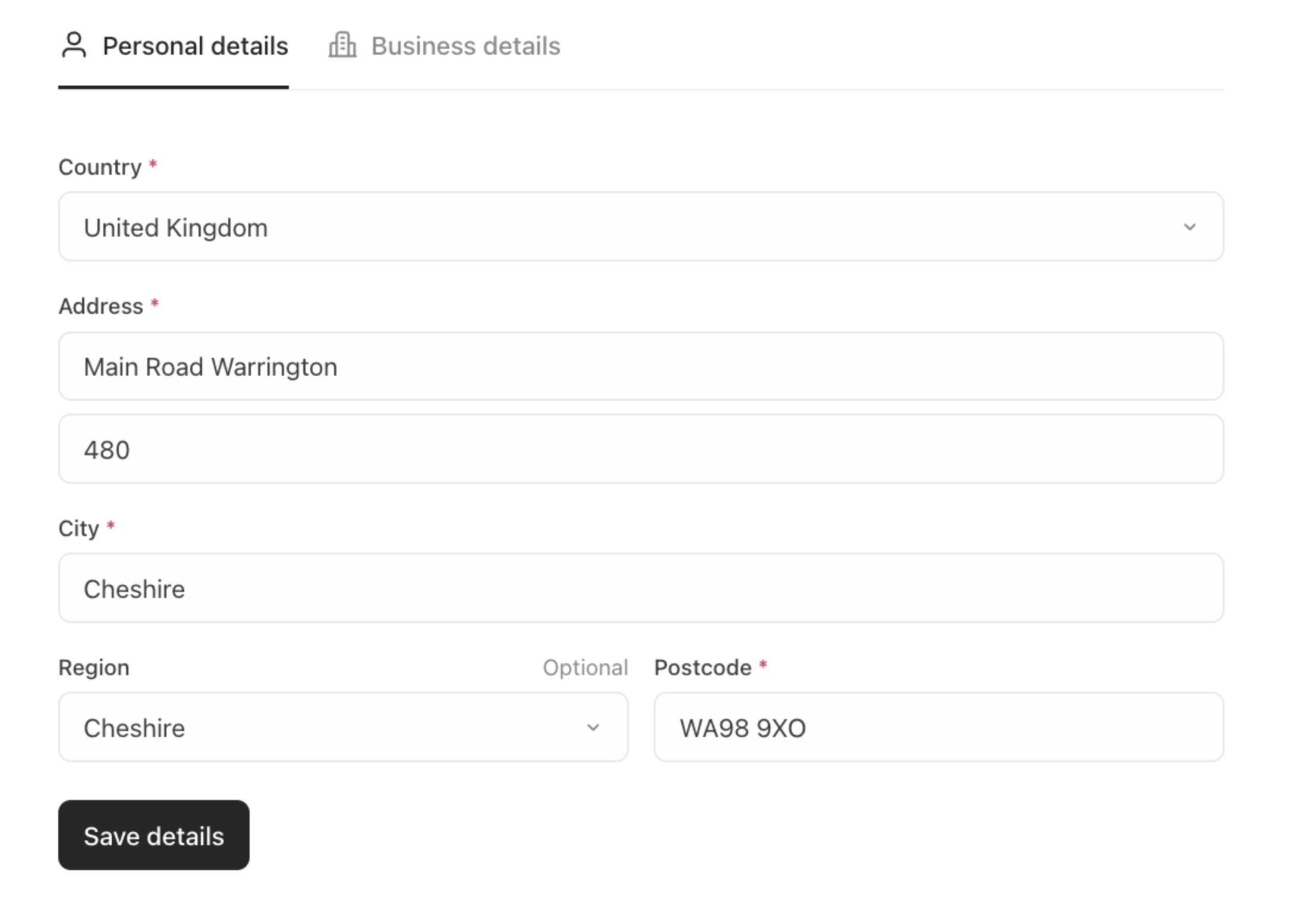
Cart 2.0 personal billing details
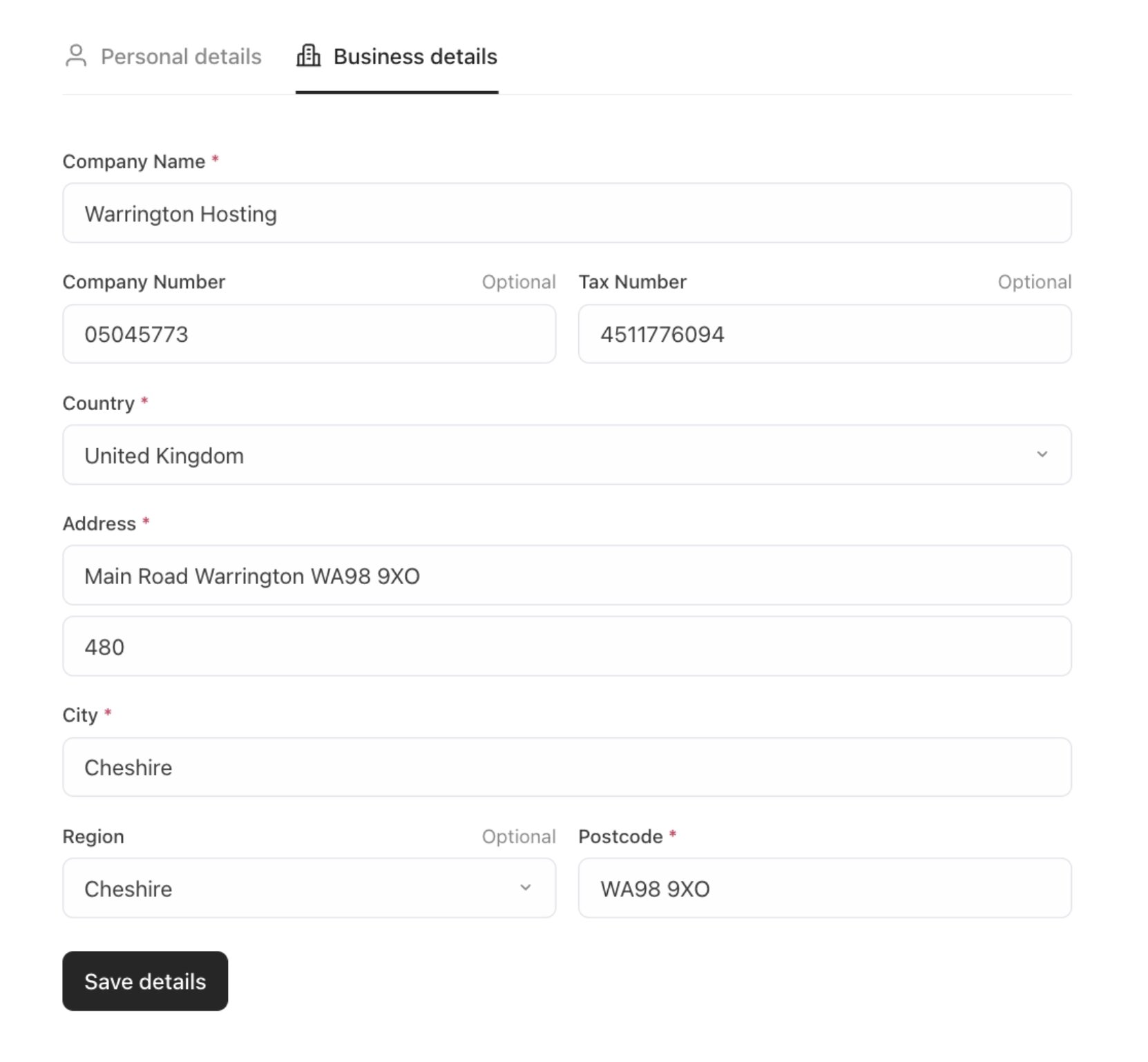
Cart 2.0 business billing details
Confirmation
The order confirmation page shows your order details, payment choices, and basket items clearly. Clean spacing and simple icons make it easy to read and confirm your purchase.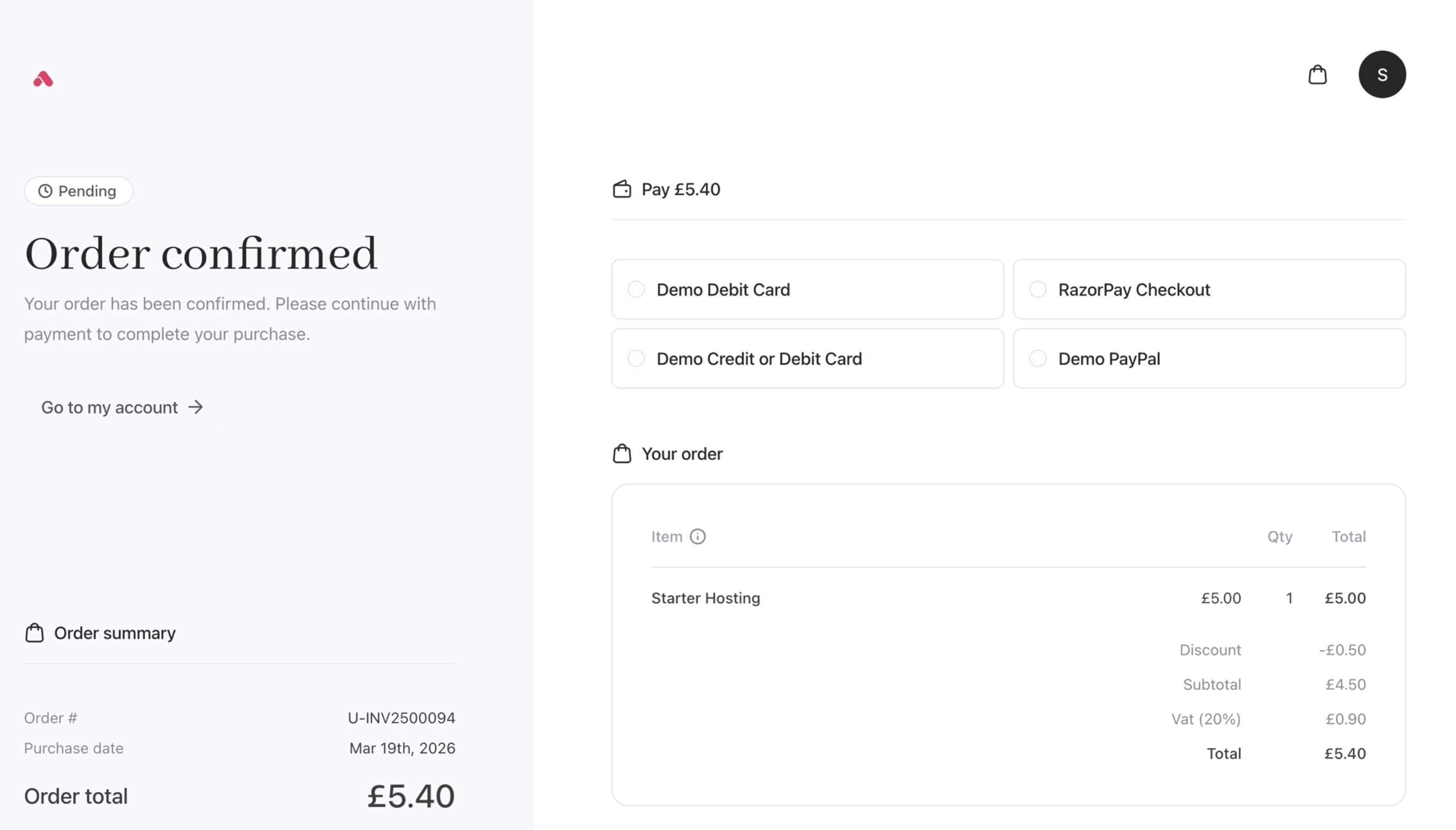
Order confirmation
Templates
Cart 2.0 provides custom layouts for store pages through templates that define structural arrangements of content, sidebars, headers, and footers. You can set different templates for different pages to create a fully customised storefront appearance:- Product catalogue
- Product configuration
- Recommendations
- Basket
- Auth (Registration, login, password recovery)
- Billing details
- Checkout
- Confirmation
New and improved loading screens
The Order Complete screen is now split into three different screens:- Order conversion
- Payment processing
- Order confirmation
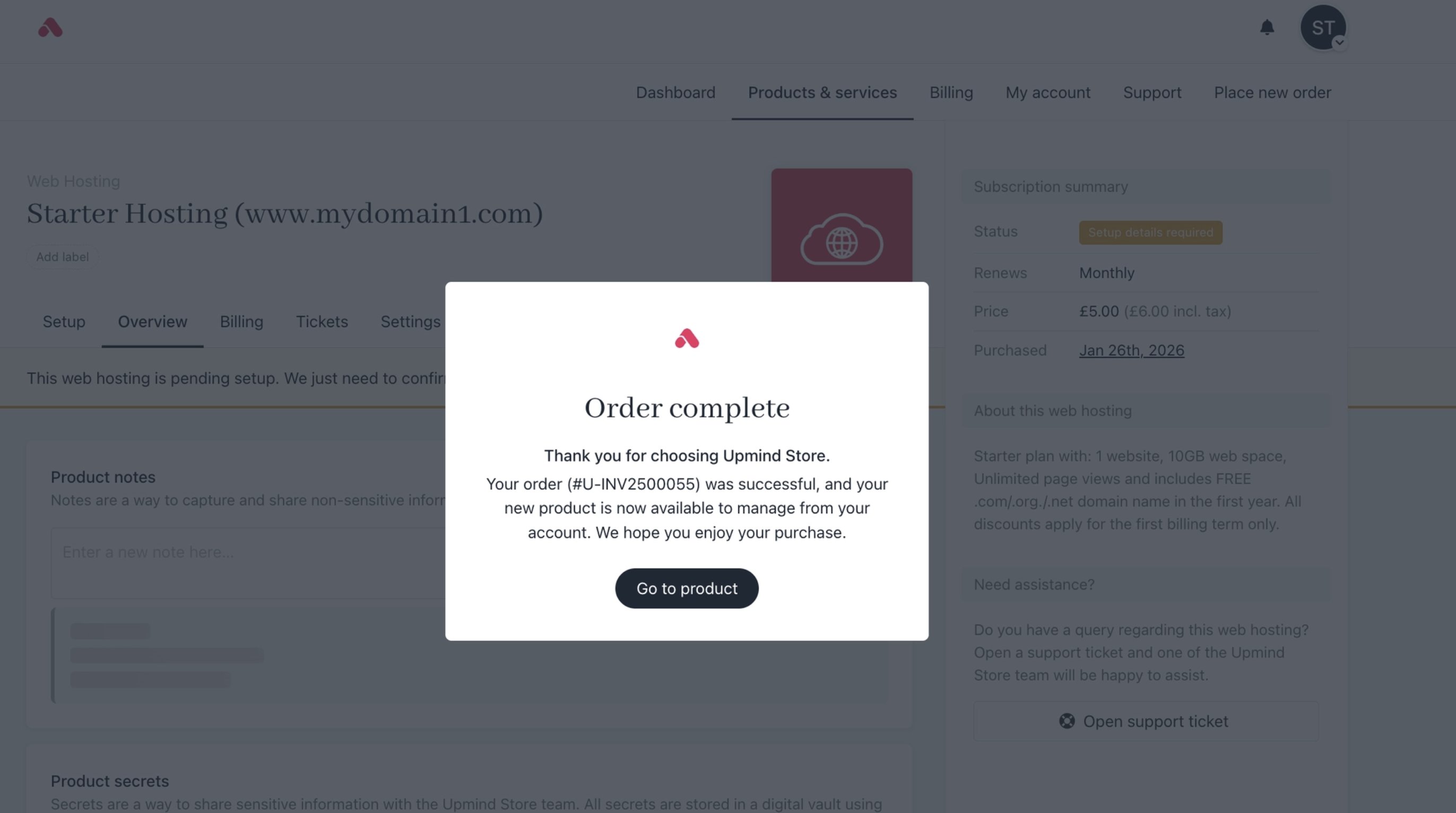
Cart 1.0 order complete
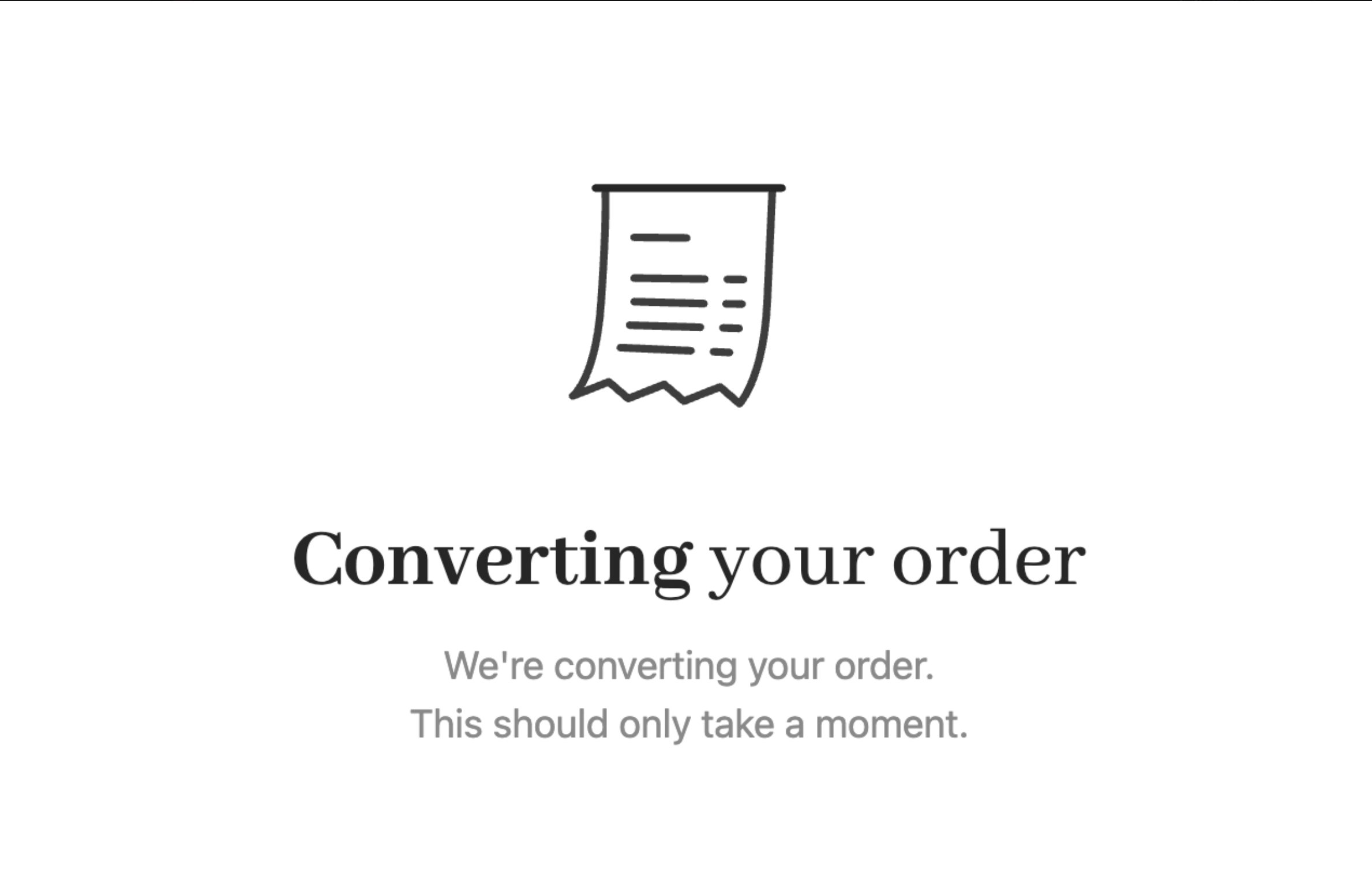
Cart 2.0 order conversion
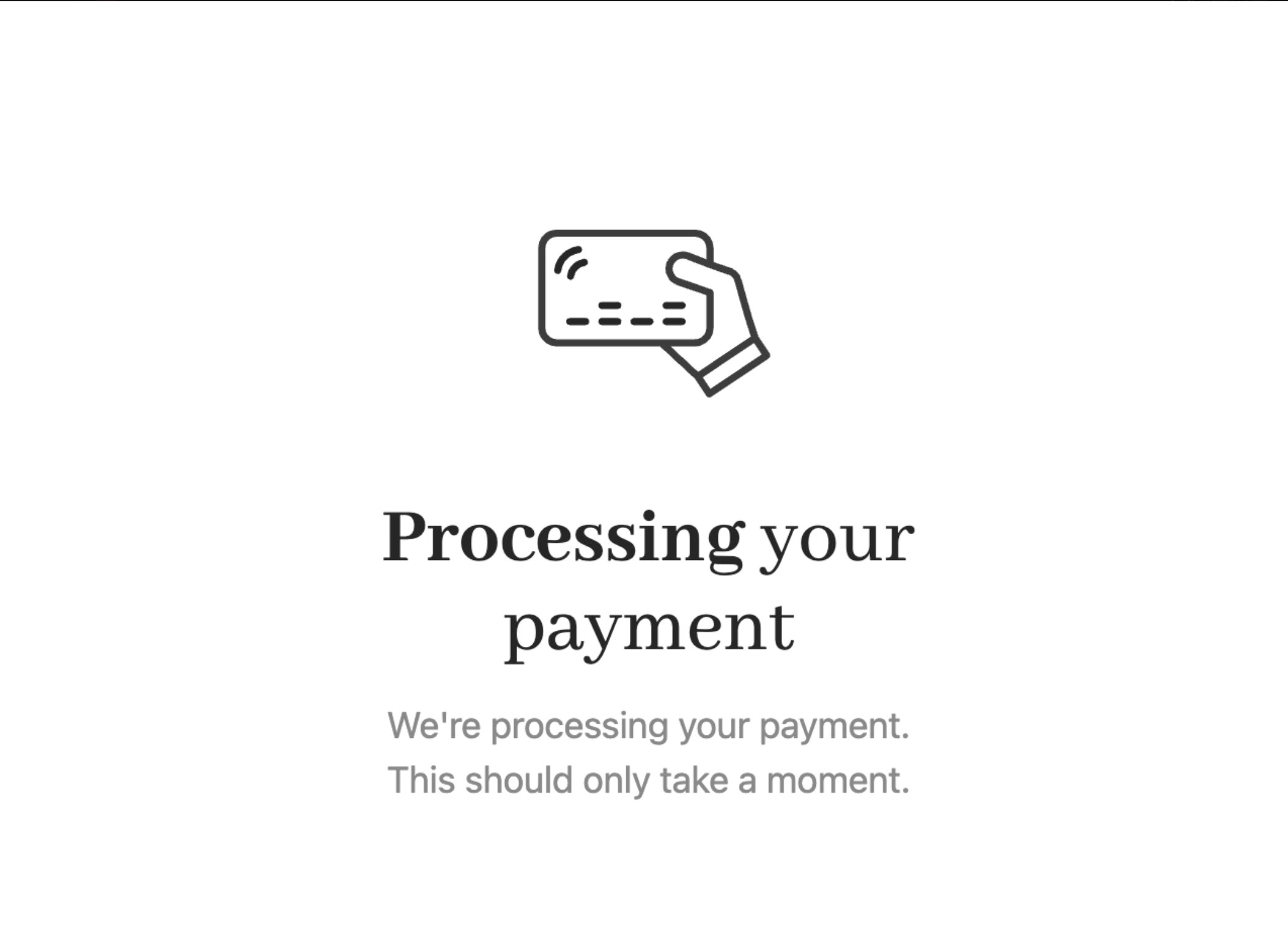
Cart 2.0 payment processing
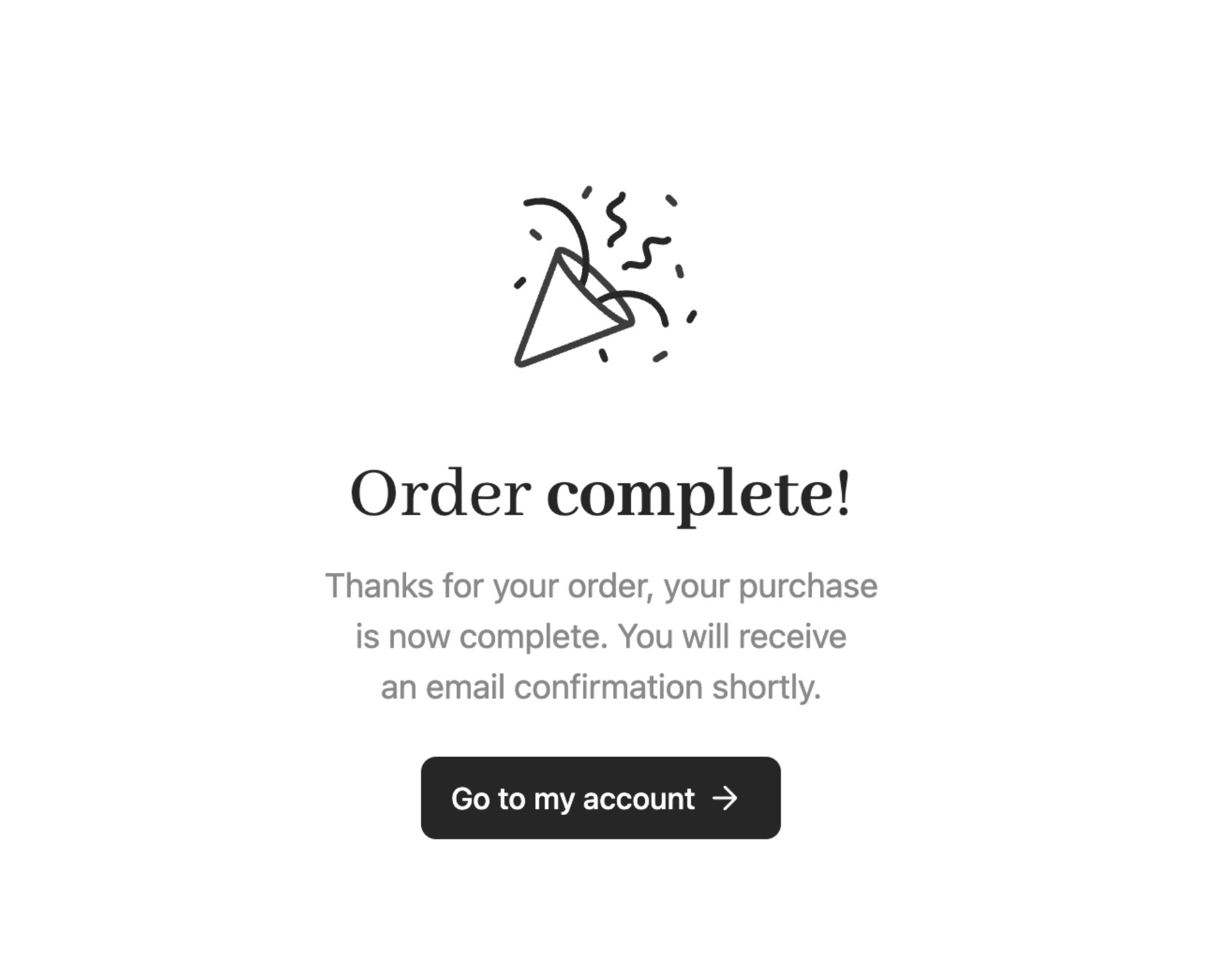
Cart 2.0 order confirmation

Getting things ready